Author: Nora Tereza Bilc

  • Term 2: Balloon Festival

    For this project we worked on creating a visual effects scene involving hot air balloons integrated into a real footage landscape environment. The project focused on combining compositing techniques with images of 3D elements in order to create a believable final image that blended naturally with the original footage.

    Concept and Moodboard:

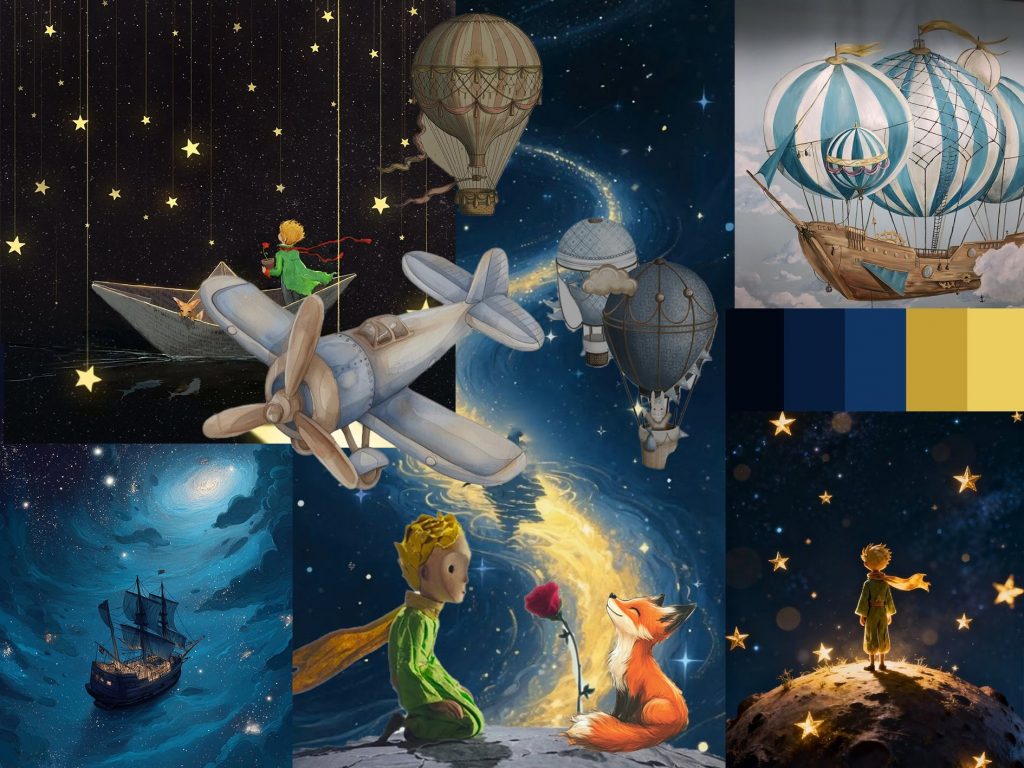
    Before starting the technical work, we first developed moodboards to establish the visual direction of the project. This helped define the atmosphere, color palette, lighting references, and overall aesthetic we wanted the final scene to have. Gathering references at the beginning made it easier to maintain a consistent visual style throughout the project and gave a clearer idea of how the balloons should look within the environment.
    Landscape tracking and rotoscoping:

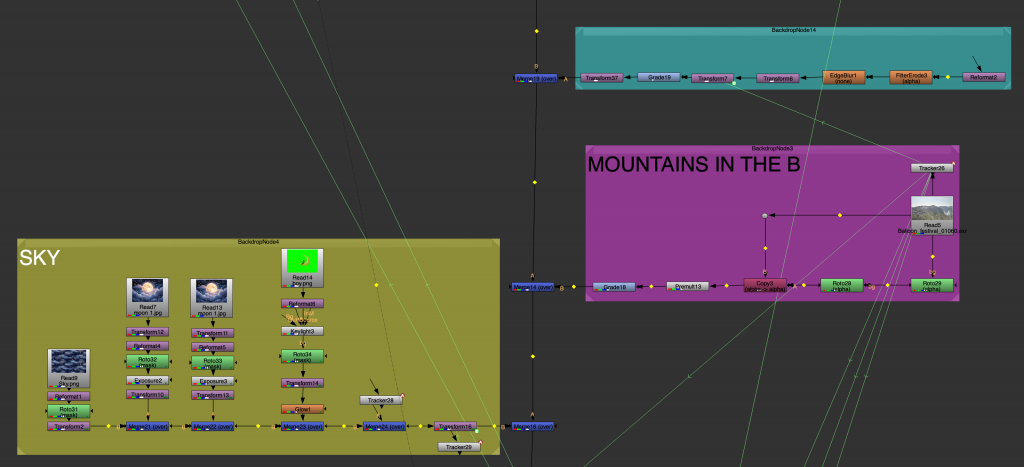
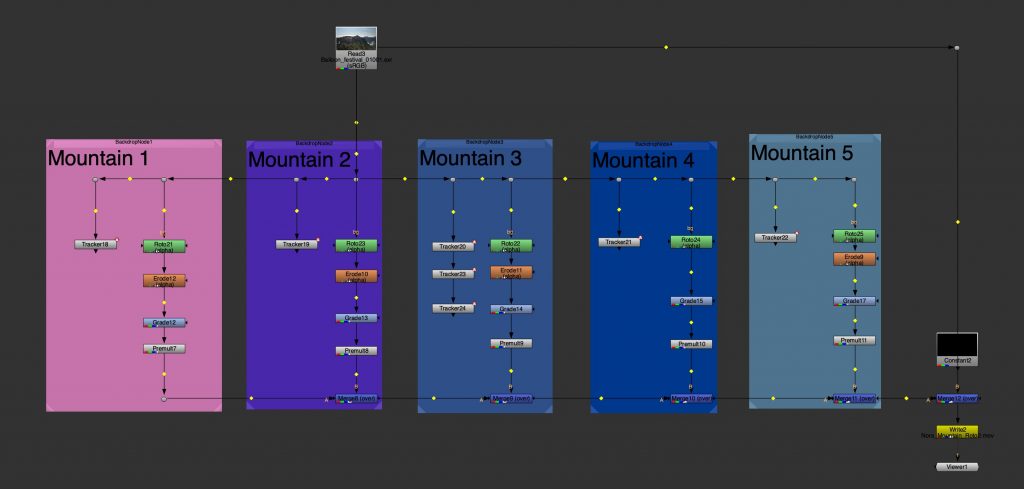
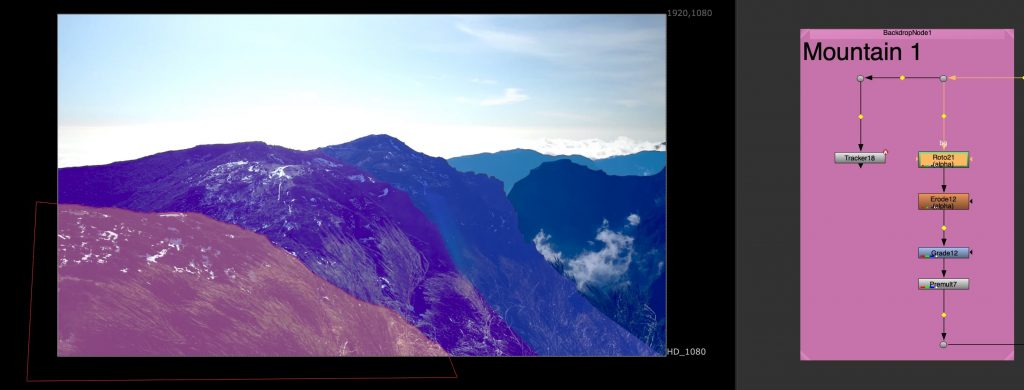
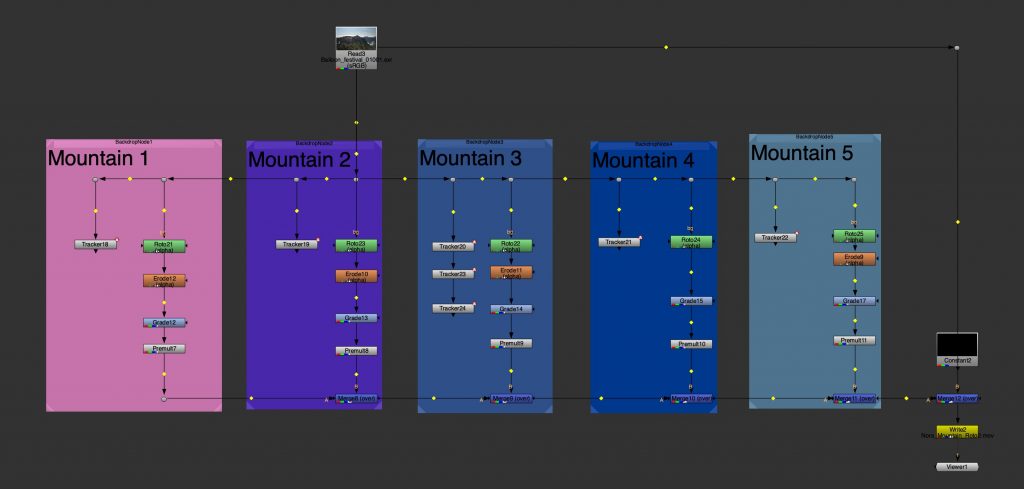
    After planning the visual direction, we moved into the compositing preparation stage. One of the main tasks was rotoscoping the mountains from the footage and separating them into multiple layers. We divided the landscape into approximately four or five different mountain sections in order to create depth and allow the hot air balloons to move more naturally within the environment. By separating the mountains into layers, some balloons could appear behind certain parts of the landscape while others remained in front, helping create a stronger sense of space and perspective.
    Modelling in Maya:

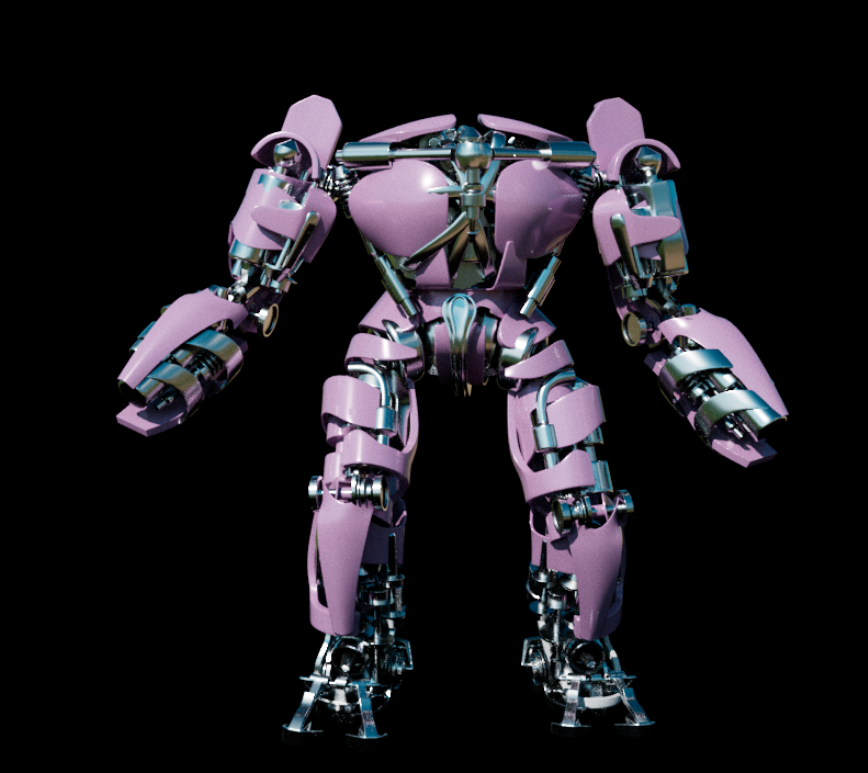
    Once the environment was prepared, we began creating the hot air balloons in Autodesk Maya. We modelled the balloons and then textured them directly in Maya to give them visual detail and personality. This stage involved experimenting with colors, materials, and surface designs so each balloon would feel visually interesting while still fitting the atmosphere established in the moodboards.

    Planning in Photoshop:

    After modelling the balloons I created a 2D mock-up scene inPhotoshop using images of the environment and images of the balloon references. This allowed me to plan composition, scale, and placement before moving into Nuke. The mock-up helped visualise how the balloons would occupy the space, where key focal points would be positioned, and how depth and balance could be achieved within the frame. This also helped establish the colour and lighting and atmosphere.
    Compositing in Nuke (Final Result):

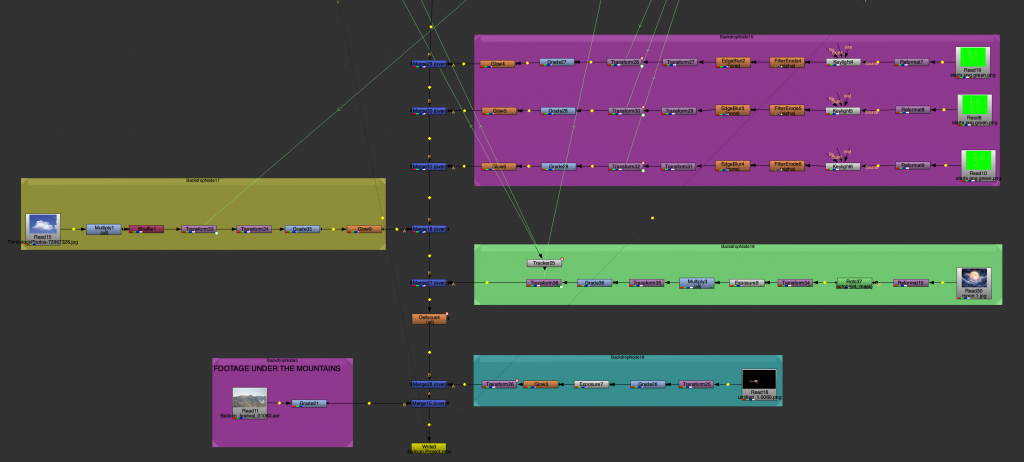
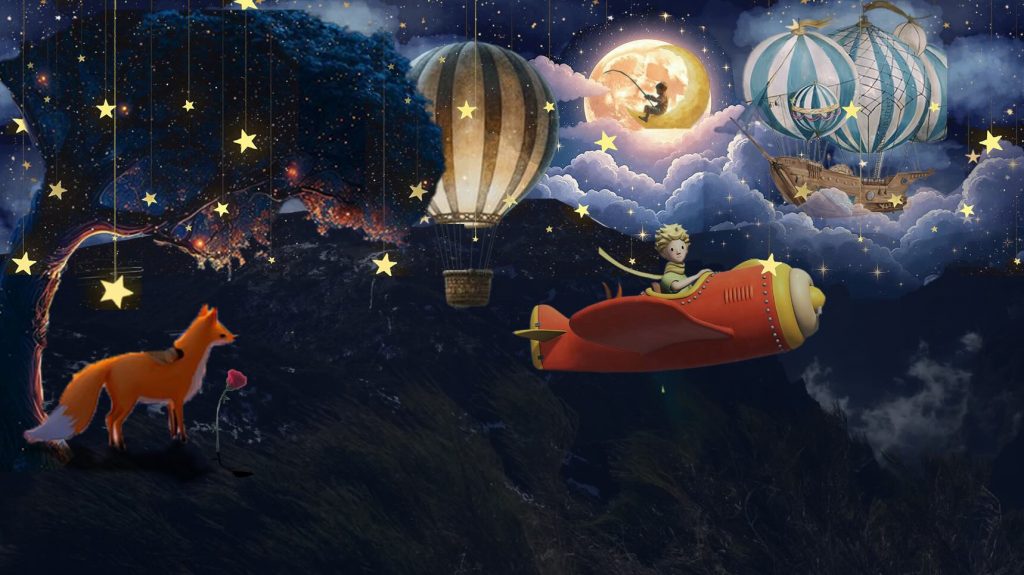
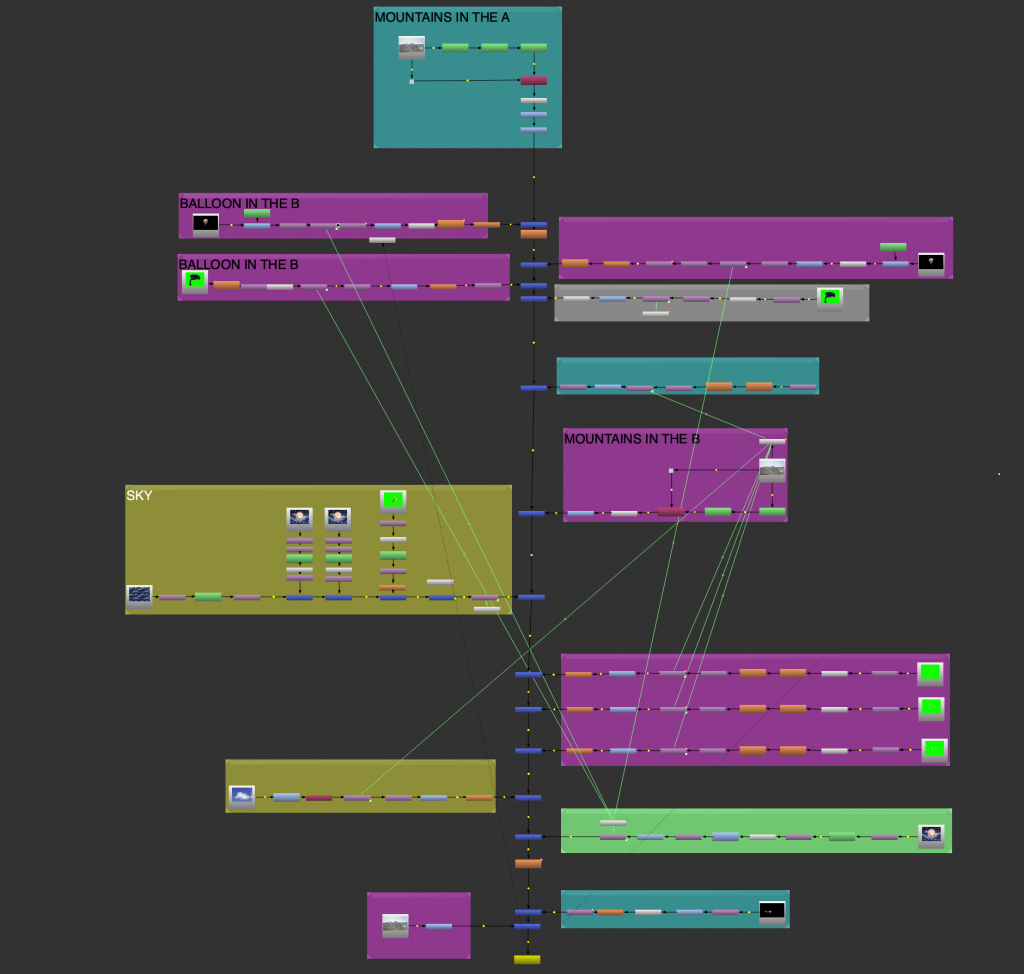
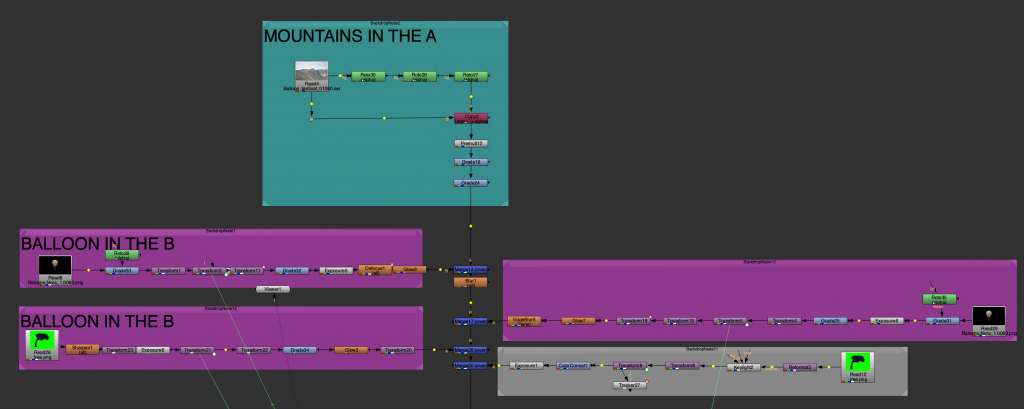
    After completing the models and textures, we rendered the balloons in Maya and composited them into the original footage in Nuke. The compositing process involved carefully integrating the images of the 3D elements into the landscape so they matched the lighting, depth, and movement of the environment. Because the mountains had already been separated into layers, it was possible to place the balloons at different distances within the scene, making the composition feel more immersive and realistic.

    This project combined planning, rotoscoping, 3D modeling, texturing, and compositing into a single workflow. It also demonstrated how important layering and depth are in visual effects work when trying to create realistic integration between 3D objects and live-action environments.
  • Nuke

    “Passing time”:

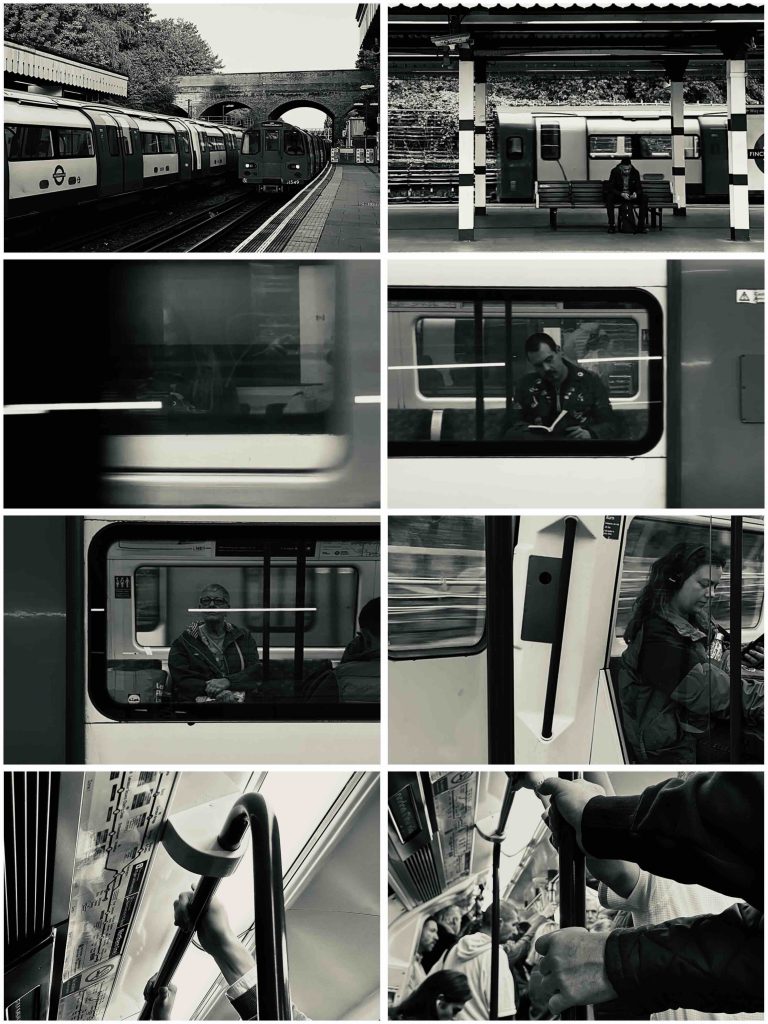
    The first task in Nuke focused on creating either a short video or a still sequence that explored the idea of passing time. I chose the tube as my subject because it naturally captures movement, repetition, and moments of pause. The constant flow of trains, people waiting, and brief interactions felt like a quiet observation of everyday rhythm and rush. Working in black and white helped strip the images back and focus more on motion, framing, and atmosphere rather than colour.

    Running man roto:

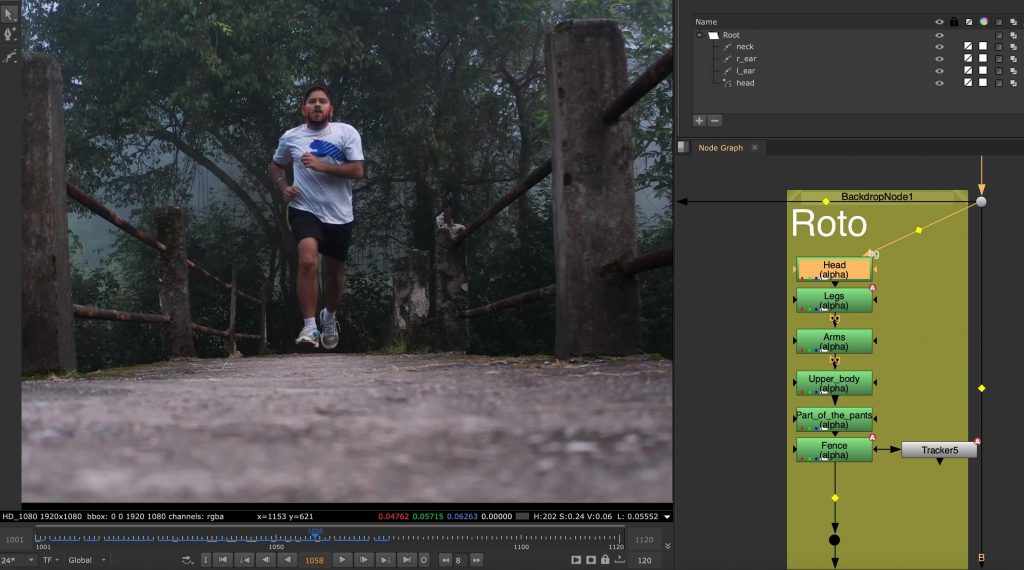
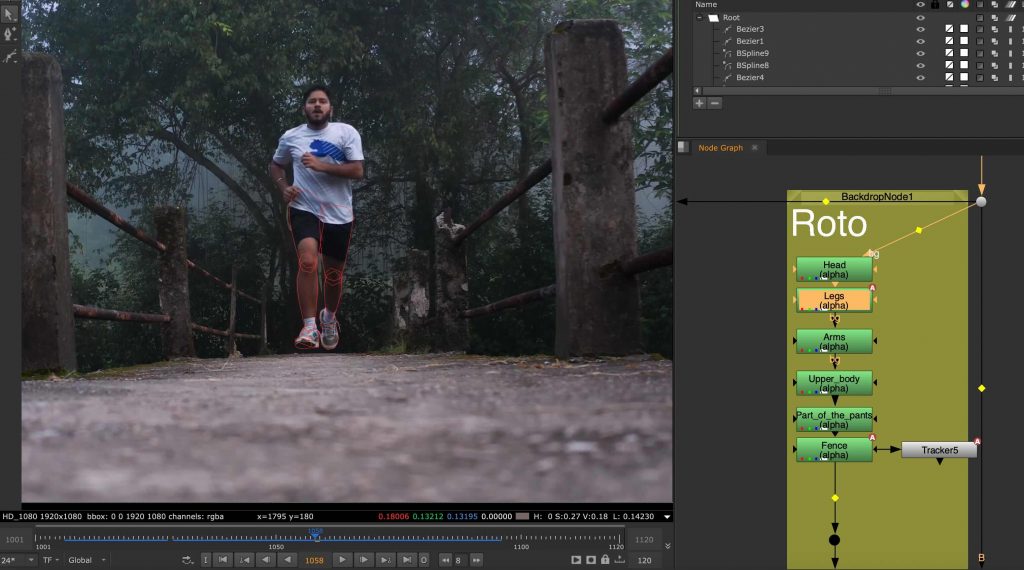
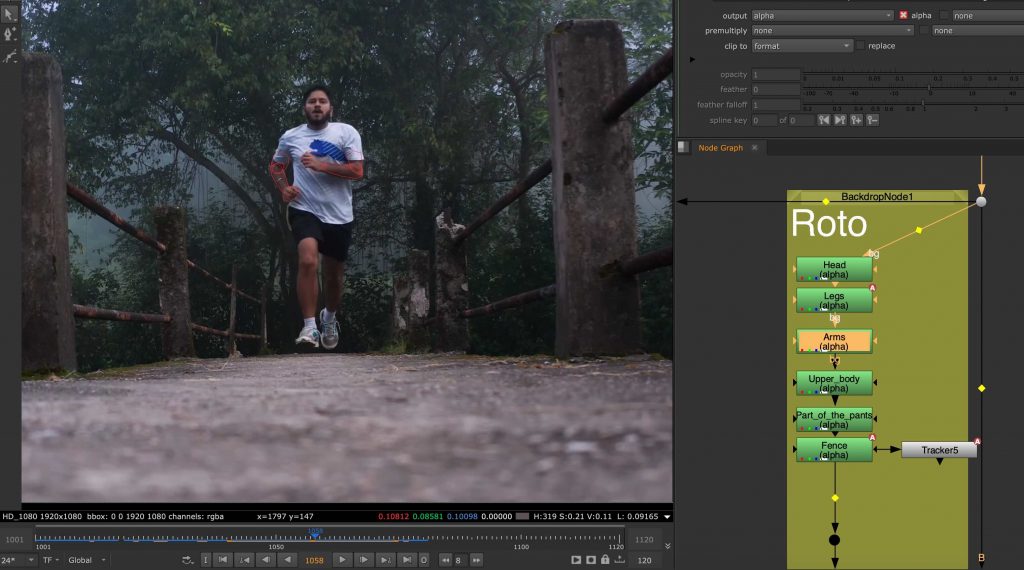
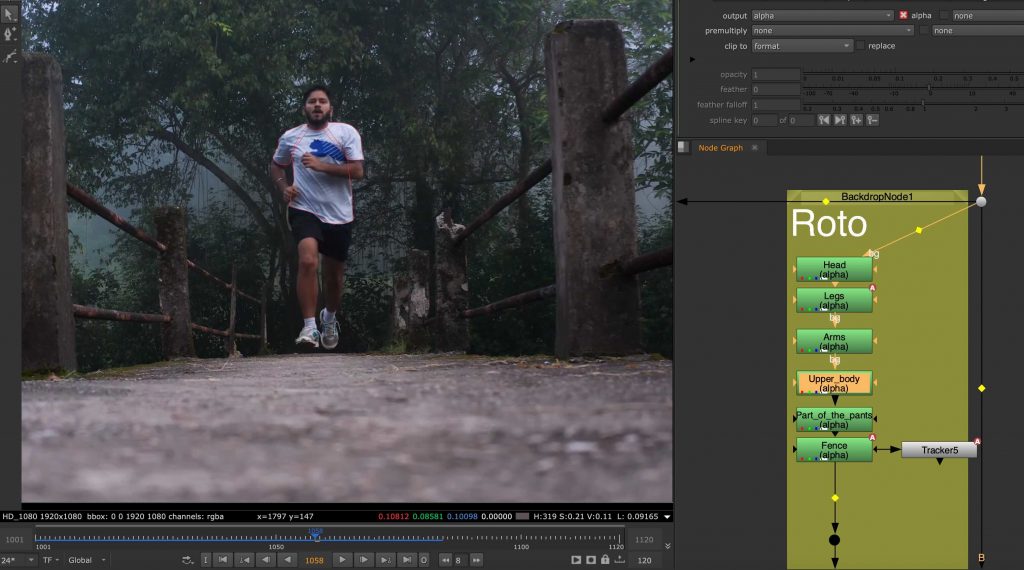
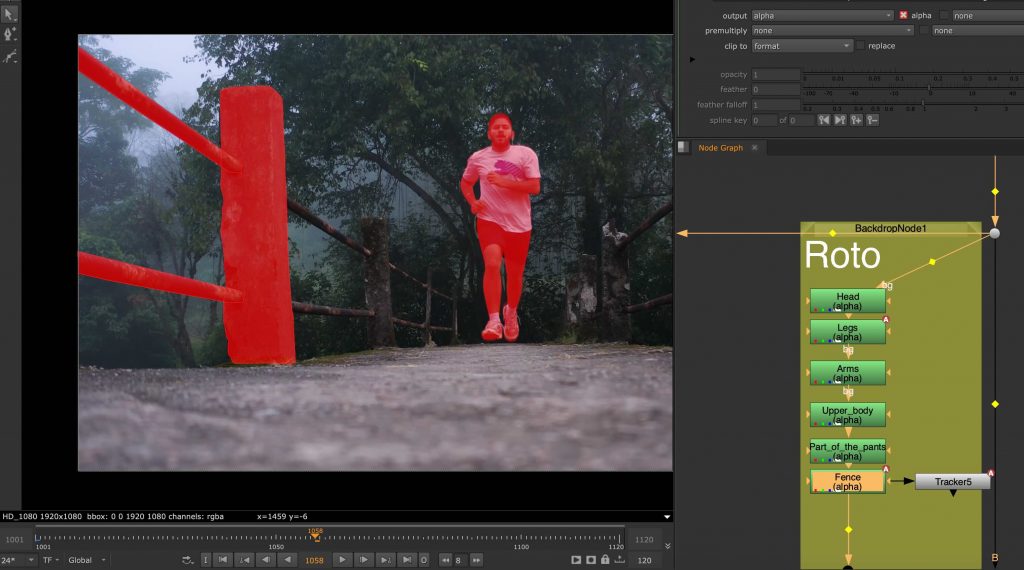
    This was my first time rotoscoping and also my first real experience working in Nuke. The task involved isolating a running man from his background using roto shapes. I found this process extremely time-consuming and mentally demanding, as it required a lot of precision and patience. It took me around two weeks to complete, and even then I felt the result was far from perfect. This exercise made me realise how powerful but also intimidating Nuke can be, especially when approaching it for the first time.

    The roto nodes:

    I split the roto into different body parts, and in some cases separated them even more. This approach made the task easier to handle and helped improve accuracy across the sequence.

    This image has an empty alt attribute; its file name is man-shoulders-scaled.jpg

    Object Tracking and Integration

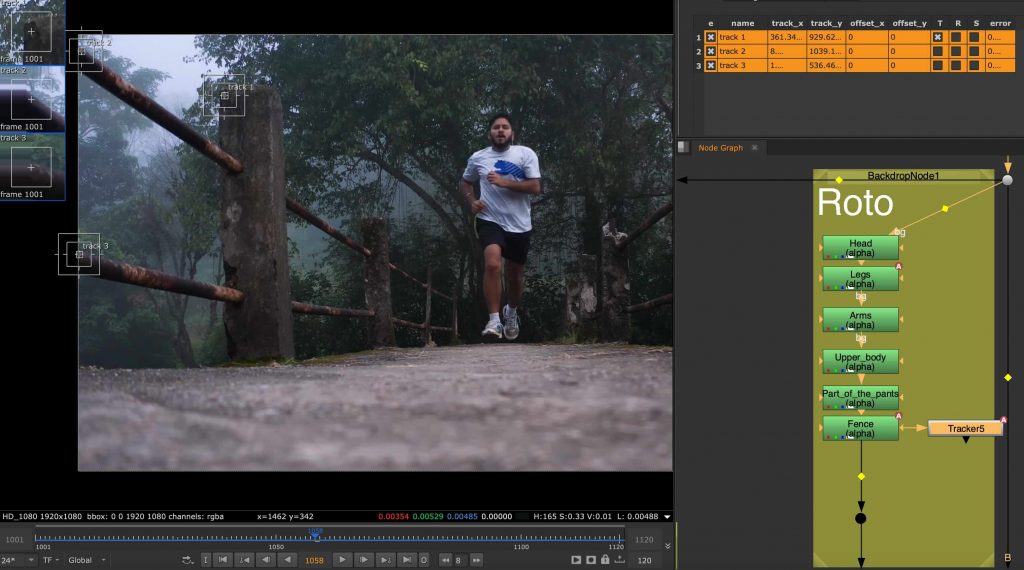
    Following the roto, we worked on tracking static elements within footage, such as the columns beside the running man. This helped us understand how tracking data could be used to anchor elements into a scene and maintain consistency across frames. It was a useful step towards thinking more carefully about how live-action footage and digital elements can exist together in a believable way.

    Landscape tracking:

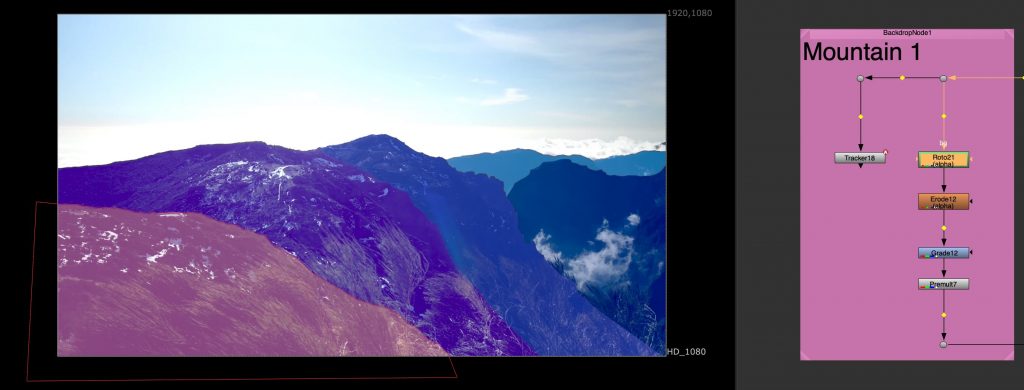
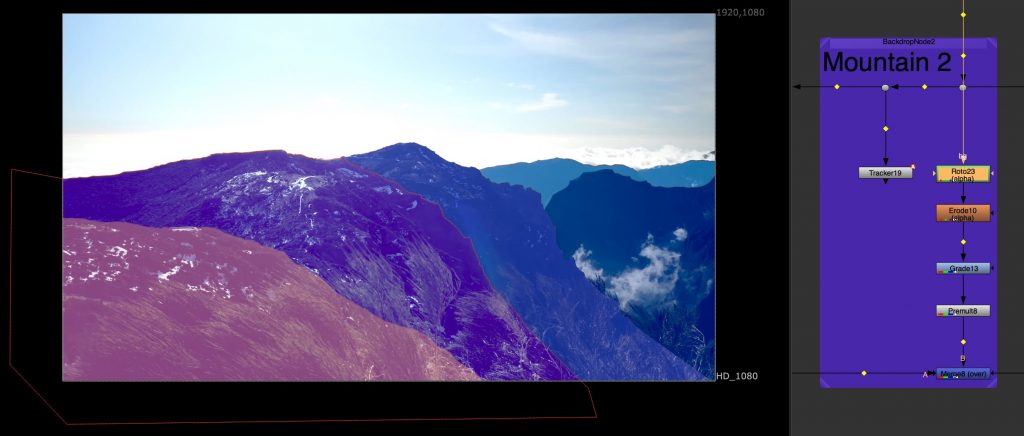
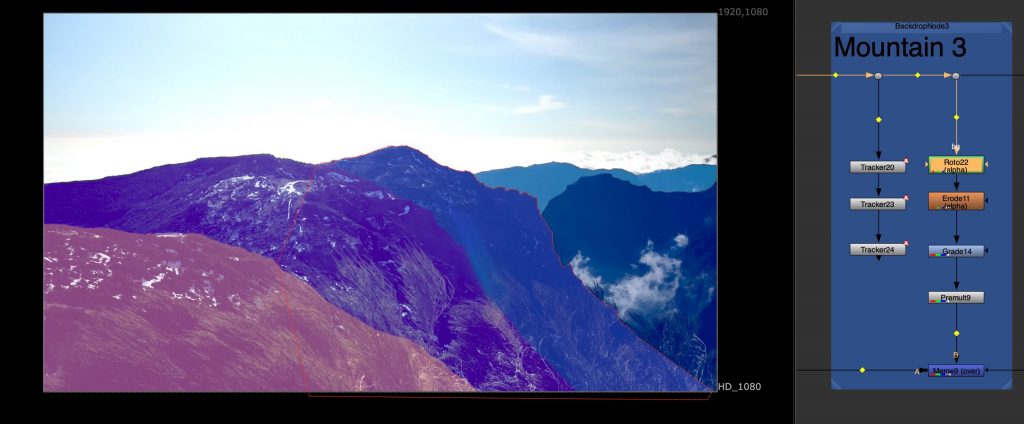
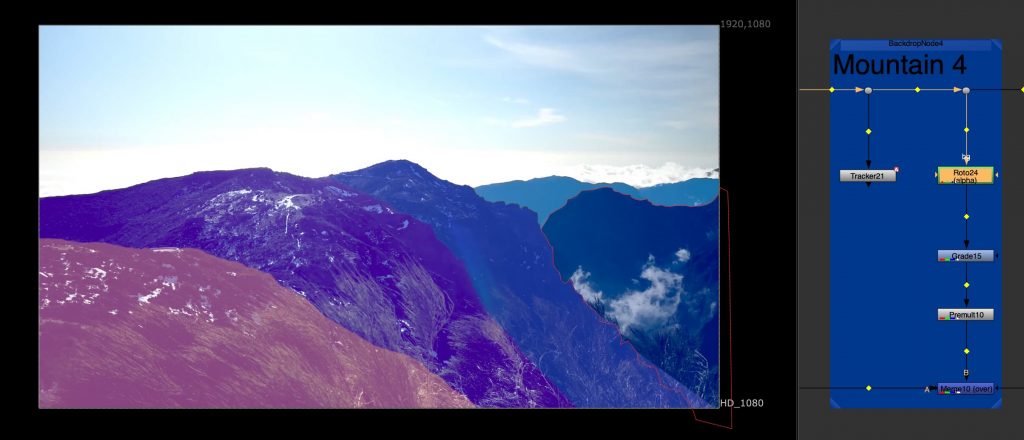
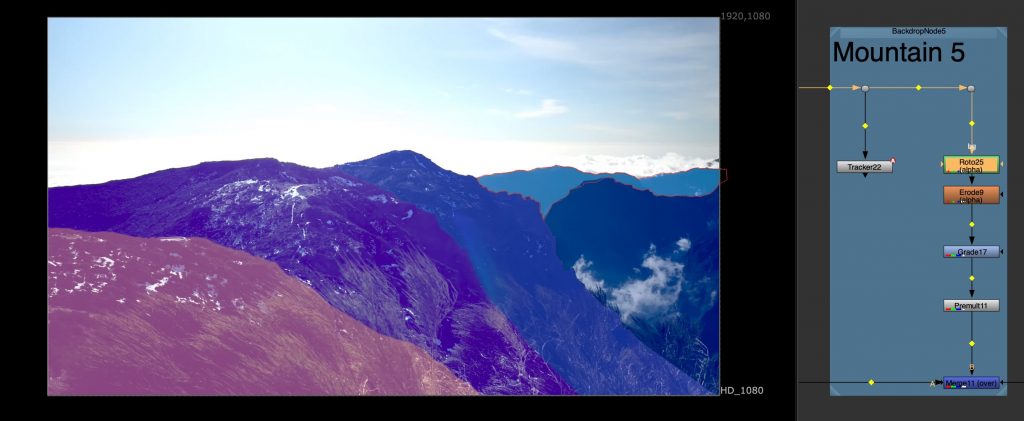
    Another task involved tracking multiple mountain layers from aerial footage. Each mountain plane was treated separately, allowing us to understand depth and parallax within the scene. This exercise was done in preparation for a later balloon festival project and helped introduce a more structured node workflow, as well as a clearer understanding of how environments can be broken down into manageable layers.

    This image has an empty alt attribute; its file name is mountain-4.jpg

    Screen Interaction and Detail Work:

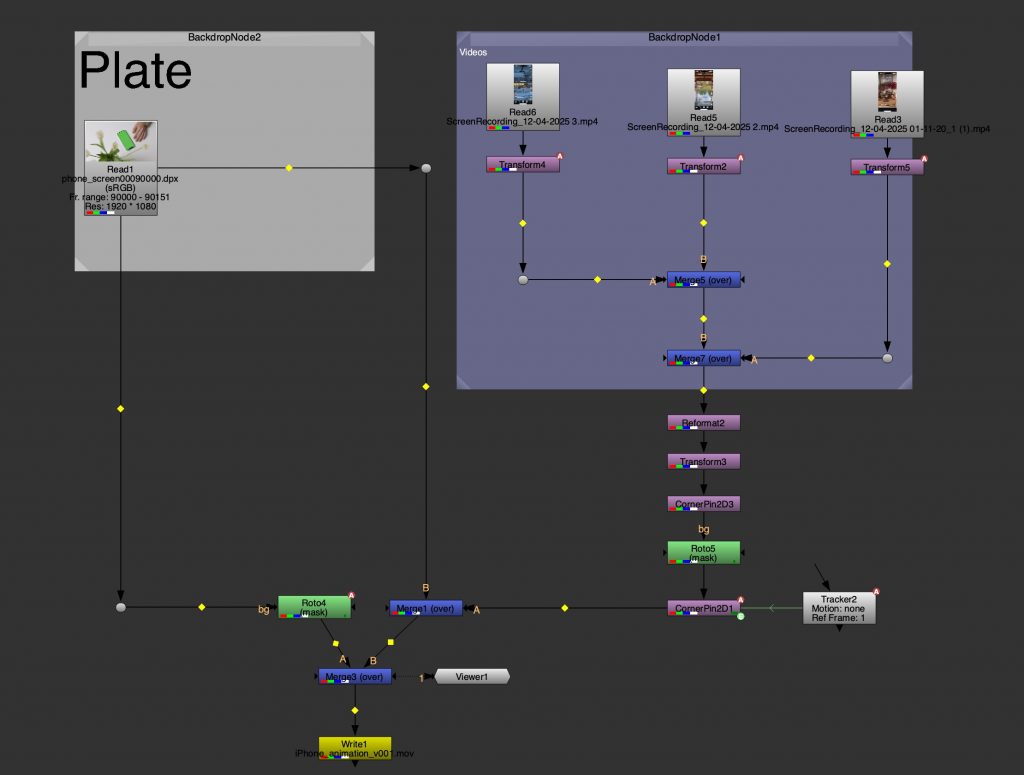
    This task focused on combining tracking, animation, and rotoscoping in Nuke through a phone interaction shot. I worked on isolating the hand and fingers while compositing multiple pieces of content onto the phone screen, making them respond to the scrolling movement. The main aim was to ensure that the screen content felt naturally connected to the physical motion of the hand, rather than appearing static or overlaid. This required careful roto work, accurate tracking, and attention to timing so the interaction felt believable. The exercise brought together several techniques learned throughout the unit, including masking, layering, and compositing interactive elements within live-action footage.

  • 3DEqualizer

    City environment tracking

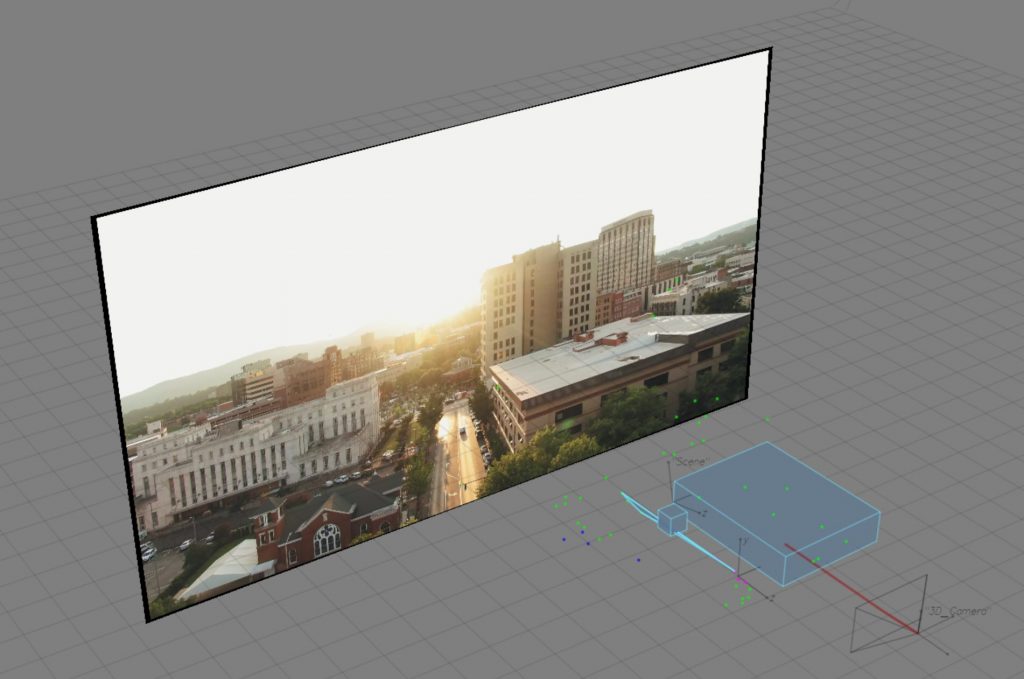
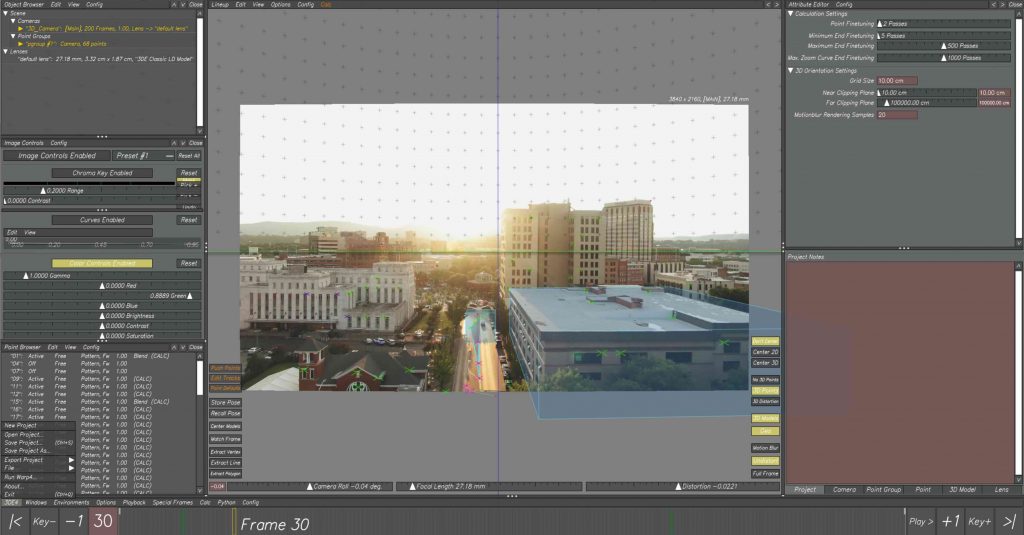
    We started by tracking a wide exterior shot of a city environment. The focus here was on identifying stable points across buildings and architectural elements, which allowed us to reconstruct the scene in 3D space. This gave us a clearer understanding of how the camera moves through the environment and how depth can be translated from a flat image into a spatial layout.

    Rebuilding space in 3D

    After tracking the footage, we switched to the 3D view and placed simple geometry, such as cubes, into the scene. These were used as rough stand-ins for buildings, helping us visualise scale, perspective, and spatial relationships. This step made the tracking feel more tangible, turning abstract points into a readable structure.

    Background tracking on character footage

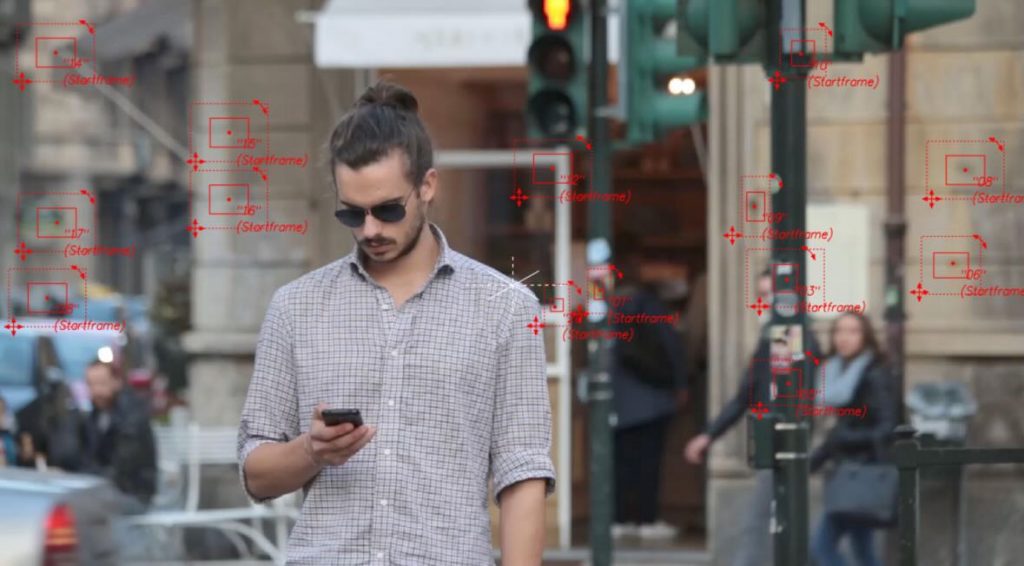
    In the second session, we worked with footage of a man walking through an urban setting. We began by tracking background points to establish a stable base for the shot. This created a solid foundation before introducing any elements that needed to follow the subject more closely.

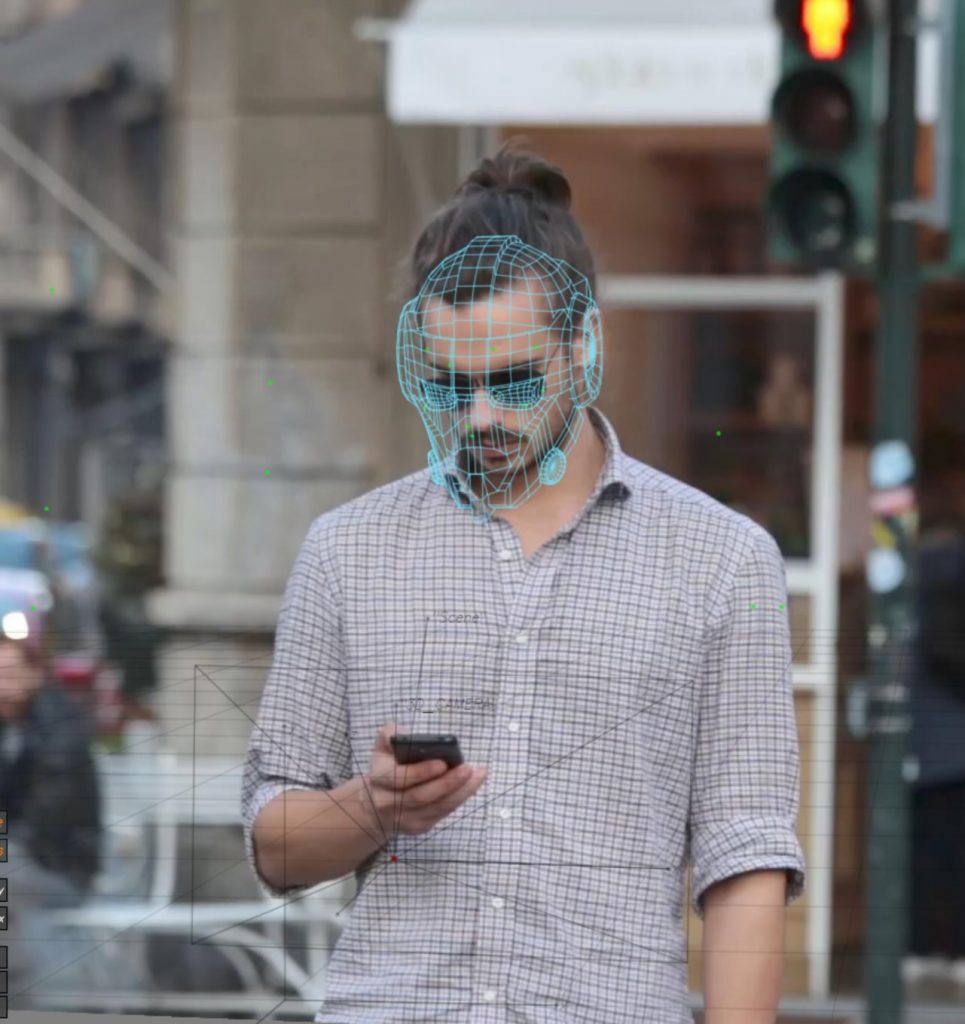
    Once the background was set, we moved on to tracking the man’s face. This allowed us to explore more detailed tracking and understand how smaller, more precise points could be used to drive CG elements attached directly to a person, rather than the environment.

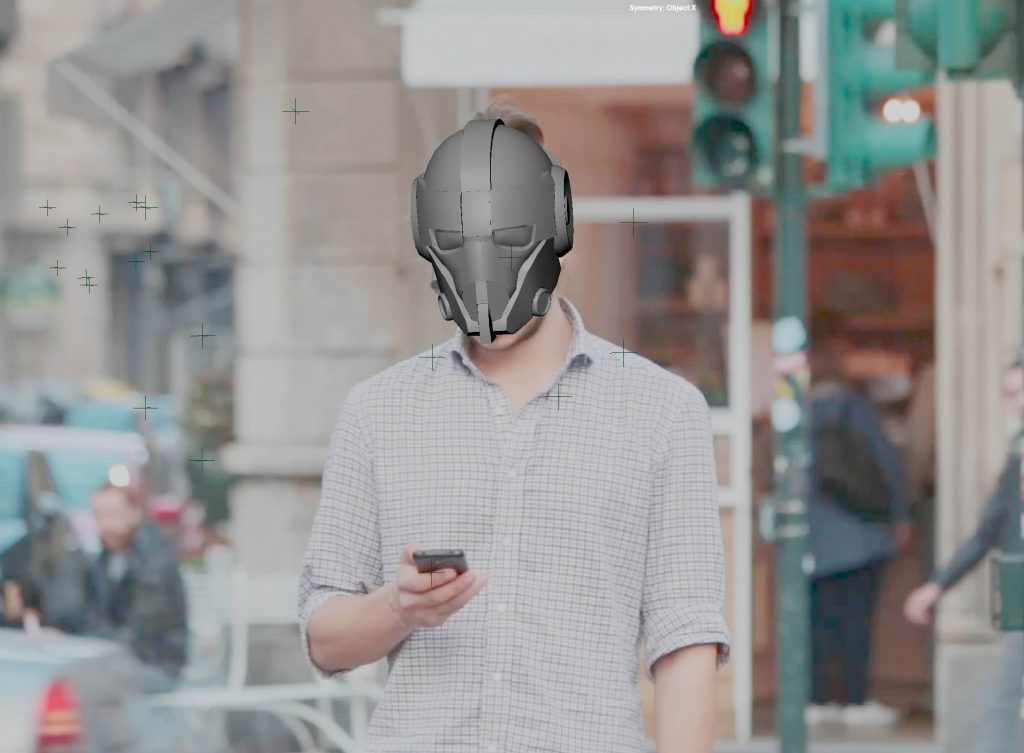
    Iron Man mask placement

    With the facial tracking in place, we imported a 3D Iron Man mask into 3DEqualizer and aligned it to the tracked points. This step focused on adjusting the scale and position of the mask and checking that it moved convincingly with the subject throughout the shot.
    Export to Maya

    The final step was exporting the tracked camera, footage, and data into Maya. This allowed us to further adjust the mask in a 3D scene, refine its placement, and check how well it sat within the shot. Bringing everything into Maya helped connect the tracking process to a full CG workflow and a finished visual result.

    The result:

  • Zbrush/Substance Painter

    Zbrush

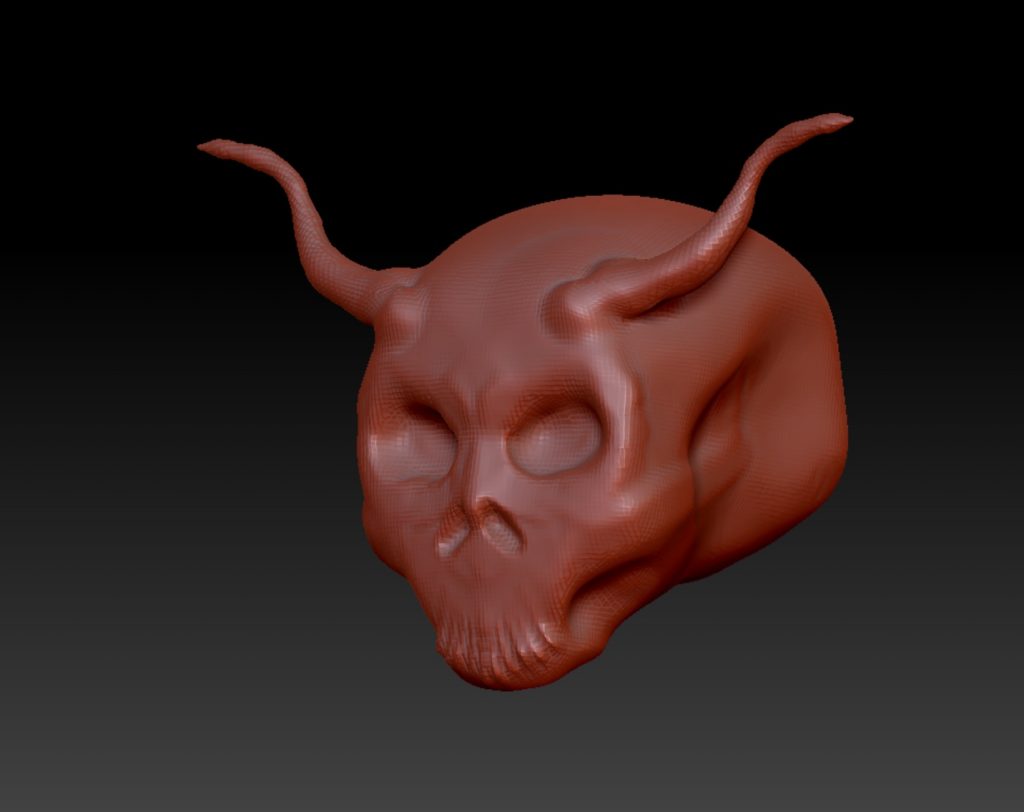
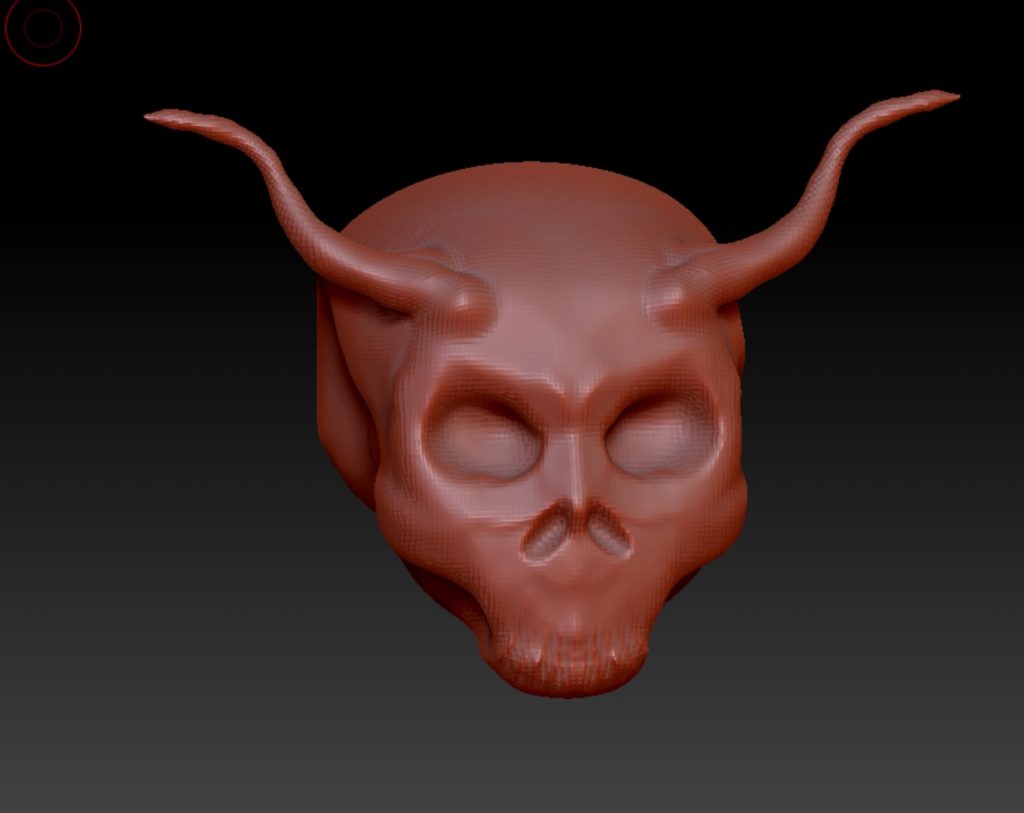
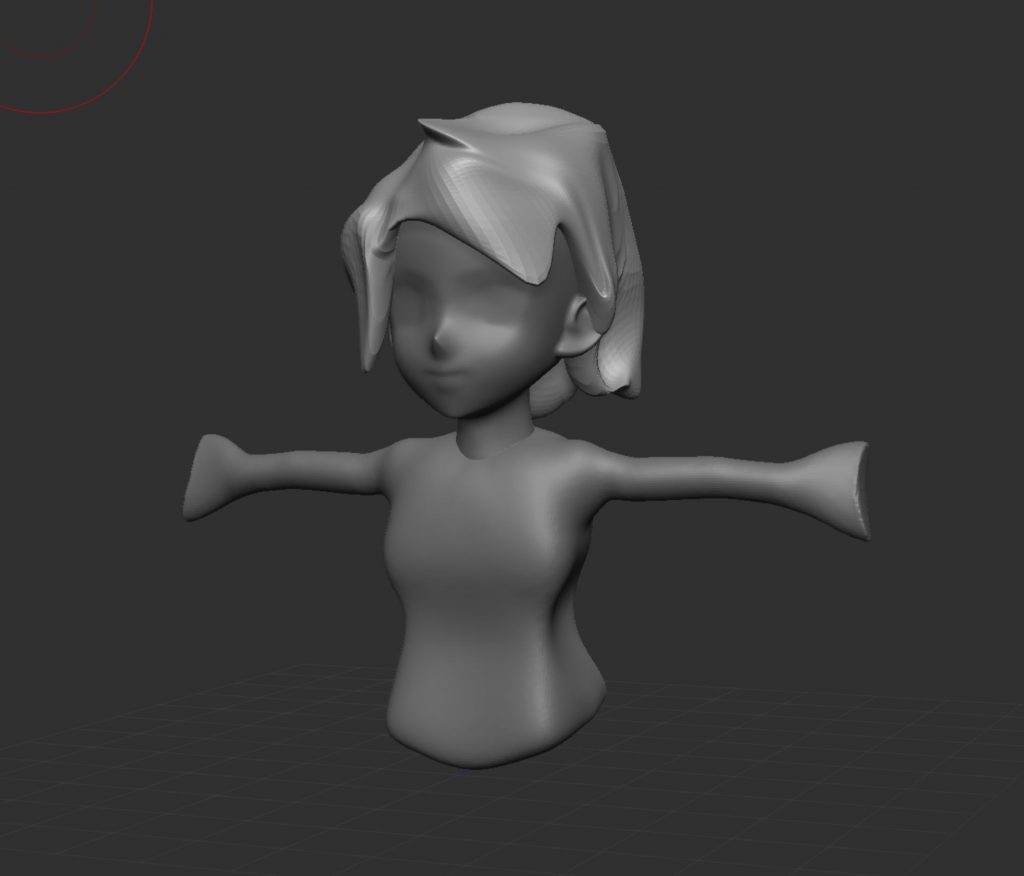
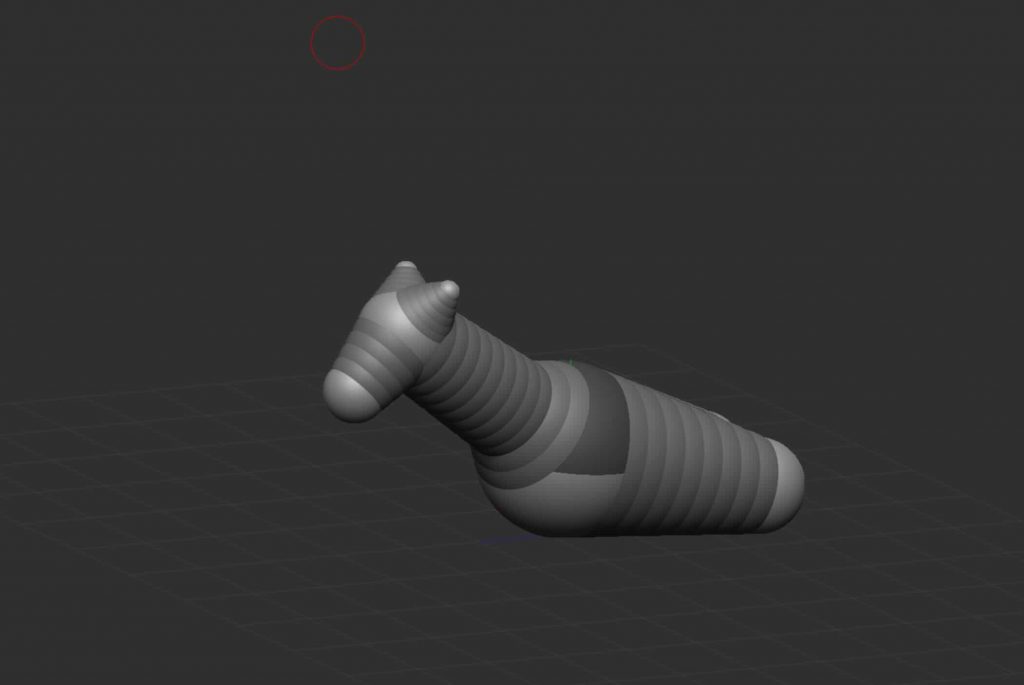
    This stage marked our first introduction to ZBrush, where we focused on learning the basics of digital sculpting. The initial exercises explored simple forms and brush controls, allowing us to understand how sculpting differs from traditional polygon modelling. The emphasis was on experimenting with shape, volume, and surface detail rather than producing a finished asset.

    Substance Painter

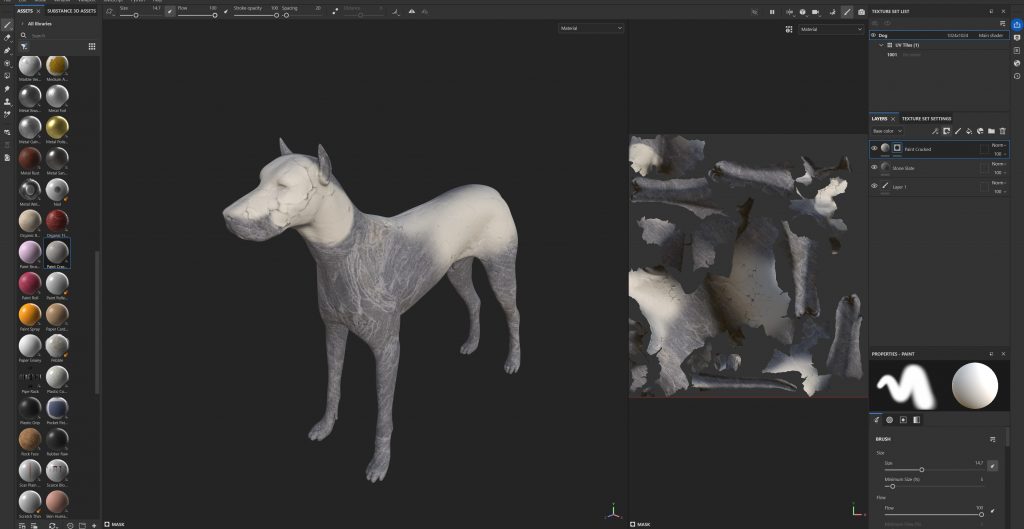
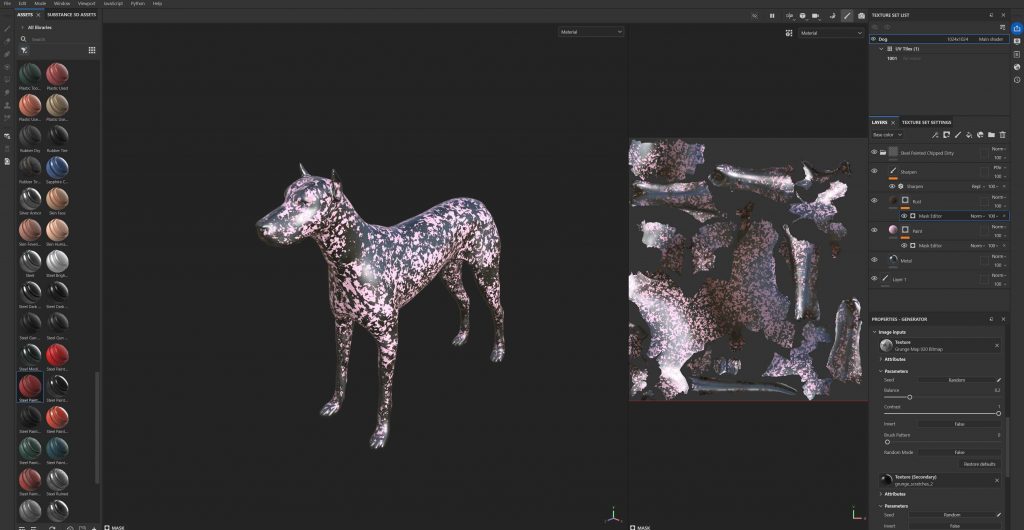
    Following this, we were introduced to Substance Painter for the first time, using it to texture an existing model. This process involved importing the mesh, working with UVs, and experimenting with materials, masks, and texture layers. The transition from sculpting to texturing helped us understand how different software fits into a complete asset pipeline and highlighted the importance of surface detail in bringing a model to life.

  • Maya

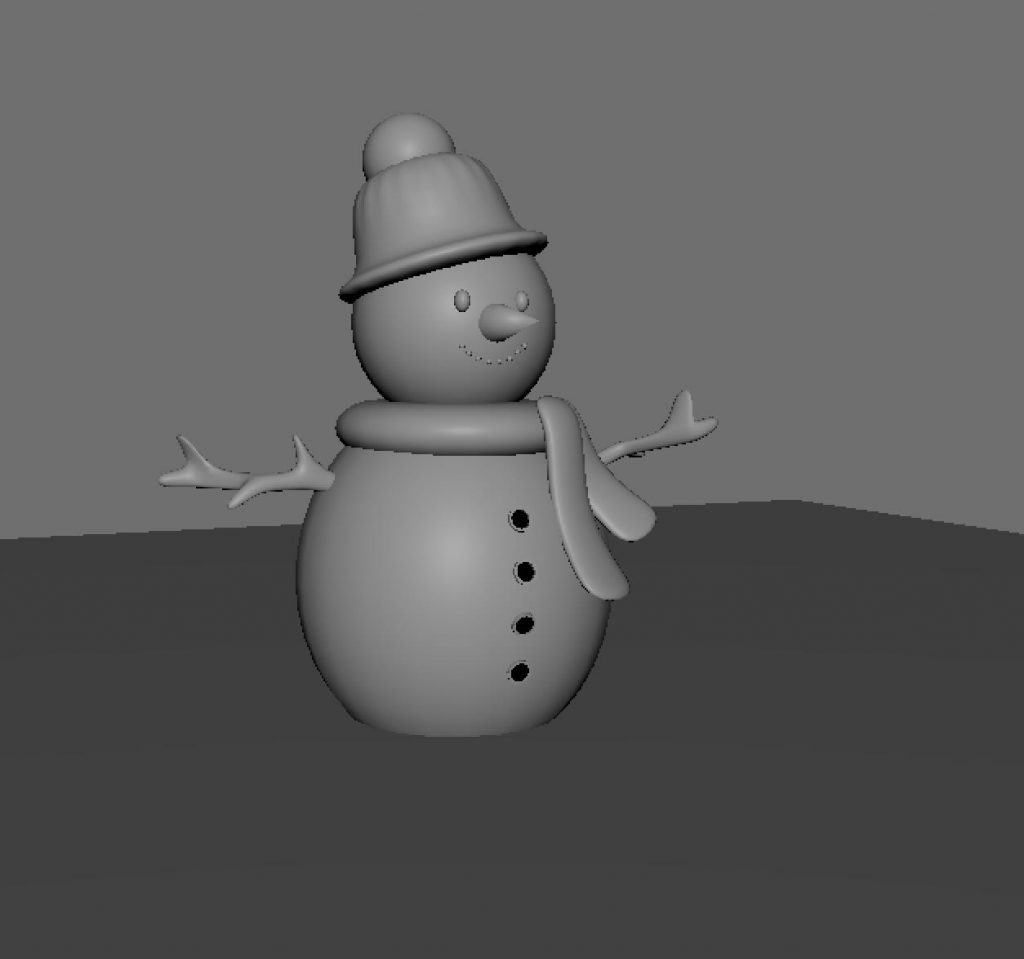
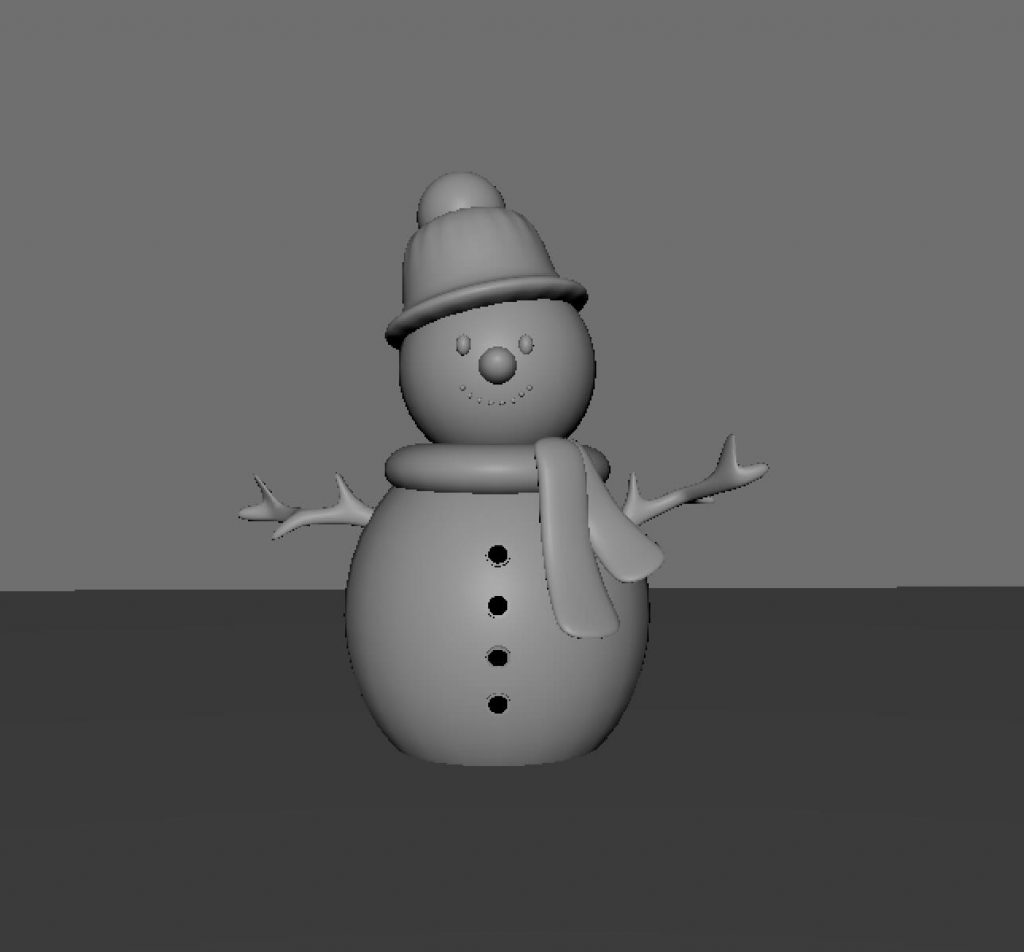
    Snowman

    This was our very first task in Maya and also our first introduction to the software. The exercise focused on becoming familiar with the interface and basic modelling tools, using simple shapes to build a character. It helped us understand fundamental concepts such as form, proportion, and navigation within Maya.

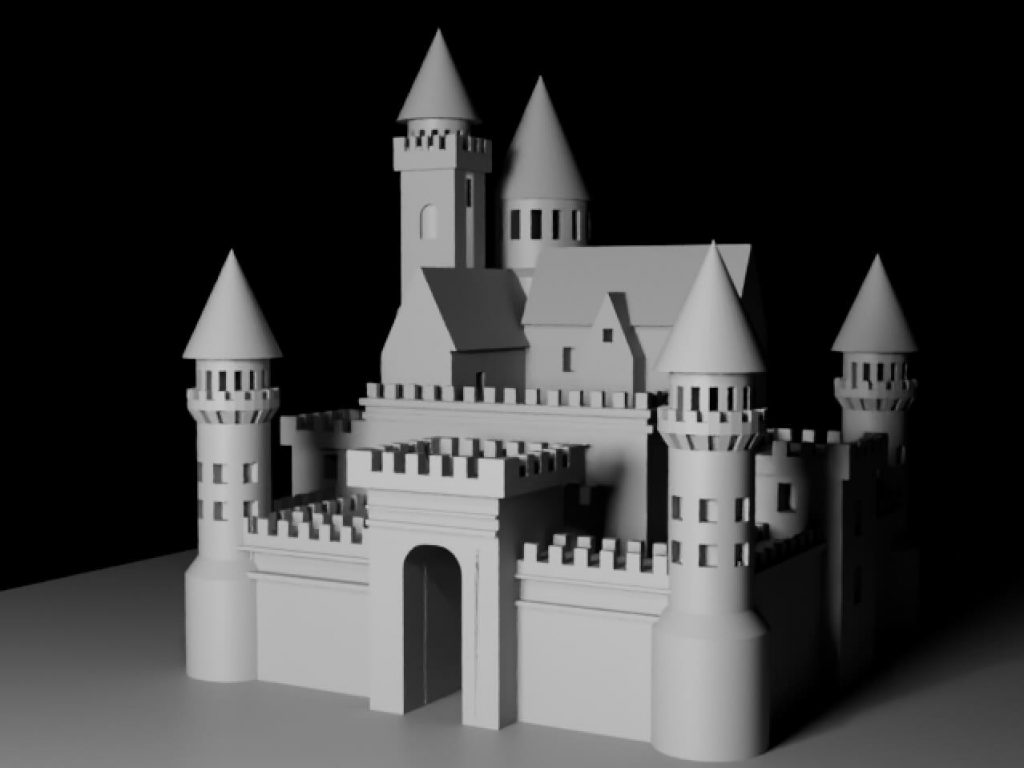
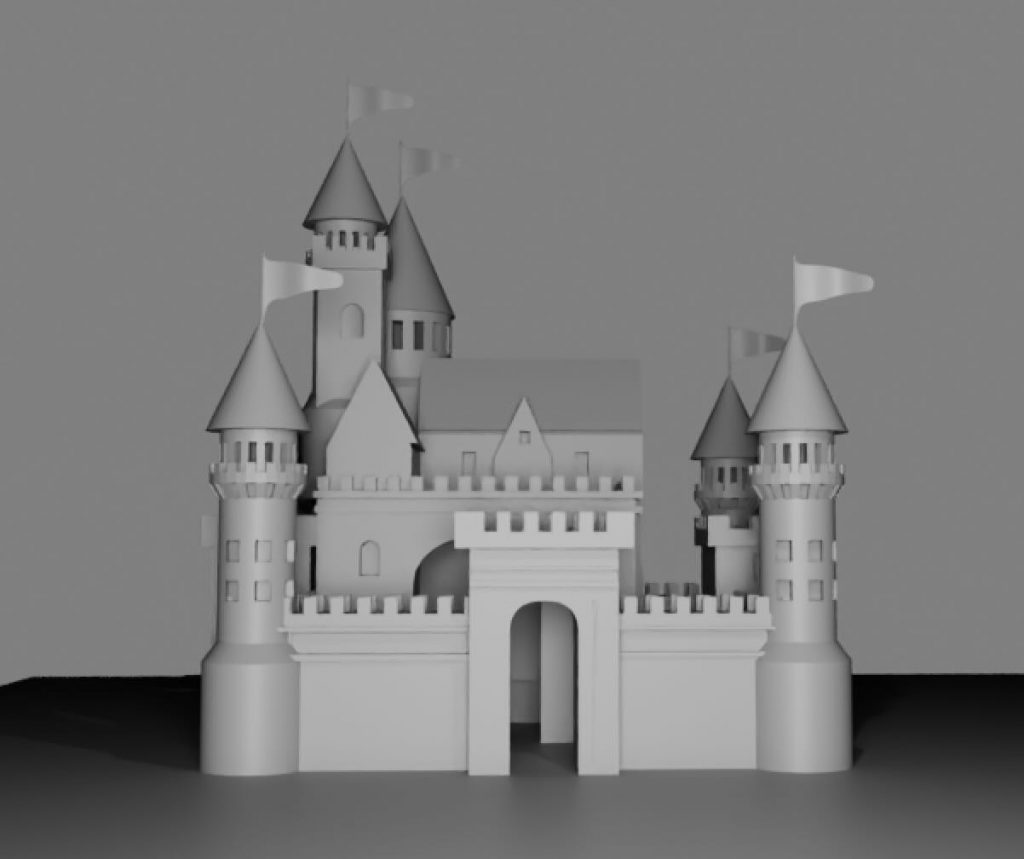
    Castle

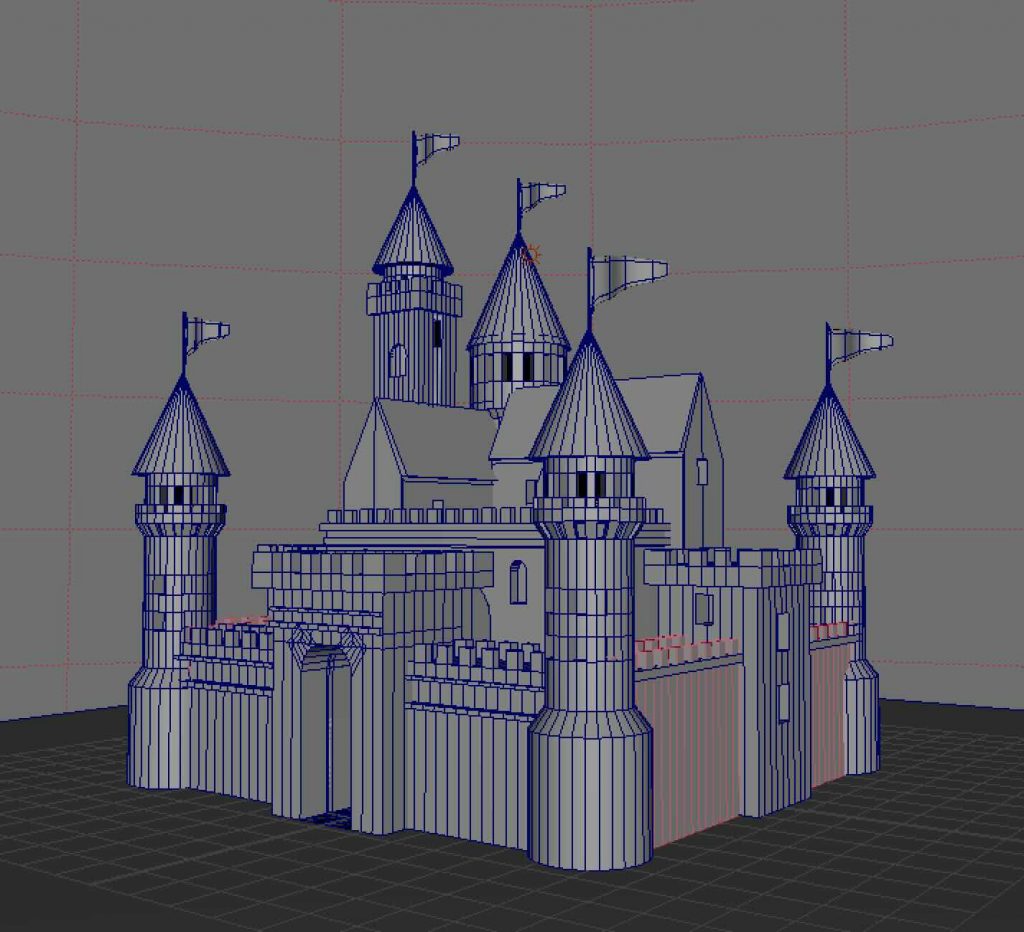
    The castle was our first homework assignment in Maya and was designed to help us become more comfortable working independently in the software. The focus was on combining basic geometric shapes into a larger structure while maintaining balance and consistency. This task reinforced core modelling principles and increased our confidence using Maya outside of class.

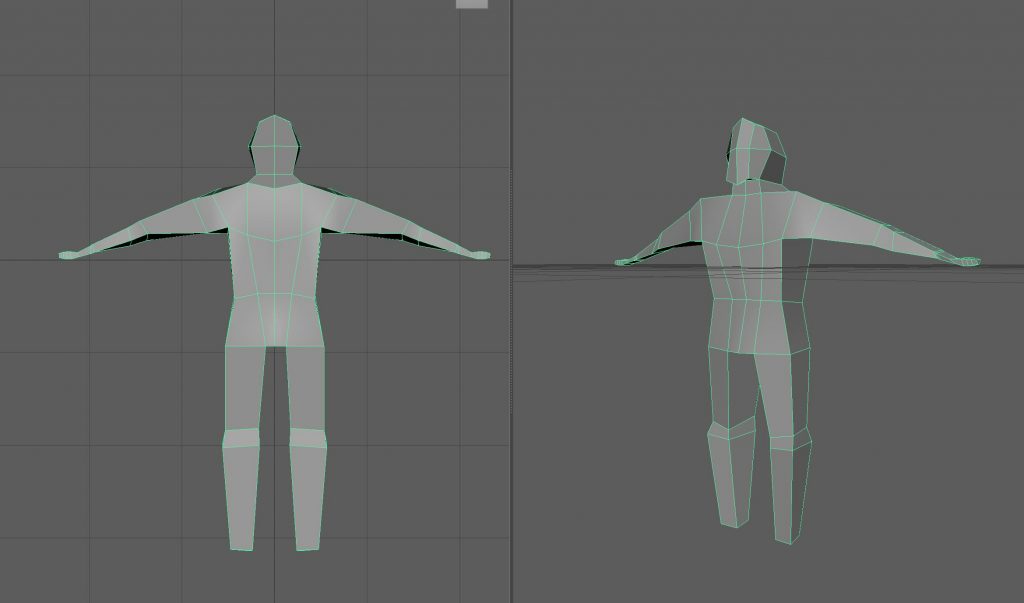
    Human body (box modelling)

    This in-class exercise introduced us to the basics of human body proportions through box modelling. The aim was not to create a detailed character, but to understand structure, symmetry, and overall form. This task provided a foundation for character modelling workflows used later in the unit.

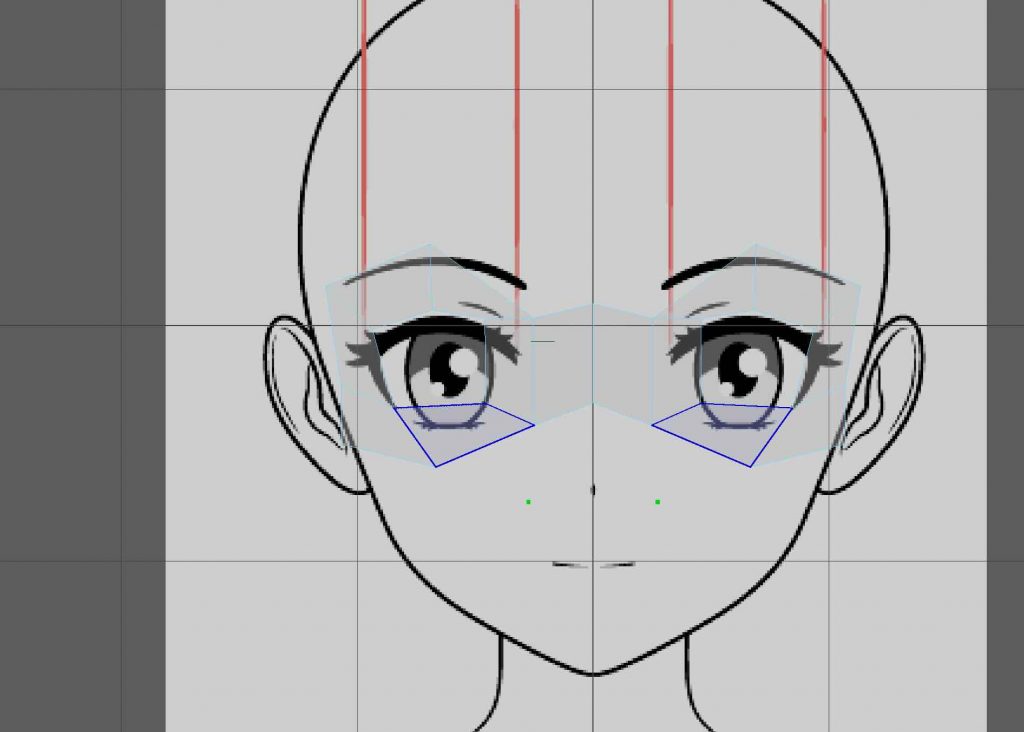
    Topology-based modelling (using Quad Draw)

    At this stage, we began building up the face using Quad Draw as an alternative modelling approach. This exercise helped us understand that box modelling is not the only way to construct a character, and introduced a more topology-focused workflow. Working in this way encouraged us to think more carefully about edge flow, structure, and how forms are built gradually rather than from predefined shapes.

    Retopology with Quad Draw

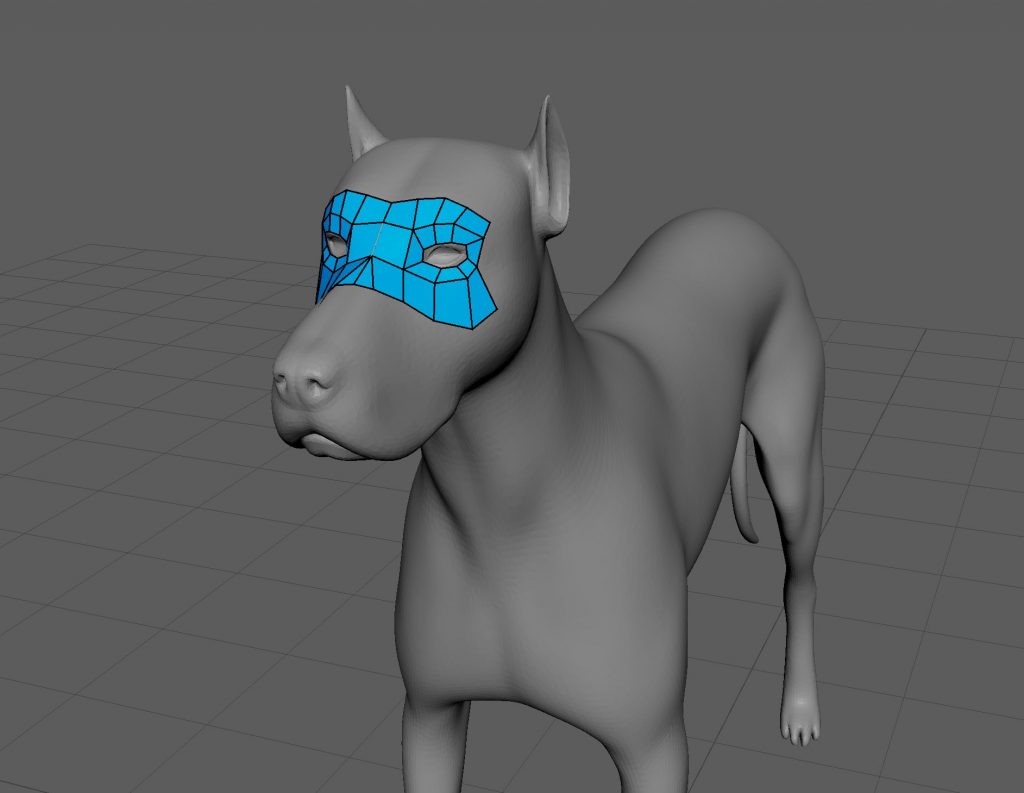
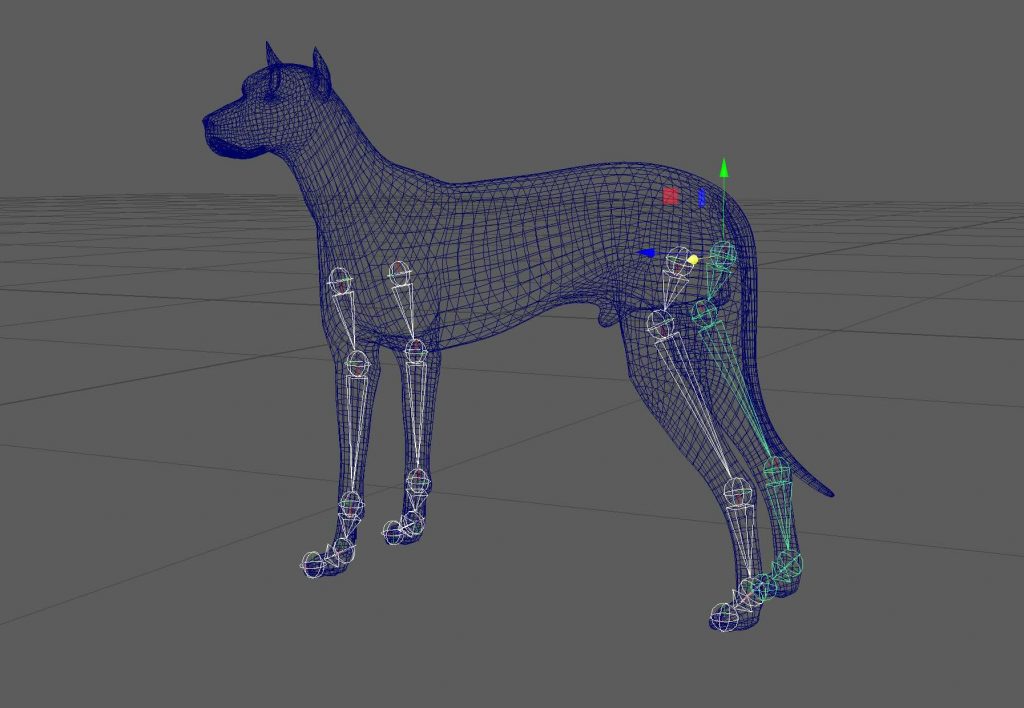
    This task introduced us to retopology using Quad Draw in Maya. By working on the dog model, we learned how to rebuild clean topology over an existing mesh, focusing on edge flow and deformation. This was our first experience with retopology tools and highlighted their importance for creating animation-ready models.

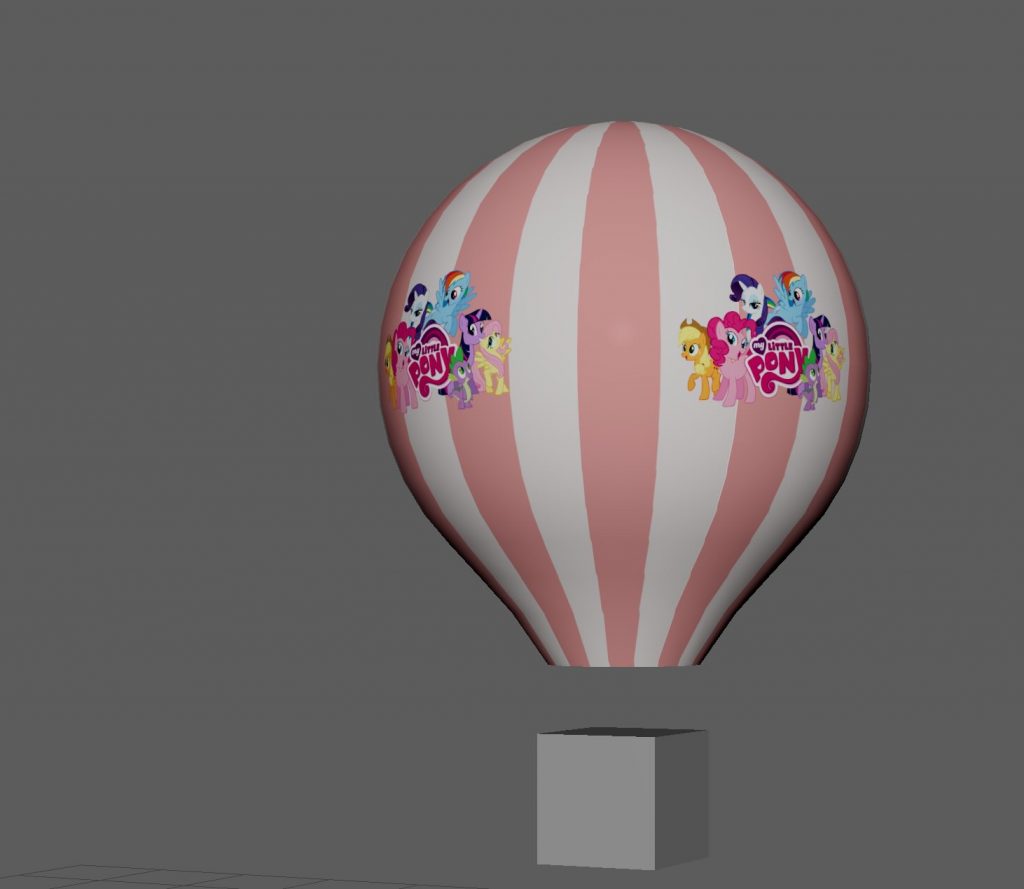
    Texturing & UVs

    The hot air balloon was created as an introduction to texturing and UV mapping in Maya. The focus was on learning how to unwrap UVs and apply textures correctly to a model. Keeping the model simple allowed us to concentrate on understanding UV layouts and how textures interact with geometry.

    Character rigging:

    Human – Quick Rig

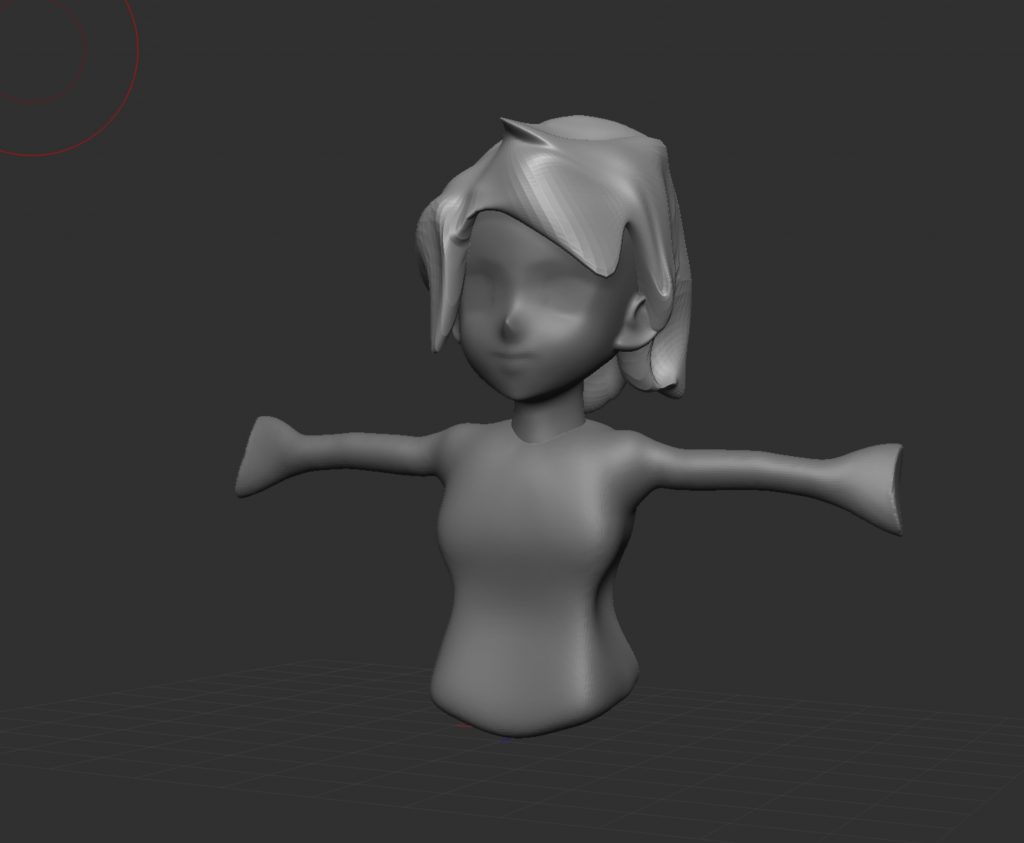
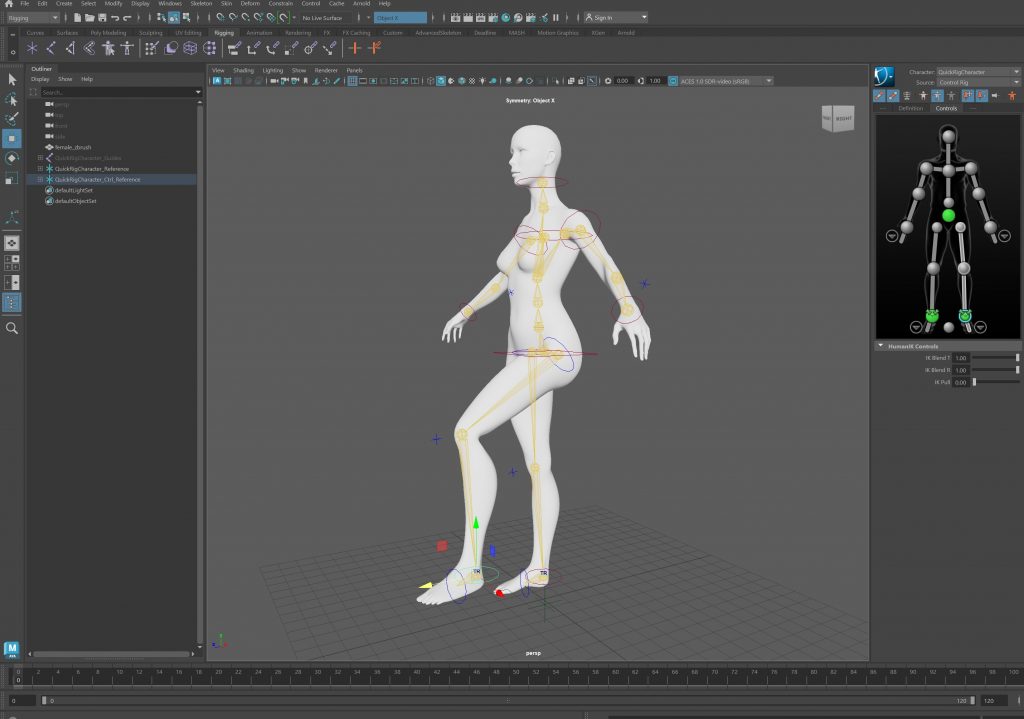
    We began by using Quick Rig on the human character as an introduction to character rigging. This allowed us to quickly generate a functional skeleton and understand how joints are placed and connected within a humanoid form. Working with an automated rig helped us focus on observing movement and proportions rather than building everything from scratch, making it easier to grasp the fundamentals of character rigging.

    Animation Loop

    To test the rig, we created a simple animation loop. This helped us evaluate how the character moved, how the joints interacted, and whether the overall motion felt balanced and believable. Creating this loop made it easier to identify areas that needed adjustment and encouraged us to think about movement as a continuous, flowing process rather than a single pose.

    Dog – Manual Rigging

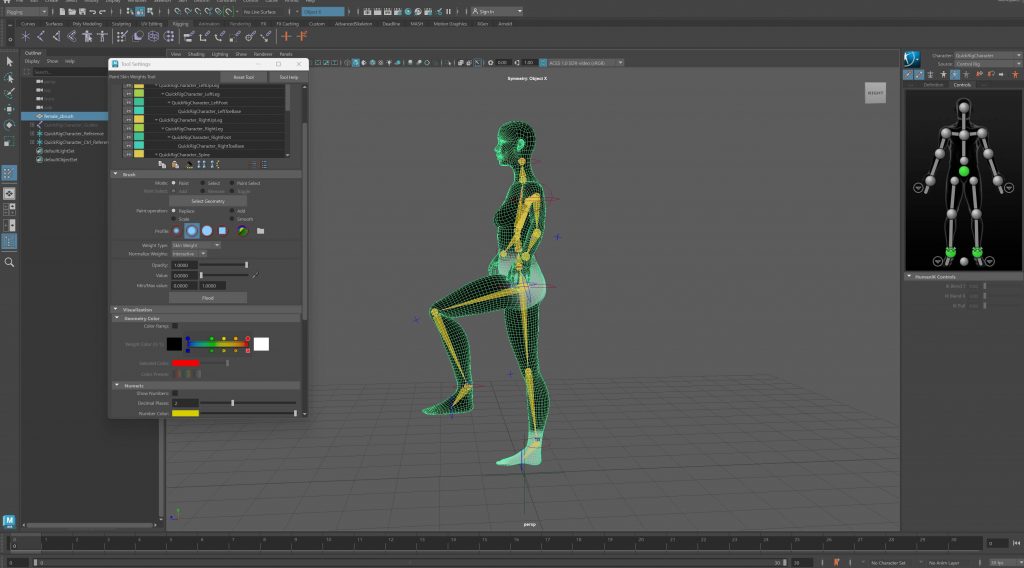
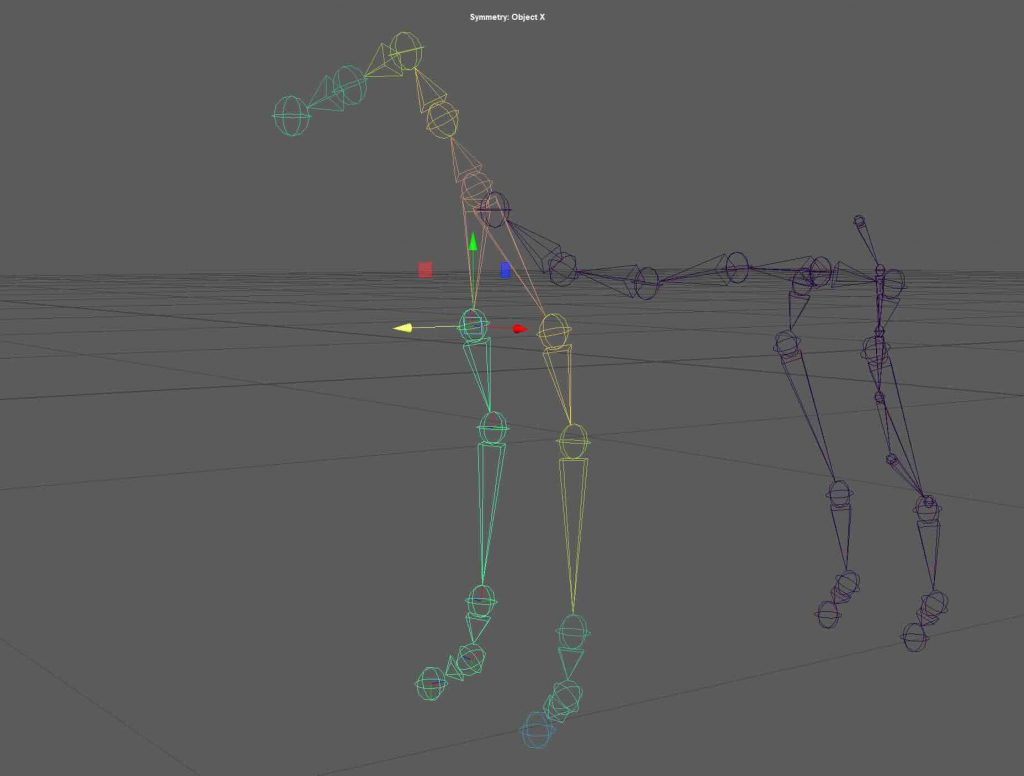
    For the dog, we moved away from automated solutions and built the rig manually using Create Joints. This approach required more precision and planning, especially in relation to anatomy and joint placement. We refined the skin weights to ensure the mesh deformed smoothly and added IK handles and basic controllers to make the rig easier to pose and animate. This process gave us a deeper understanding of how rigging works at a structural level.
    Rendering in Maya:

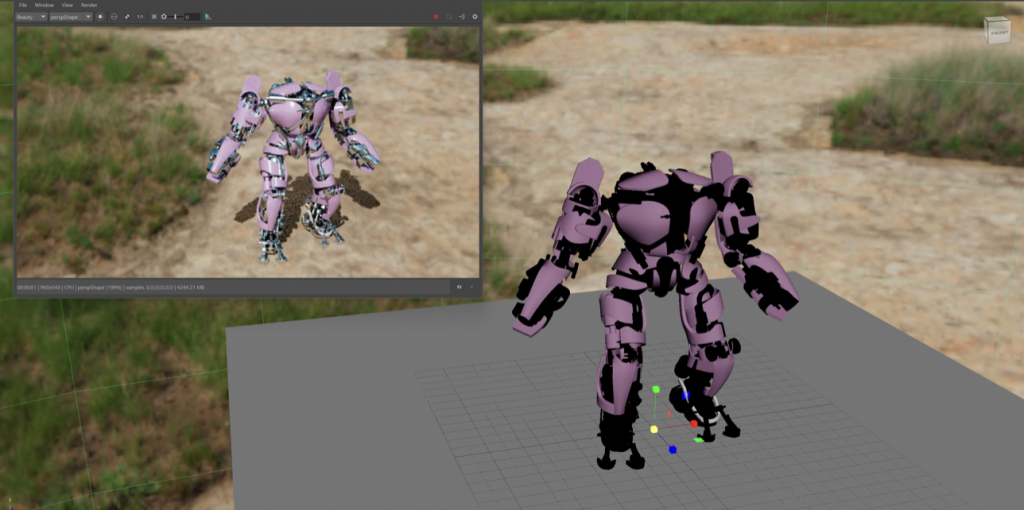
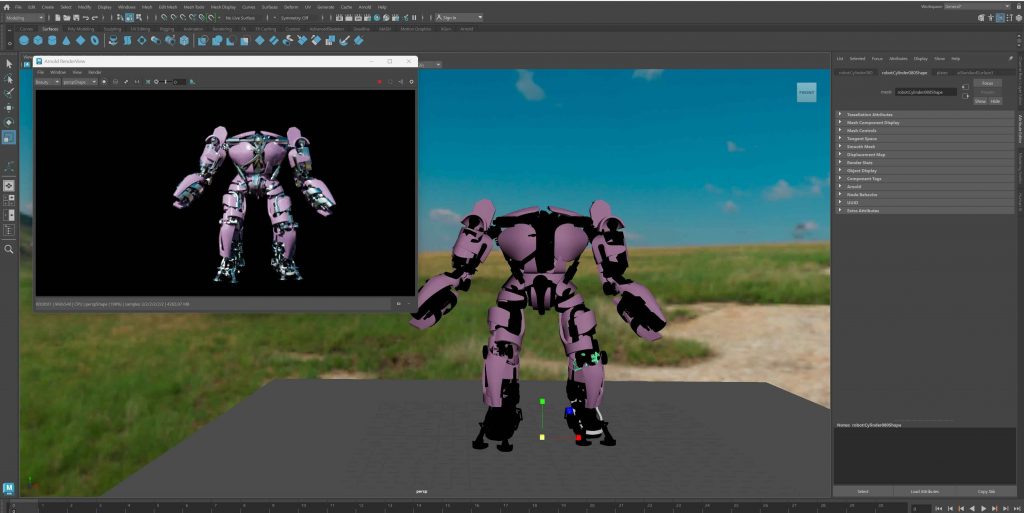
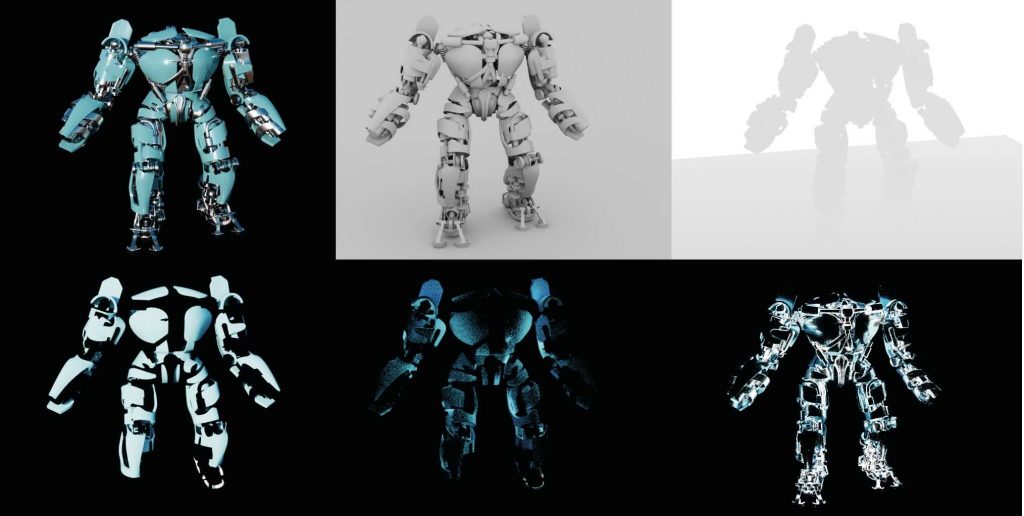
    We learned how to render our models in Maya by working with an HDRI backdrop to establish realistic lighting and overall mood. The HDRI was used as a light source rather than a visible background, allowing us to control how the model was illuminated while keeping the focus on the asset itself. We then rendered the model using multiple render passes, which helped us understand how different elements of the image can be separated and adjusted later.