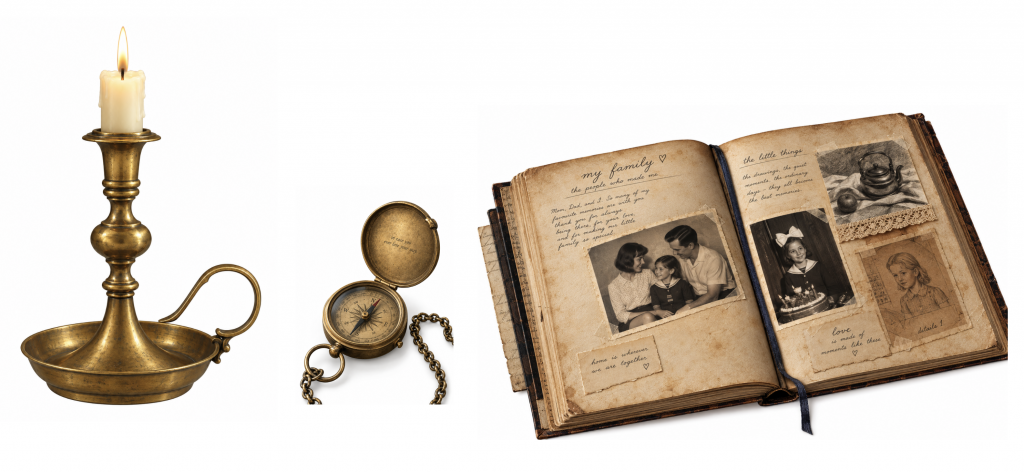
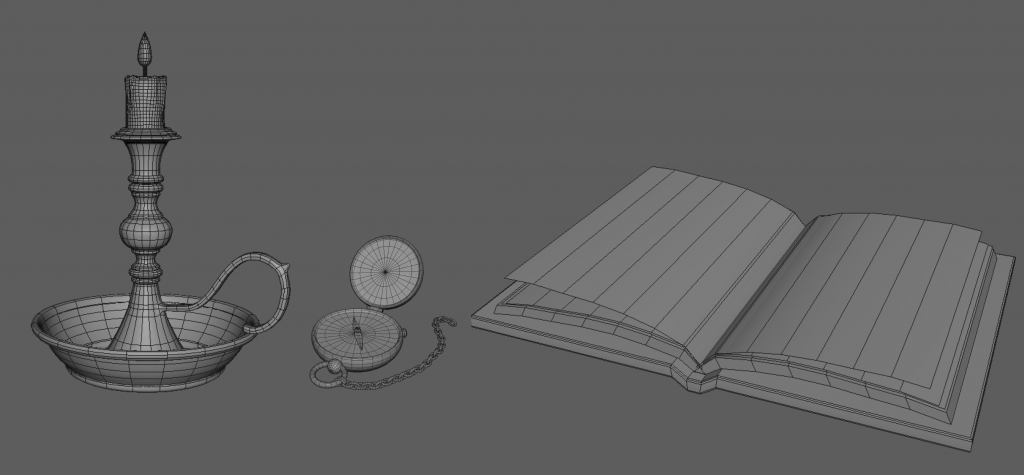
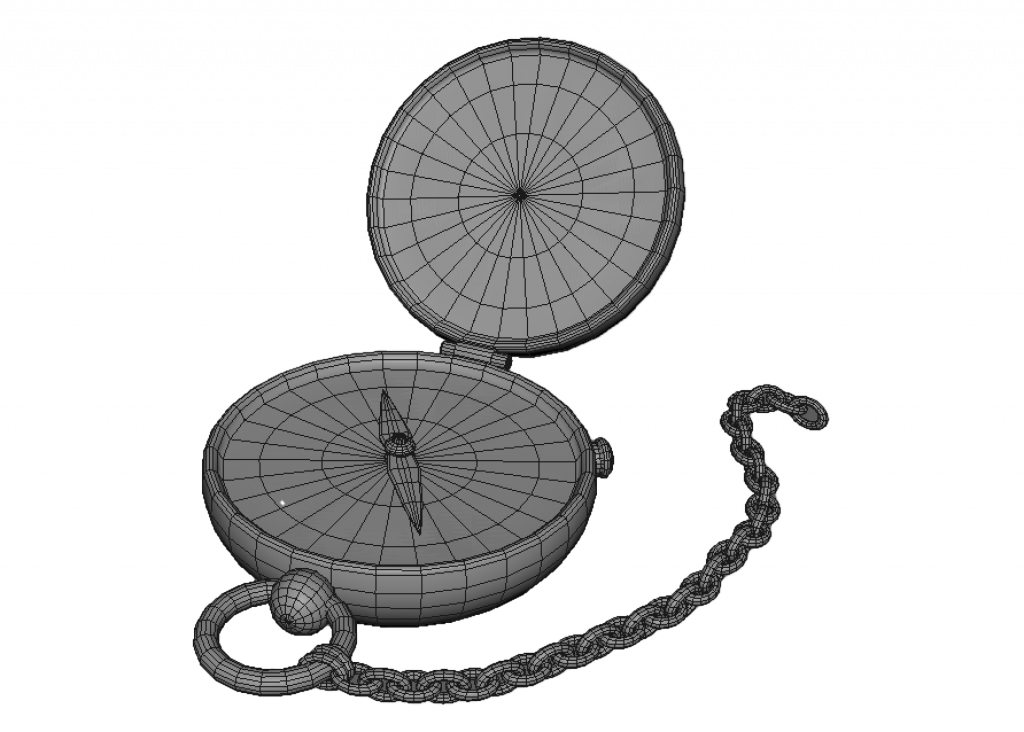
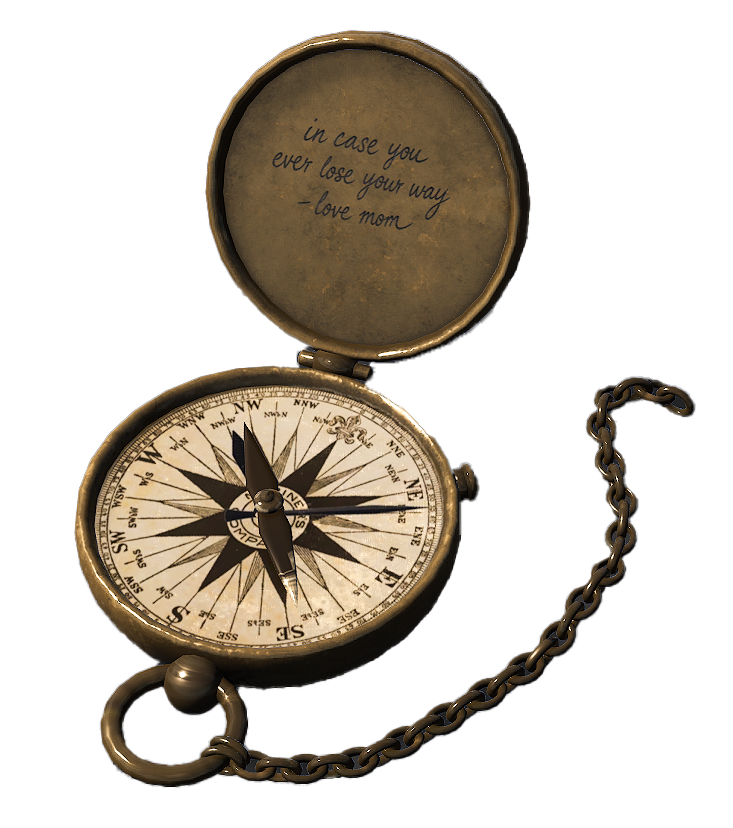
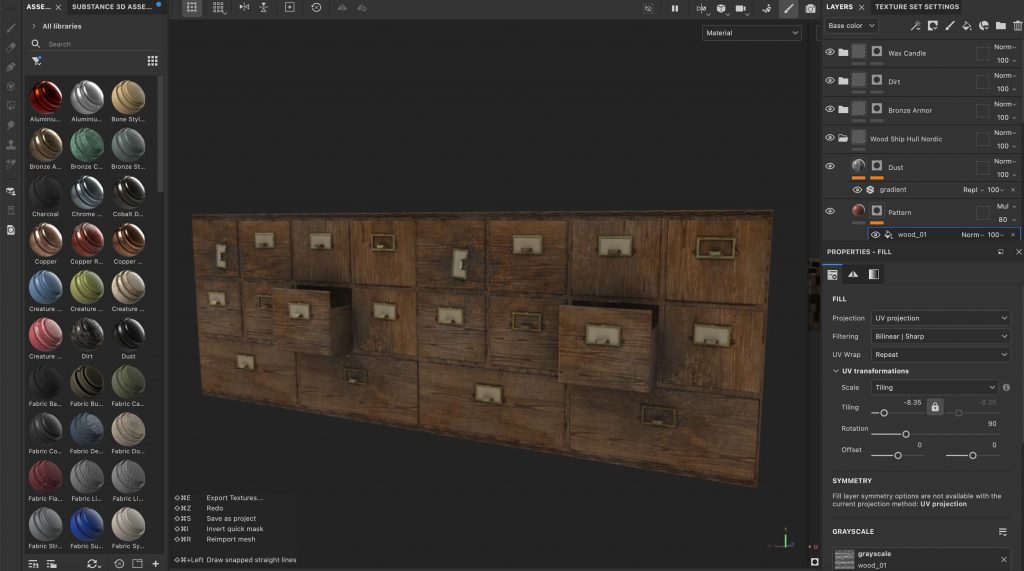
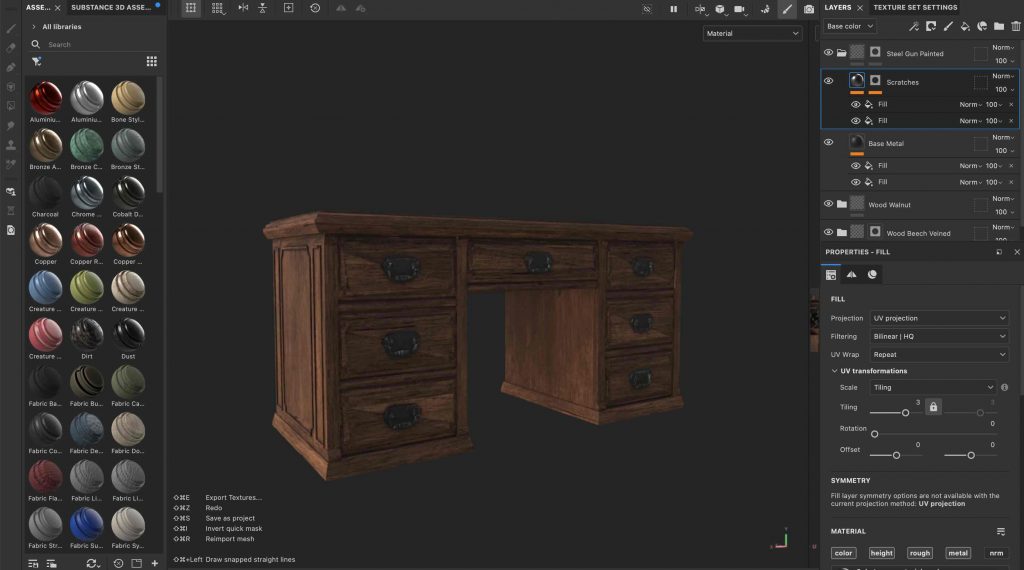
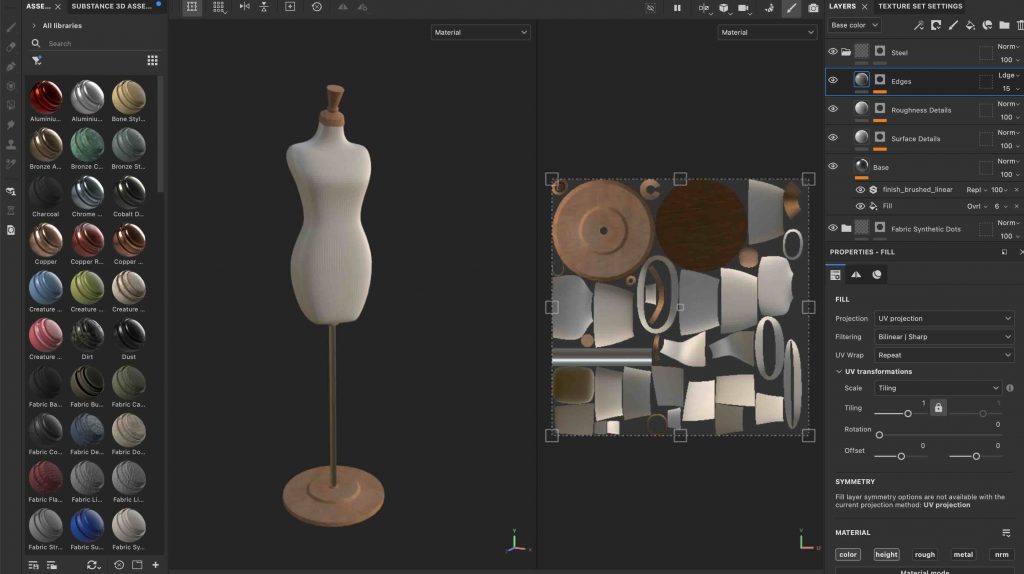
As I want to get into the games industry and eventually work as an Environment Artist, I wanted to practise the full workflow of creating game-ready props. I chose objects such as an old candle holder, compass and book because these are the kinds of smaller environmental assets that could be used to populate a game environment and add detail and character to a scene.
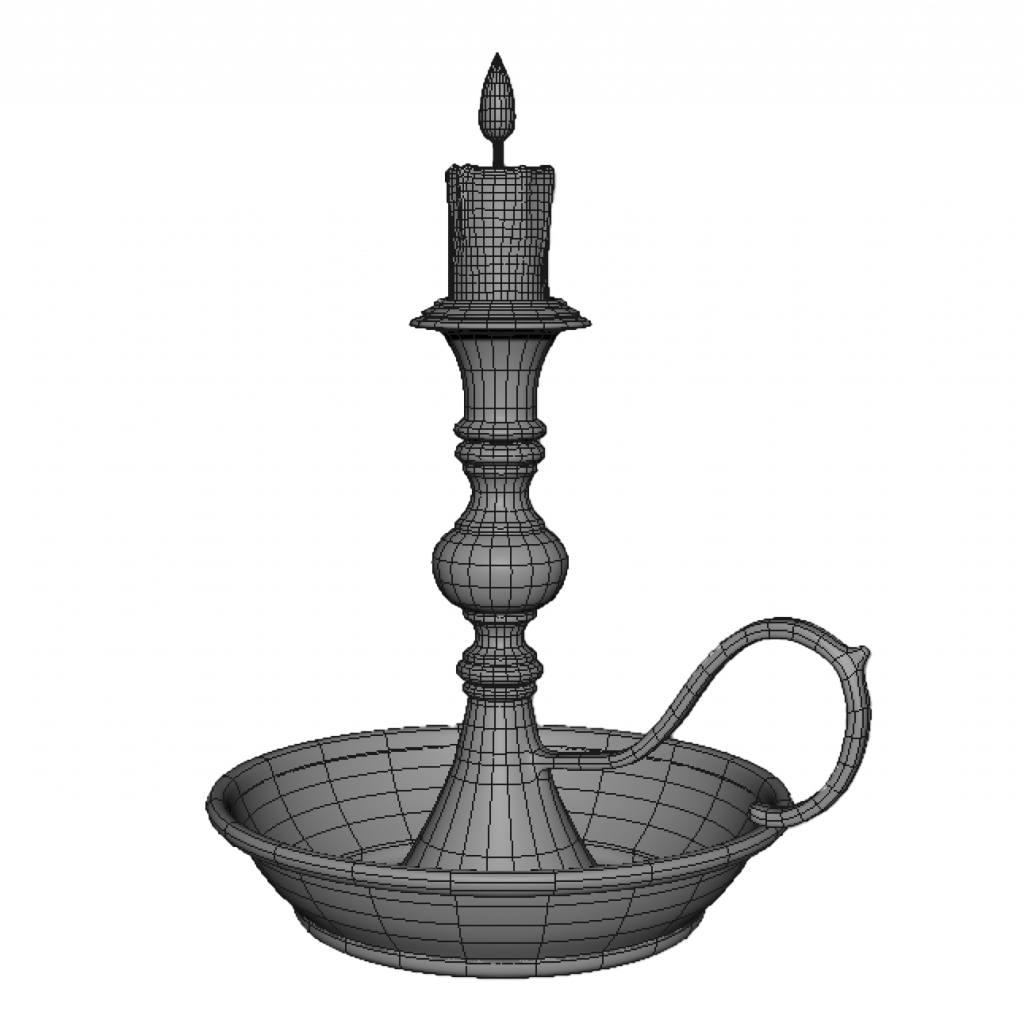
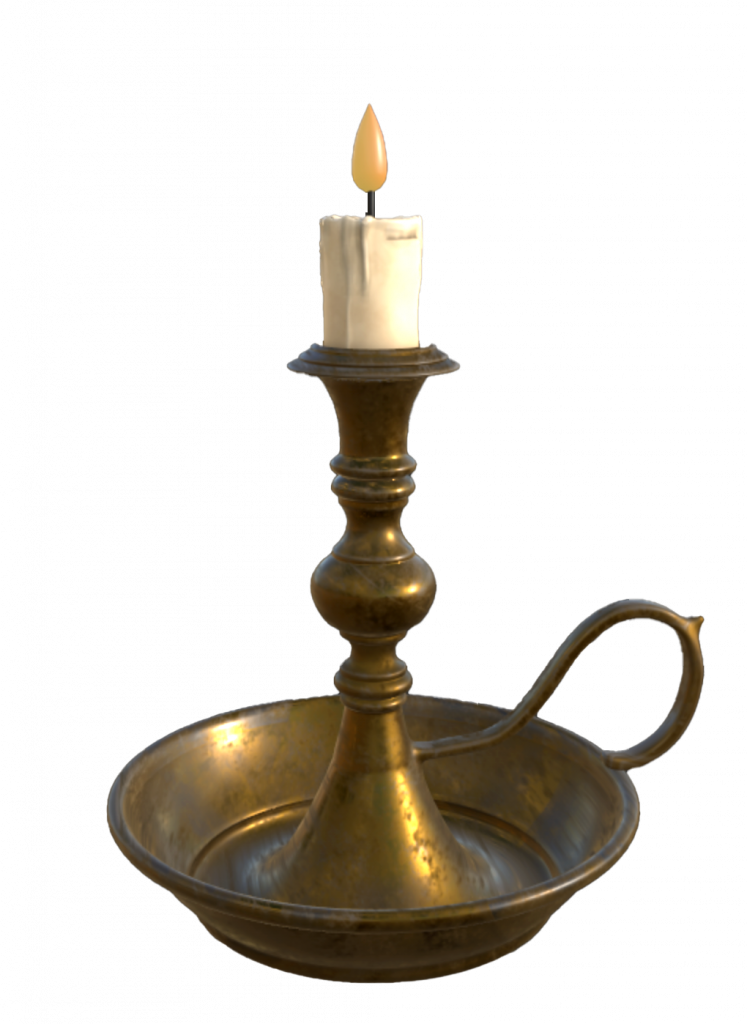
I am using these assets to improve my modelling workflow in Maya, particularly creating clean and correct topology and properly UV unwrapping each model. After modelling and UVs, I am taking the assets into Substance Painter to practise texturing and creating materials. My aim is to become more confident with the complete asset workflow from reference to a finished textured prop.
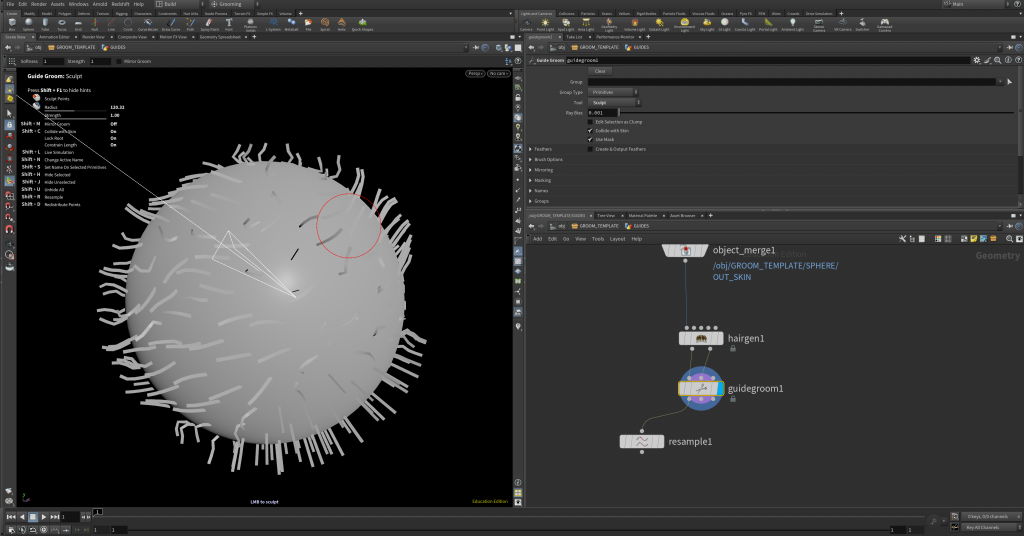
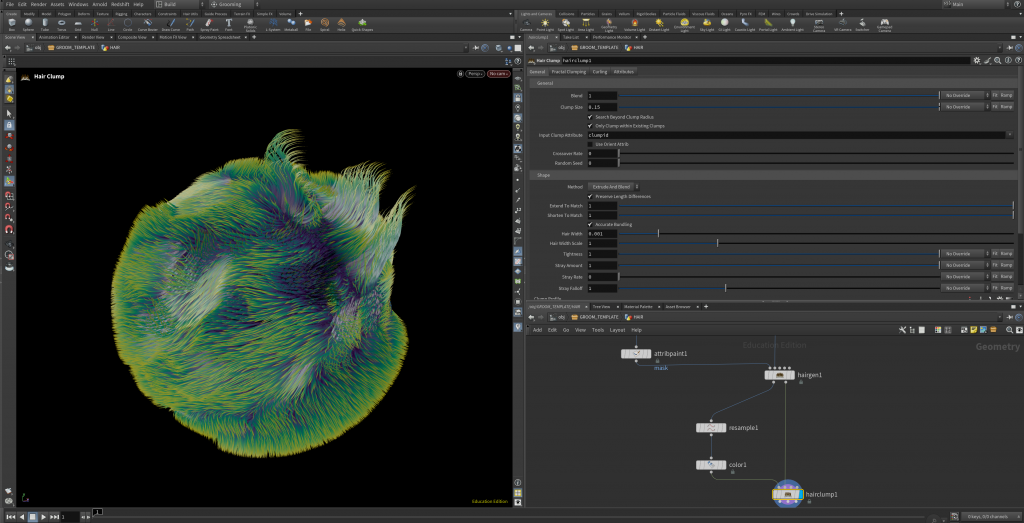
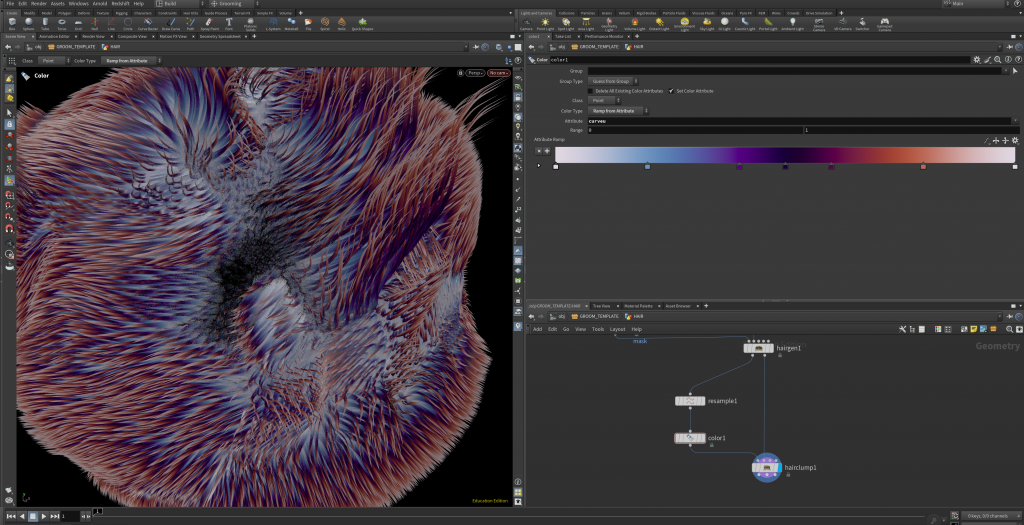
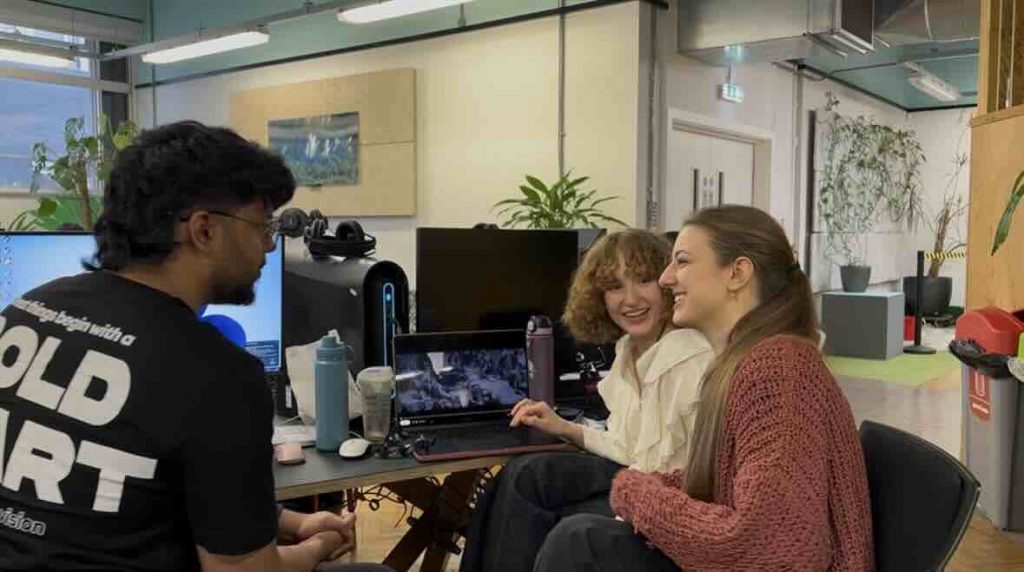
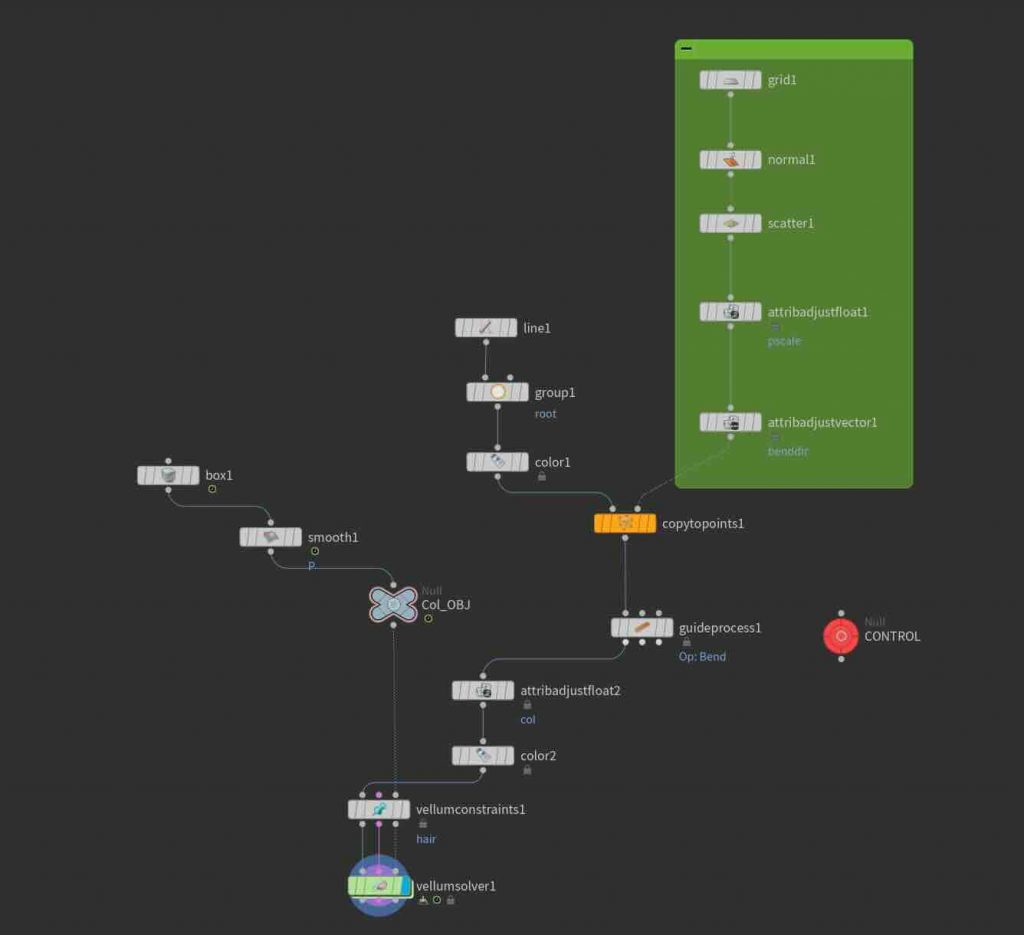
During this session with Amelia, we had an introduction to grooming in Houdini, learning the basics of how hair and fur can be generated and controlled procedurally. We experimented with guides, strand direction, length, density and colour to get a small feel for how a groom can be built and manipulated.
Houdini is an incredibly complex software, and even this grooming process quickly showed us how technical and complicated it can become. We only had a very small introduction to what is possible, but it was enough to get a feel for the workflow. I found it genuinely fascinating, especially seeing how something that initially looks like a crazy network of nodes and guides gradually turns into a detailed groom.
Introduction to 3D Layout – With Angel Cano
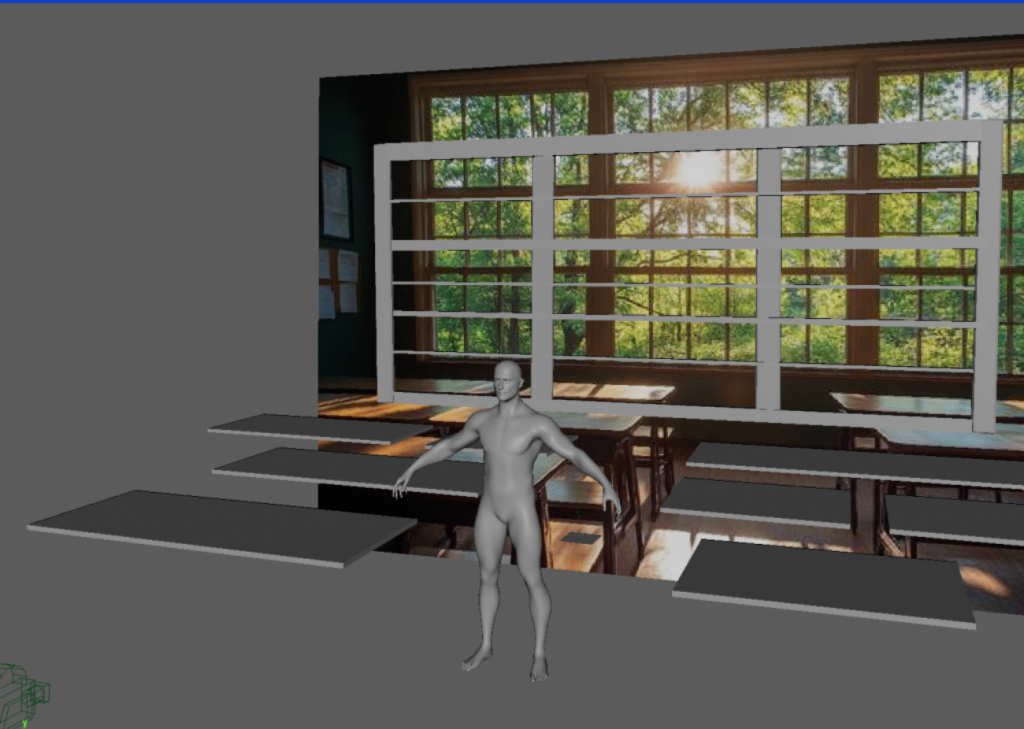
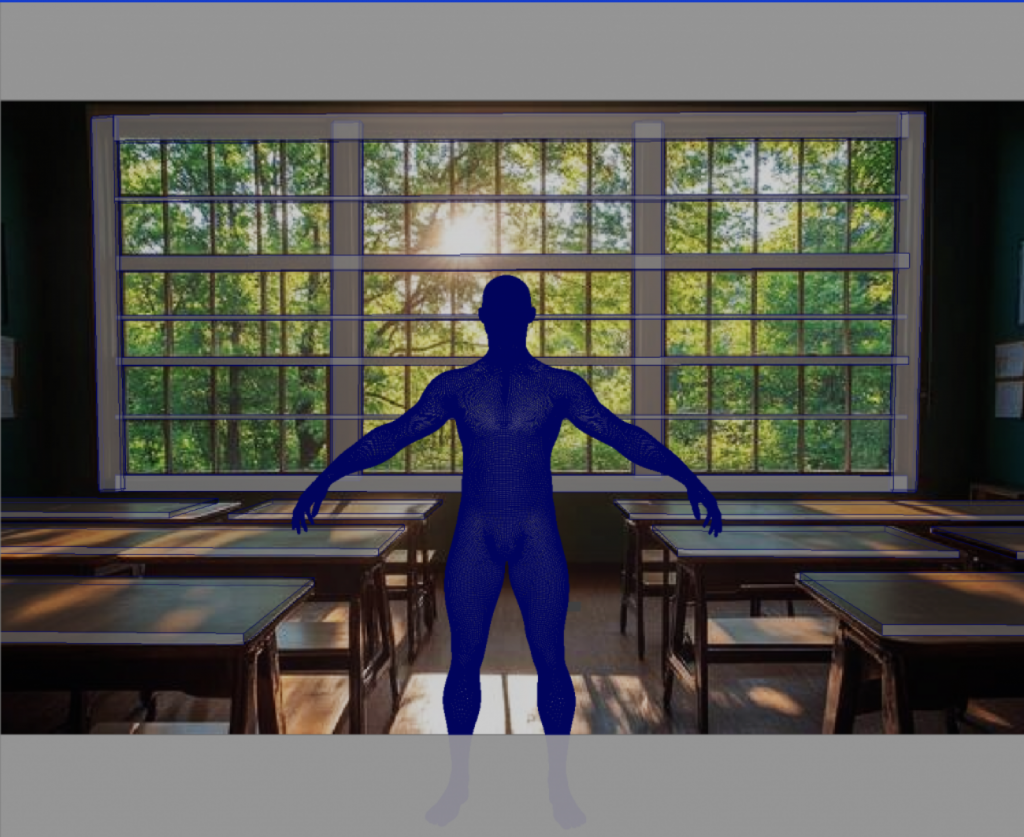
During this session with Angel Cano, we were introduced to 3D layout and its role within the VFX pipeline. We learned how layout establishes the foundations of a shot through camera placement, scale, perspective and the positioning of elements within a scene. We were then given a selection of reference images and asked to recreate the basic spatial composition of one of them in Maya.
We chose a classroom reference and began by matching the camera and establishing the overall scale using a human figure as a guide. From there, we blocked out the main elements using simple geometry, focusing on proportions, depth and placement rather than detail. Moving between the camera and perspective views helped us understand how a 2D reference can be interpreted and reconstructed as a three-dimensional space.
Generative AI – With David
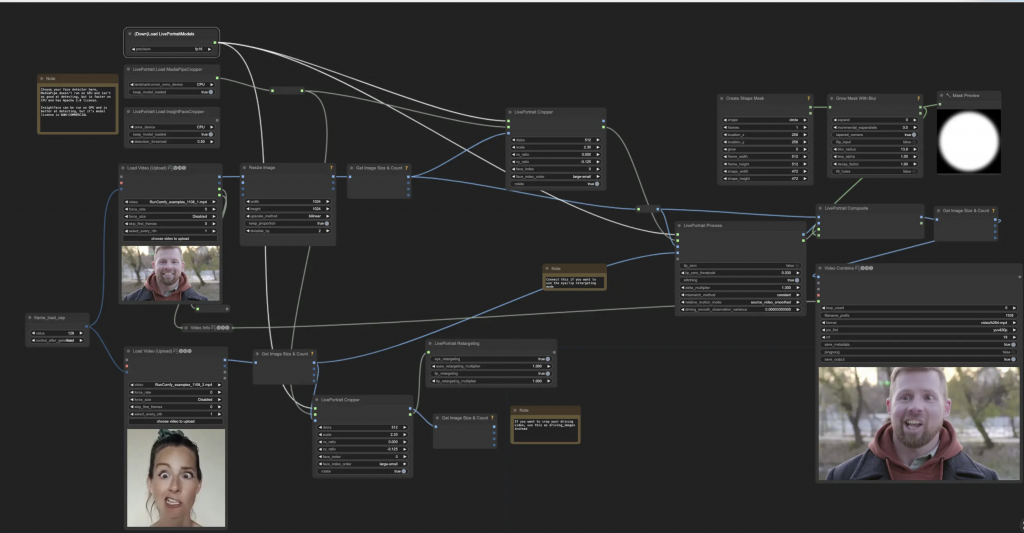
During this session with David, we were introduced to ComfyUI and a more advanced way of working with generative AI. Most of us are already familiar with writing prompts in tools such as ChatGPT to generate images, but ComfyUI takes this much further by giving significantly more control over how the image is actually created.
Instead of relying only on a prompt, the workflow is built through nodes, where different parts of the generation process can be connected and adjusted individually. This allows much more control over the input images, models, masks and different stages of the generation. It was interesting to see how much is actually happening behind what can otherwise feel like simply typing a prompt and receiving an image.
CG Lighting & Colour Management – With David
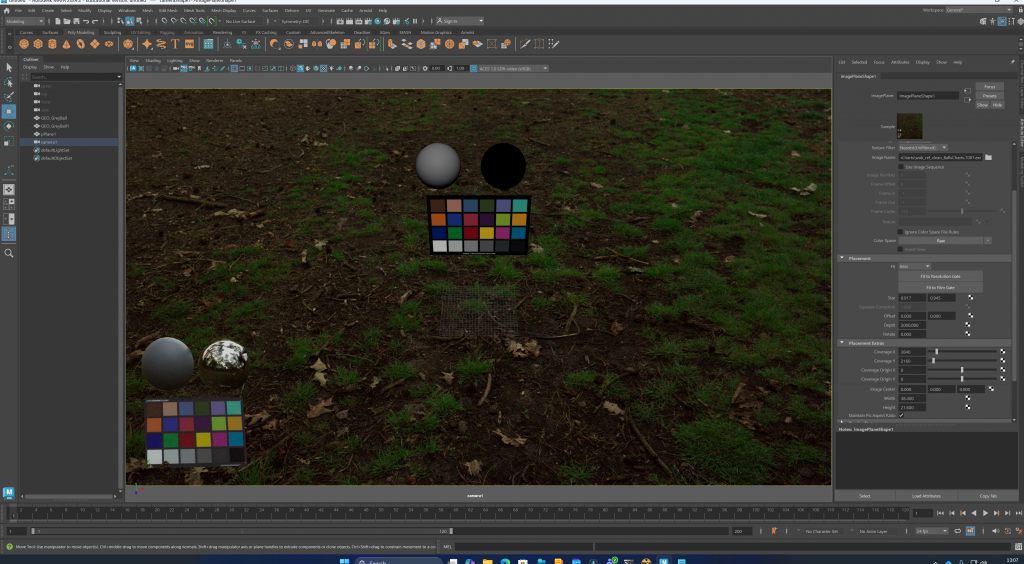
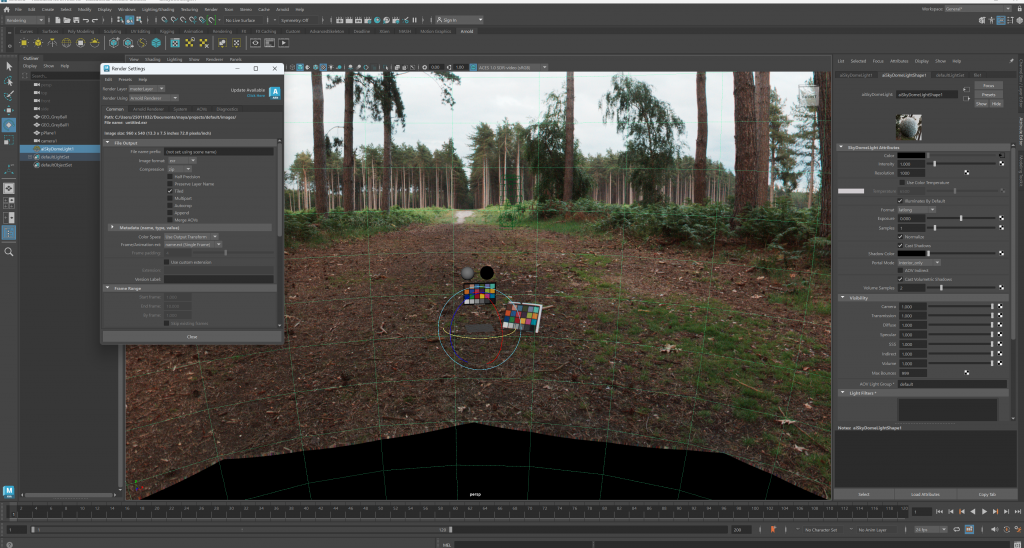
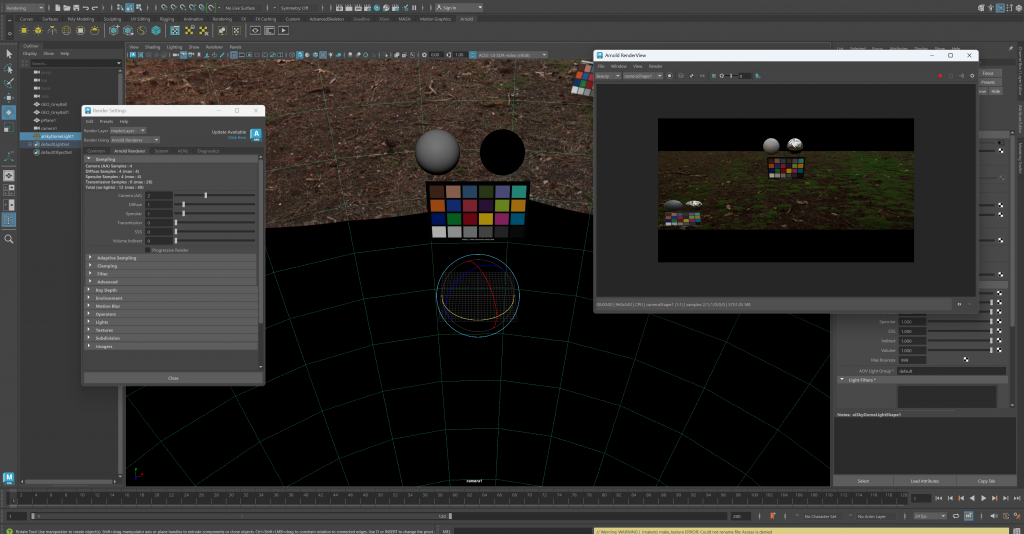
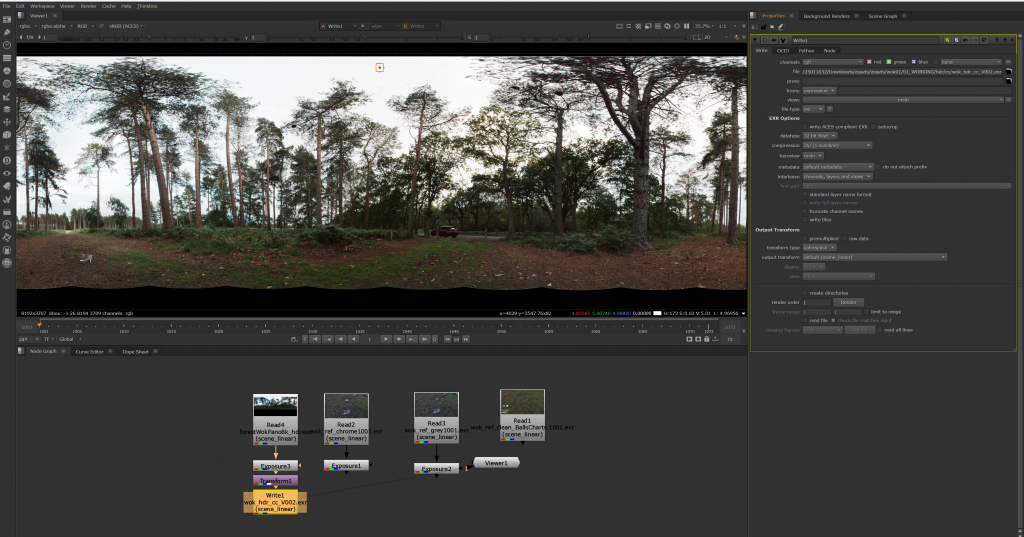
In this session with David, we went through the technical workflow used for matching CG elements to live-action footage. We started by converting footage into ACES in DaVinci Resolve, then created CG reference balls and colour charts in Maya. We also looked at managing the colour and luminosity of HDR images in Nuke and using them as part of the lighting workflow.
We then set up a reference scene in Maya based on the original reference shot, adjusted the render settings and checked the lighting and per-pixel accuracy to see how closely the CG matched the footage. The session showed us how lighting, colour management and reference material all work together, not only for shot lighting but also for look development and creating believable CG assets.
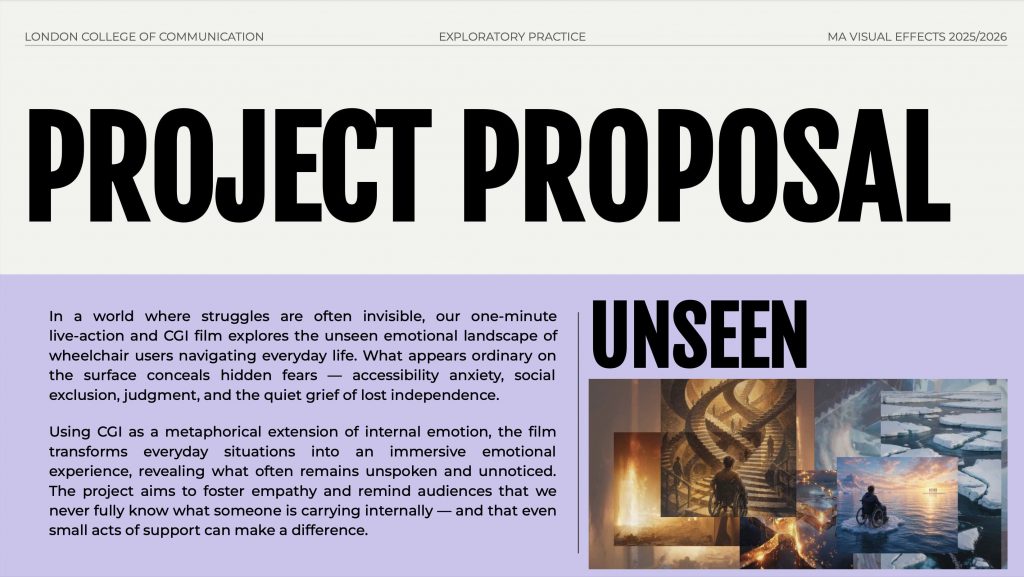
Unseen is a collaborative VFX short film created by a team of three as part of our MA Visual Effects course. The project combines live-action footage with a series of CGI environments to explore a social issue through a short narrative. The story follows a group of friends casually discussing their summer plans, while the conversation triggers a series of thoughts in the main character about situations she may experience differently as a wheelchair user.
The film moves between the real-world conversation and exaggerated digital environments that visualise these thoughts and concerns. Each environment represents a different situation or barrier, allowing the story to shift between an ordinary social moment and the internal experience of the main character. The project was developed collaboratively, from the initial concept and research through pre-production and filming to the creation of the CGI scenes and final film.
Meaning and Intent
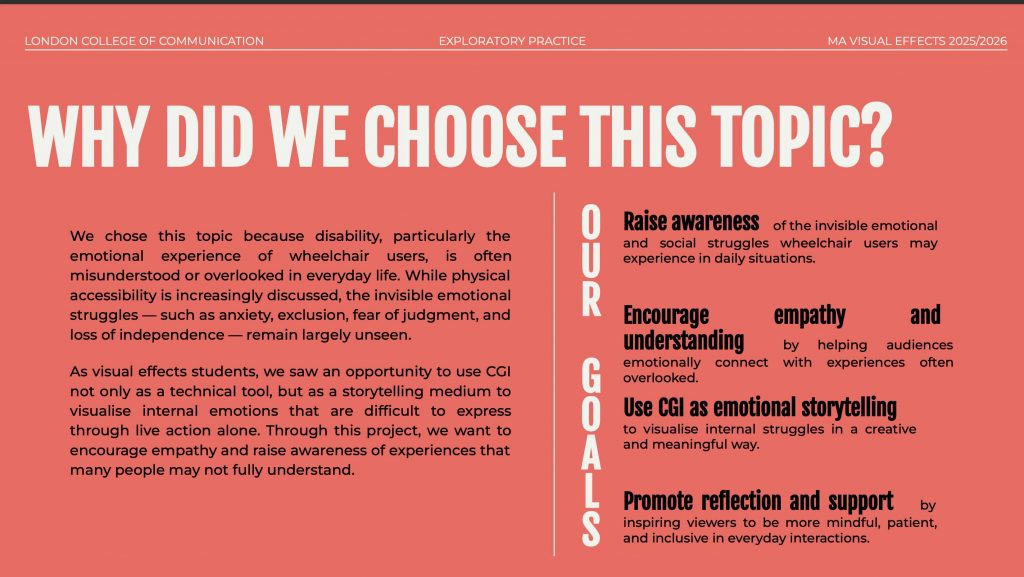
When developing the concept, we wanted to focus on an issue that could be explored meaningfully through visual effects rather than using CGI purely for spectacle. We decided to focus on wheelchair users and some of the challenges they may experience in situations that, for other people, can seem completely ordinary.
A key idea behind the project was the difference between what we can see from the outside and what another person might actually be experiencing internally. Someone can be sitting with their friends and appear to be part of a normal conversation, while internally thinking about accessibility, travelling independently, navigating crowded spaces or whether they will be able to participate in the same experiences as everyone else.
This became the basis for the title Unseen. Rather than having the protagonist directly explain these concerns, we wanted to make them visible. The CGI environments transform thoughts and worries that would normally remain unseen into exaggerated physical spaces that the audience can experience alongside her.
Our intention was not to suggest that every wheelchair user has the same experiences, but to encourage people to consider barriers they may otherwise never think about. We genuinely cared about approaching the subject with empathy and respect and wanted the project to raise awareness while exploring how VFX can communicate experiences that cannot necessarily be seen from the outside.
Interviews
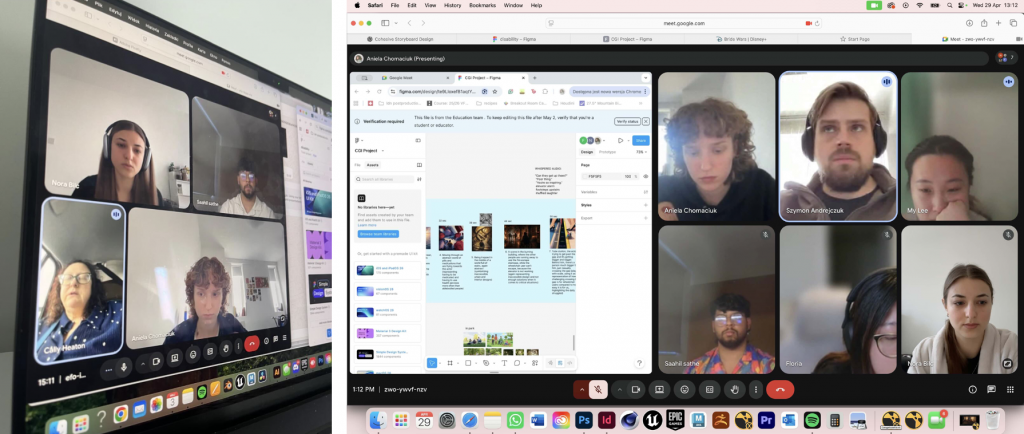
Once we had established the concept and what we wanted the project to communicate, we felt it was important to speak directly with people who had lived experience rather than relying on our own assumptions. We contacted Caroline Heaton and Szymon Andrejczuk, who are both wheelchair users, and arranged online meetings with them. Before the interviews, we prepared a series of questions to guide the conversations and help us better understand their perspectives.
We spoke about their everyday experiences, accessibility, situations they find particularly challenging, and some of the difficulties we may never have considered ourselves. We also shared our initial storyline and ideas with them, giving us the opportunity to receive feedback on whether the situations we wanted to portray felt appropriate and believable. We genuinely cared about the subject and wanted to approach it as thoughtfully and accurately as possible, so their input became a really valuable part of the development of the project.
The story
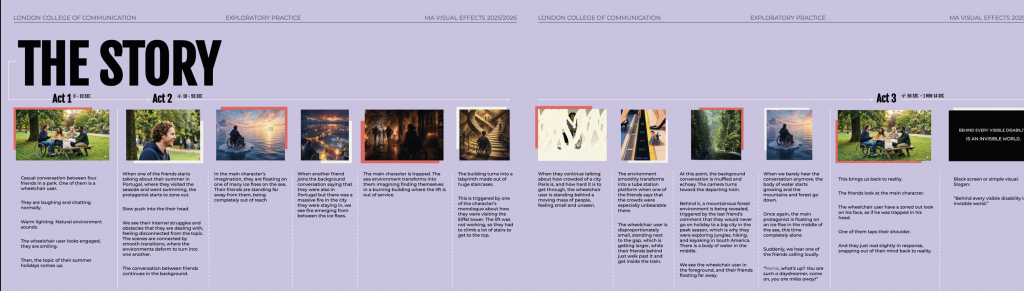
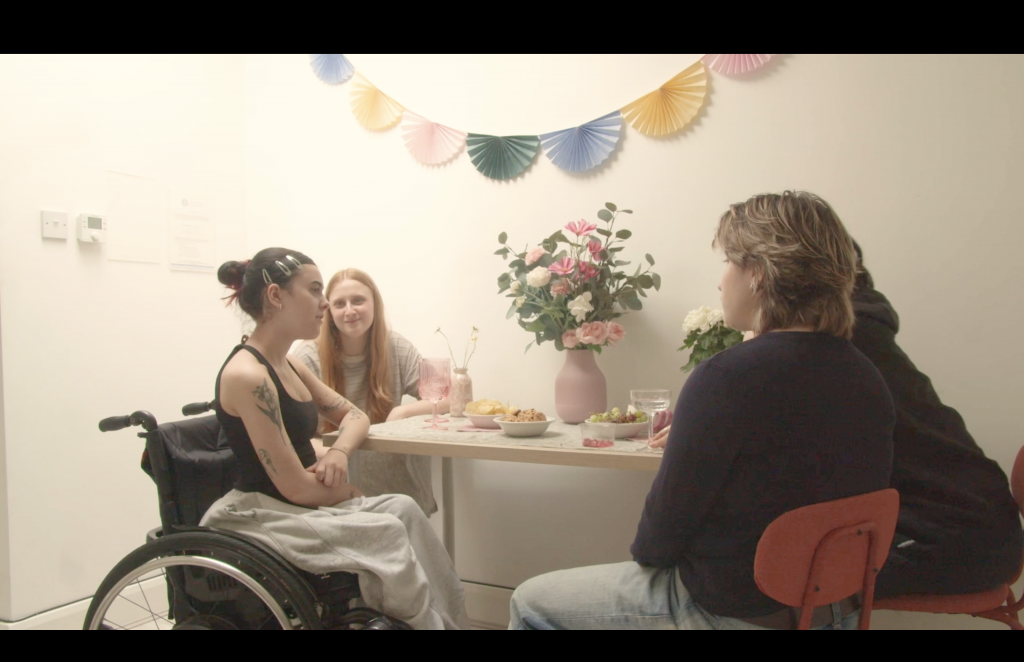
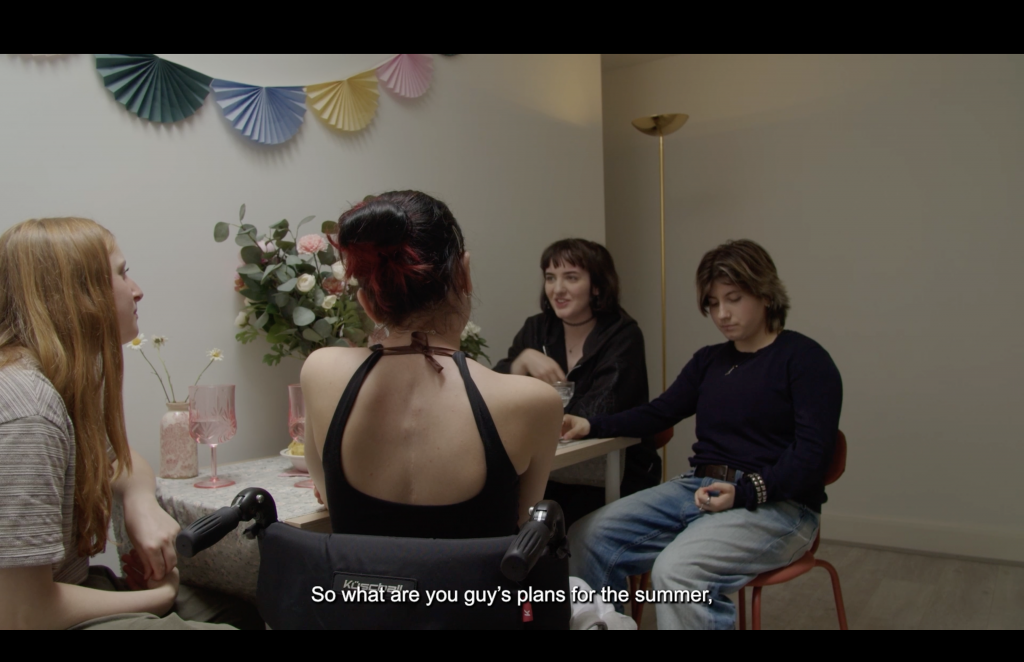
The film begins with four friends having a casual conversation about their plans for the summer. As they talk about travelling, holidays and different destinations, the protagonist, who is a wheelchair user, gradually becomes quieter and more distant from the conversation.
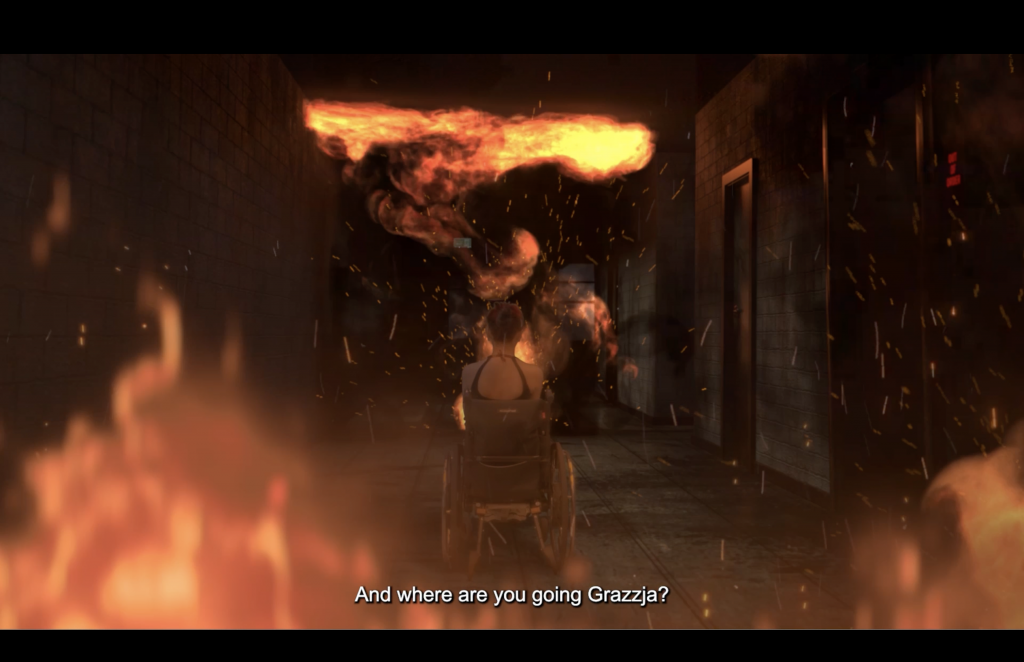
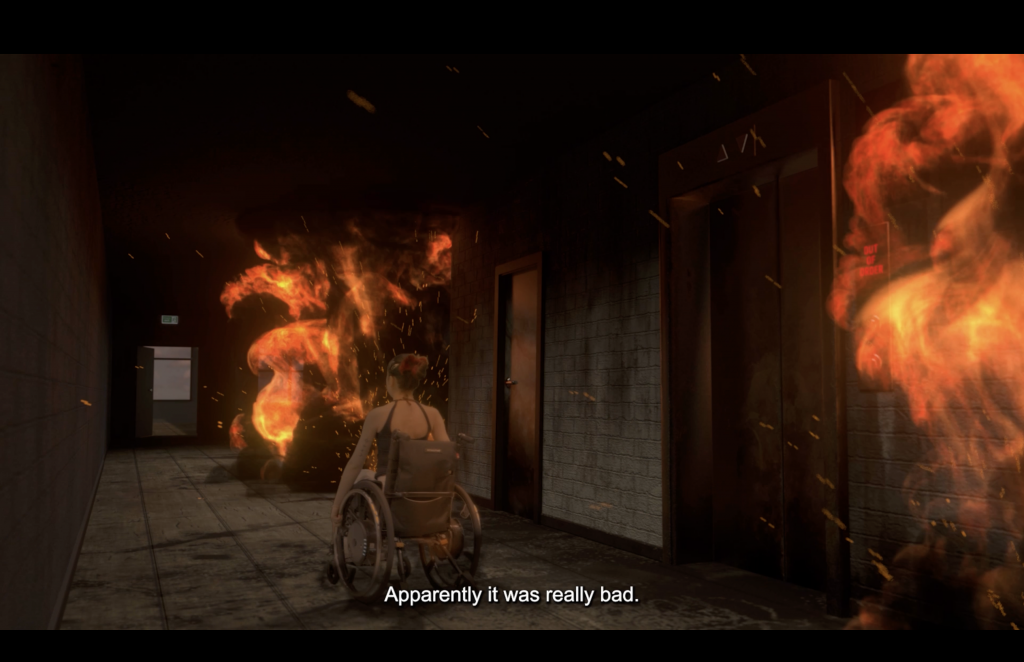
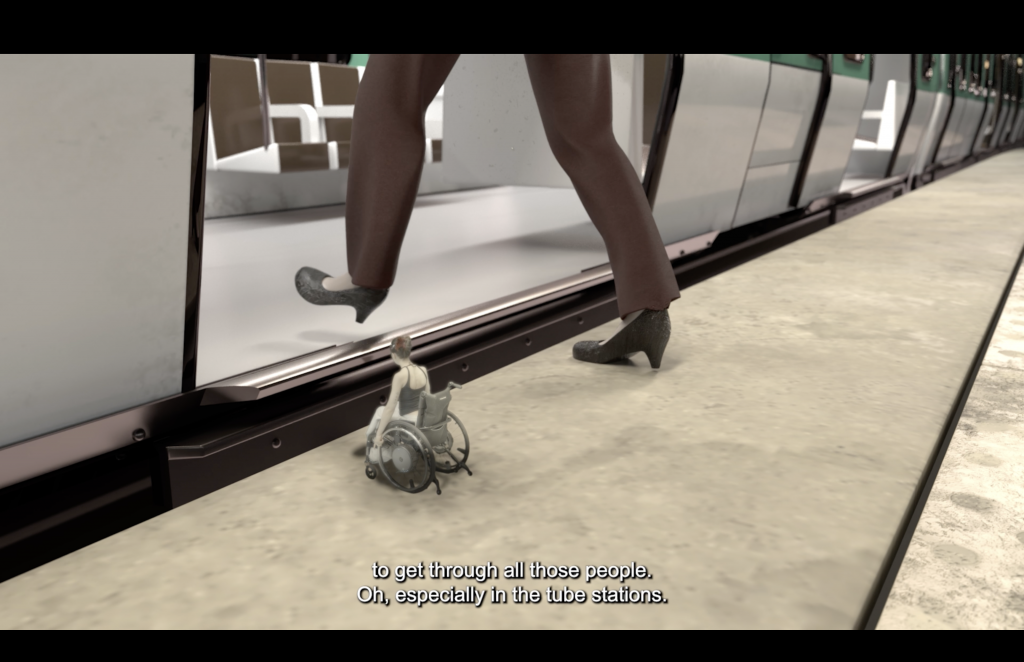
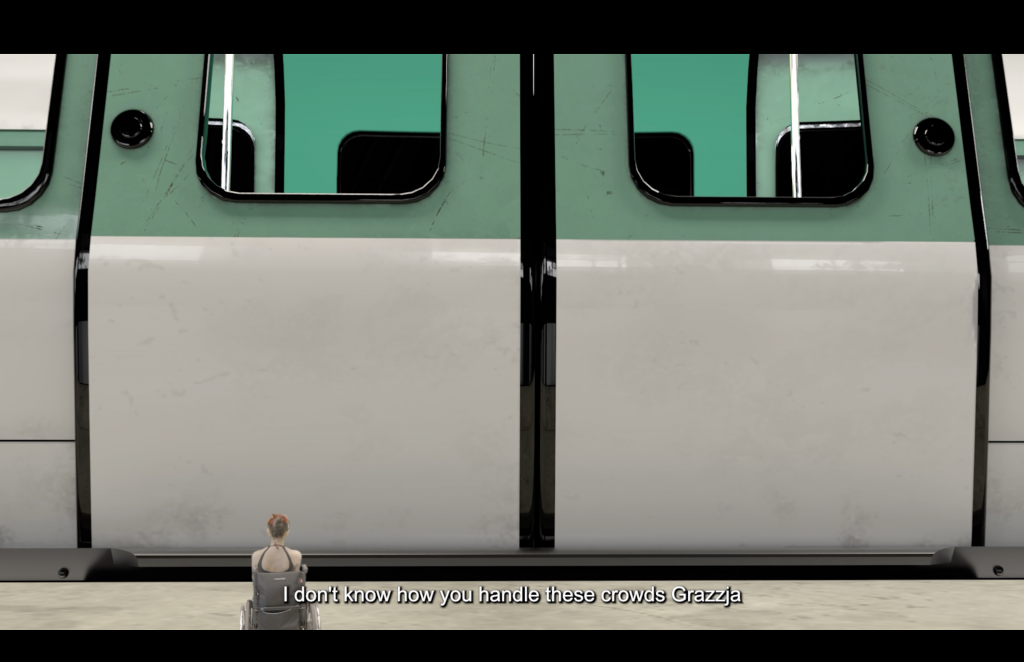
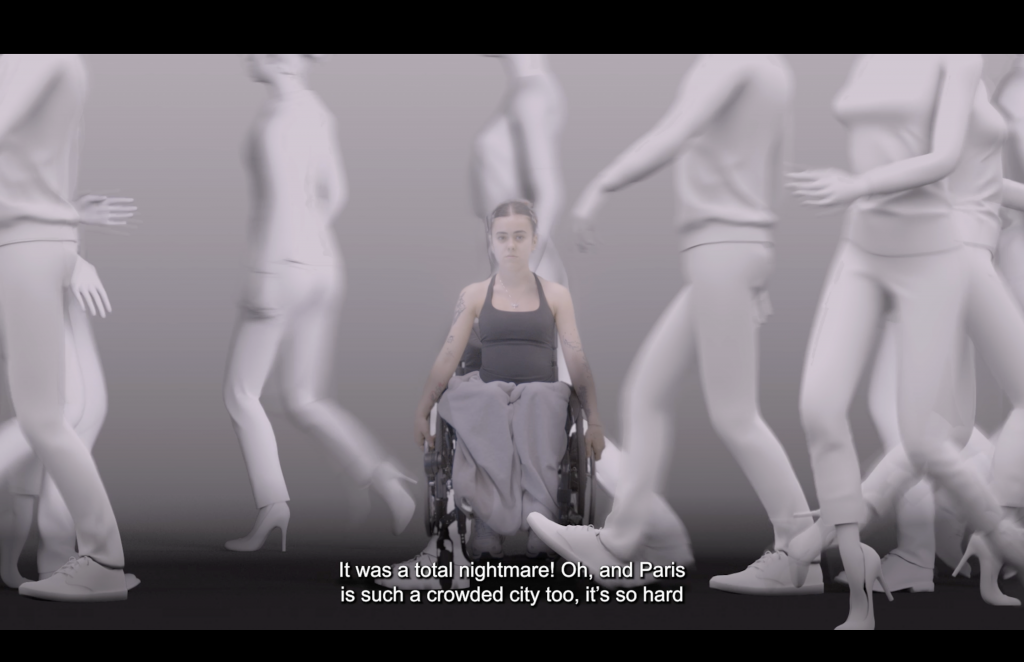
As each new situation is mentioned, the story leaves reality and enters a series of imagined scenarios. What begins as a discussion about Portugal transforms into a burning building, followed by increasingly difficult environments: an unstable staircase, a crowded public space, an inaccessible tube platform and an overgrown jungle. In each scenario, the protagonist is placed in a situation where her wheelchair makes navigating the environment increasingly difficult.
The film repeatedly moves between these imagined environments and the conversation between the friends, showing that although she is physically still sitting with them, her attention has shifted completely towards these thoughts. Towards the end, the story returns to reality and the conversation continues, while the protagonist remains noticeably affected by what has been going through her mind.
Below is our original storyboard and the script developed for the film.
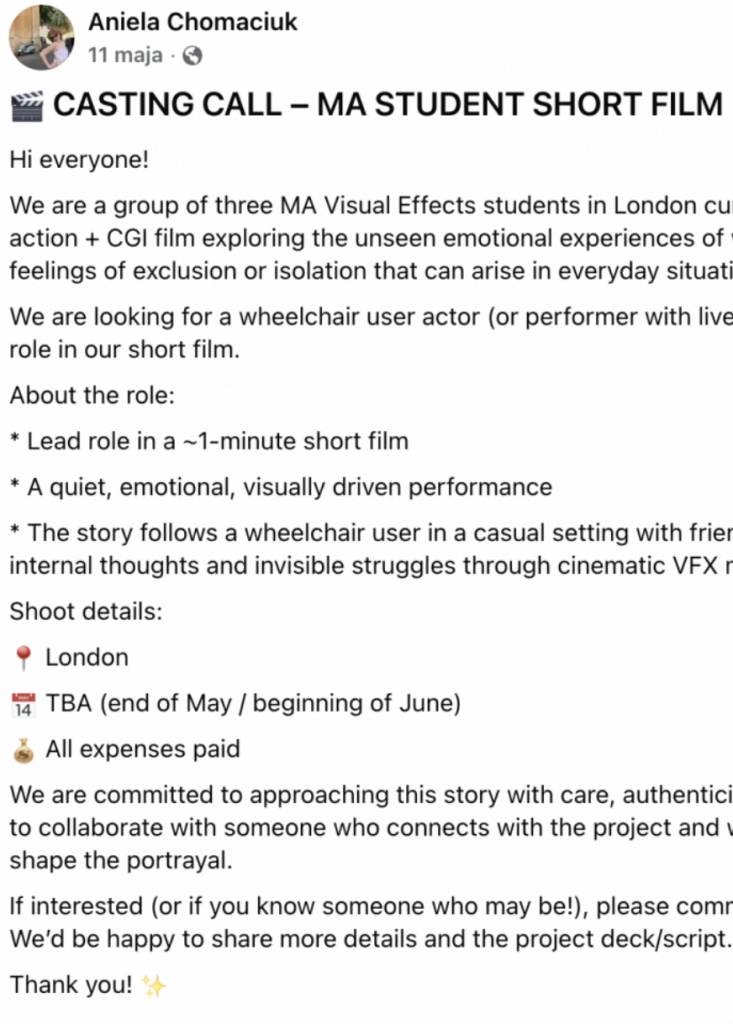
Because the story centred around the perspective of a wheelchair user, we felt it was important to cast someone who had lived experience rather than asking an actor to portray an experience they were unfamiliar with. This would also give us another opportunity to receive direct feedback and make sure we were approaching the subject respectfully.
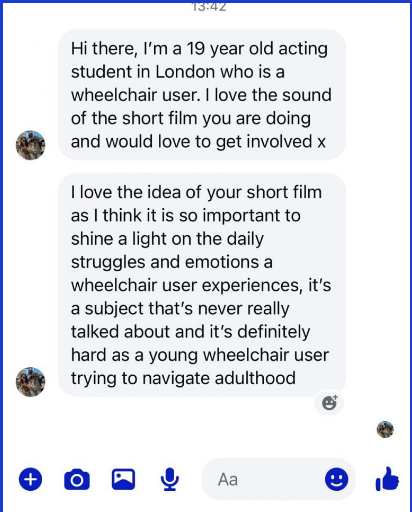
To find our lead actress, we created a casting call and shared it across multiple Facebook groups for actors, acting students and filmmakers based in London. Shortly afterwards, we were contacted by Talia, a 19-year-old acting student and wheelchair user who connected strongly with the concept and was interested in taking part. She also offered to involve three of her friends from acting school, which meant we were able to cast the full group of four friends needed for the live-action scenes. Our final cast consisted of Talia, Grazia, Emma and Eleanor.
Task Distributionand Project Timeline
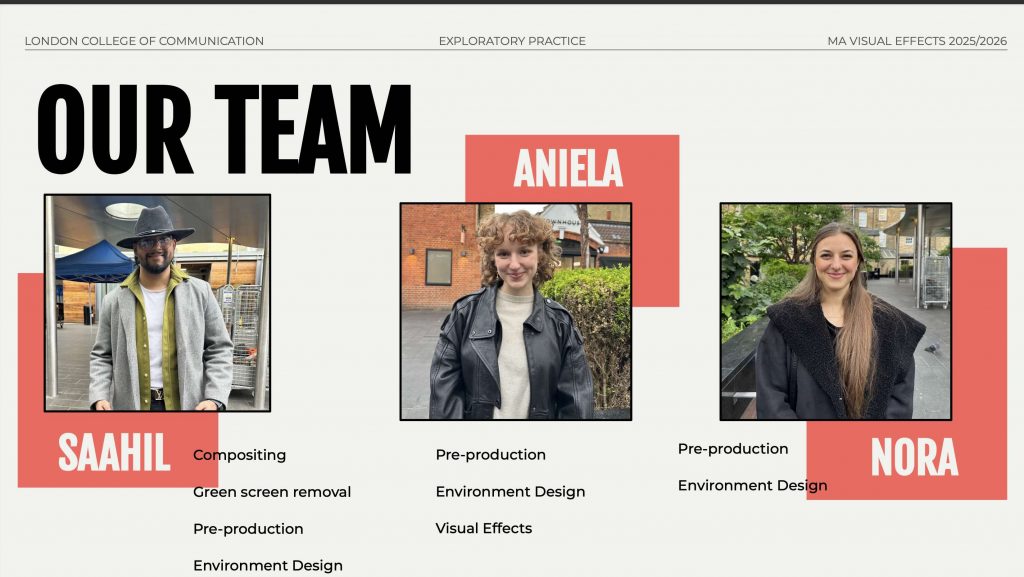
Our group consisted of three members: Aniela, Saahil and myself. While we worked together on the initial concept, research, pre-production and live-action filming, we divided the main VFX work between us so that each person was responsible for different environments and stages of the production.
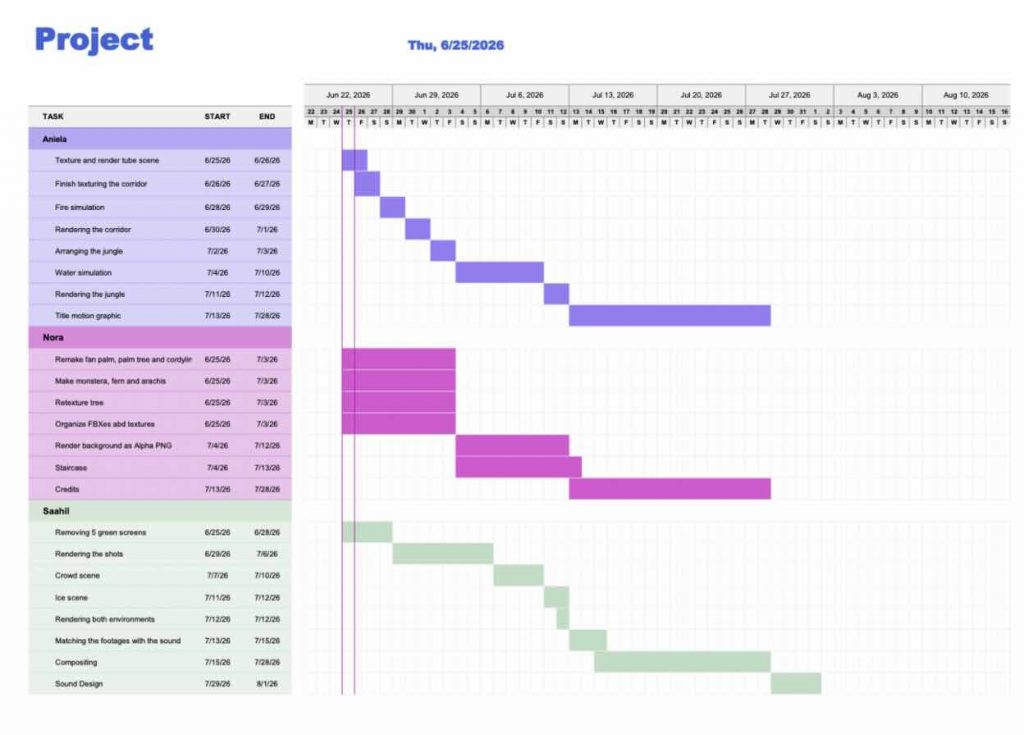
The tasks were divided based on our individual interests and the areas we wanted to develop further. Each of us took responsibility for specific CGI environments, while other tasks such as compositing, effects and sound were also distributed across the team. Since my main interest is environment art, I took responsibility for the Jungle and Staircase environments.
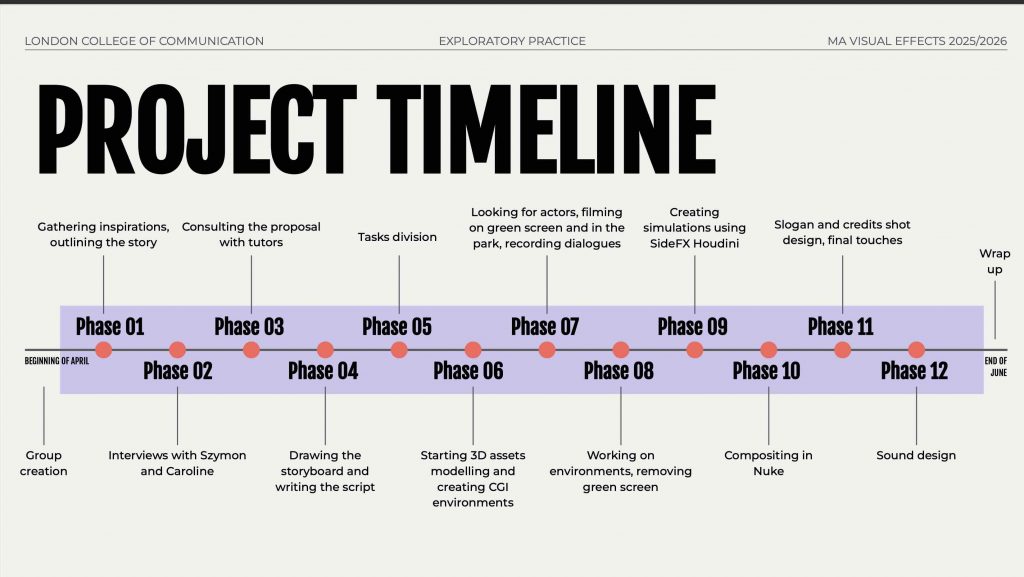
To keep the production organised, we created a shared project timeline outlining the main tasks, responsibilities and deadlines for each team member. This helped us keep track of the different parts of the project and coordinate our work towards the final film.
Concept and Look Development
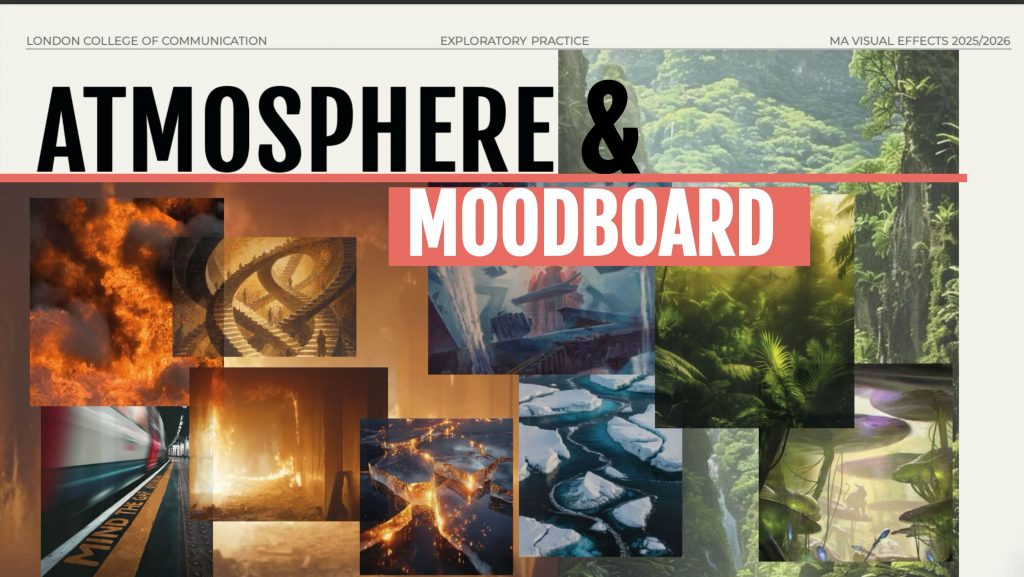
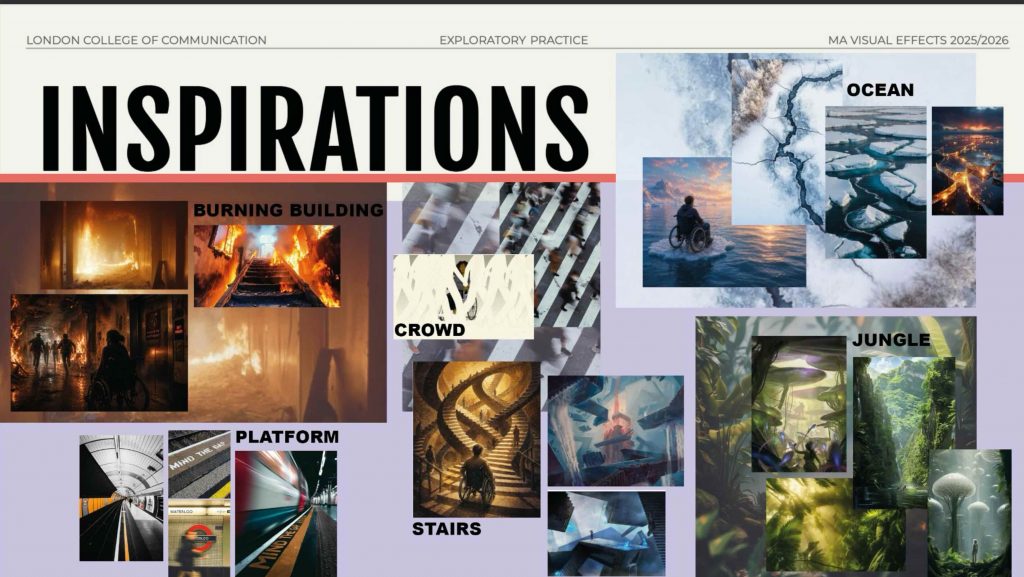
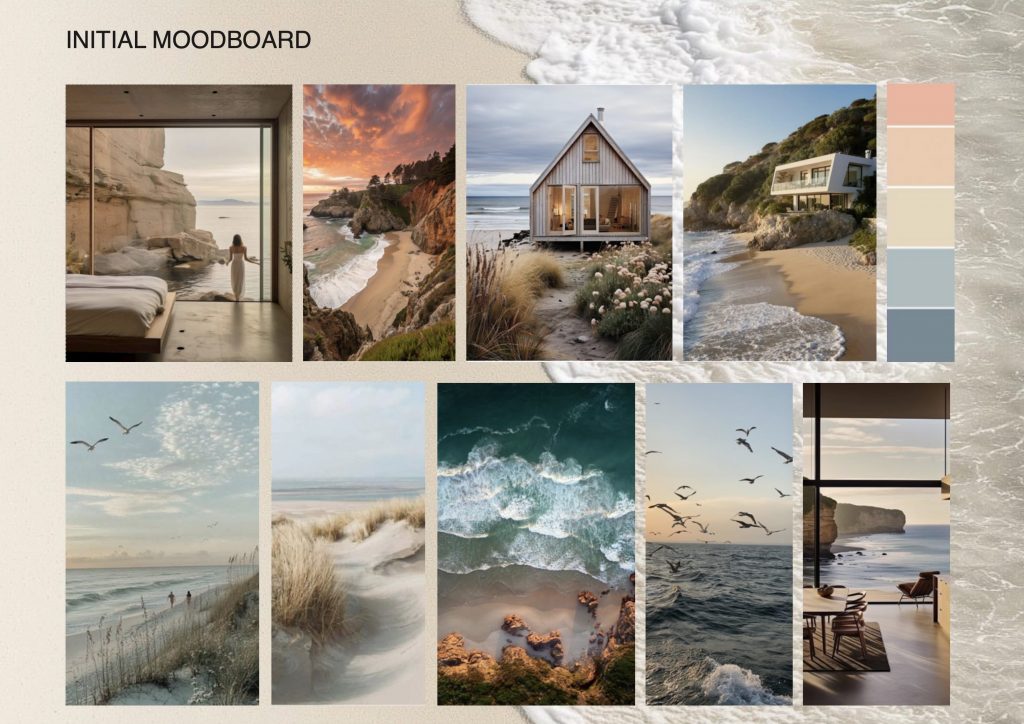
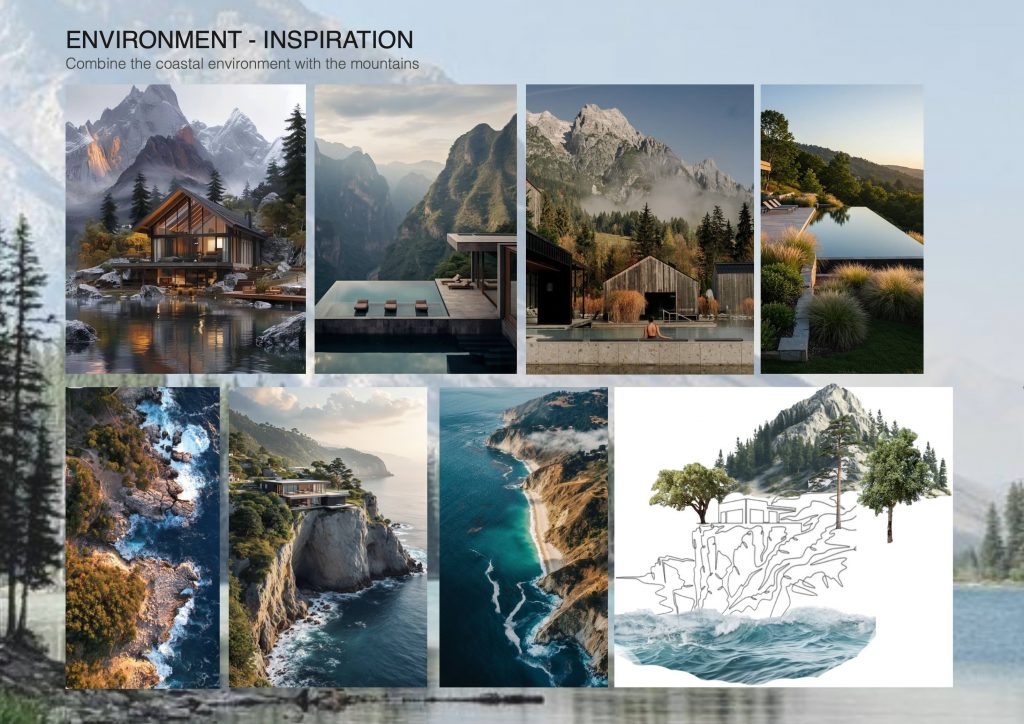
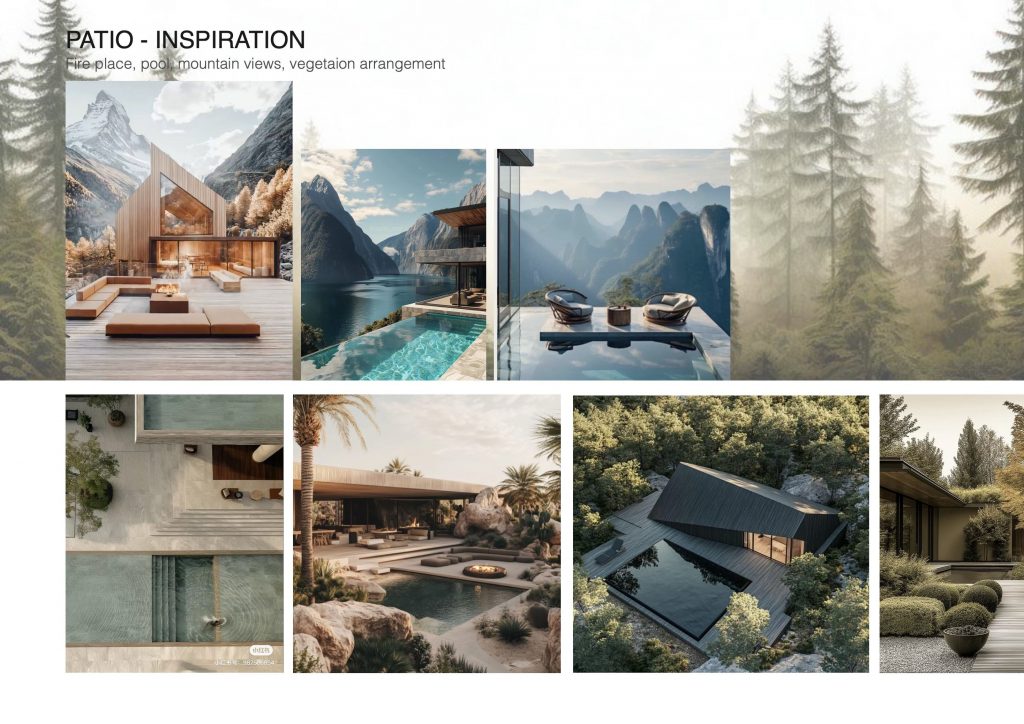
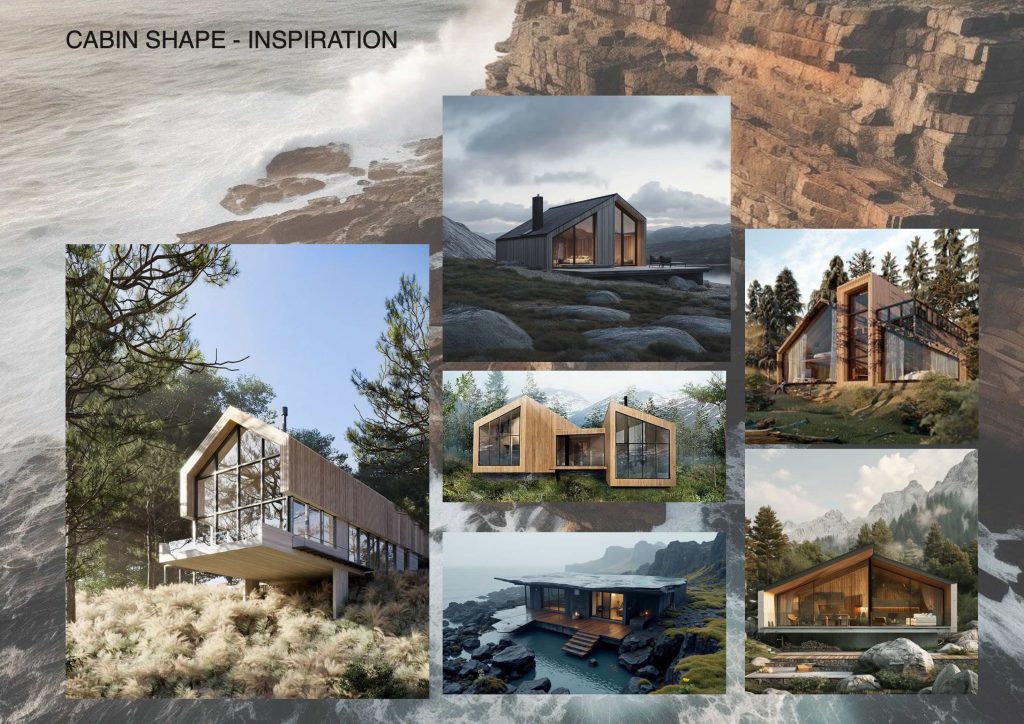
Before beginning production, we created moodboards and reference boards to establish the visual direction of the film. Because the story moves through several very different CGI environments, we wanted each scene to have its own recognisable atmosphere while still feeling like part of the same project.
We collected references for each environment, focusing on elements such as scale, lighting, colour, composition and overall mood. The environments were intentionally more dramatic and exaggerated than the real-world scenes, as they represent the protagonist’s thoughts and perception of the situations rather than completely realistic locations.
These references also gave us an initial visual target for the individual environments before we began developing them in 3D.
Screenshot
The Final Outcome –Project “Unseen”
Creating the Jungle
The focus of this project was to create a complete jungle environment from scratch. As I want to pursue a career as an Environment Artist for video games, I wanted to challenge myself to build an environment without using any pre-made assets. Having never created foliage or a full natural environment before, this was a completely new process for me.
Every plant, leaf and environmental element was created by me, allowing me to develop my skills in foliage creation, organic modelling, texturing and environment building.
Reference Sheet
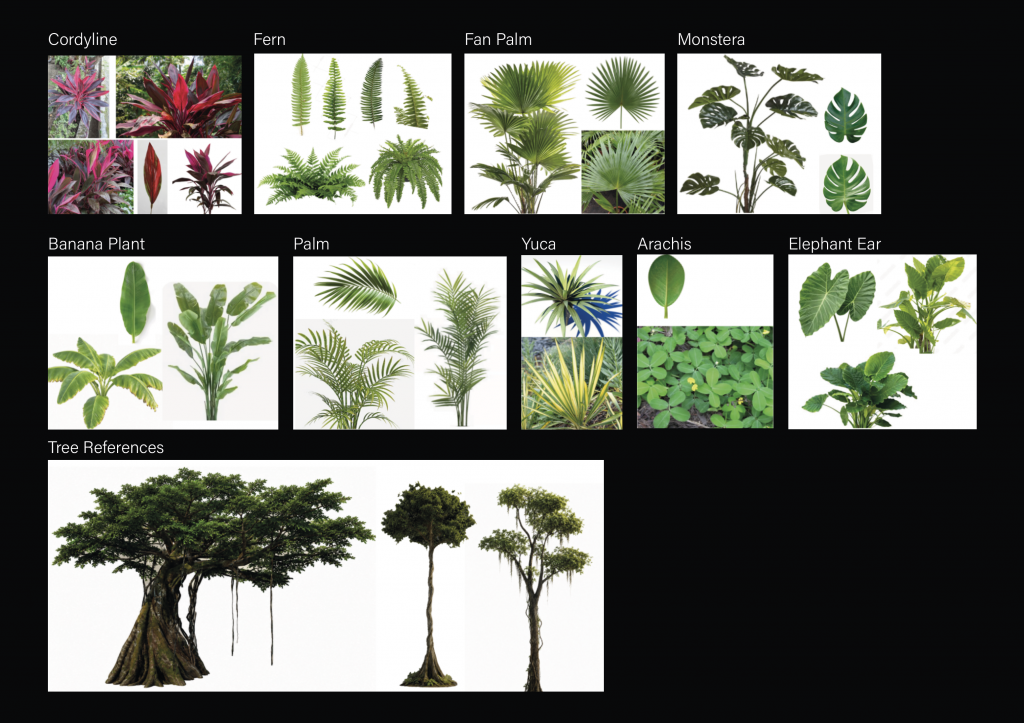
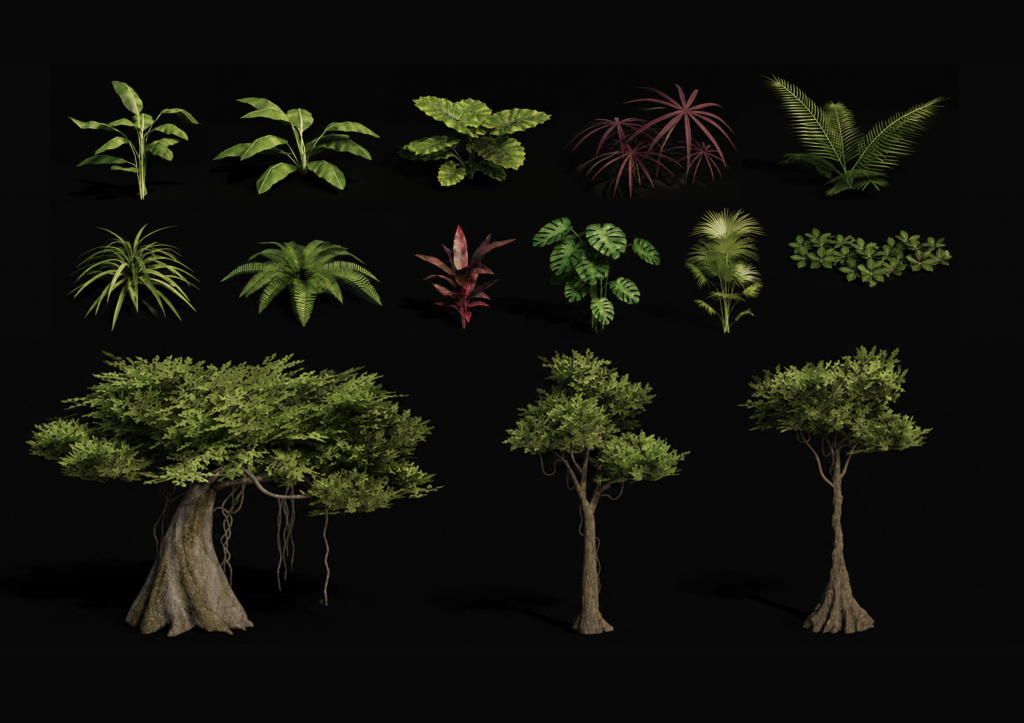
Before beginning the modelling process, I created a reference sheet for the vegetation I wanted to build. I selected plants with different shapes, sizes and leaf structures to create enough variation for a dense and believable jungle.
These references became a visual guide for modelling each plant individually and helped me understand how different types of vegetation could later be layered together within the environment.
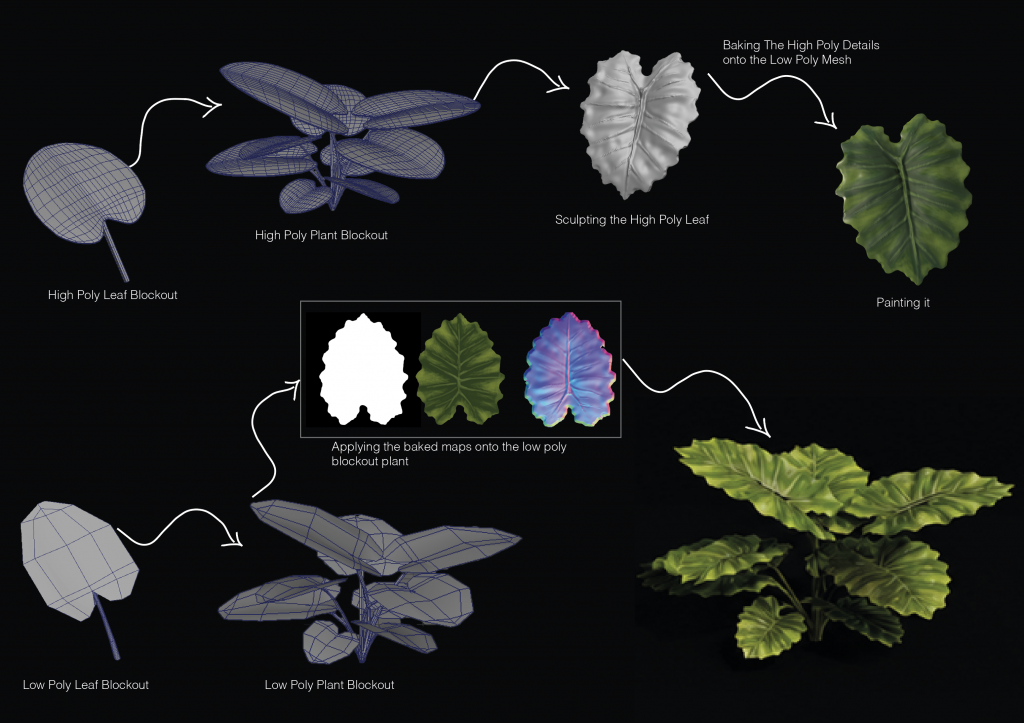
Elephant Ear
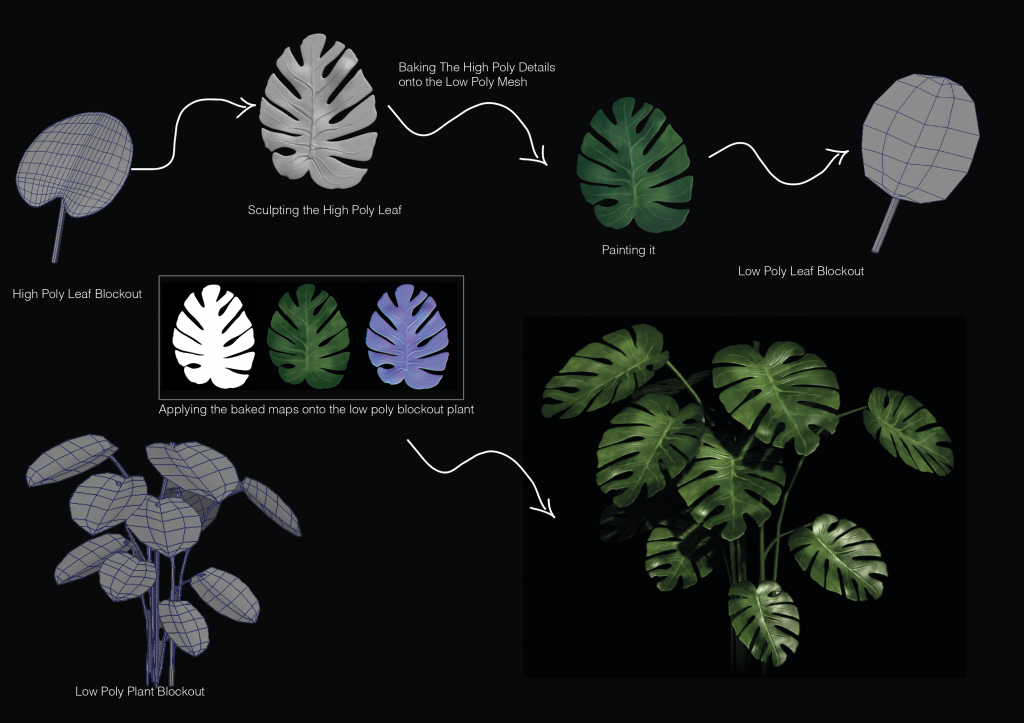
I began the Elephant Ear plant by creating a high-poly leaf blockout in Maya, followed by the full plant structure. I then brought the leaf model into ZBrush, where I significantly developed the shape and sculpted the high-poly details of the leaves.
The details were baked onto a flat low-poly plane in Substance Painter, where I also hand-painted and textured the leaf. I then built the final low-poly plant in Maya, imported it into Unreal Engine, and connected and applied the texture maps.
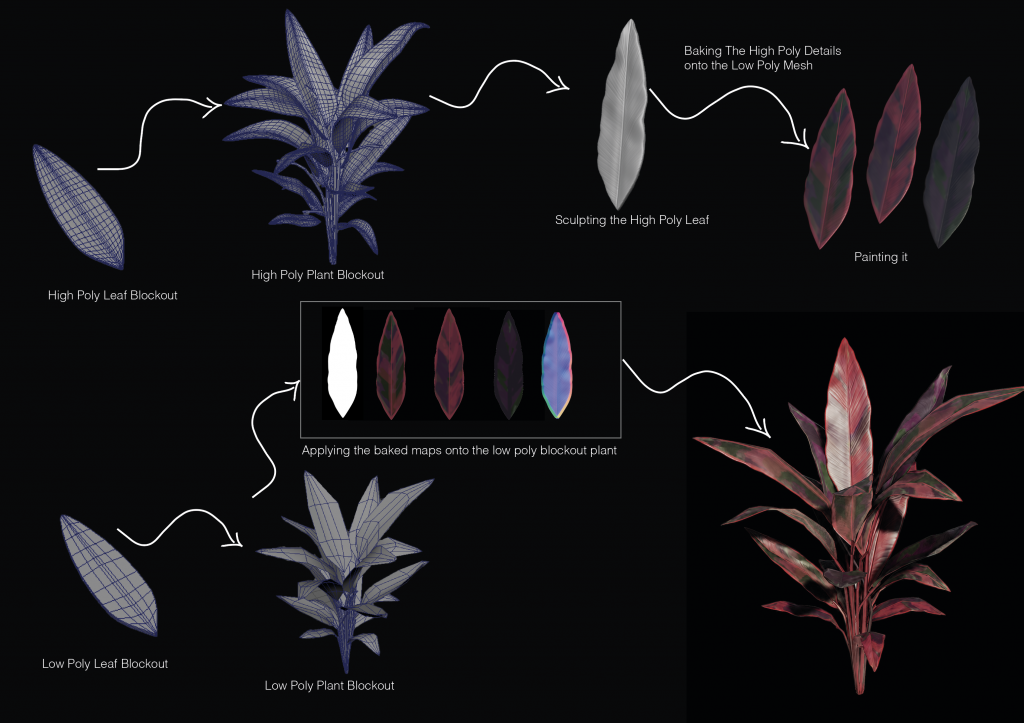
Cordyline
I followed a similar process for the Cordyline plant, beginning with a high-poly leaf blockout in Maya before developing the shape and sculpting the details in ZBrush. The high-poly details were baked onto a low-poly plane in Substance Painter, where I hand-painted and textured the leaves. I created three different colour variations to introduce natural variation and avoid the plant looking repetitive or unrealistic. I then built the low-poly plant in Maya, imported it into Unreal Engine, and connected and applied the texture maps.
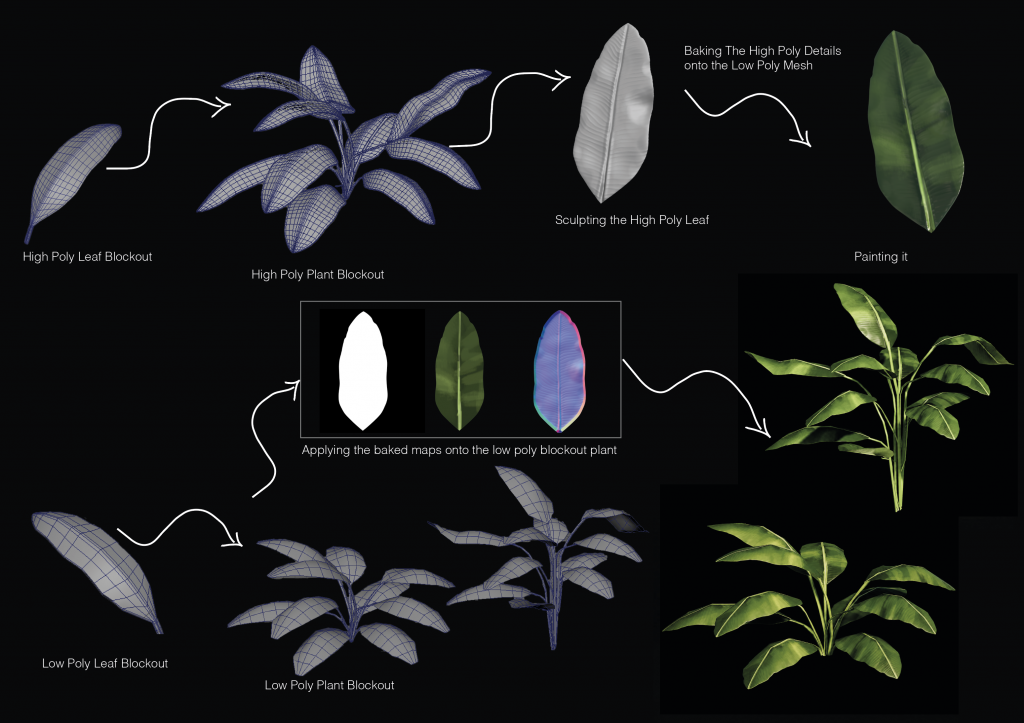
Banana Plant
For the Banana plant, I followed the same high-poly to low-poly workflow established with the previous foliage. In ZBrush, I focused on sculpting the characteristic line details of the banana leaf before baking and hand-painting it in Substance Painter.
Using the finished leaf, I created two different plant variations with different structures and leaf arrangements to provide more variety when using the assets in Unreal Engine.
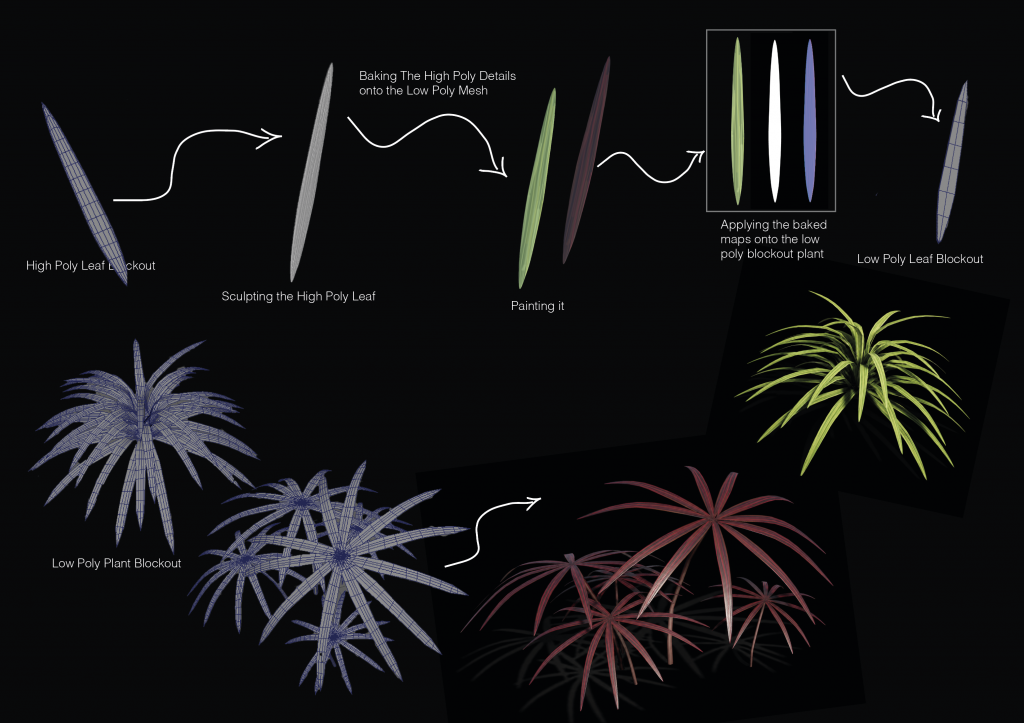
Yuca Plant
For the Yucca plant, I followed the same high-poly to low-poly workflow, sculpting and hand-painting a single leaf before baking the details onto the low-poly version.
Using the same finished leaf, I created two different plant shapes by changing the overall structure and arrangement of the leaves. This allowed me to create more variety from a single foliage asset.
Monstera
The Monstera was more focused on capturing its distinctive leaf shape. I sculpted the characteristic splits and openings directly into the high-poly leaf in ZBrush, as these are the main features that make the plant immediately recognisable.
After creating the finished leaf, I used it to build the full plant, arranging the leaves at different heights and angles to recreate the natural structure of a Monstera.
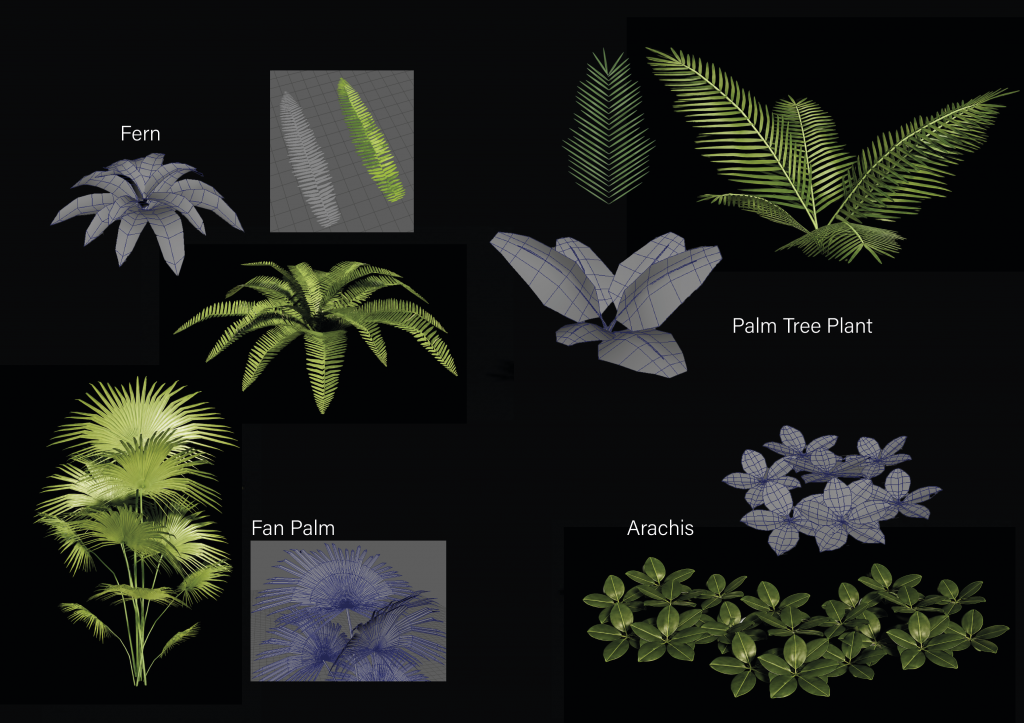
Fern, Palm Tree Plant, Fan Palm, Arachis
For the smaller foliage, I experimented with different ways of creating more complex leaf structures efficiently. For the Fern and Palm plants, I created individual leaf sections and arranged them to form the larger fronds before building the full plants.
The Fan Palm required a different structure, with the individual leaves arranged into the distinctive fan shape. For the Arachis, I created a small cluster of rounded leaves and repeated it in different positions to produce a dense ground-cover plant. These smaller assets were particularly useful for adding variation and density to the jungle vegetation.
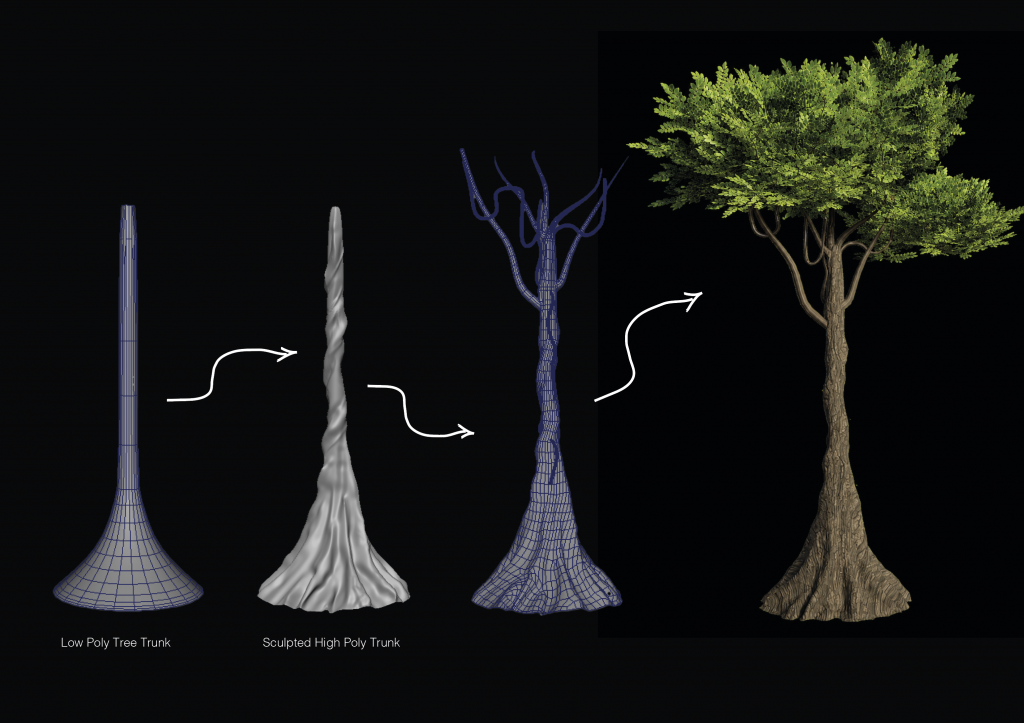
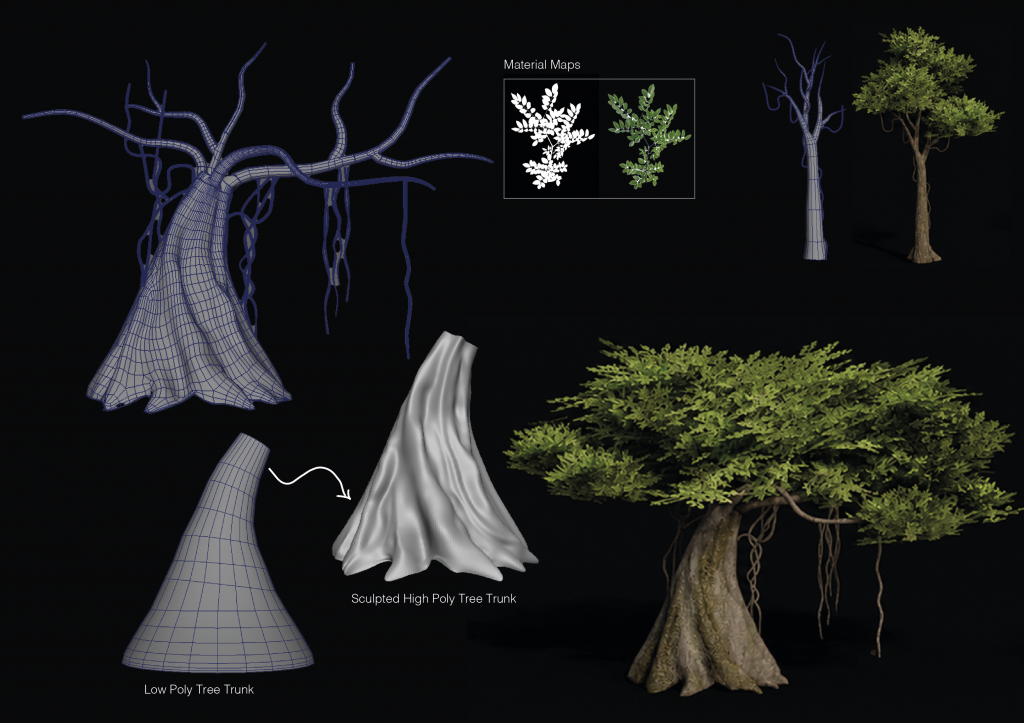
Rainforest Trees
For the tree, I first created the basic trunk shape in Maya and then sculpted the high-poly trunk in ZBrush, focusing on the irregular forms and surface texture of the bark. I then used ZRemesher in ZBrush to retopologise the sculpt and create the low-poly version. For the leaves, I used a reference image found online and created an alpha from it in Photoshop. I then used this to build clusters of foliage, which were arranged across the branches to create the tree canopy.
For the second tree, I wanted to create a larger and more organic silhouette. I developed a wider trunk with extended branches and hanging roots, sculpting the trunk in ZBrush before creating the low-poly version. I used the same leaf alpha created in Photoshop for the foliage, but arranged the leaf clusters differently to create a wider, denser canopy and a distinct tree variation.
The final result
Environment Assembly & Development
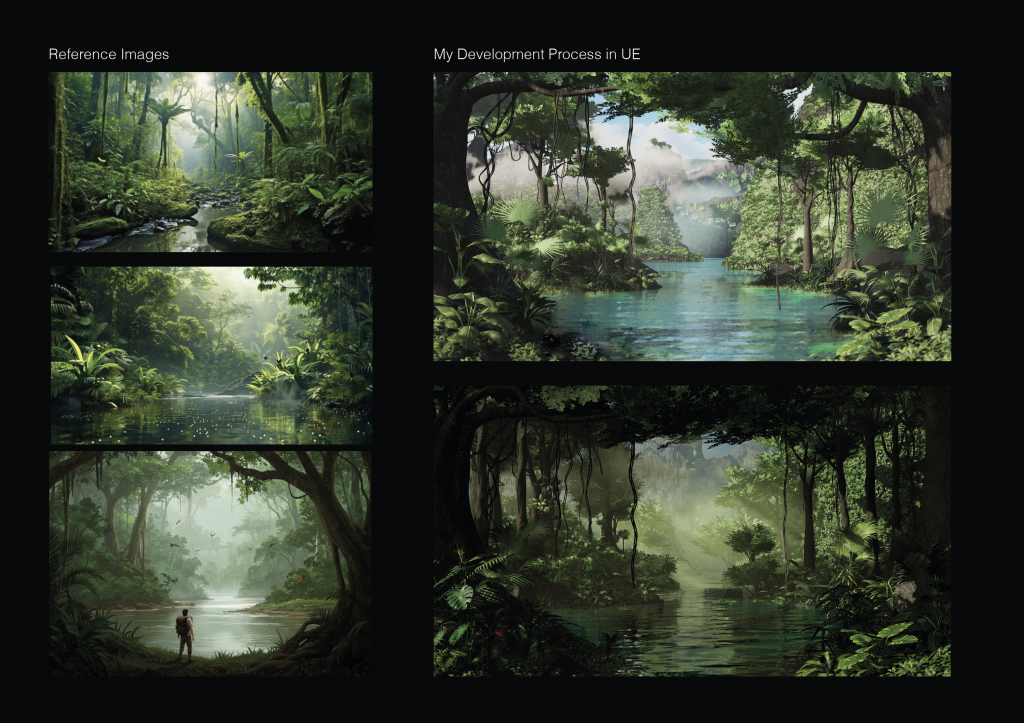
Using the reference images on the left, I began assembling the jungle environment with the foliage and trees I had created. My first version helped establish the overall composition, but the water colour and lighting did not match the atmosphere I wanted, and the lack of fog made the environment feel flat and reduced the sense of depth.
I continued developing the scene by adjusting the lighting and water colour and introducing atmospheric fog. These changes created stronger depth between the foreground and background and brought the final environment much closer to the mood of my original references.
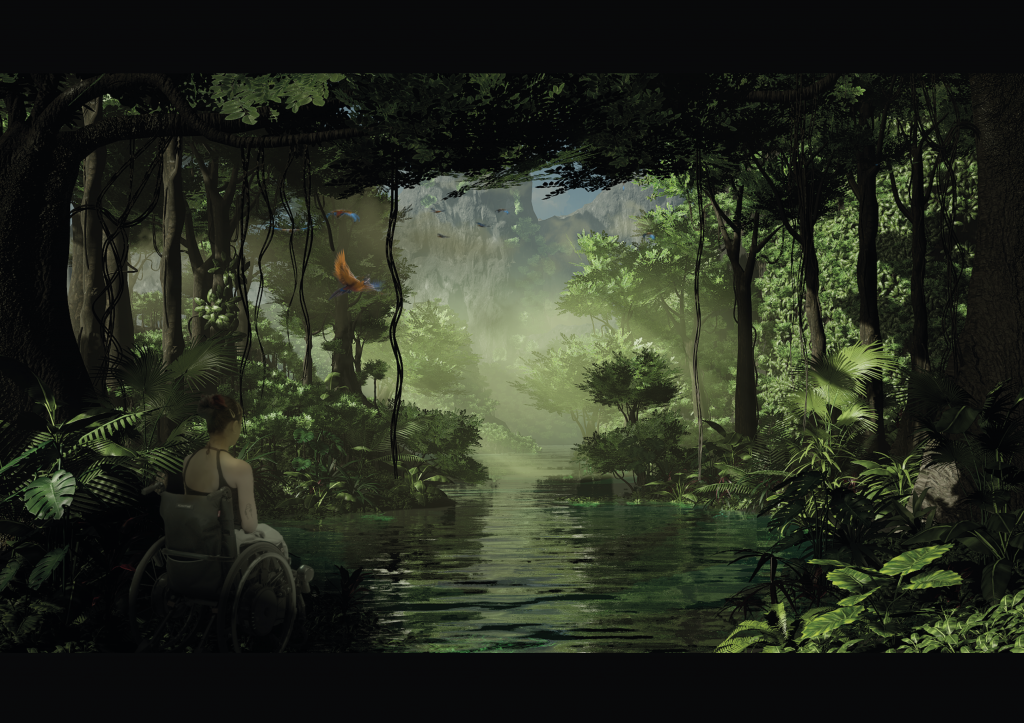
Final Jungle – Live-Action Compositing
For the final shot, I composited the live-action footage into the completed jungle environment and adjusted the colour grading to better match the lighting of the scene. I also added birds to bring subtle movement and life into the environment.
Breakdown Video – Making of the Jungle
Creating the Staircase Environment
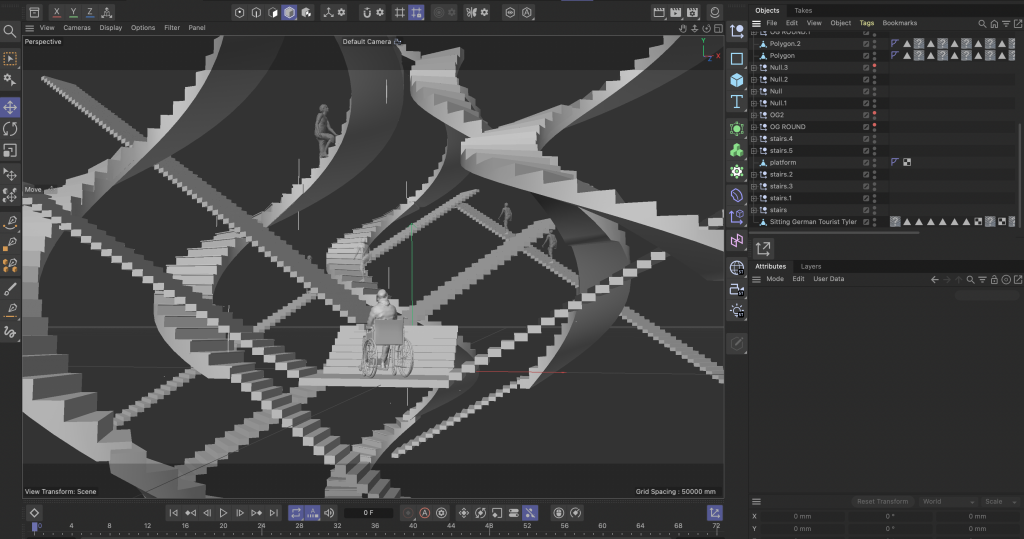
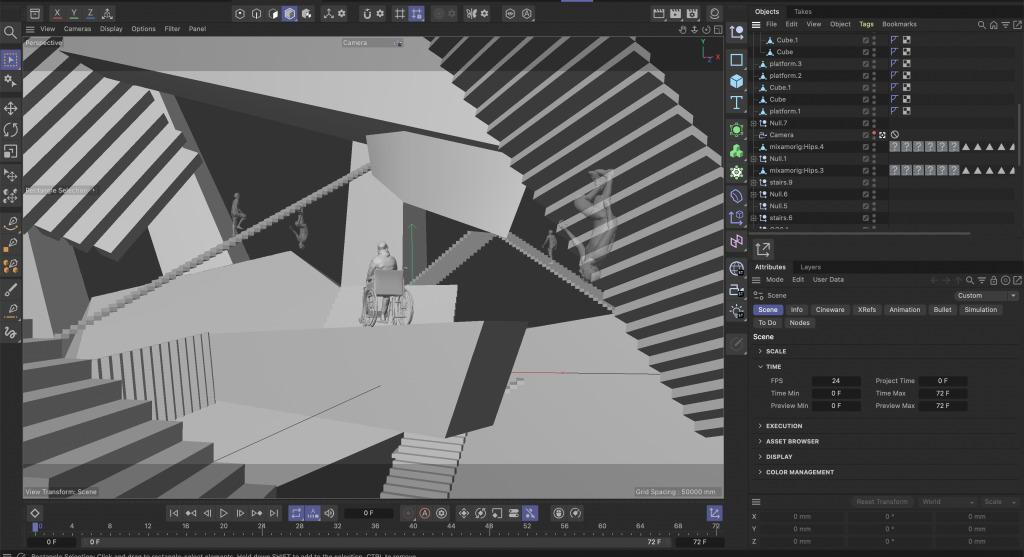
For the Staircase environment, I created the entire structure in Cinema 4D before importing it into Unreal Engine, where I developed the lighting and rendered the final shots. The concept was based around an overwhelming and impossible architectural space, using repeated staircases to exaggerate the difficulty of navigating an environment that has not been designed with accessibility in mind.
I explored two different iterations of the environment. The first used circular and curved forms, while the second used rectangular forms and straight staircases. I decided to continue with the second iteration as its simpler geometry created a more abstract and surreal environment, which worked better with the visual direction of the project.
Breakdown Video – Making of the Staircase Environment
Live Action Shooting
The live-action sequence was filmed collaboratively by all three of us: Aniela Chomaciuk, Saahil Sathe and myself, using my flat as the filming location. We found our cast through a Facebook group, and all of the performers were university acting students. Importantly, our lead actress is also a wheelchair user, which was particularly meaningful given the subject of the project and the experiences we wanted to represent.
We worked together on set to capture the conversation between the characters, which provides the foundation for the film before transitioning into the different VFX environments and visualising the accessibility challenges being discussed.
Green Screen Shooting
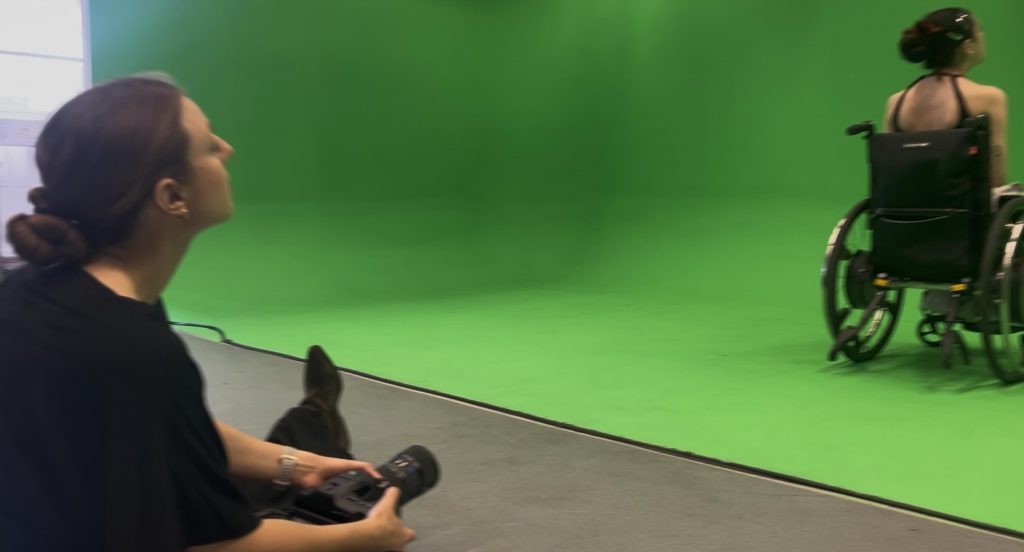
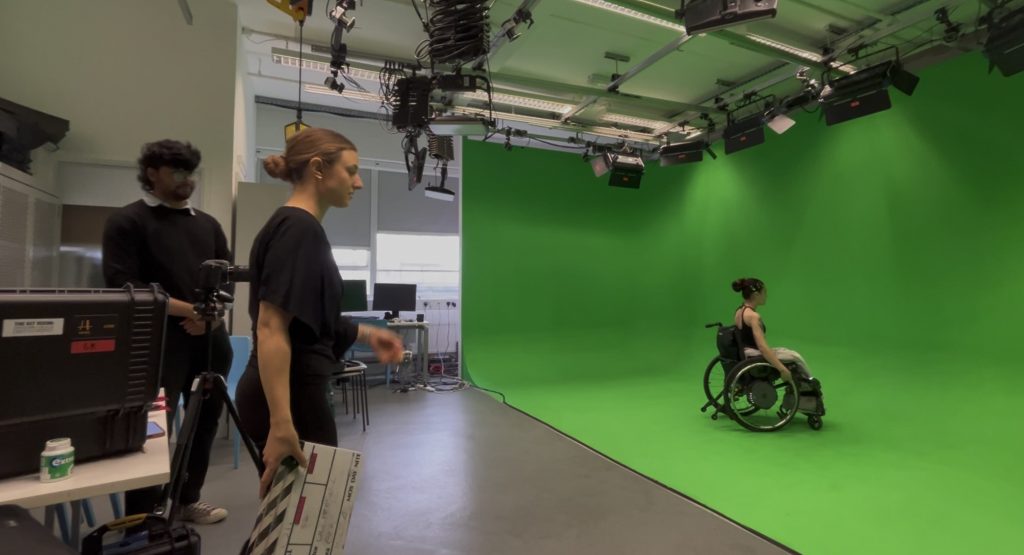
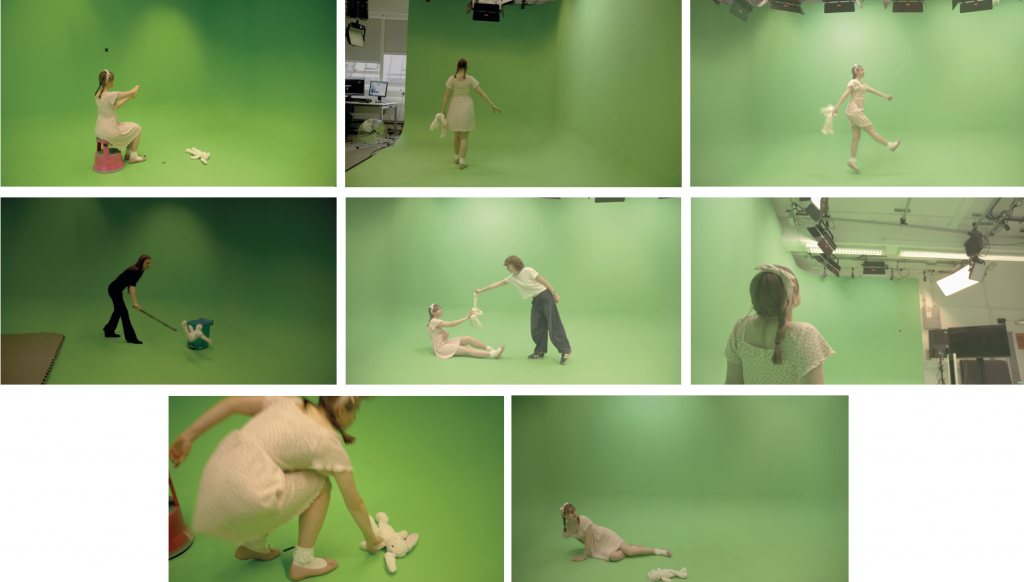
For the green screen shoot, we filmed the main character performing the movements needed for each of the different environments. We captured multiple takes and angles to make sure we had enough footage to work with during compositing. Filming in the green screen studio allowed us to later place her into each of our CG environments.
The rest of the Environments
Alongside my Jungle and Staircase scenes, the remaining environments were divided between Aniela and Saahil. Aniela created the Fire Hallway and Tube Platform environments, including modelling, texturing, environment design and the procedural fire effects.
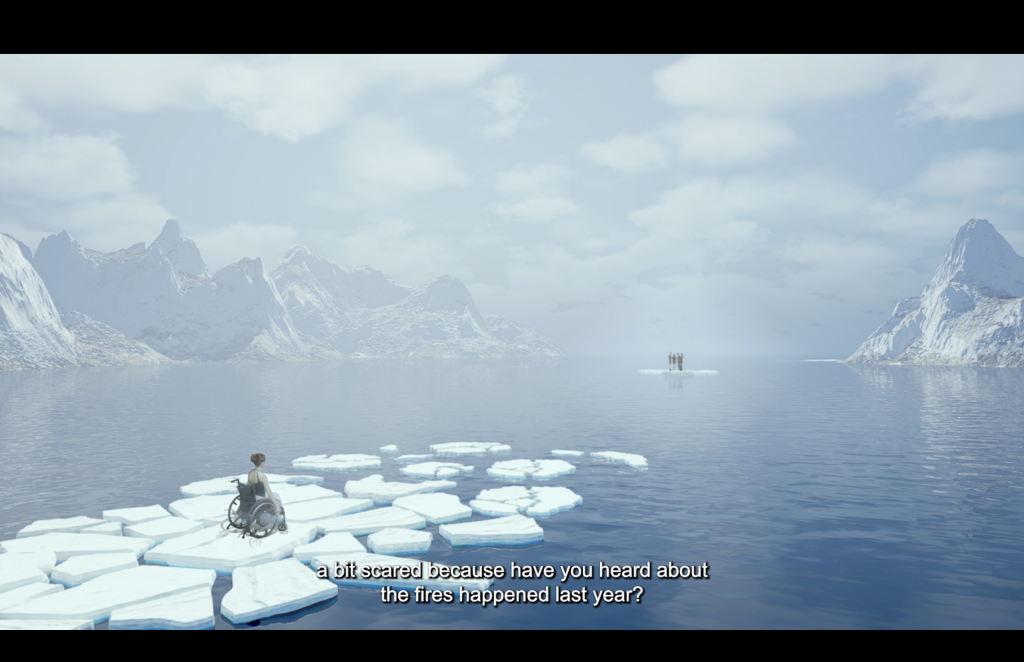
Saahil created the Ocean environment and assembled the Crowd scene, including the character animation integration. He was also responsible for the green-screen removal and compositing of the live-action footage with the CG environments.
Dividing the scenes between us allowed each person to take ownership of different parts of the project while maintaining the same overall concept and message.
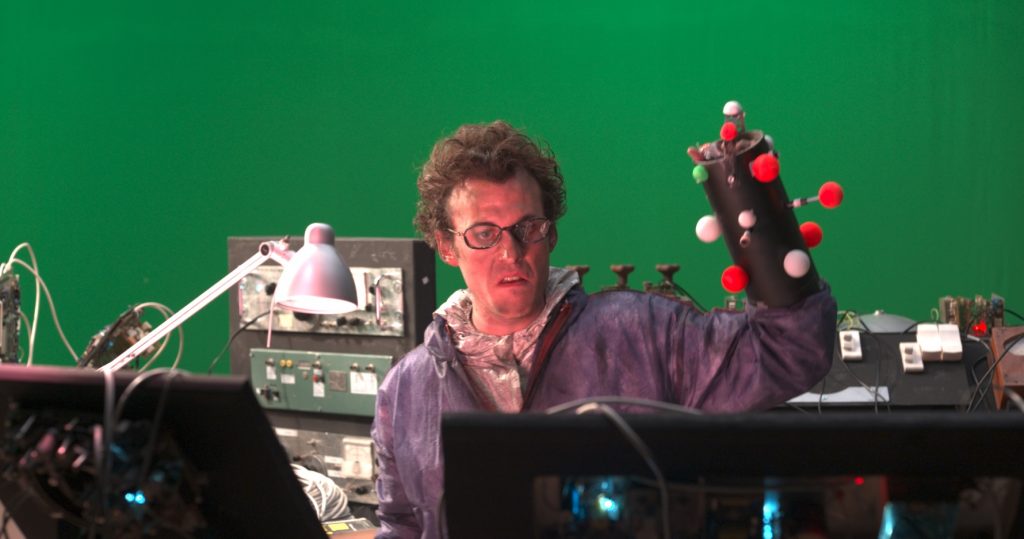
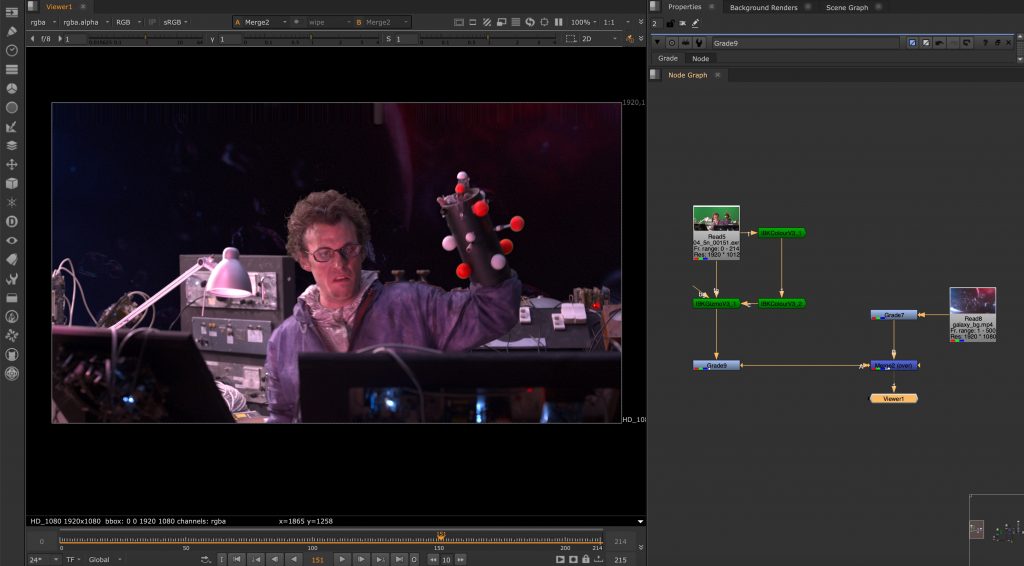
For our homework in Nuke, we worked on a green screen compositing exercise. The task involved removing the green screen background from footage of a person filmed in a lab environment and replacing it with a different background.
During the process, we experimented with different keying techniques, including IBK and other keyers, to achieve a cleaner separation between the subject and the background. This helped us understand how important lighting, color balance, and edge details are when creating a believable composite.
The exercise showed how compositing is not just about removing a background, but also about blending elements together so the final image feels natural and visually consistent.
Green screen removal task 2:
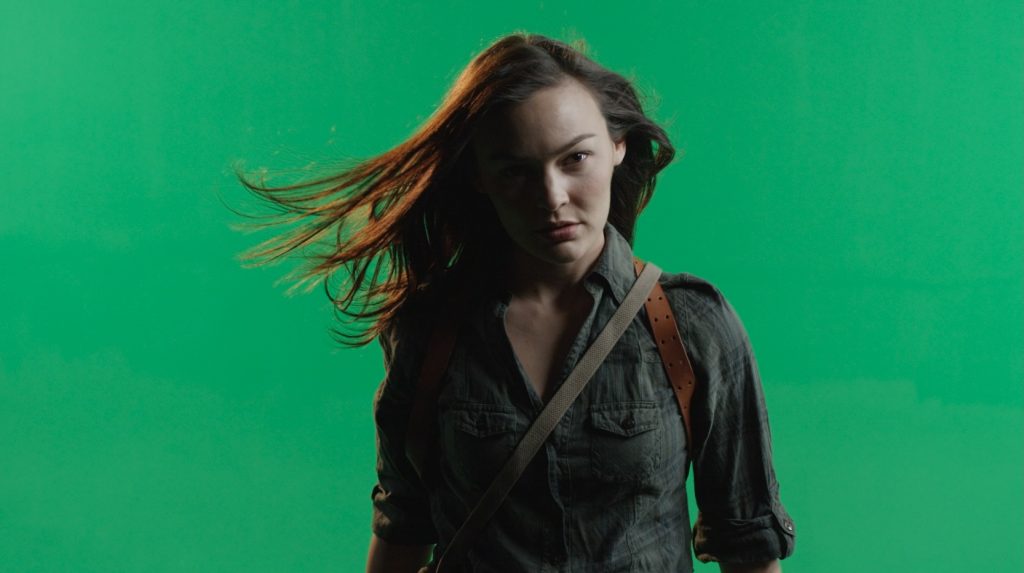
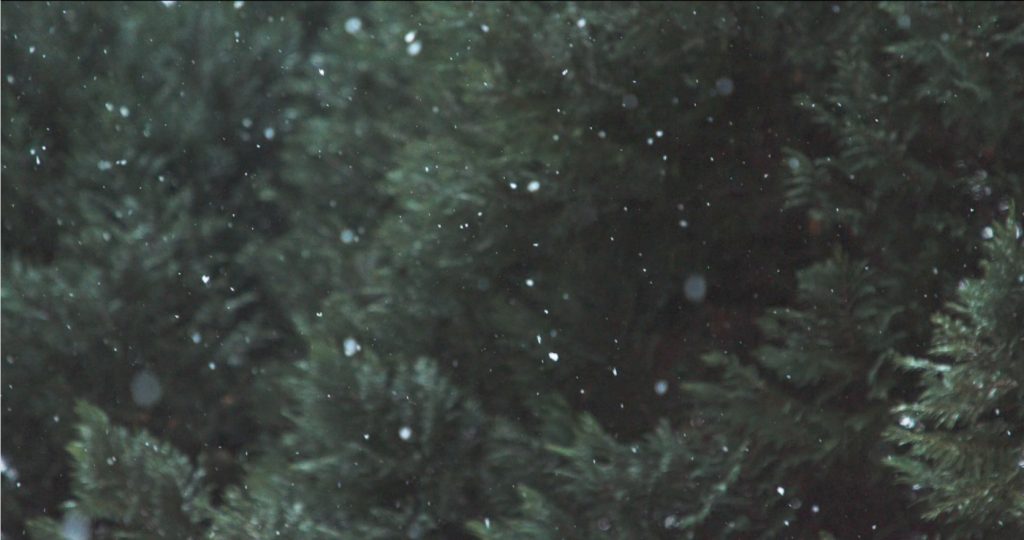
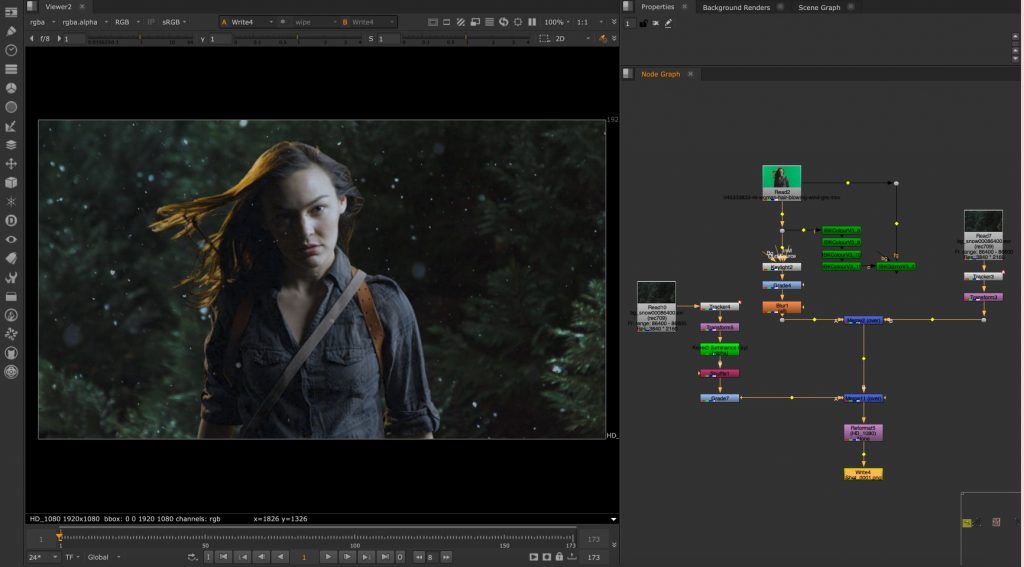
For the second homework in Nuke, we worked on a more advanced green screen compositing exercise. The footage showed a woman with long hair moving in the wind while snow was falling around her.
This project was more complex than simply removing and replacing the background. Besides creating a clean key for the subject, we also had to separate the snow so that some particles appeared behind her and others in front of her. This helped create a stronger sense of depth and made the final composition feel more realistic and immersive.
The movement of the hair and the overlapping snow made the keying process more difficult, since fine details and transparency had to be preserved carefully. Through this exercise, we explored more advanced compositing techniques and gained a better understanding of how layered visual effects are built.
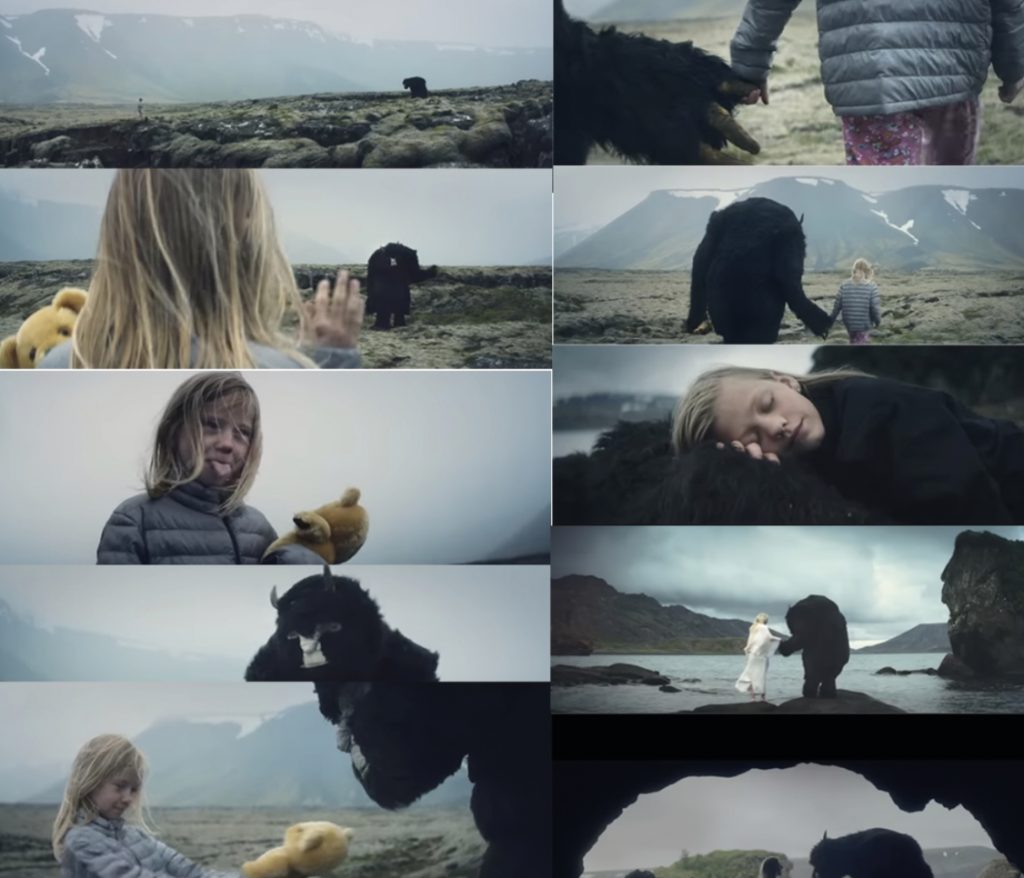
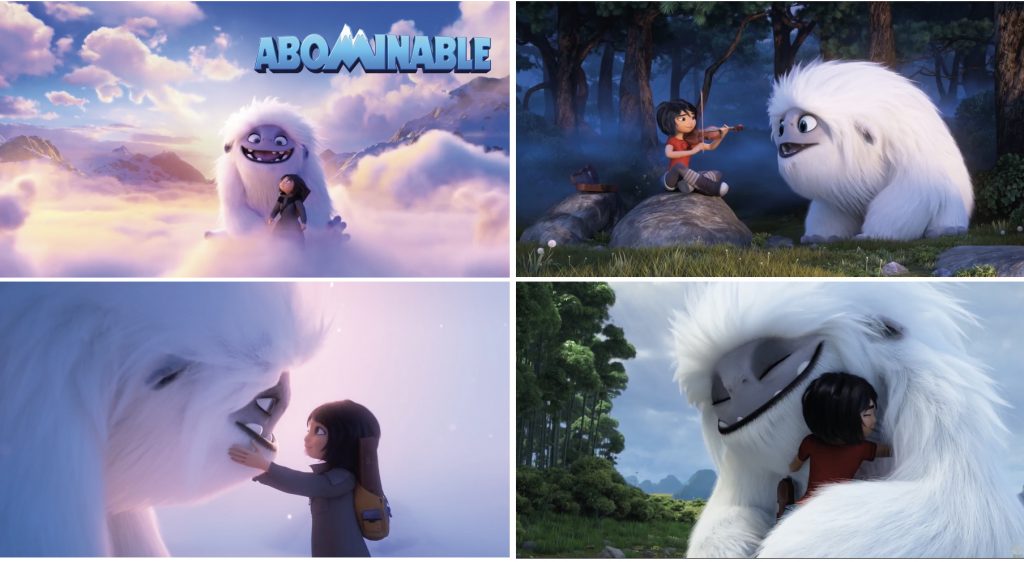
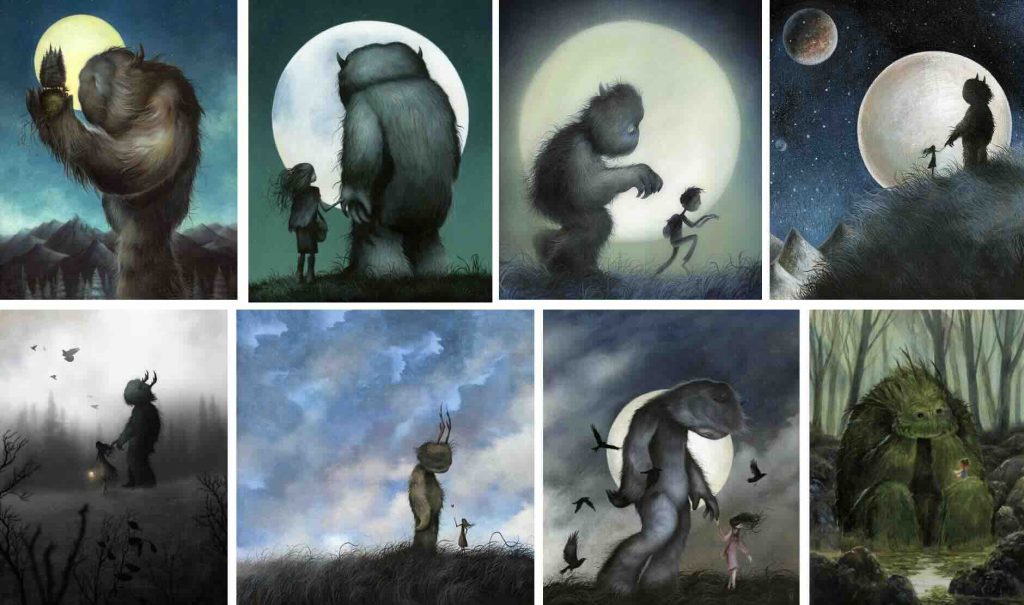
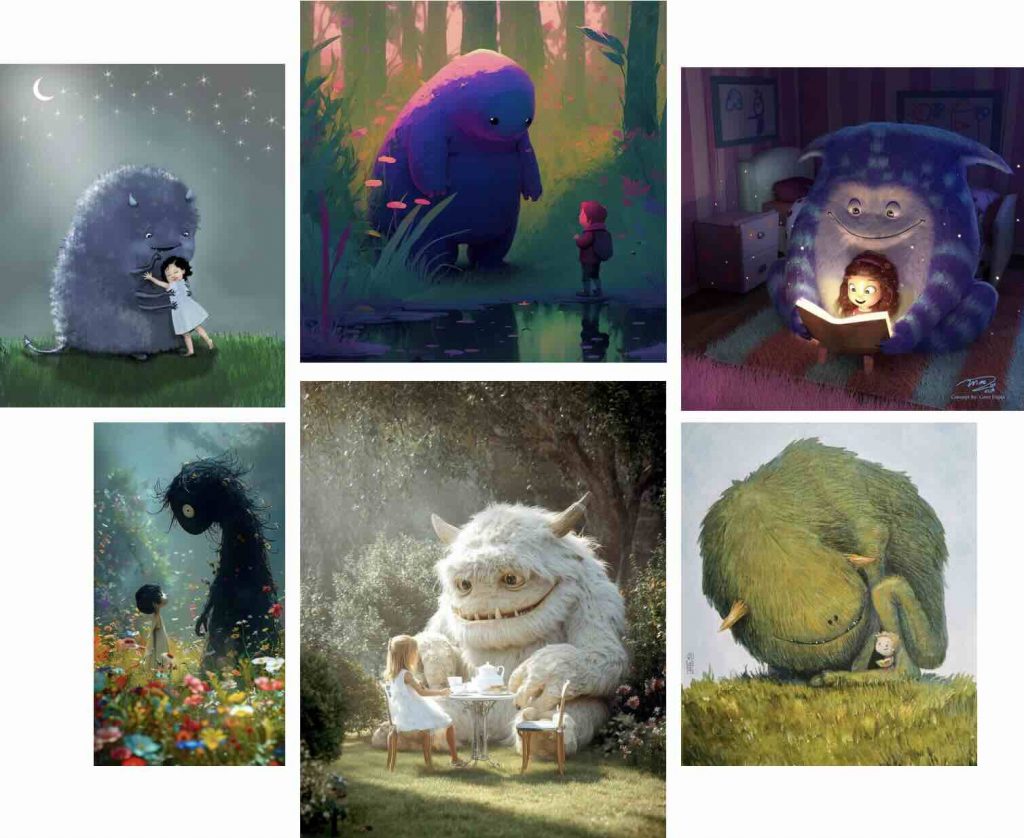
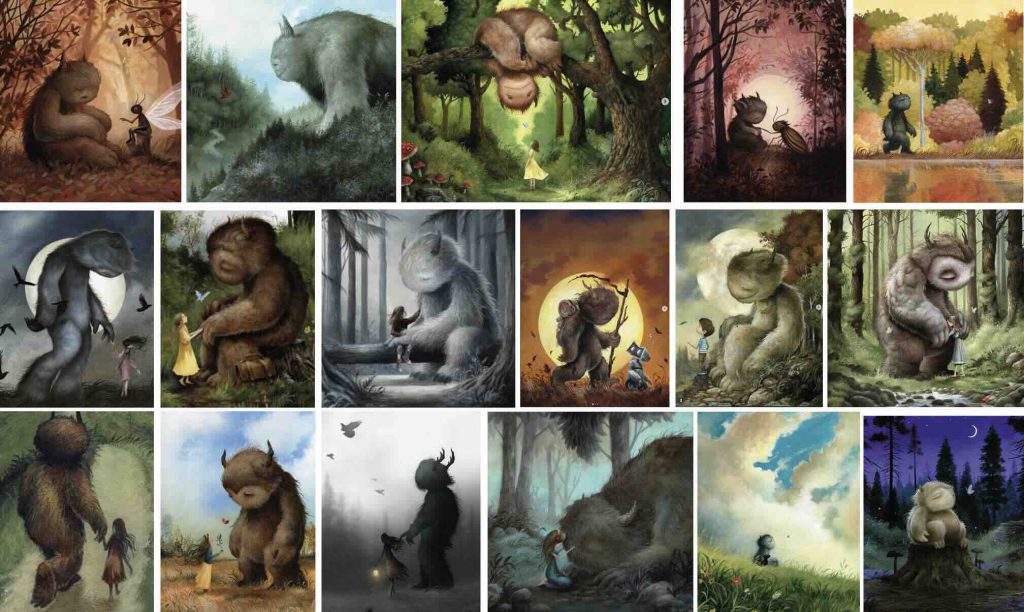
For my exploratory individual project, I began by researching visual references and narrative ideas that focused on the relationship between humans and creatures. I was particularly inspired by a music video by Zara Larsson that explored the connection between a girl and a monster as they gradually became friends. I was also heavily influenced by the animated film Abominable, which tells the story of a friendship between a young girl and a yeti. The emotional connection between the characters and the visual style of the film strongly inspired the direction of my project.
VisualResearch:
To develop my ideas further, I researched references on platforms such as Pinterest and Instagram, focusing on creature designs, fantasy environments, and the relationship between monsters and their human companions. During this research process, I discovered an Instagram artist whose work particularly inspired me visually and helped influence the atmosphere and aesthetic direction of the project.
Concept Art:
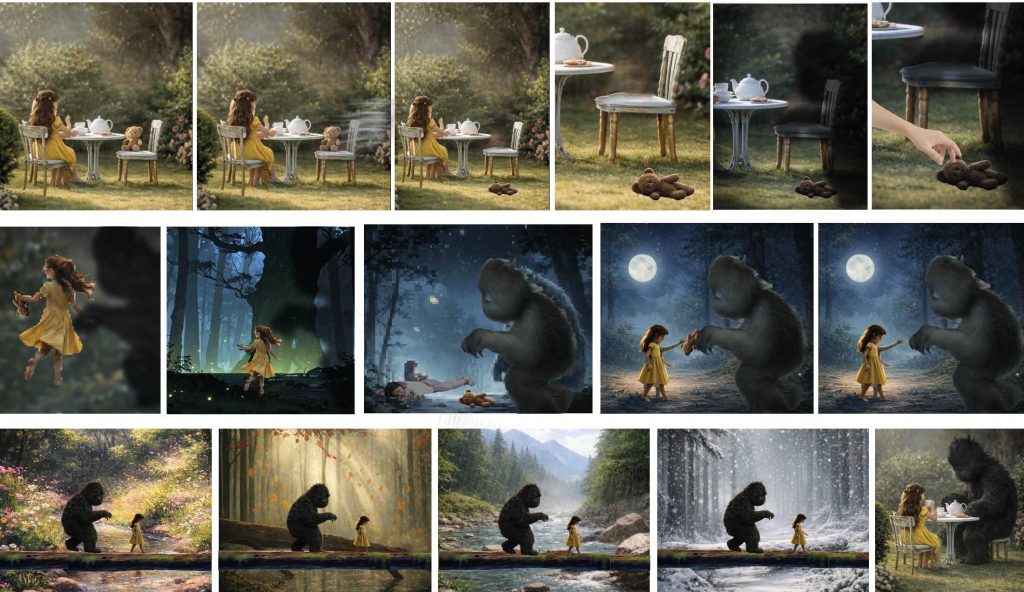
After researching monster imagery and creature–human relationships, I began generating AI images to help develop the visual direction of the project. Instead of creating traditional sketches, I used AI-generated imagery to build a storyboard showing interactions between a young girl and a monster. This process helped me visualise the environments, colour palettes, lighting, and overall mood much more clearly. Using AI-generated concepts allowed me to quickly experiment with atmosphere and composition before deciding on a final storyboard direction.
Final Storyboard:
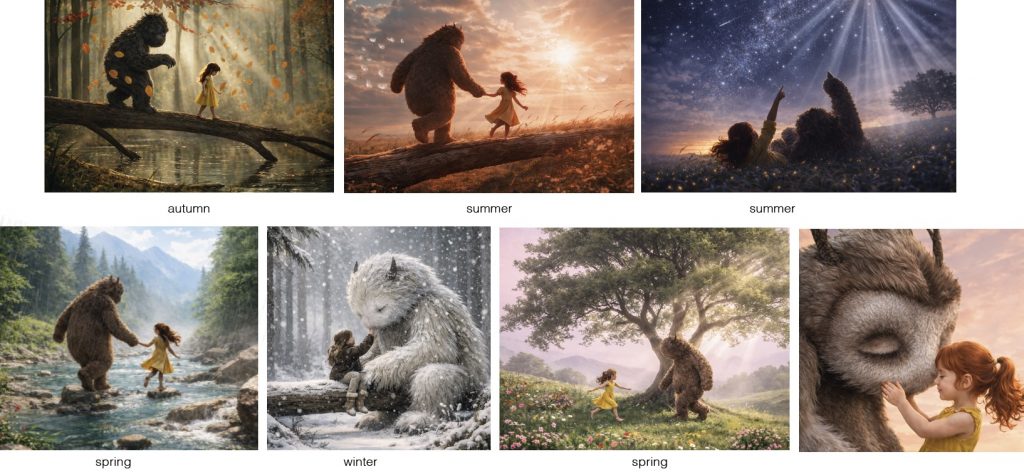
The final storyboard: a young girl is having tea in her garden with her teddy bear when the teddy bear falls to the ground. A large shadow appears, and the girl quickly reaches out to rescue the teddy bear before running away in fear. She runs into the woods, becoming increasingly panicked until she trips and falls. Believing the monster is going to hurt her, she instead discovers that the creature gently picks up her teddy bear and returns it to her. The storyboard then transitions into a sequence showing their friendship developing over time as the seasons change around them, highlighting the passage of time and the growing bond between the girl and the monster. The story ends by returning to the opening scene of the girl having tea in the garden, but this time the monster is sitting beside her, replacing the teddy bear and showing how their friendship has fully developed.
Environment Design:
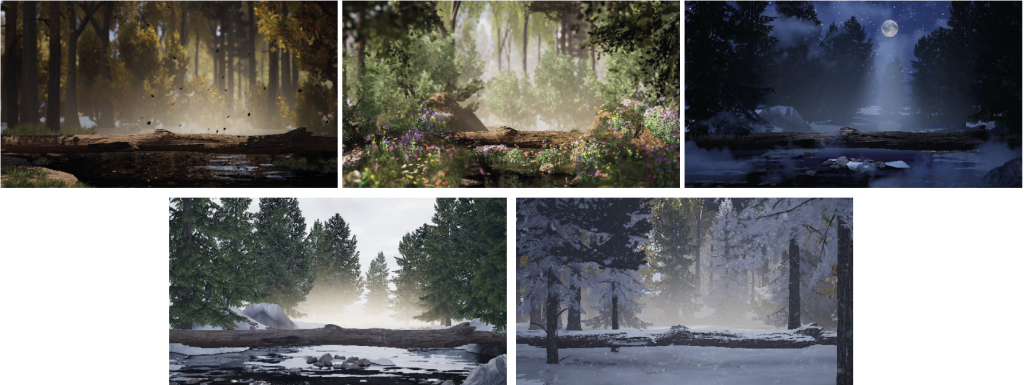
Once the storyboard was established, I moved into environment development in Unreal Engine. I created five different environments using Megascans assets and additional 3D models to explore possible locations and moods for the story.
Testing Scale and Composition:
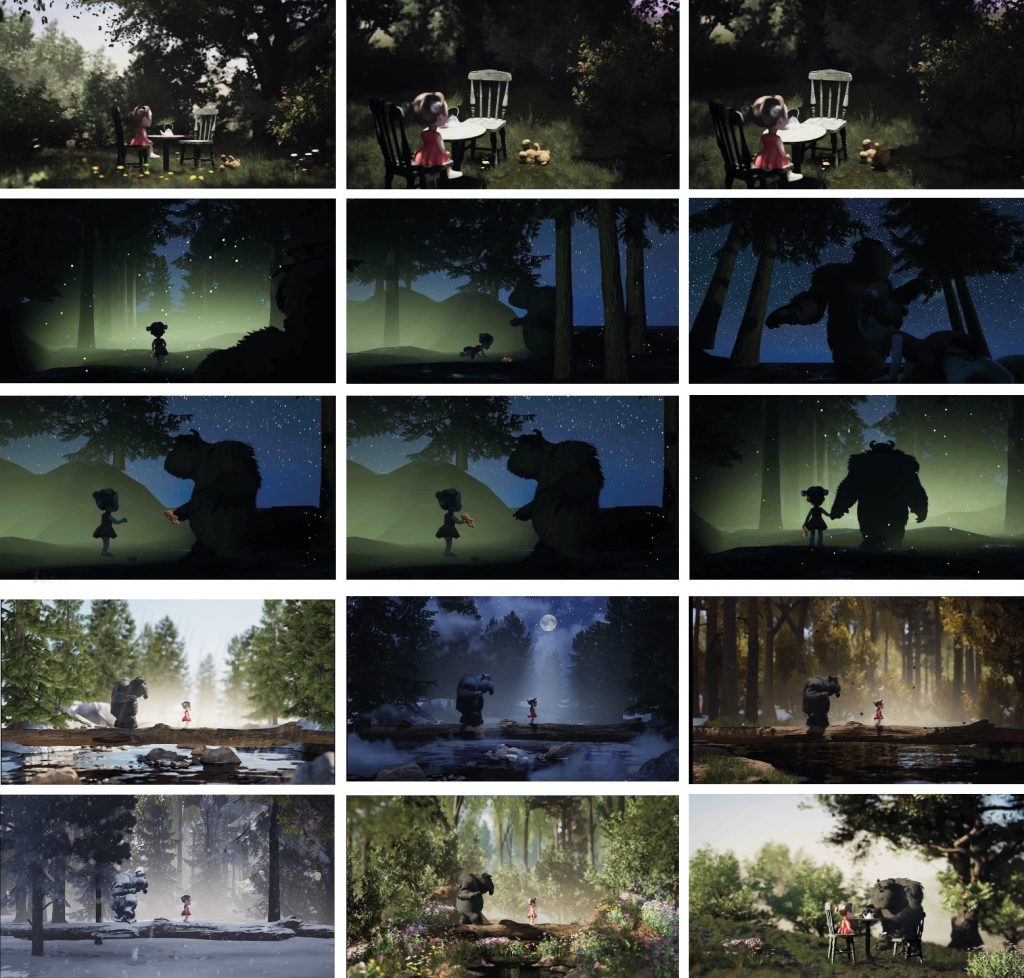
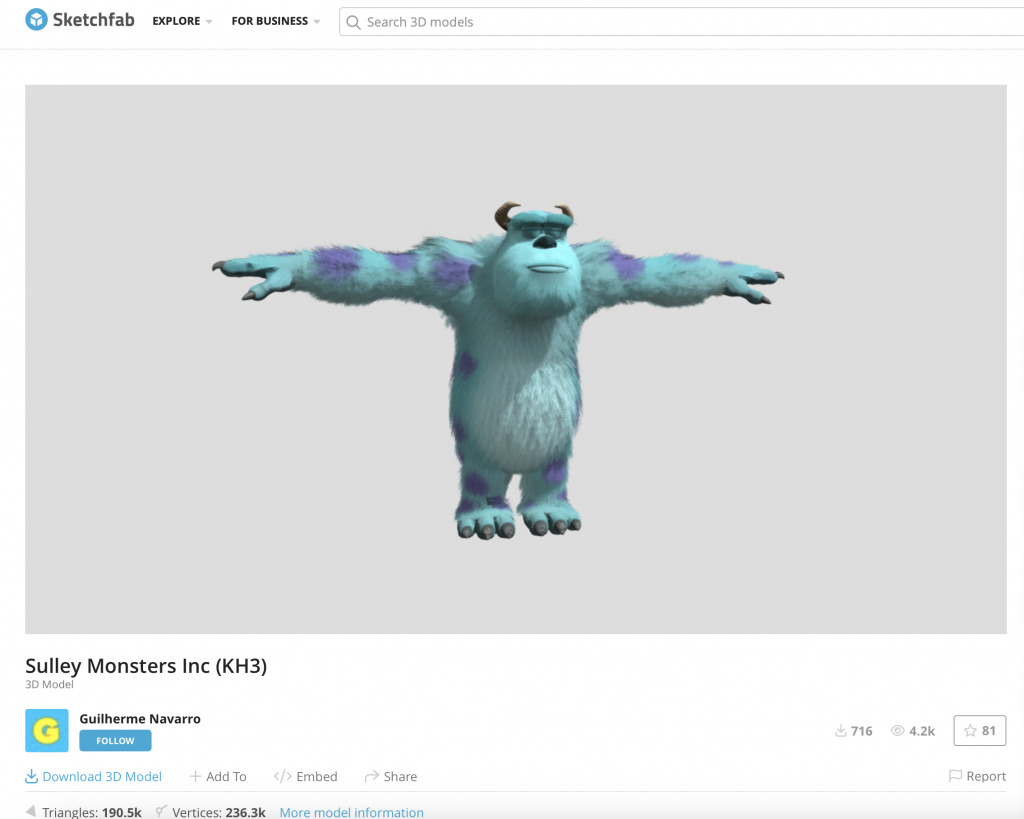
To test scale and composition within these environments, I temporarily placed a creature model asset (Sulley from monster’s Inc) alongside a young girl character. This helped me understand how the characters would occupy the space and interact visually within the scenes. However, the final intention is to design and model my own original monster character rather than using an existing asset.
Lion King Inspiration:
A major inspiration for the storytelling and transitions came from The Lion King, particularly the sequence showing Simba growing up while walking across the landscape. I was inspired by the emotional progression and smooth visual transitions used in that scene, and I wanted to create a similar feeling of growth and passage of time within my own project.
Testing Transitions:
To test how these transitions would work, I created a rough animatic sequence and added sound design to explore the pacing, atmosphere, and emotional flow between scenes. This helped me understand how the visuals and audio could work together to strengthen the storytelling.
3D Storyboard:
I then began building rough 3D versions of the opening scene and forest environment. These early models were not intended to be final designs, but instead acted as visual prototypes to help shape the story structure, camera angles, and environmental layout before moving into more detailed environment building.
Green Screen Shoot:
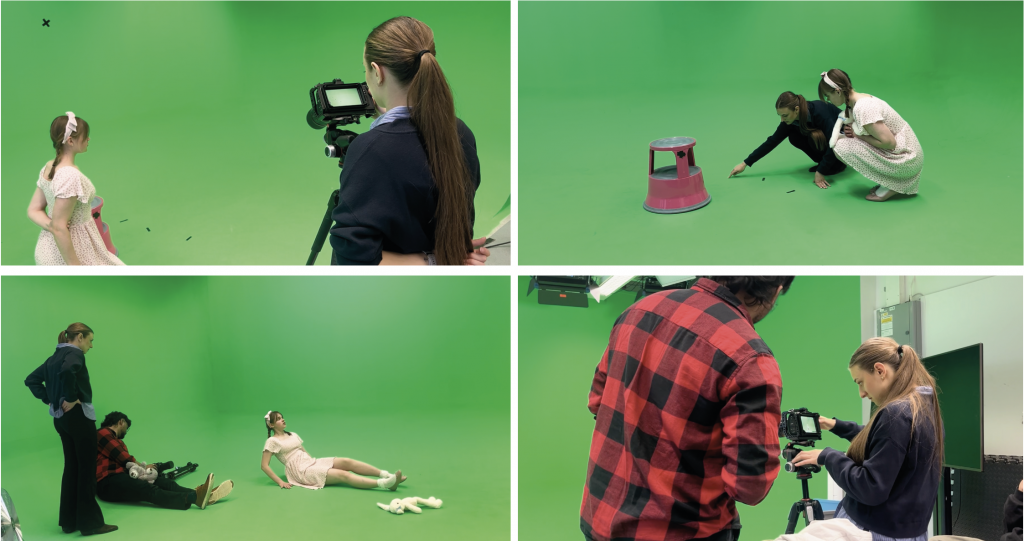
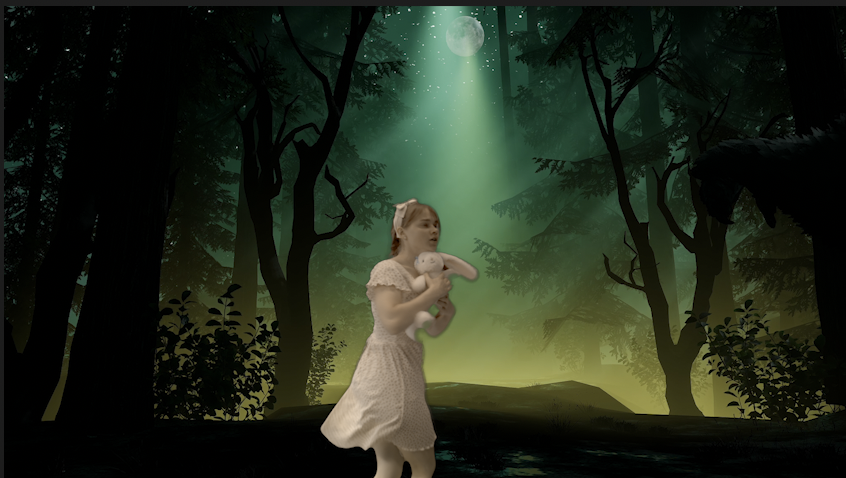
The live-action footage for this project was filmed in a green screen studio, allowing me to place the actress into the CGI environments during compositing. I planned and filmed a variety of movements and interactions that would later correspond with elements in the digital environment, including walking, sitting, running and interacting with the monster.
During the shoot, I worked with the actress to capture multiple takes and different camera angles so I had enough flexibility when assembling the final sequence. Because the environments did not physically exist during filming, we used simple objects and positioning as references to help establish where the CGI elements would eventually appear and make the interactions feel more believable.
Compositing:
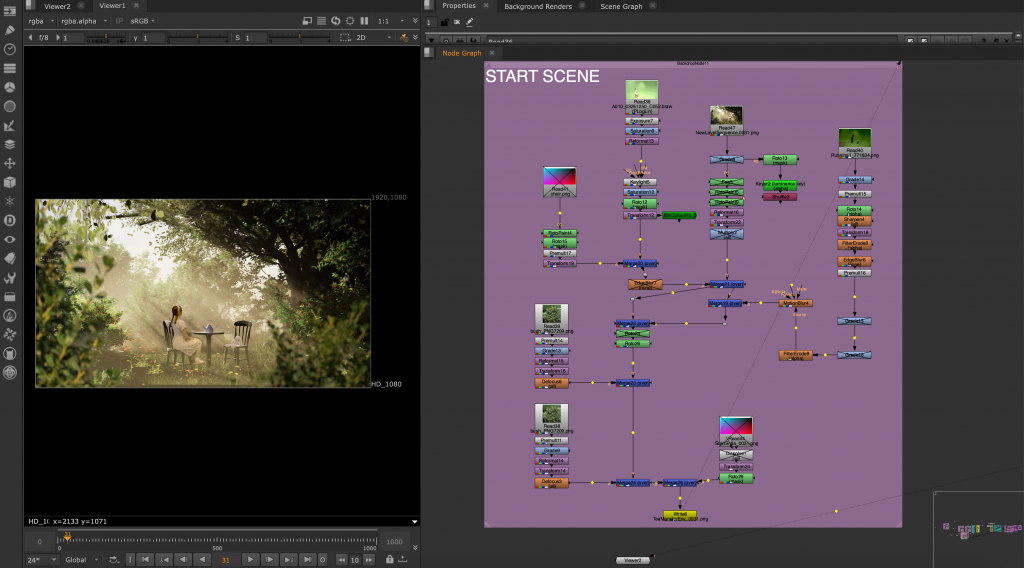
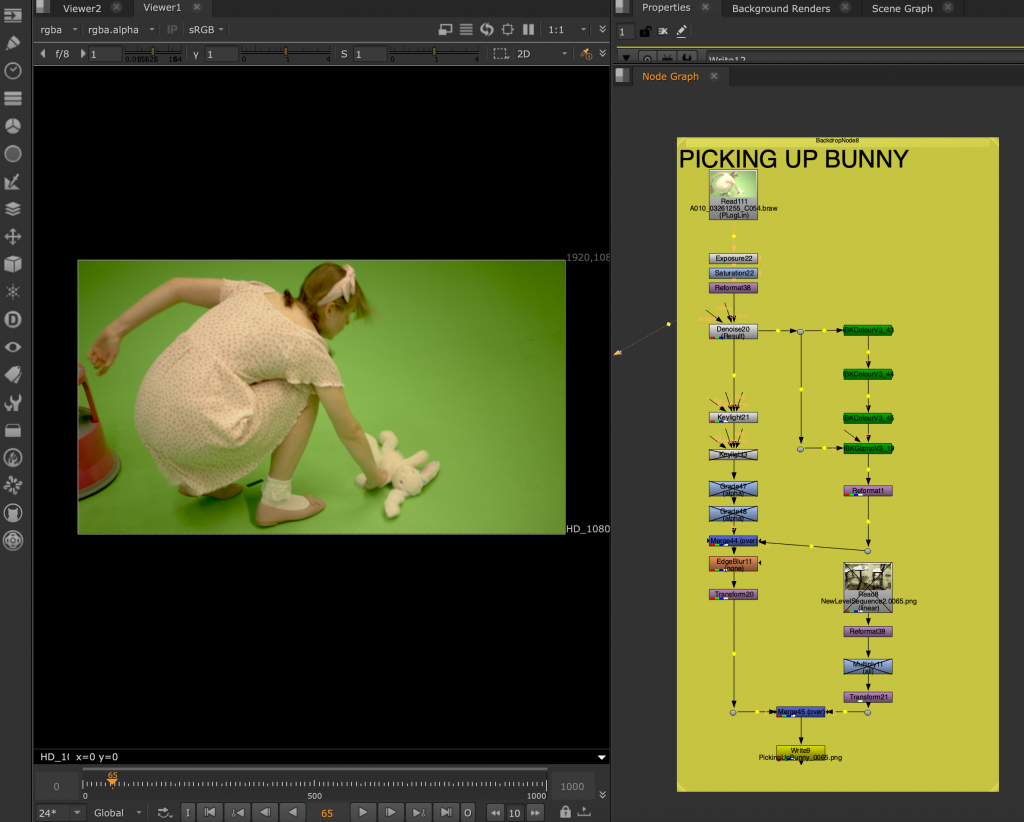
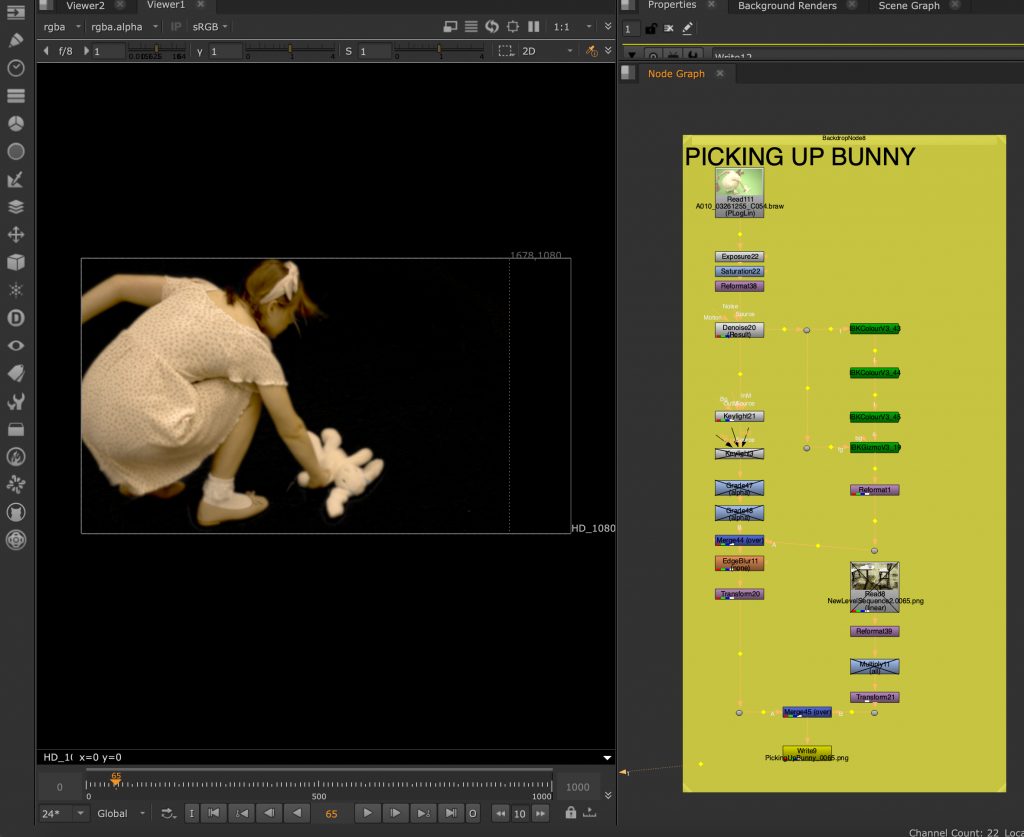
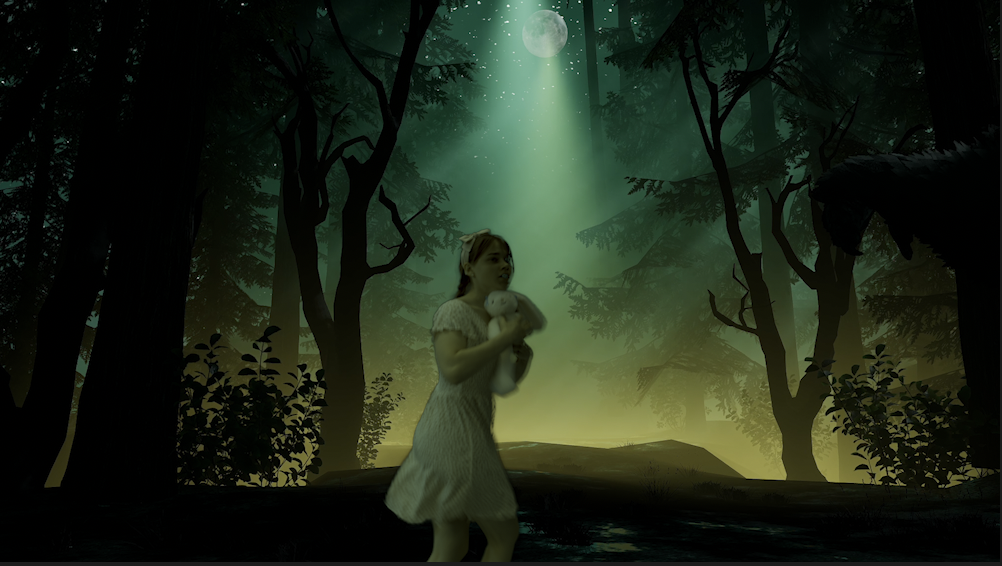
I brought the live-action footage into Nuke, where I removed the green screen and refined the key around the actress to separate her cleanly from the original background. Once the green screen removal was complete, I exported the keyed footage as a PNG sequence with transparency and placed it over the rendered CGI environments.
Colour Grading
I did the final colour grading in Adobe Premiere Pro, adjusting the footage to better match the lighting, colours and overall atmosphere of each environment.
Monster Rigging & Animation
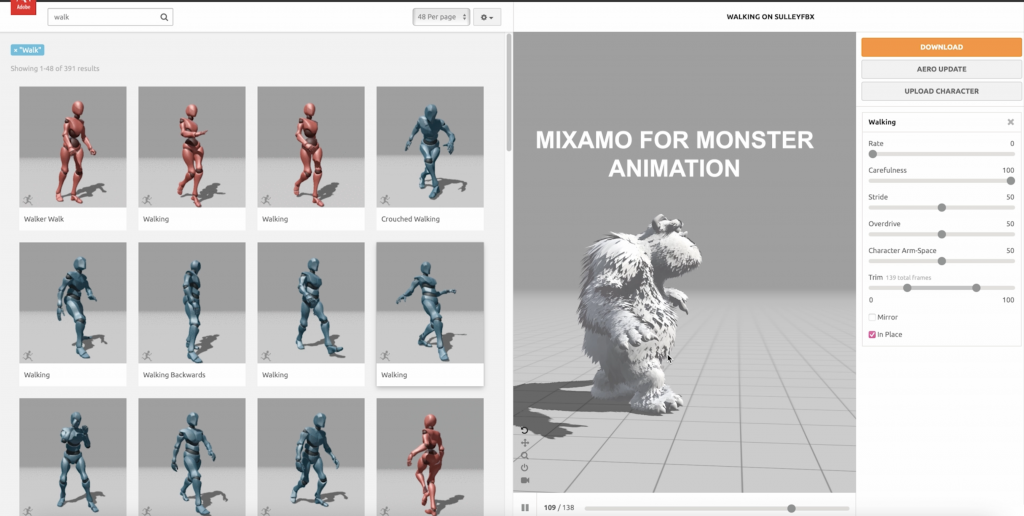
My original plan was to model and create my own monster, as I wanted the character to be unique and closer to the original reference images and concept I had developed at the beginning of the project. However, creating an original character from scratch would have required significantly more time than I had available. As character modelling and animation are also not areas I want to specialise in, with my main interest being environment art, I decided to use an existing Sulley model from Sketchfab instead. I then used Mixamo for the rigging and animations needed for most of the shots.
For the shot where the monster picks up the bunny, I could not find an existing animation that worked for the action I needed. I therefore created this animation myself in Maya, using Quick Rig and manually keyframing the character’s movement and poses to create the interaction with the bunny.
Final Edit & Sound Design
I brought all of the finished shots together in Adobe Premiere Pro, where I assembled and edited the final sequence. I also created the sound design, using sound effects sourced from Pixabay to add atmosphere and support the actions throughout the film. For the final soundtrack, I wrote the lyrics and used Suno AI to generate the song, creating music that matched the story and tone of the project.
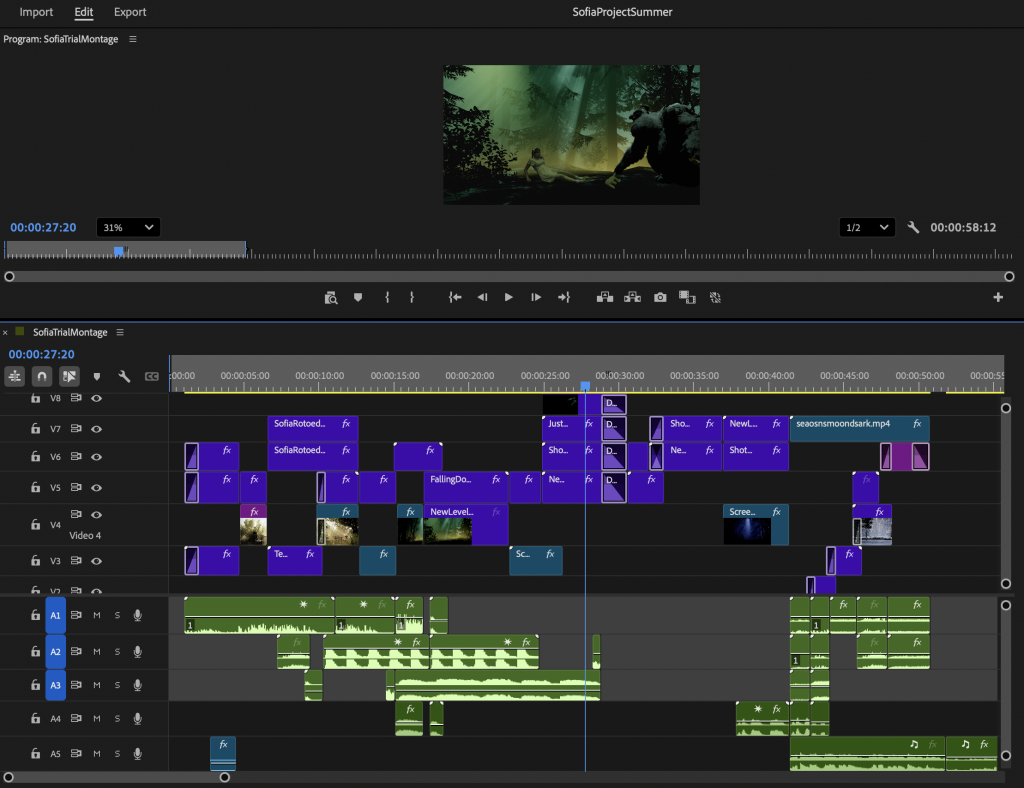
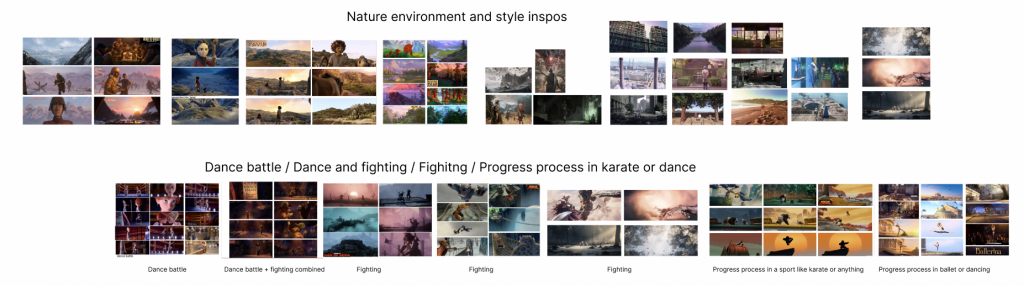
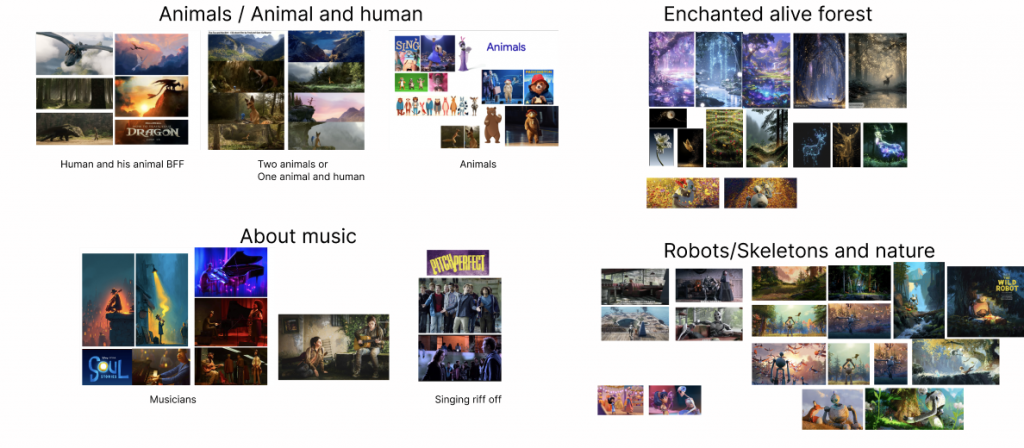
For our group project, our team consisted of five members: four VFX students — Nora, Aniela, Sahil, and Lex , and one animation student, Maria. From the beginning, we wanted the project to feel visually strong and emotionally engaging, so we started by collaborating on a shared Figma board where we collected references, ideas, and visual inspirations. At this stage, we kept our options completely open and explored a wide variety of themes, art styles, stories, and cinematic looks before narrowing down our direction.
Kung Fu Panda as main inspiration:
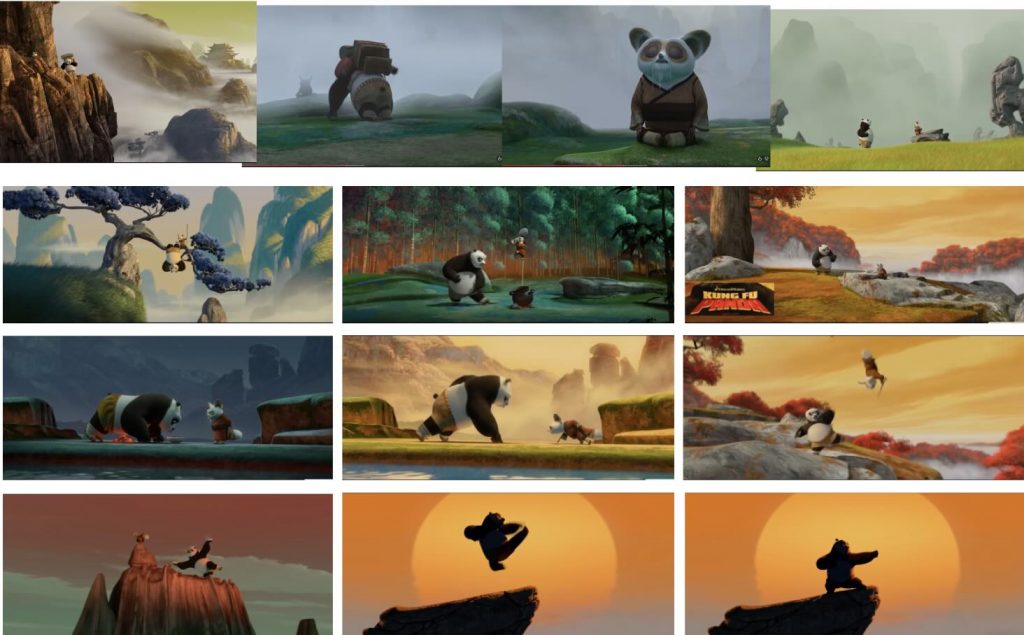
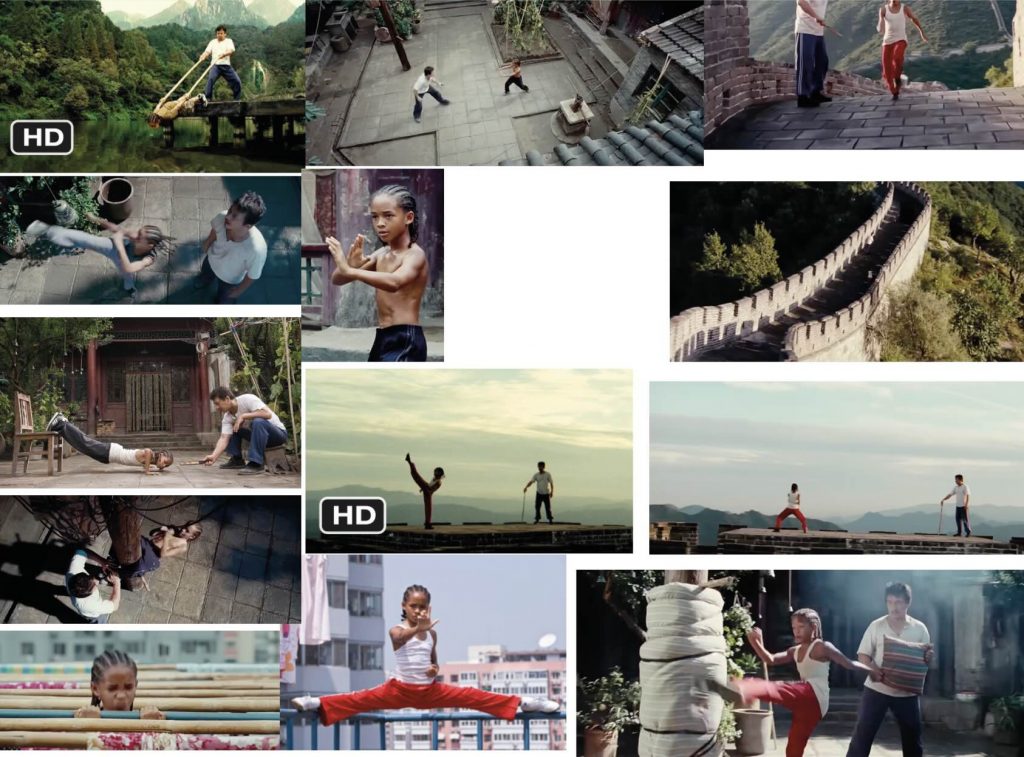
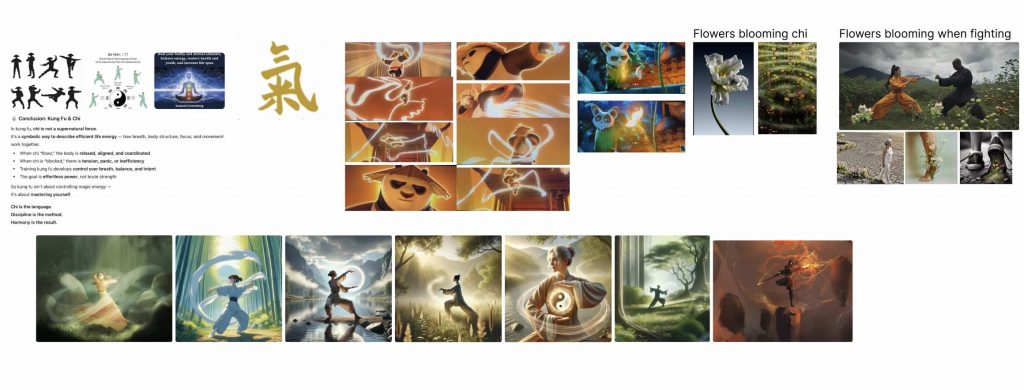
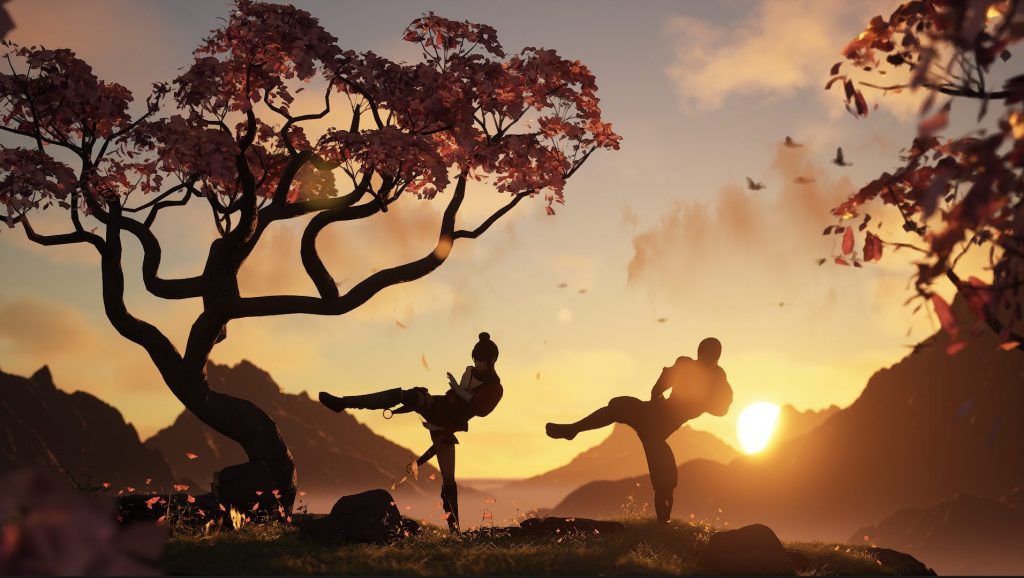
A large part of our research focused on animated films and video games, both visually and narratively. After many discussions and research sessions, we found ourselves most inspired by films such as Kung Fu Panda and The Karate Kid. What stood out to us was the idea of growth through discipline and training. In Kung Fu Panda, we were inspired by Po’s journey from being completely inexperienced to becoming confident and powerful through persistence and self-belief. We also looked closely at the training montage in The Karate Kid, where the progression of learning is shown through physical repetition and gradual improvement. That sense of transformation became central to our concept.
Script:
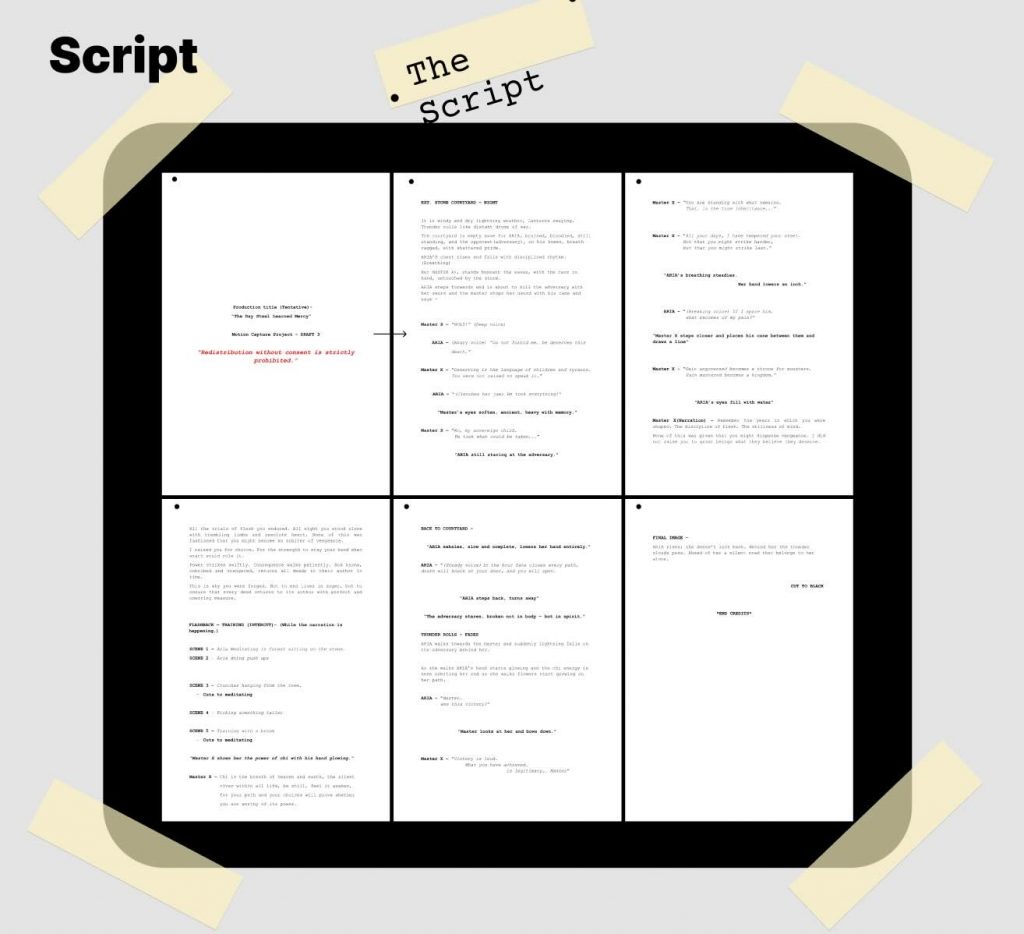
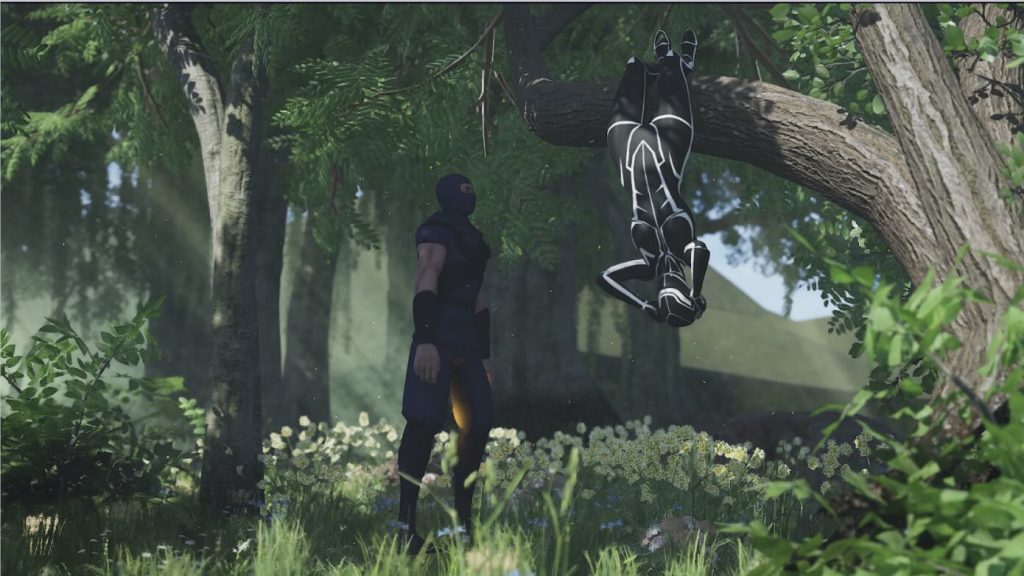
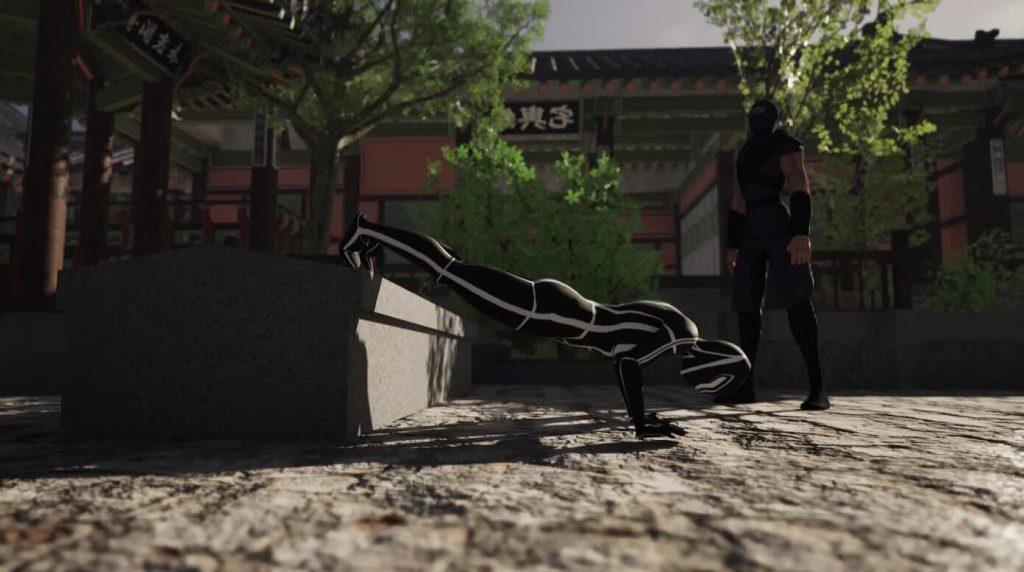
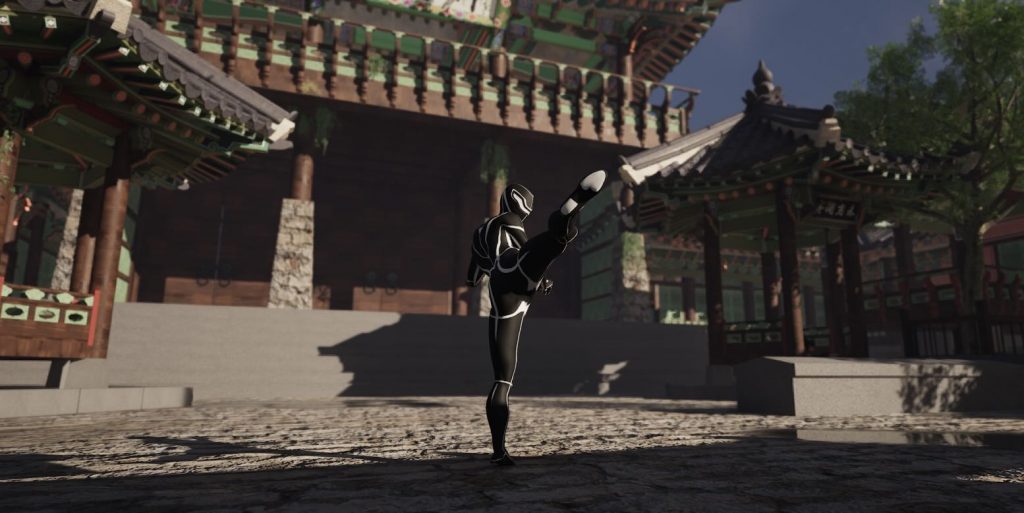
Once we established the core idea, we moved on to writing the script and creating a storyboard. We carefully planned out the training sequences and discussed which movements would best communicate progression and determination. Some of the exercises we included were pull-ups, carrying water buckets, kicking drills, push-ups, and crunches. Each movement was chosen to visually represent both physical and mental growth throughout the character’s journey.
Storyboard:
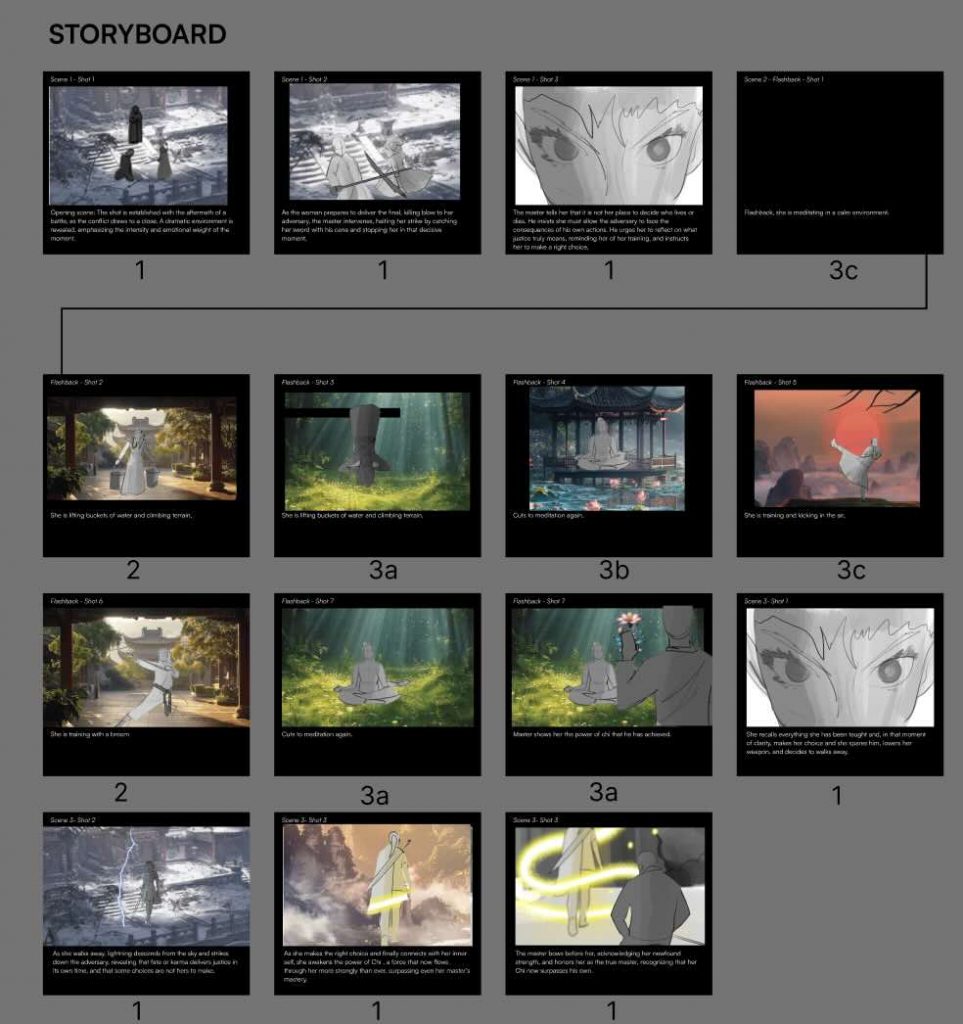
Once we established the core idea, we moved on to writing the script and creating a storyboard. We carefully planned out the training sequences and discussed which movements would best communicate progression and determination. Some of the exercises we included were pull-ups, carrying water buckets, kicking drills, push-ups, and crunches. Each movement was chosen to visually represent both physical and mental growth throughout the character’s journey.
Chi energy:
As our concept developed further, we continued researching the themes behind Kung Fu Panda, particularly the idea of chi energy. We learned that chi represents an internal life force or energy that flows through all living things. In the story, mastering chi requires balance, inner peace, and a strong connection with both nature and oneself. This idea strongly influenced the direction of our project because it connected physical training with emotional and spiritual growth. We wanted our film to communicate not only strength and discipline, but also the importance of self-awareness and inner balance.
Environment Research:
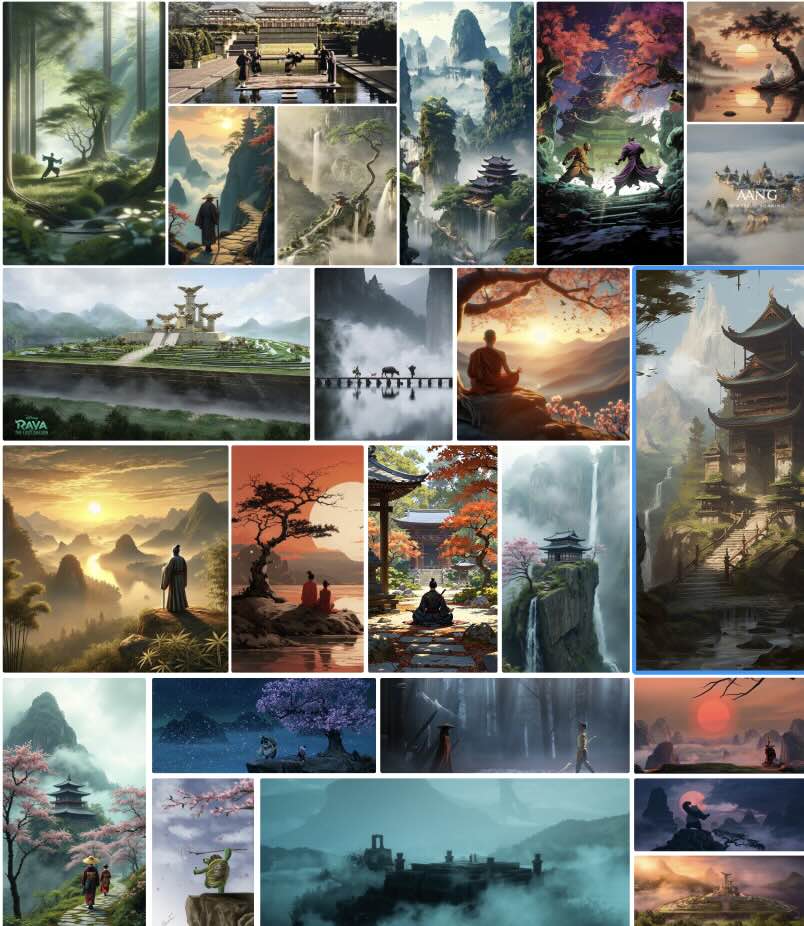
After developing the core concept and story direction, we began researching environmental inspiration to build the visual world of the project. We used platforms like Pinterest to collect references for architecture, lighting, atmosphere, colour palettes, and natural elements that could support the tone of the story. Since Aniela and I were especially interested in environment design, we focused heavily on creating immersive spaces that would visually communicate the character’s emotional and physical journey.
Scale and Composition Tests:
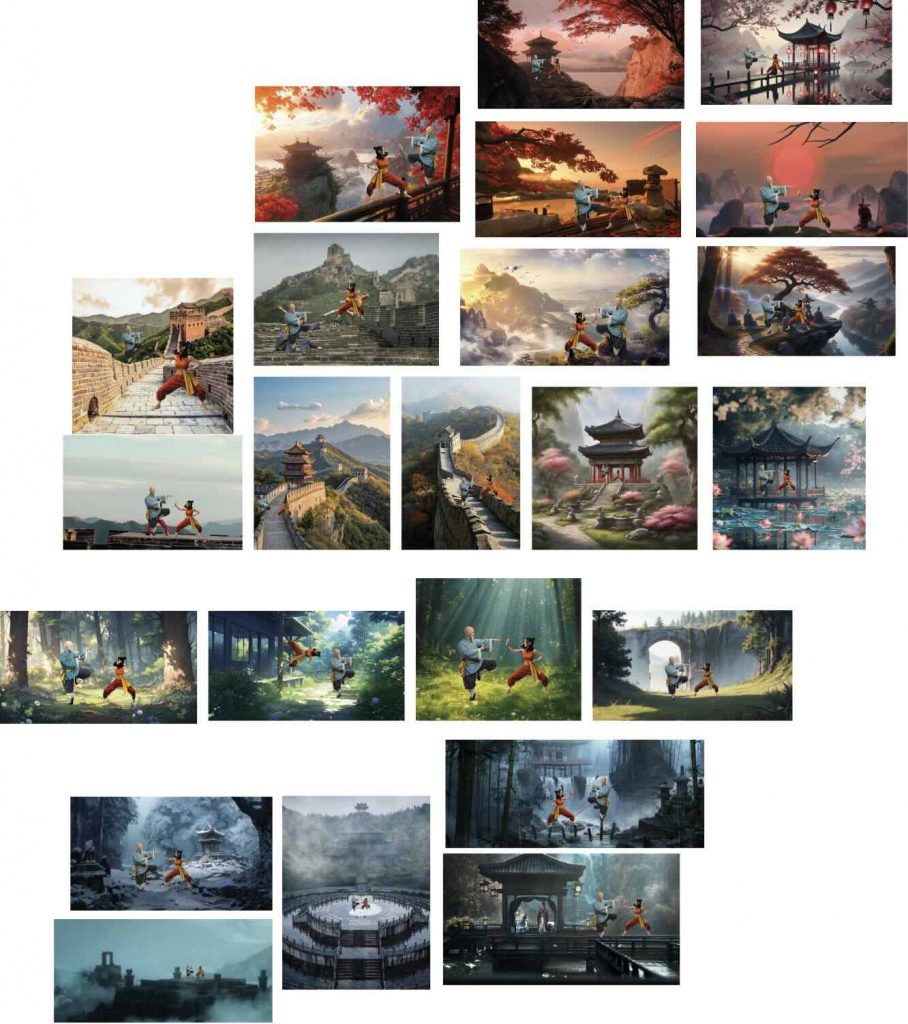
To explore different visual directions, I created rough Photoshop compositions by placing images of the characters into various Pinterest-inspired environments. This allowed us to experiment with how the characters would interact with different spaces and atmospheres before beginning production. It also helped us better understand composition, scale, lighting, and the overall mood we wanted to achieve.
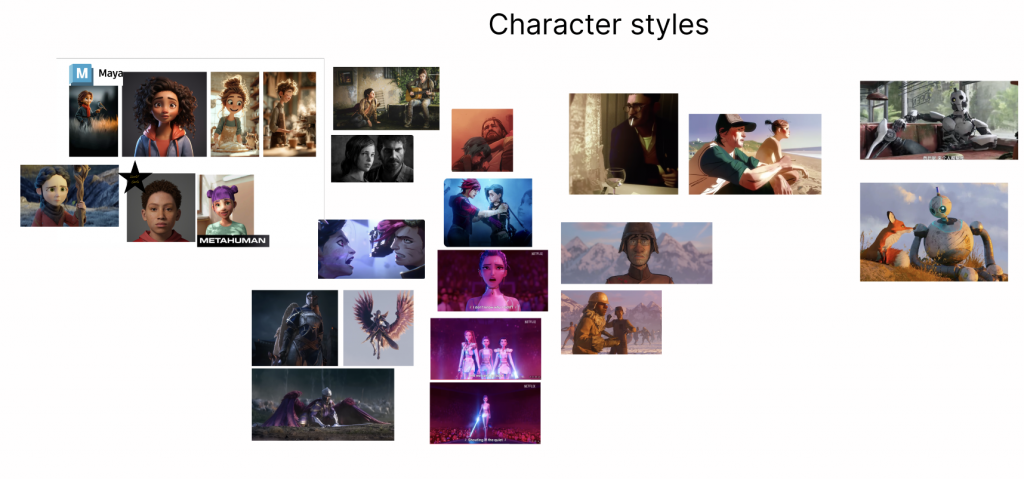
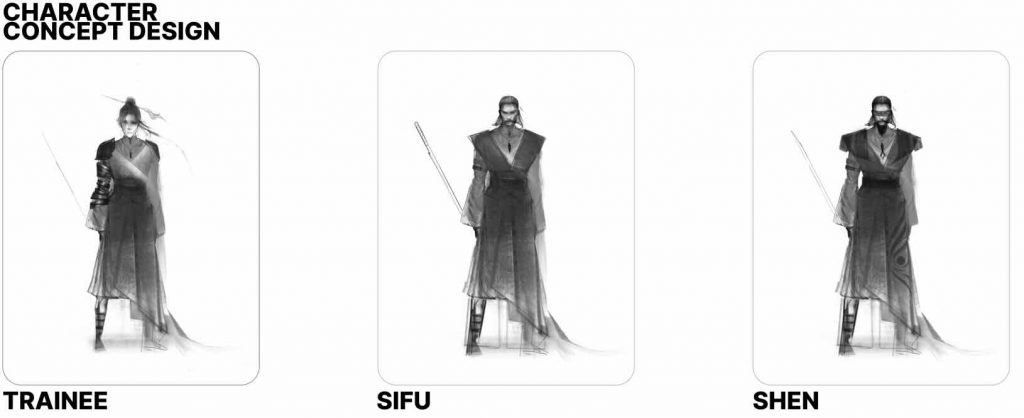
Character Design:
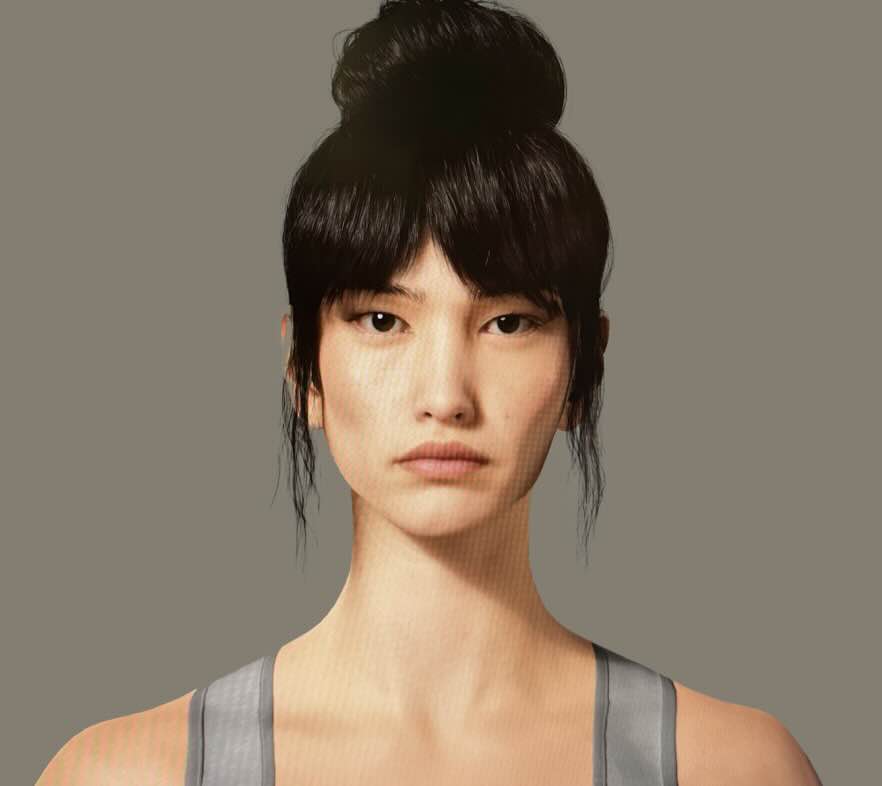
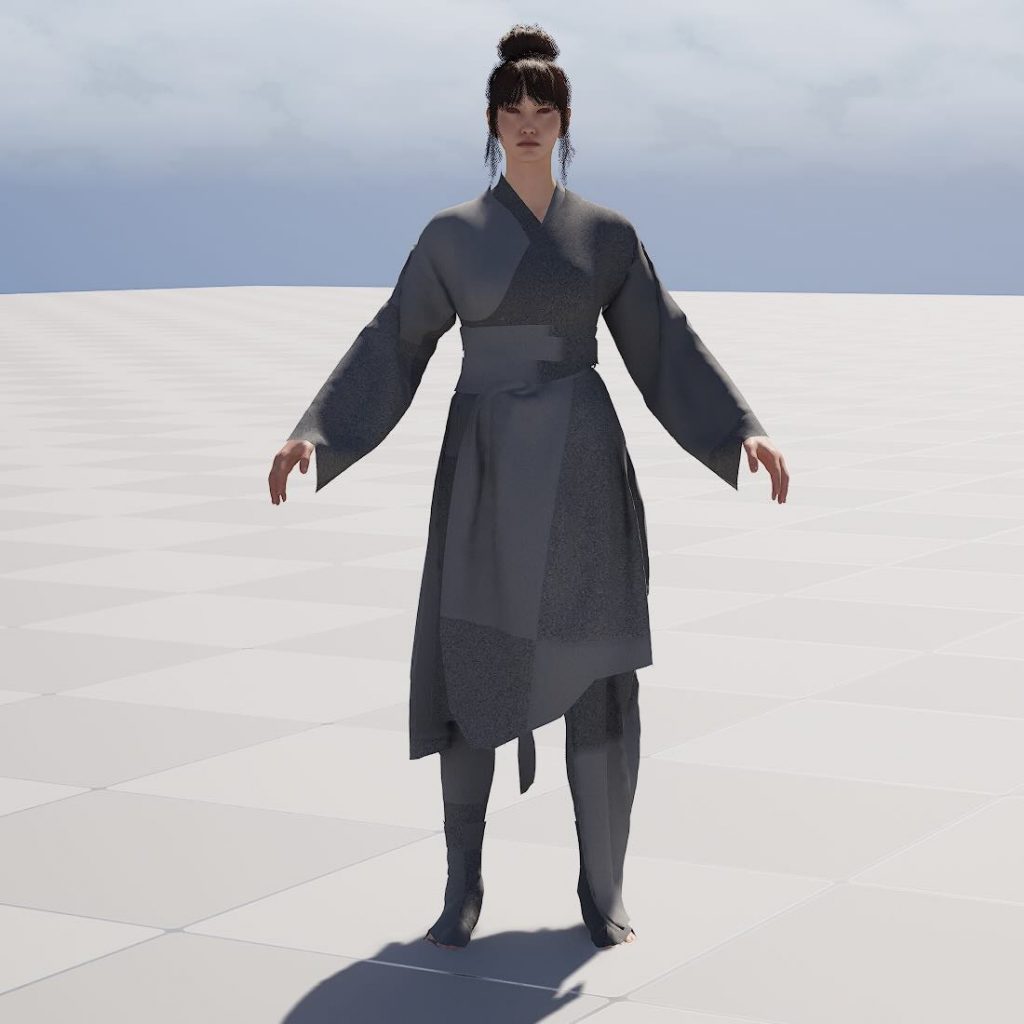
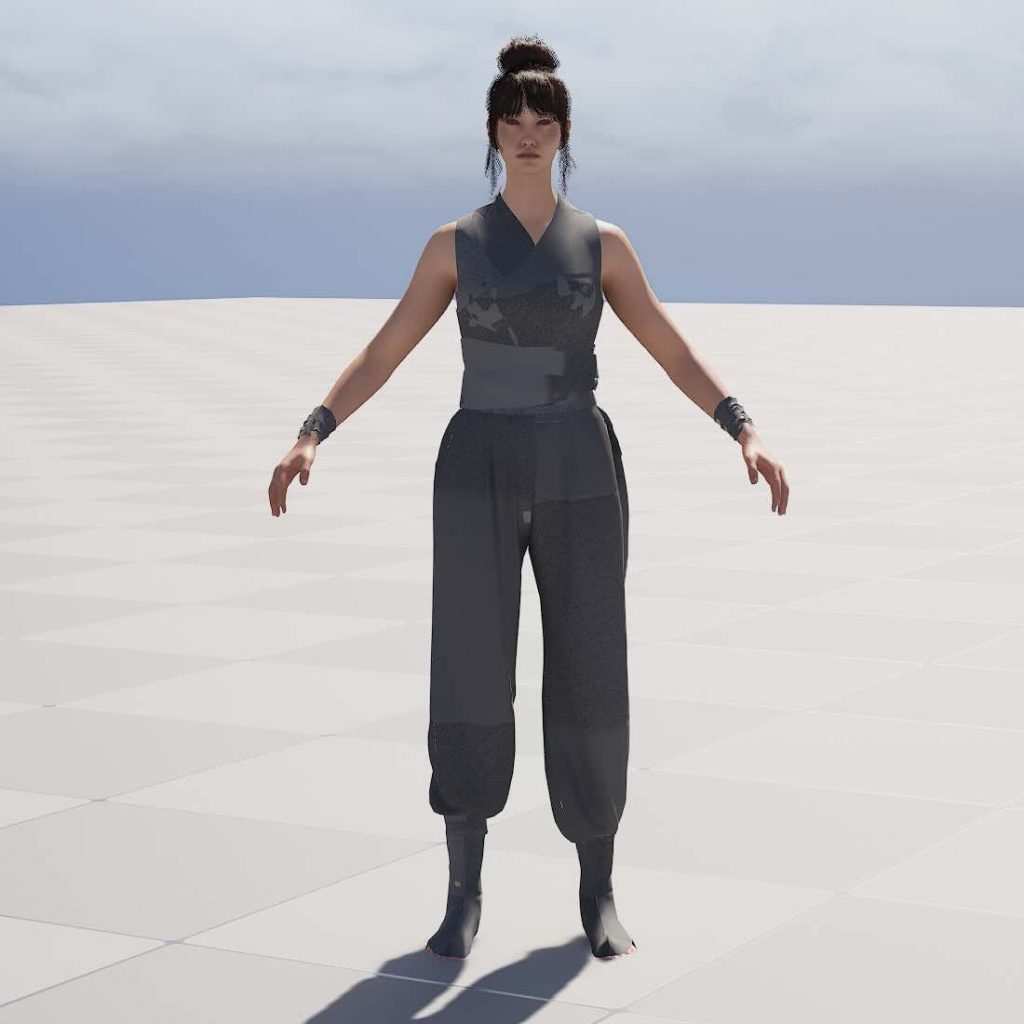
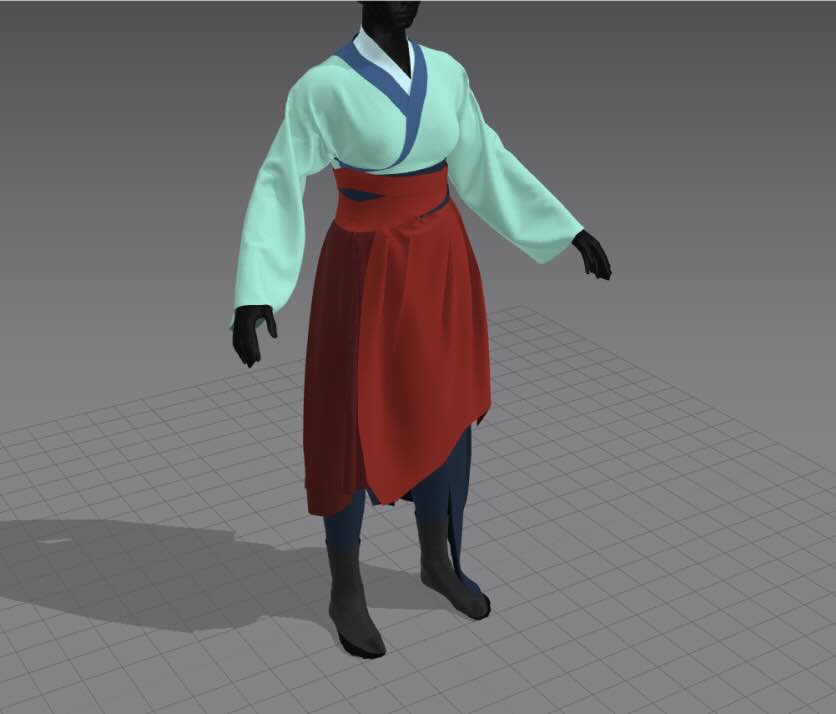
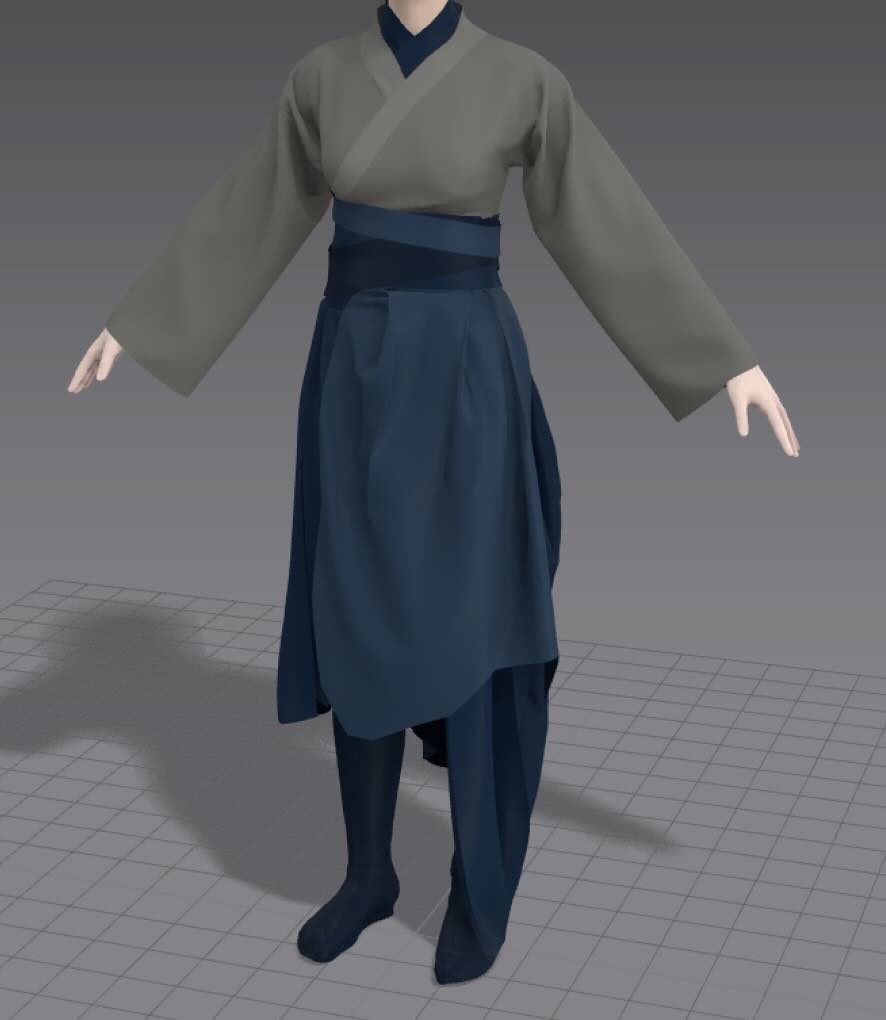
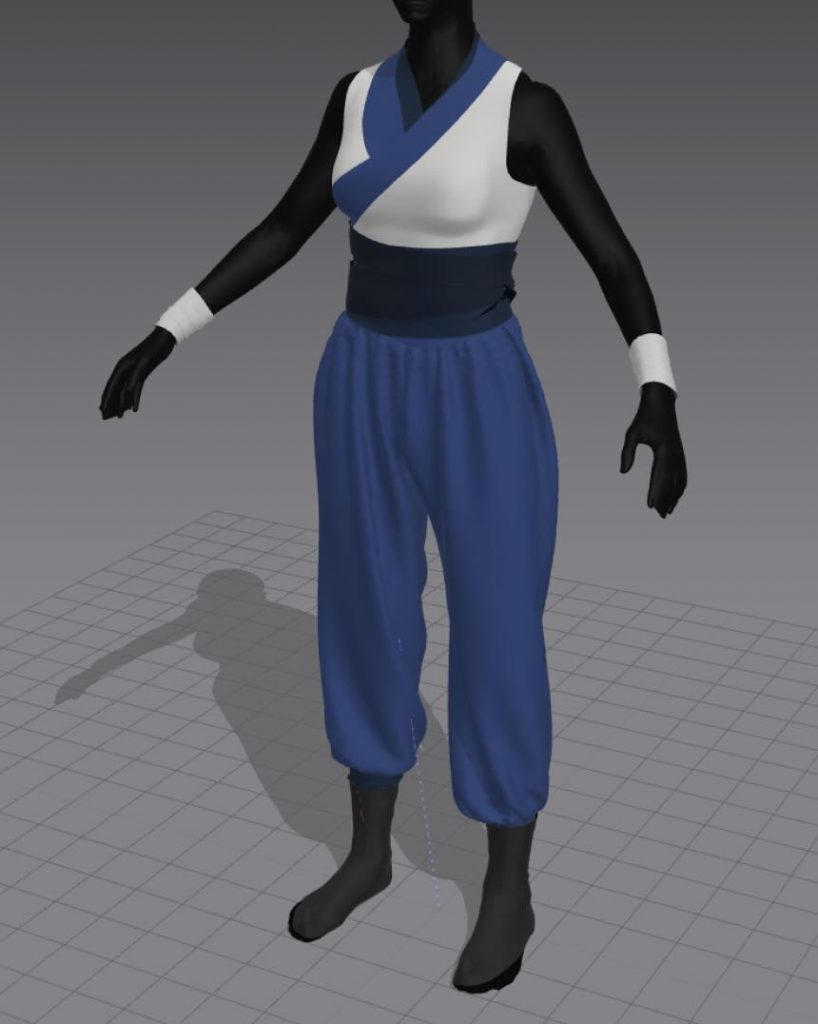
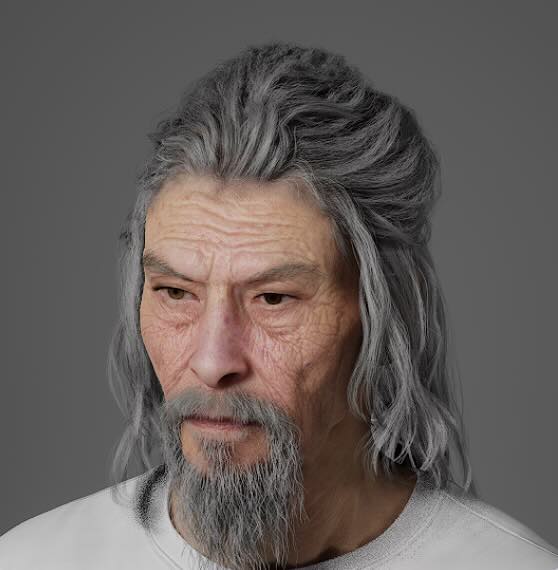
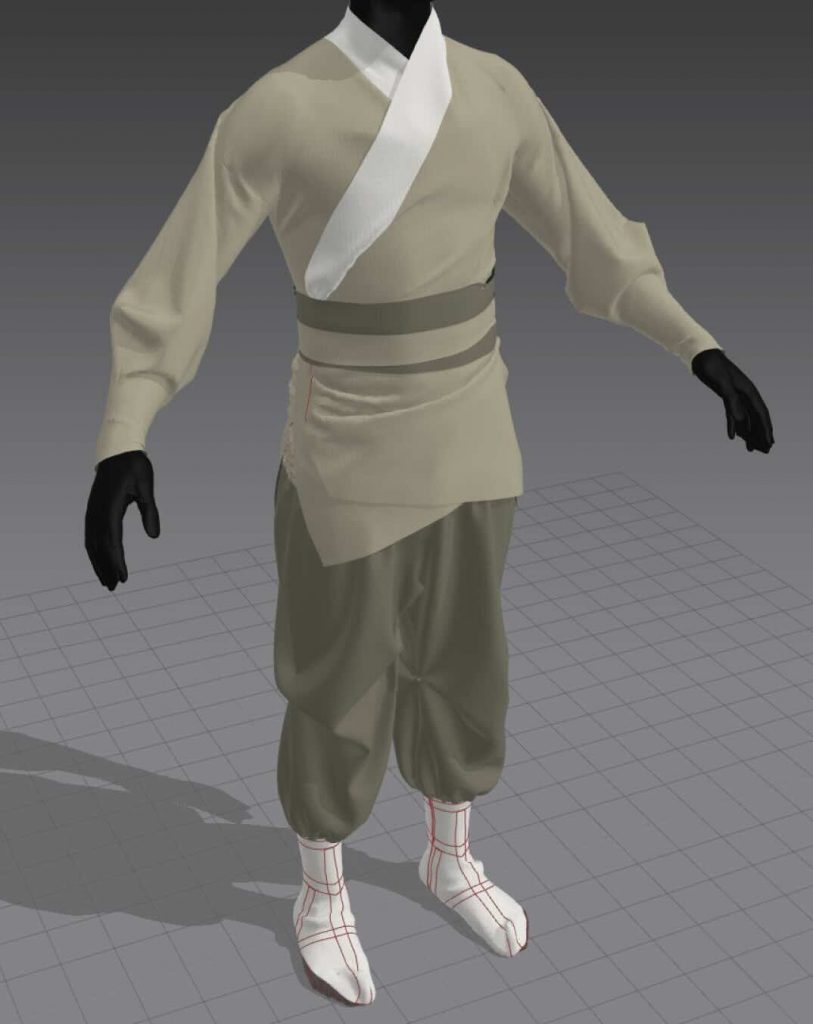
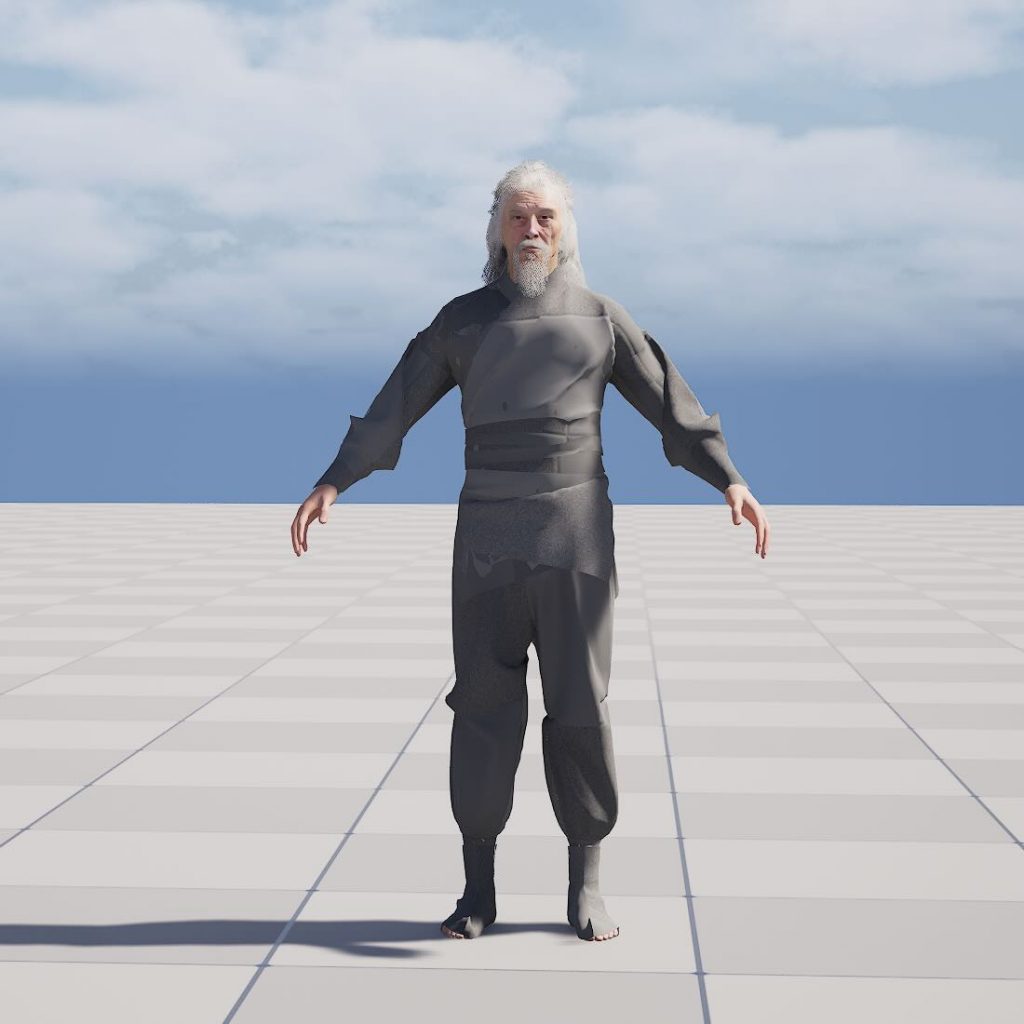
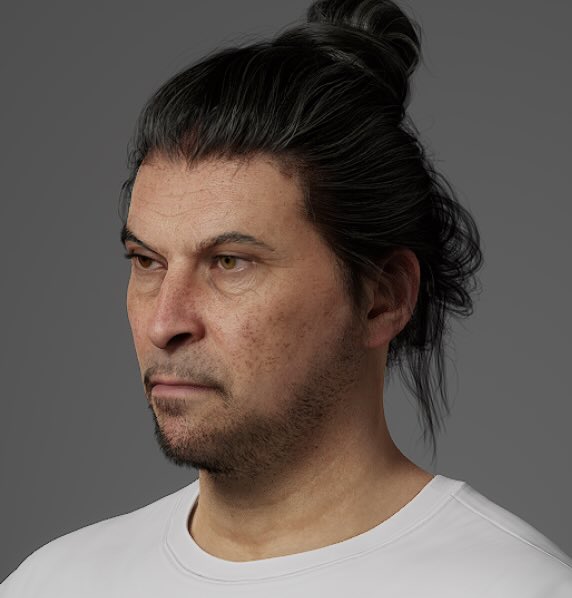
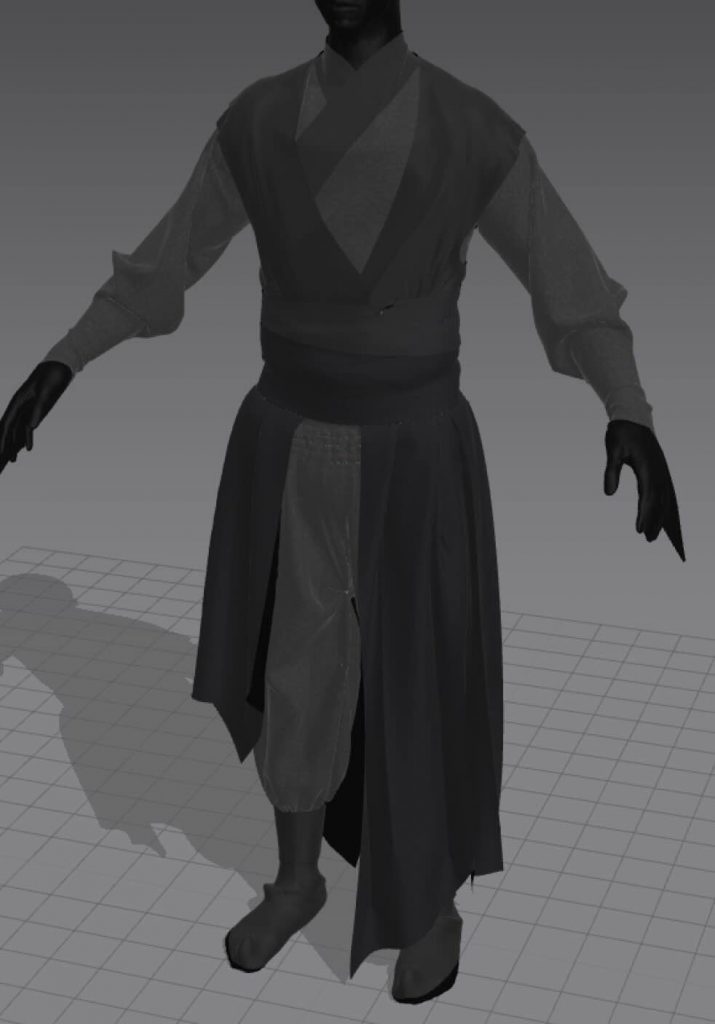
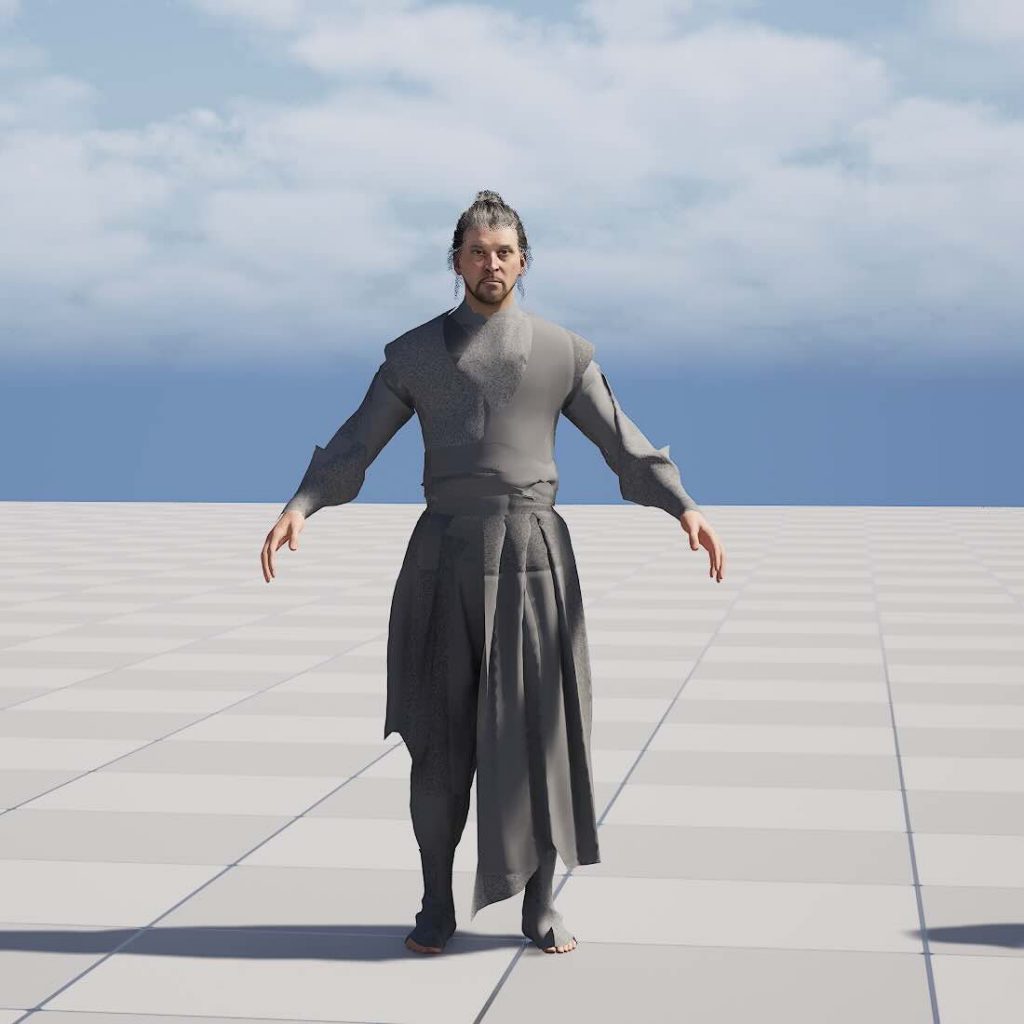
The character design process was also progressing. Lex focused on designing the two male characters and creating the clothing for the three characters, while Maria developed the appearance of the female character and did all the retargeting and animation corrections.
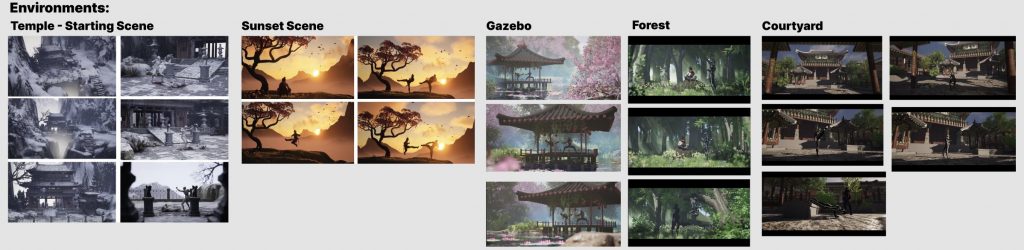
Environments:
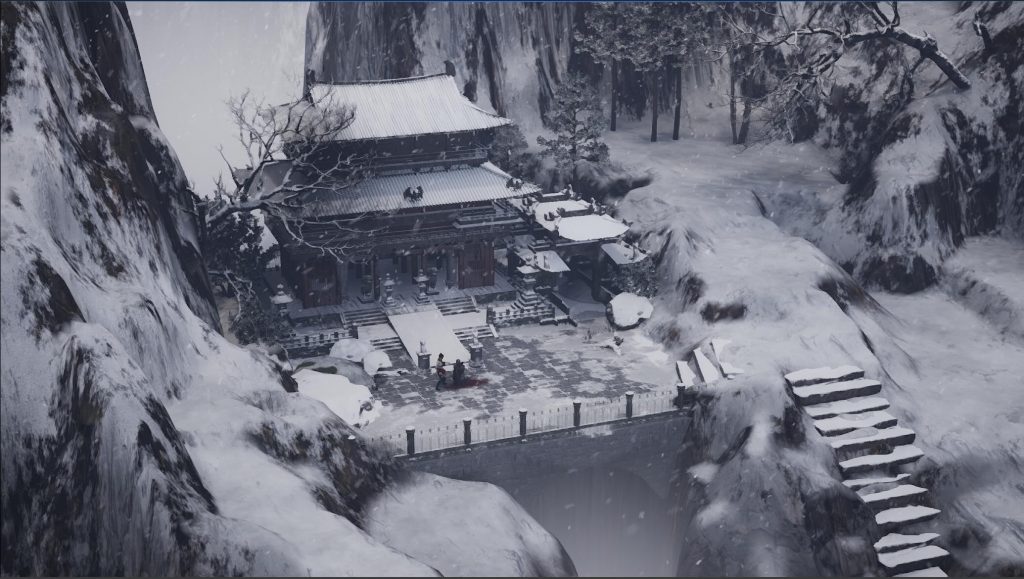
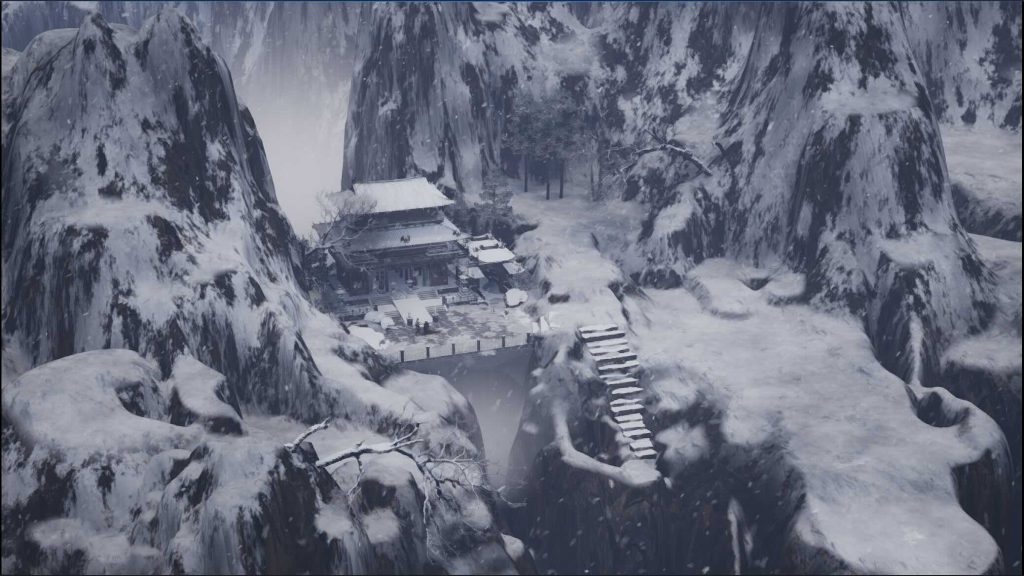
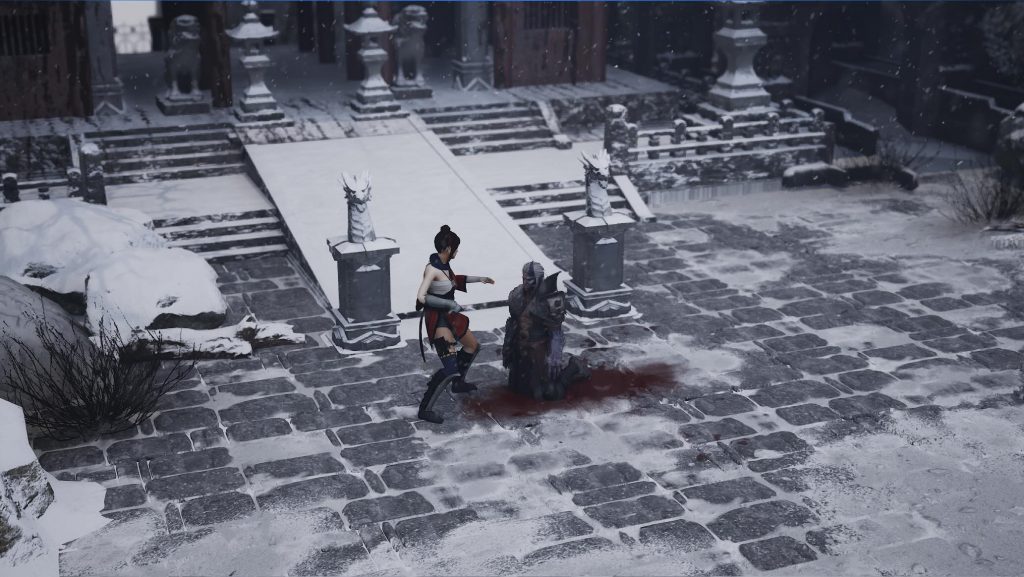
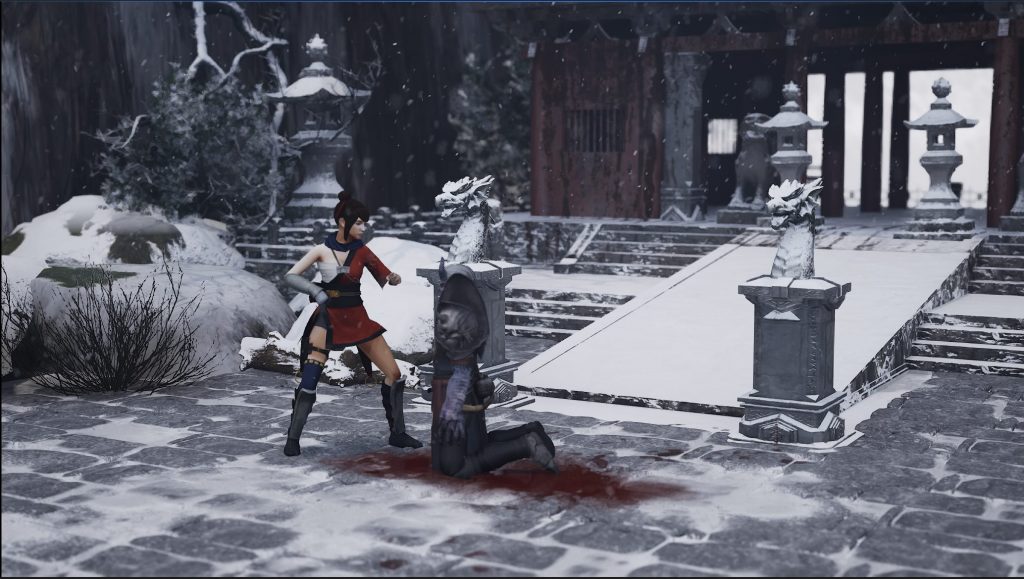
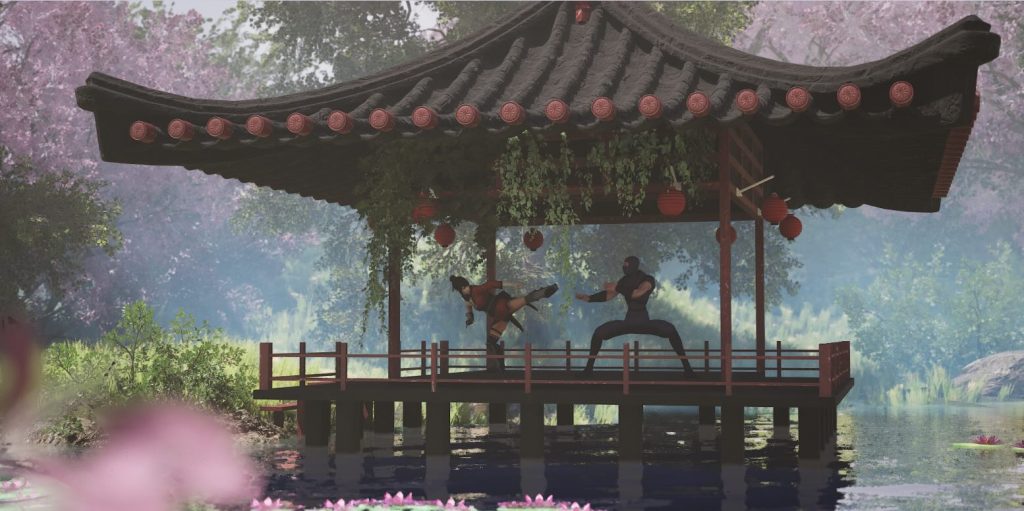
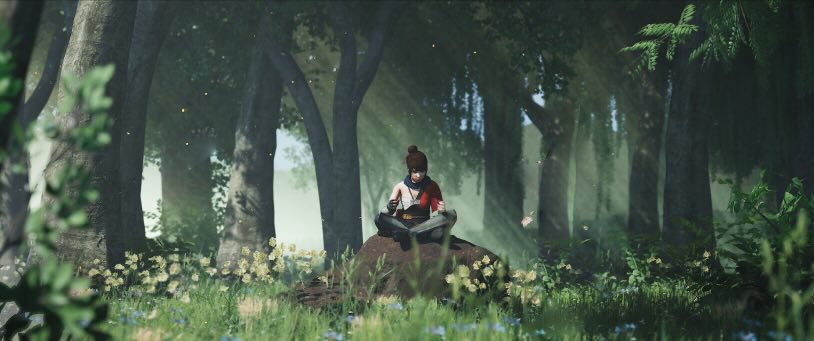
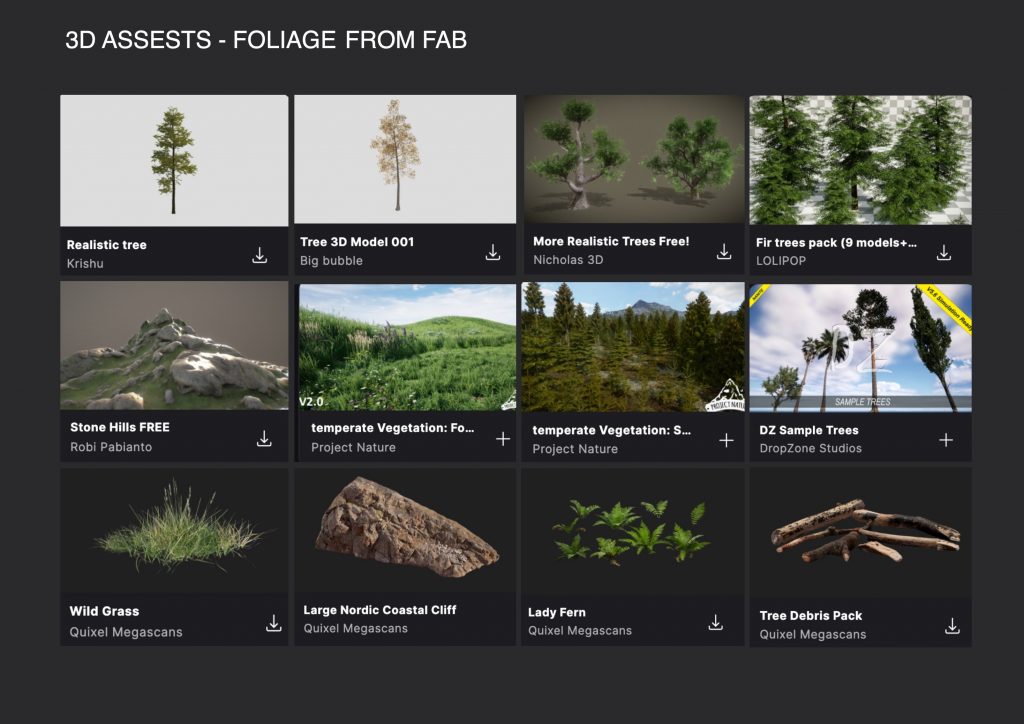
After finalising our visual direction, Aniela and I built the environments in Unreal Engine using 3D assets and Megascans. Together, we developed five different environments, each designed to support different moments within the story while maintaining a consistent visual style. We experimented with lighting, environmental storytelling, and composition to create cinematic and immersive scenes.
The environments I created:
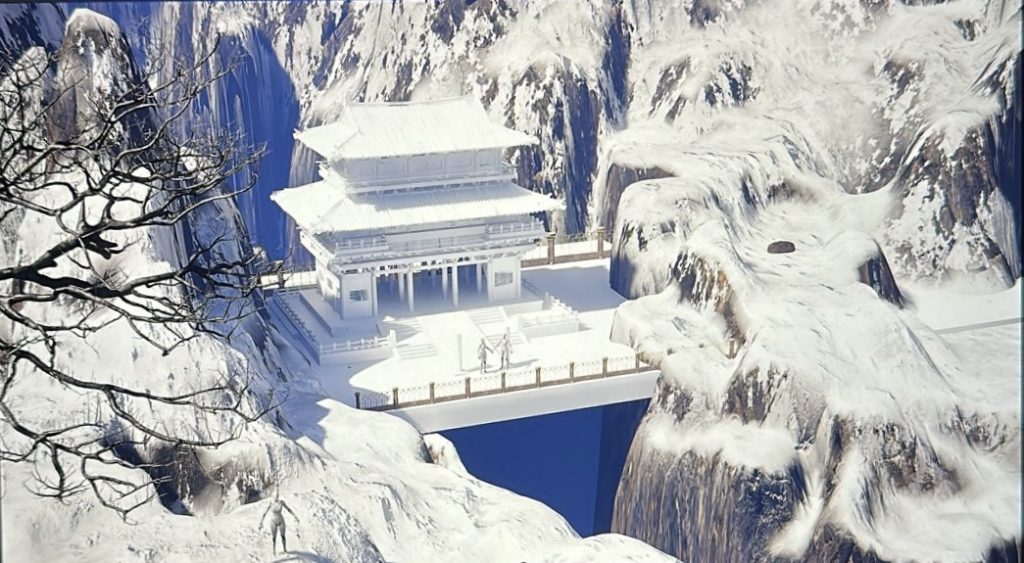
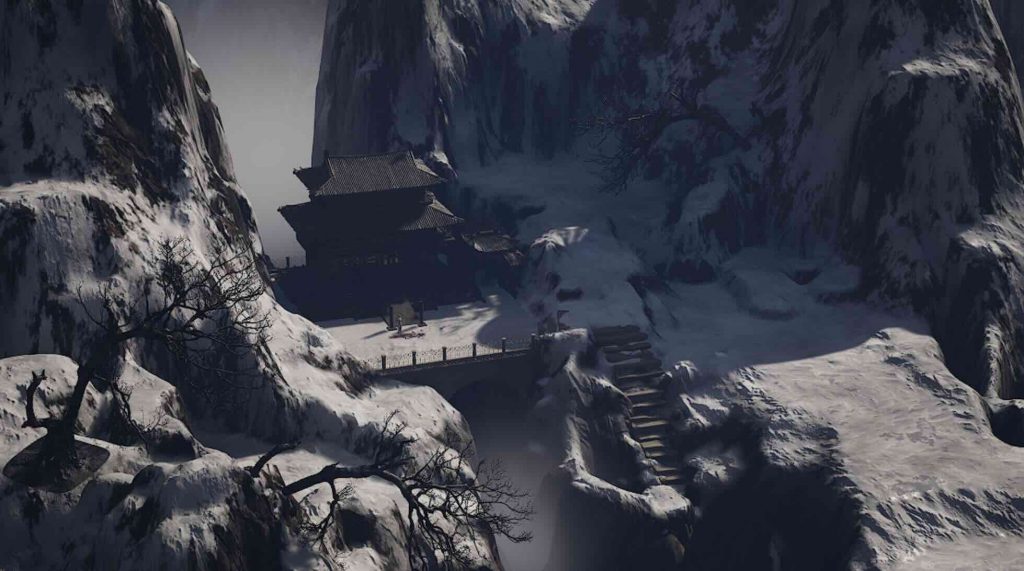
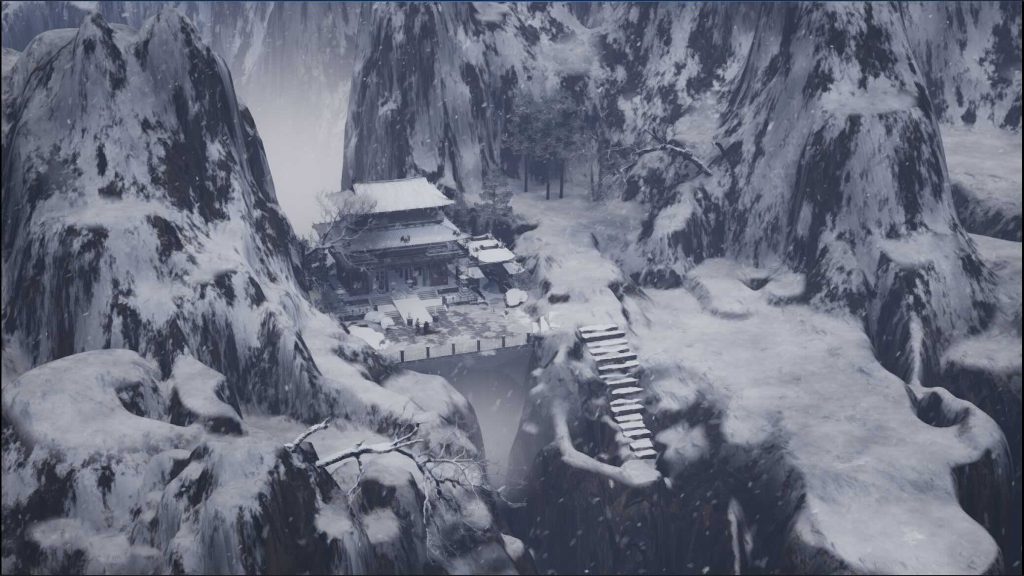
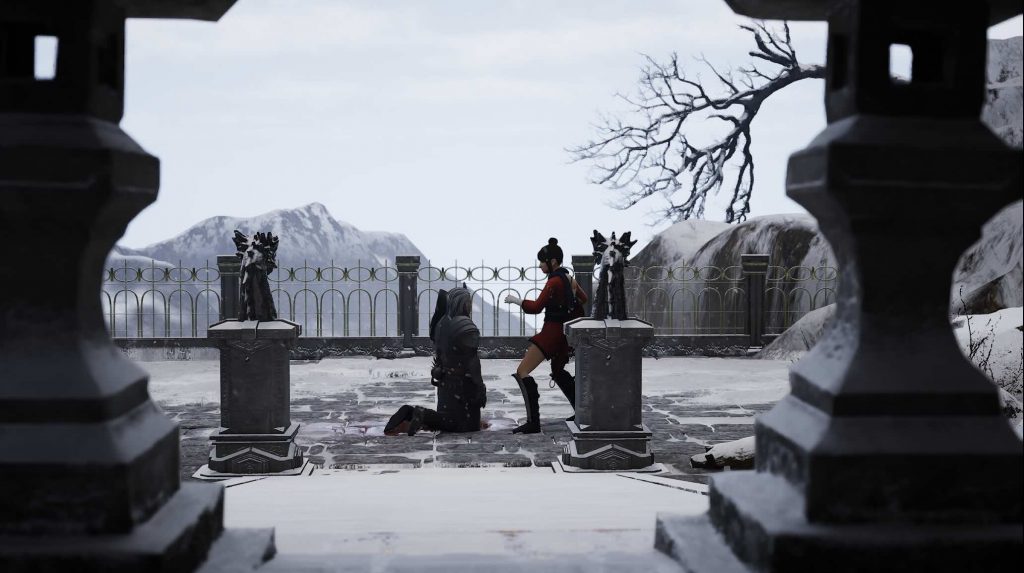
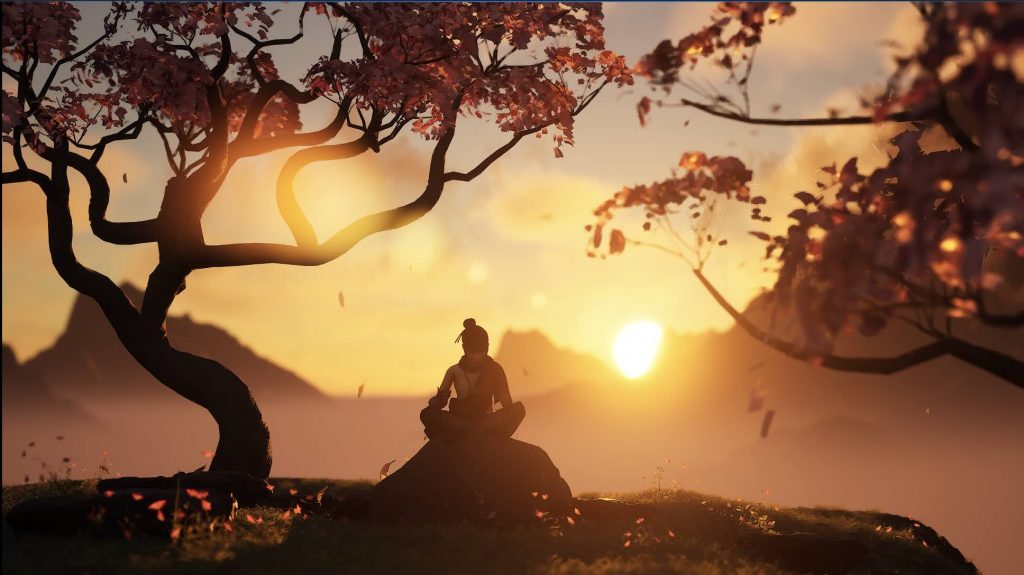
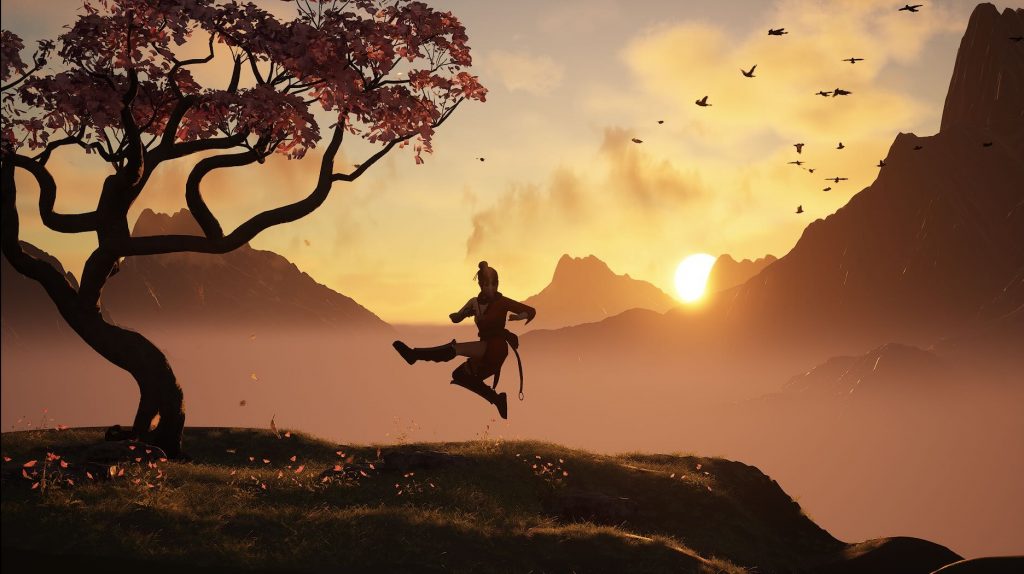
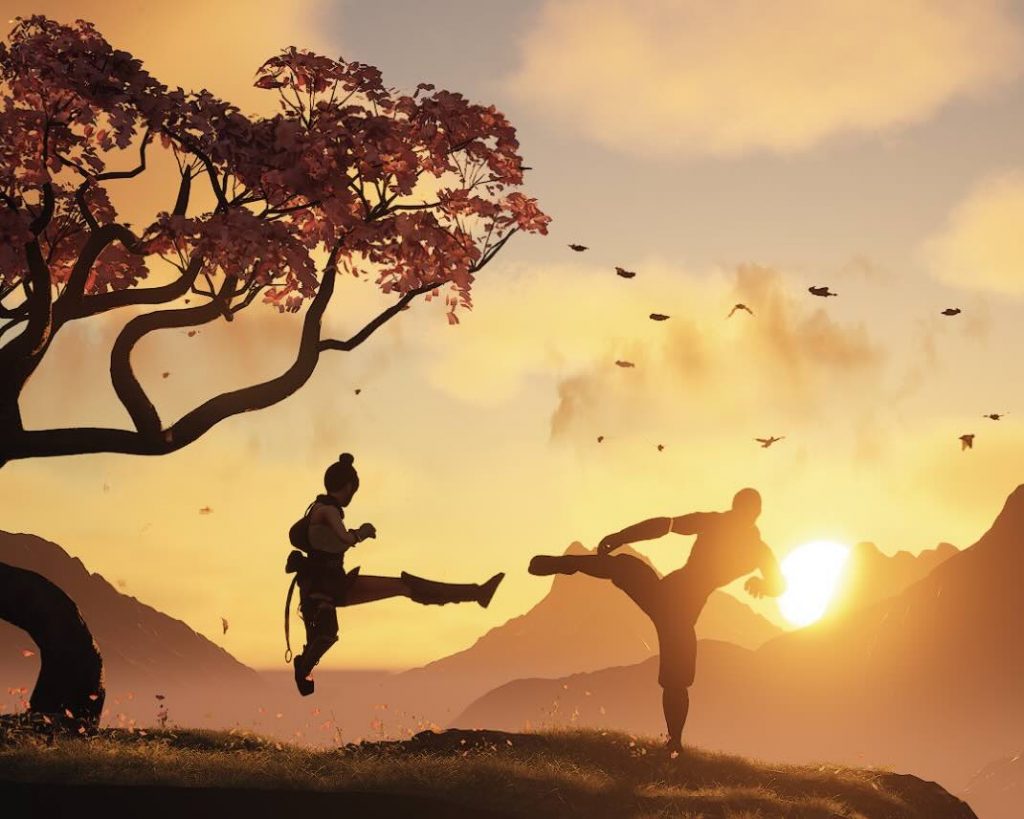
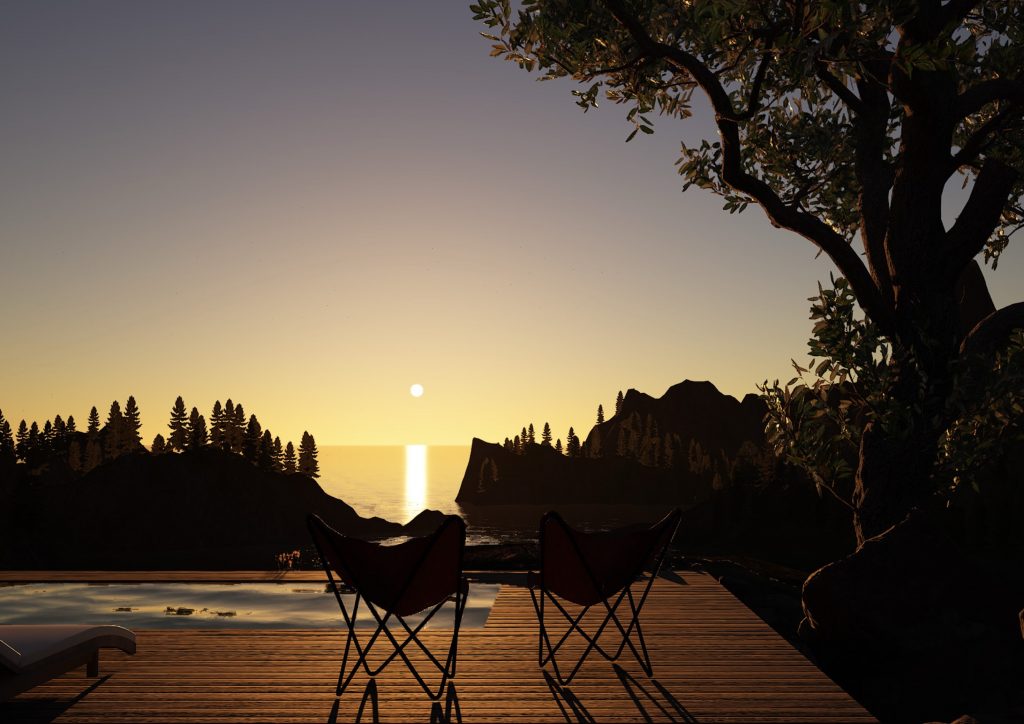
For the final environments, I was responsible for creating the opening scene as well as the sunset environment. I focused on developing the atmosphere, lighting, and composition to create visually engaging scenes that supported the emotional progression of the story. This process involved testing different assets, environmental details, and lighting setups to achieve the final cinematic look.
Opening scene Environment:
Sunset Scene Environment:
Aniela’s Environments:
Aniela created the remaining environments for the project, each contributing its own atmosphere and visual identity while fitting cohesively within the overall world we designed as a team.
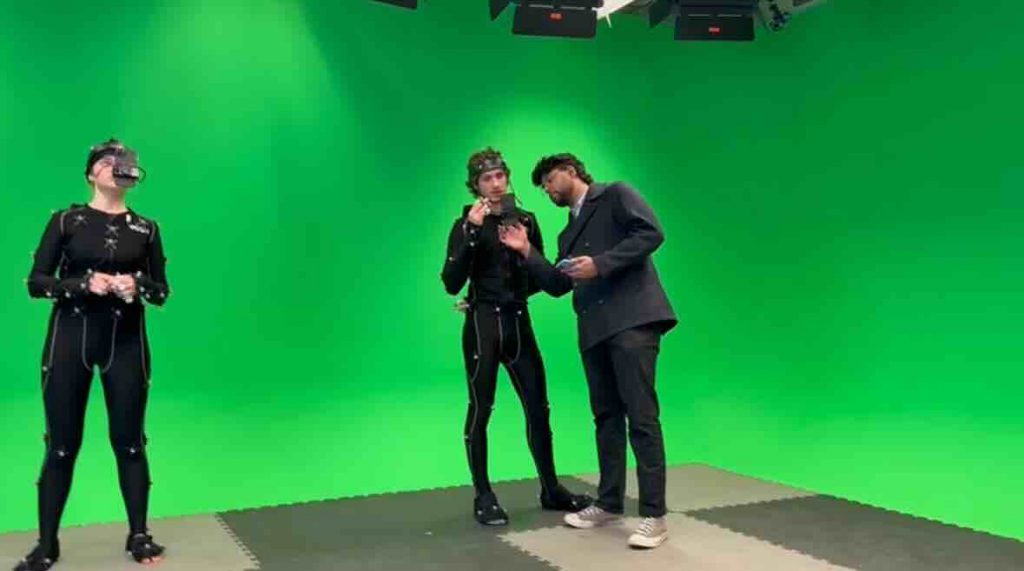
Motioncapture and Collaboration:
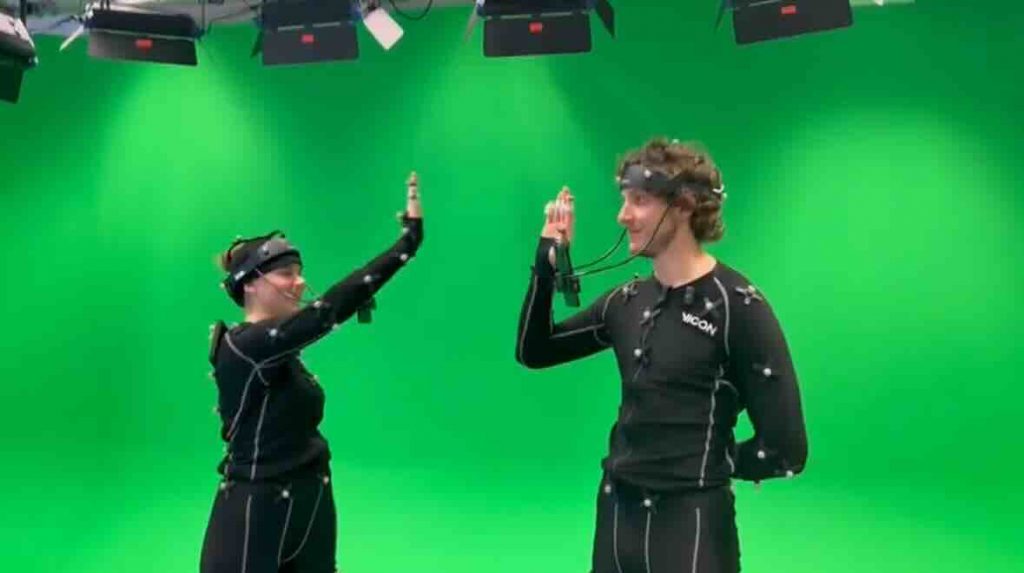
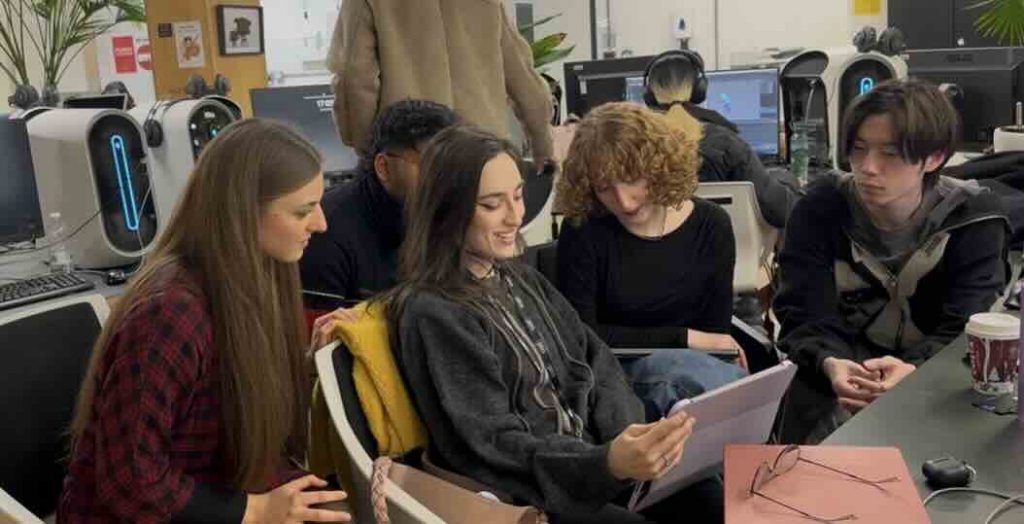
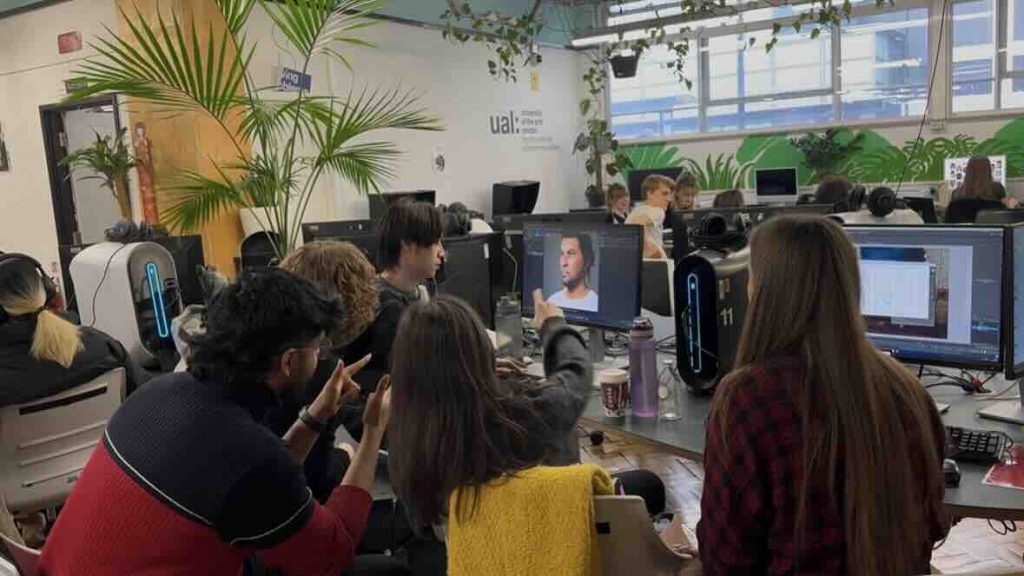
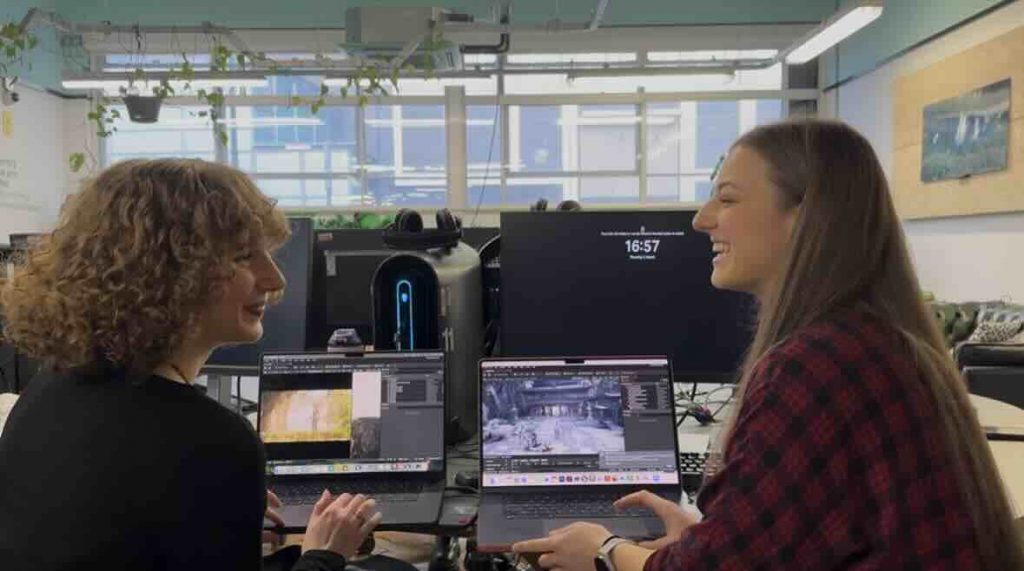
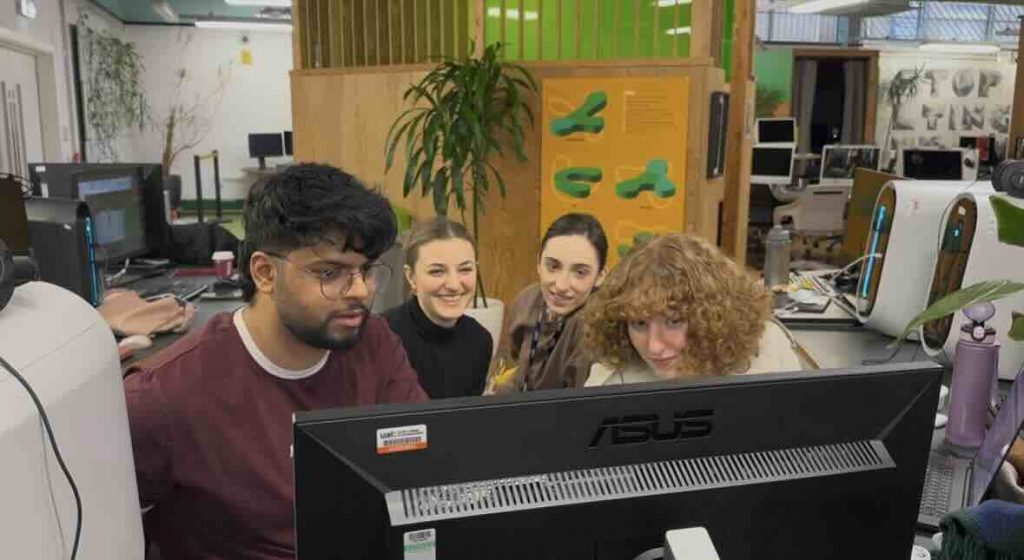
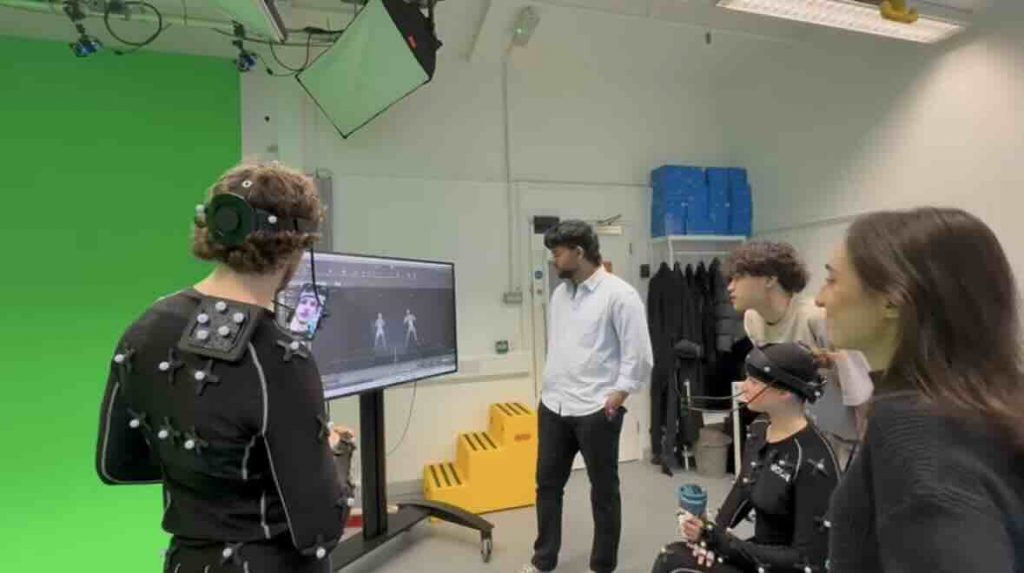
Throughout the production process, collaboration became one of the most important aspects of the project. We worked closely together during planning, environment creation, character development, and motion capture sessions. Documenting our collaboration and mocap process highlighted the amount of teamwork and communication involved in bringing the project to life. Although the process was challenging at times, it was also incredibly rewarding and became a valuable learning experience for all of us. Working together on such a large-scale production allowed us to strengthen both our technical and creative skills while gaining experience in managing a collaborative workflow.
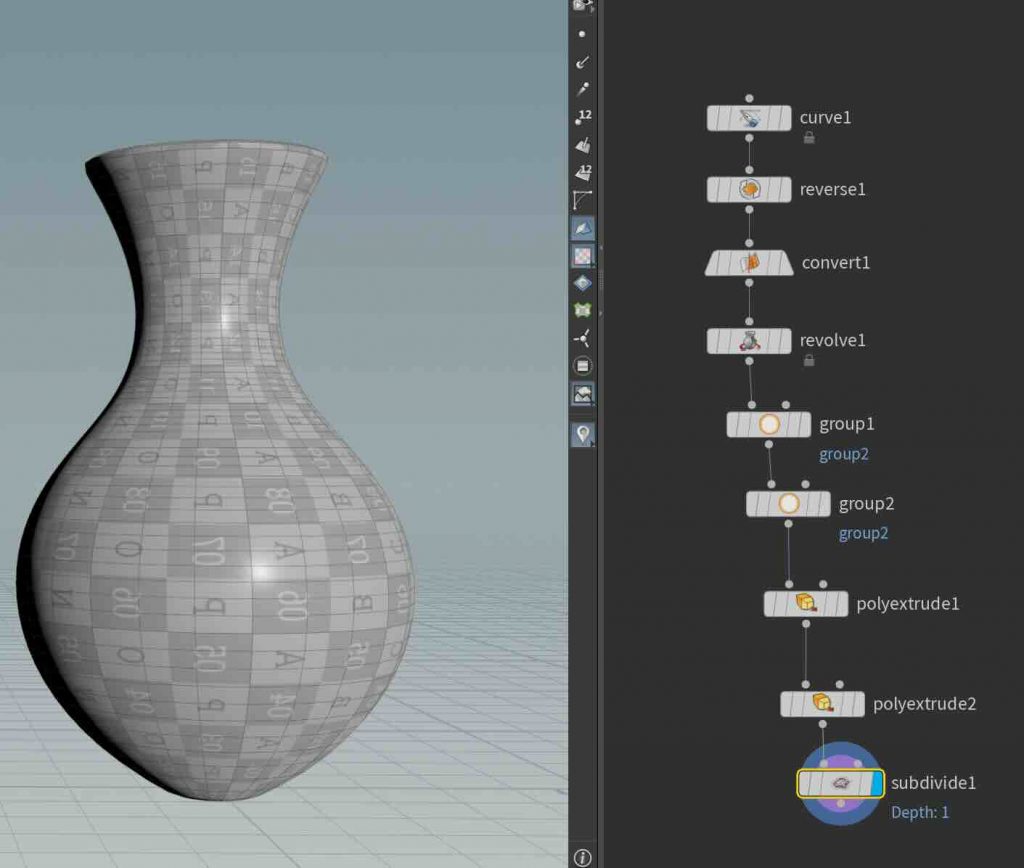
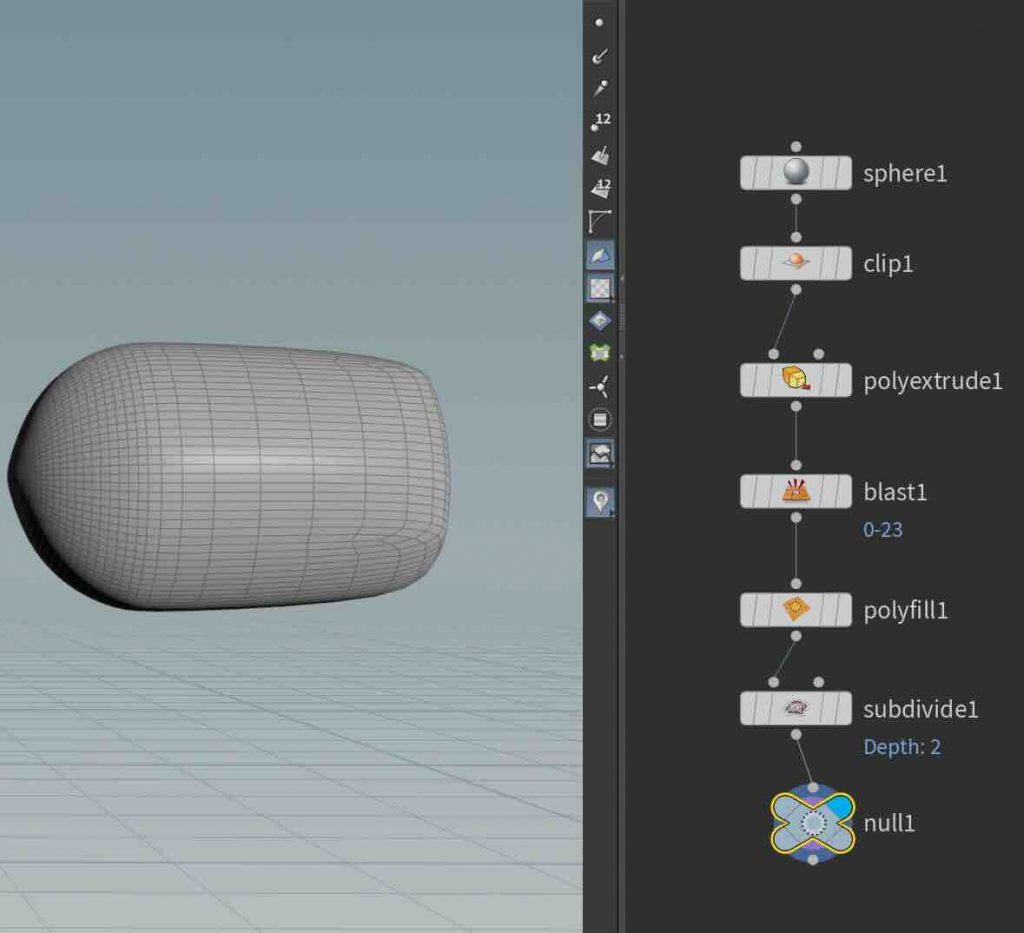
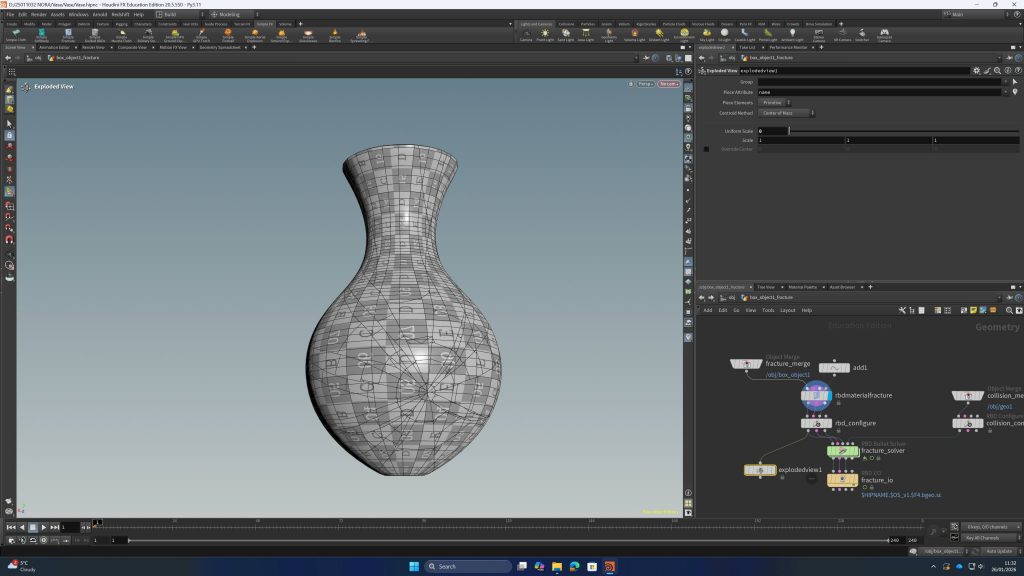
In our first class using Houdini, we were introduced to both basic modeling and simple simulation. We started by creating a vase, learning how to shape it and adjust its form step by step using a procedural workflow.
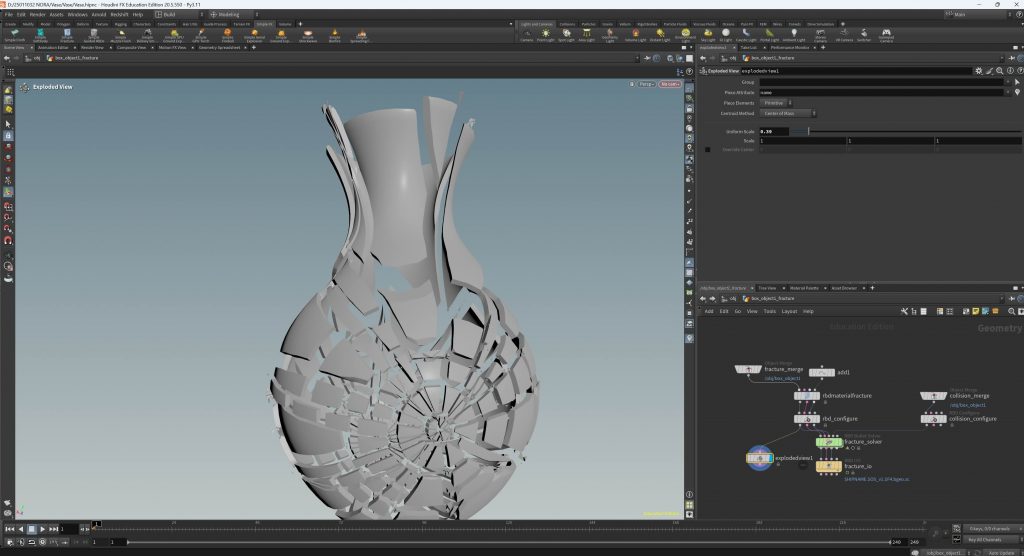
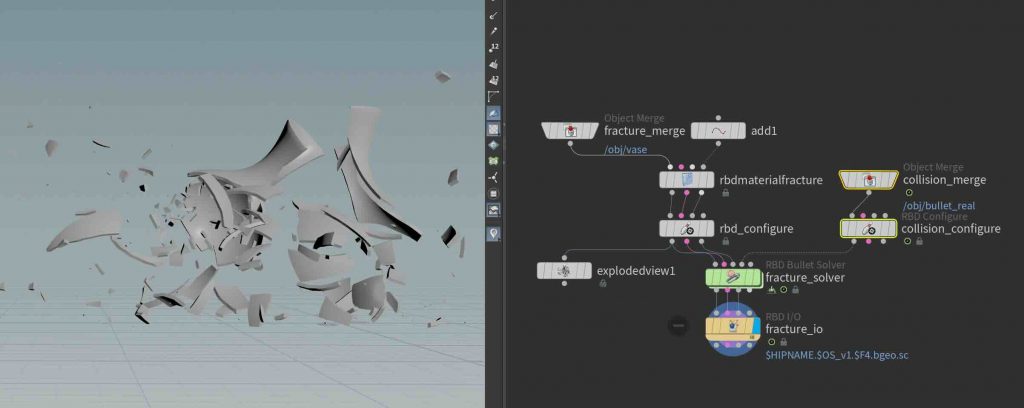
After that, we turned the vase into part of a small scene where a bullet collides with it. On impact, the vase breaks apart and explodes into pieces, giving us a first look at how destruction effects work. It was interesting to see how something we modeled ourselves could quickly become part of a dynamic, animated moment.
This first exercise gave a glimpse into how Houdini combines modeling and simulation, making it possible to create both objects and the effects that act on them.
Wall and Ball:
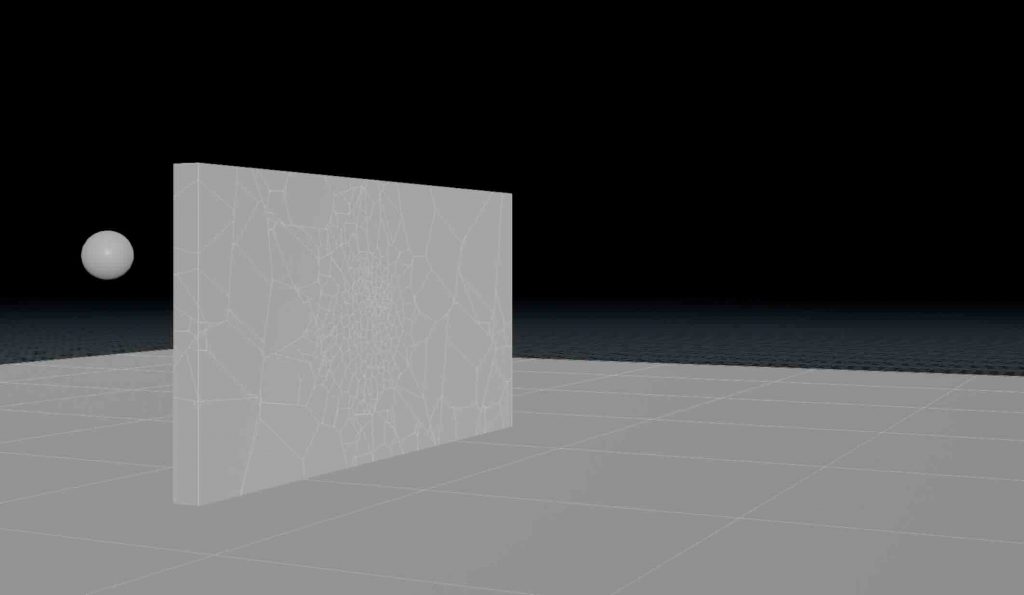
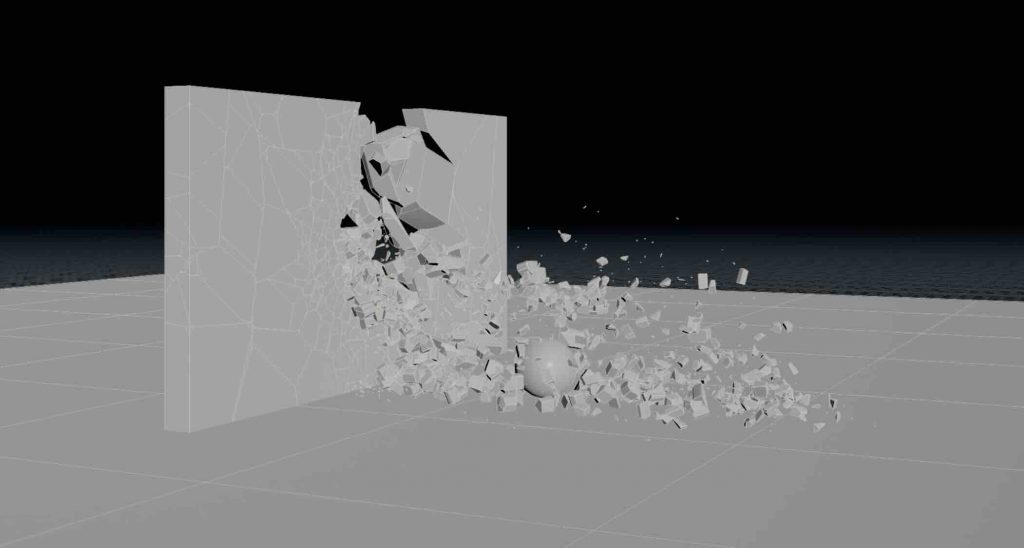
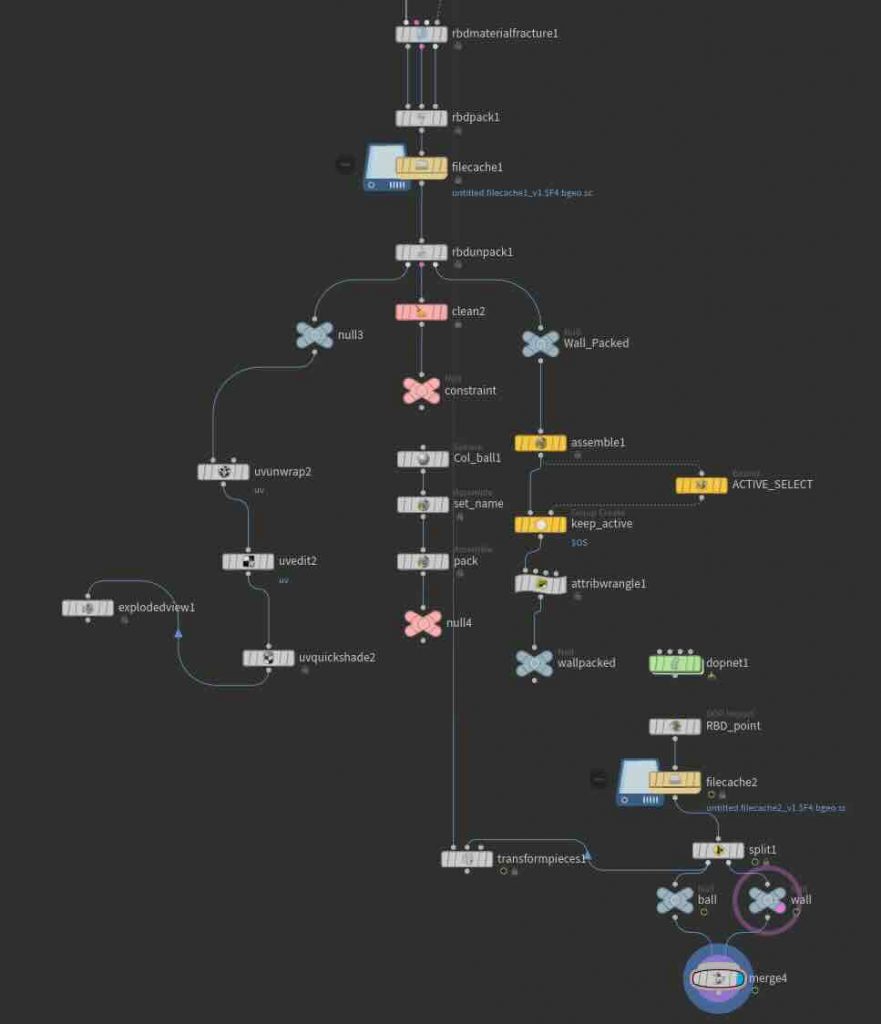
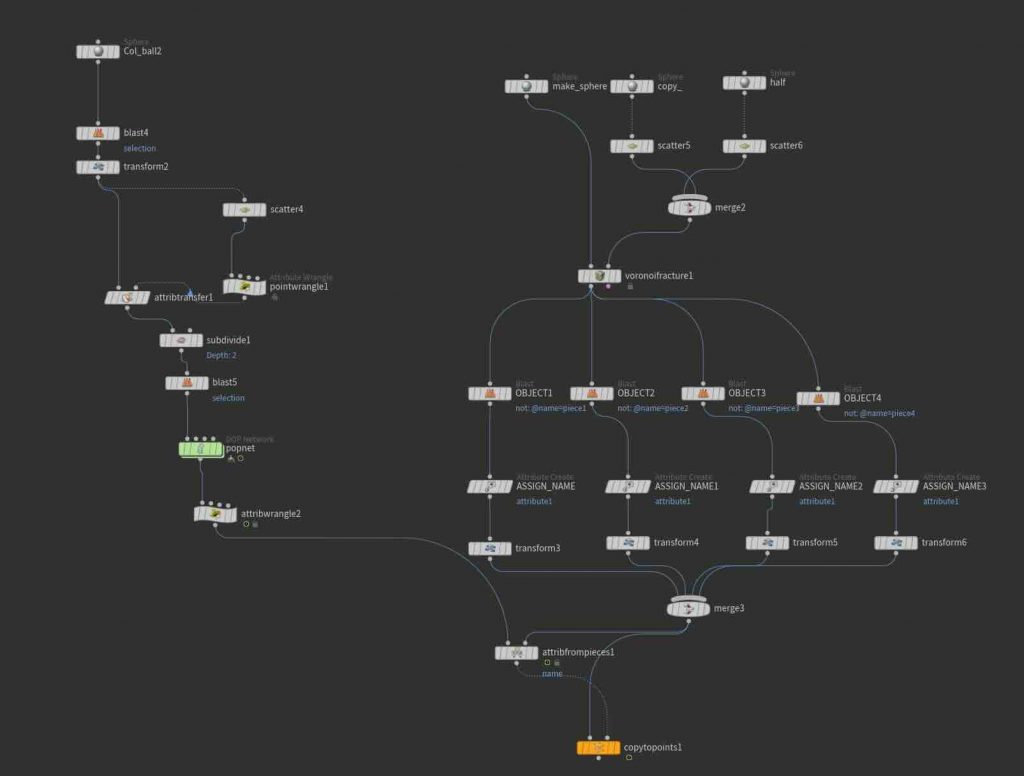
In our second class using Houdini, we worked on a destruction simulation where a ball crashes into a wall and breaks it apart. We created the wall, set up the collision, and simulated the impact so the wall would shatter into pieces when the ball hit it.
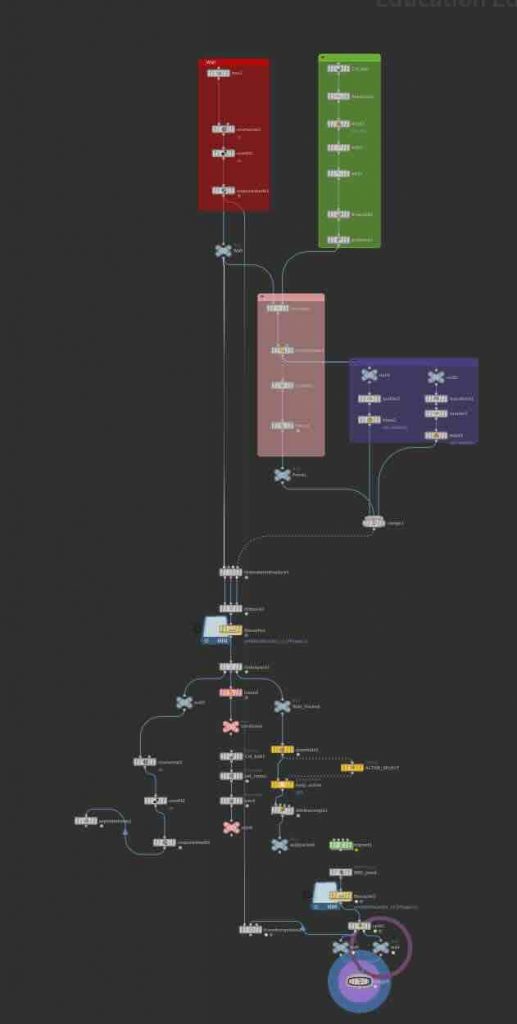
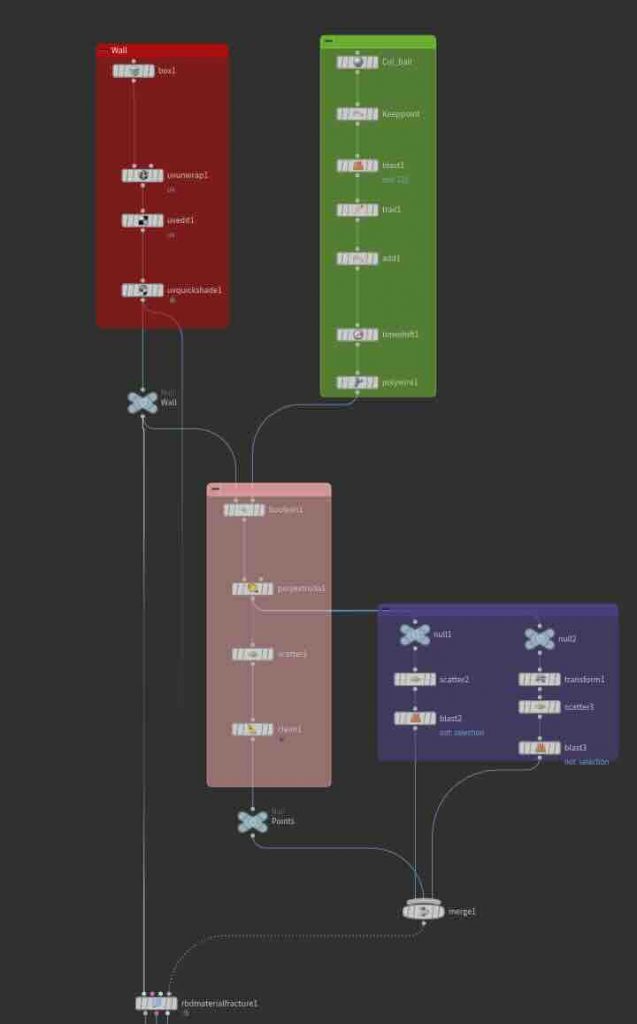
The process was challenging because Houdini has a very technical and complex workflow, especially for someone using it for the first time. A lot of the work involved understanding different nodes, simulation settings, and how physics-based effects interact inside the software. Even though it was difficult to follow at times, the final result showed how detailed and realistic destruction effects can be created through simulation.
Grass and Cube:
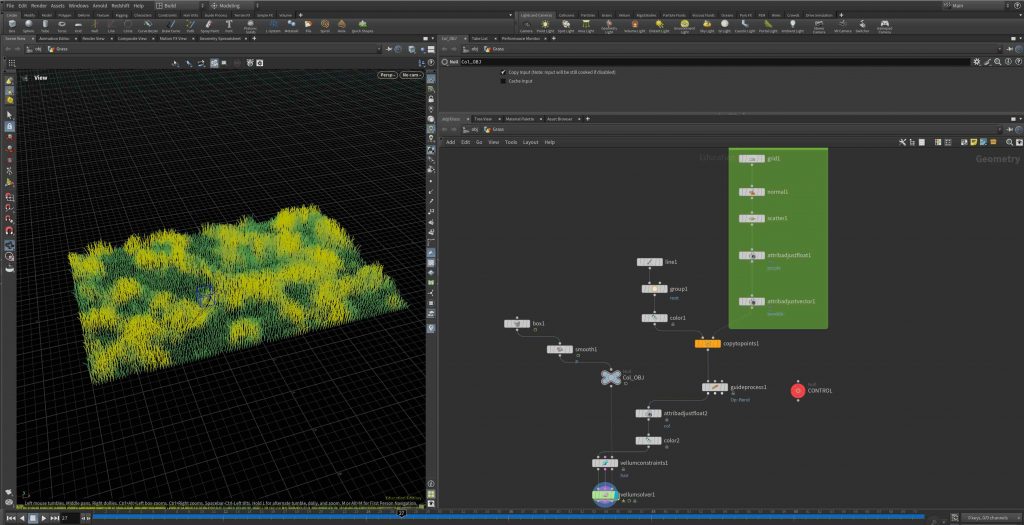
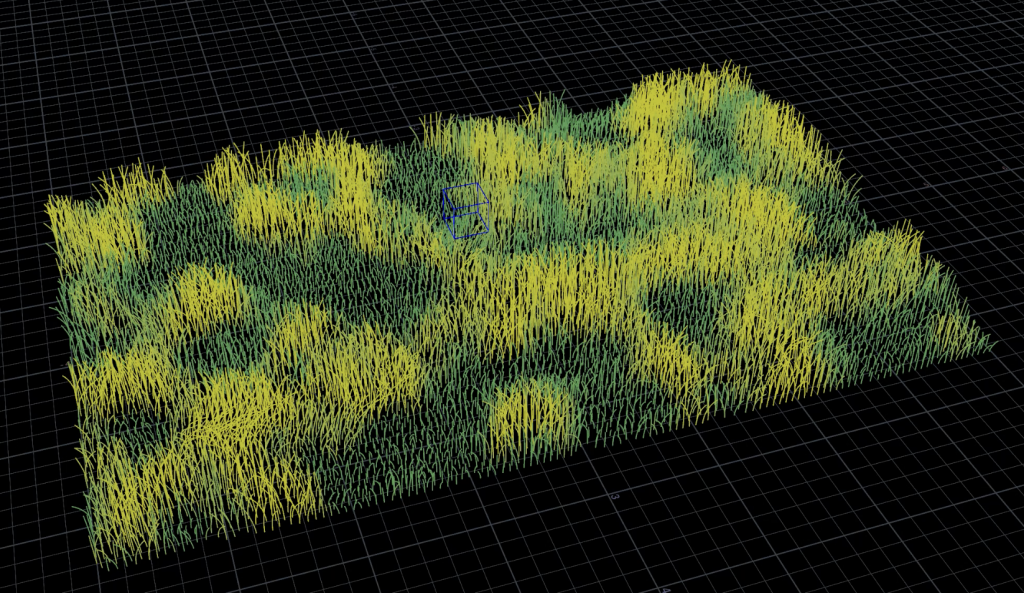
In our second class using Houdini, we worked on a destruction simulation where a ball crashes into a wall and breaks it apart. We created the wall, set up the collision, and simulated the impact so the wall would shatter into pieces when the ball hit it.
The process was challenging because Houdini has a very technical and complex workflow, especially for someone using it for the first time. A lot of the work involved understanding different nodes, simulation settings, and how physics-based effects interact inside the software. Even though it was difficult to follow at times, the final result showed how detailed and realistic destruction effects can be created through simulation.
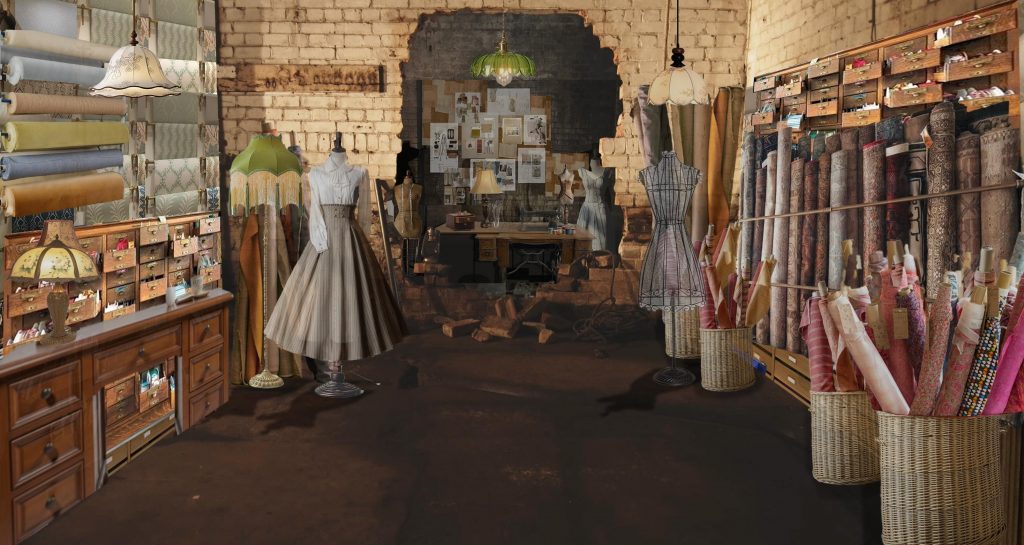
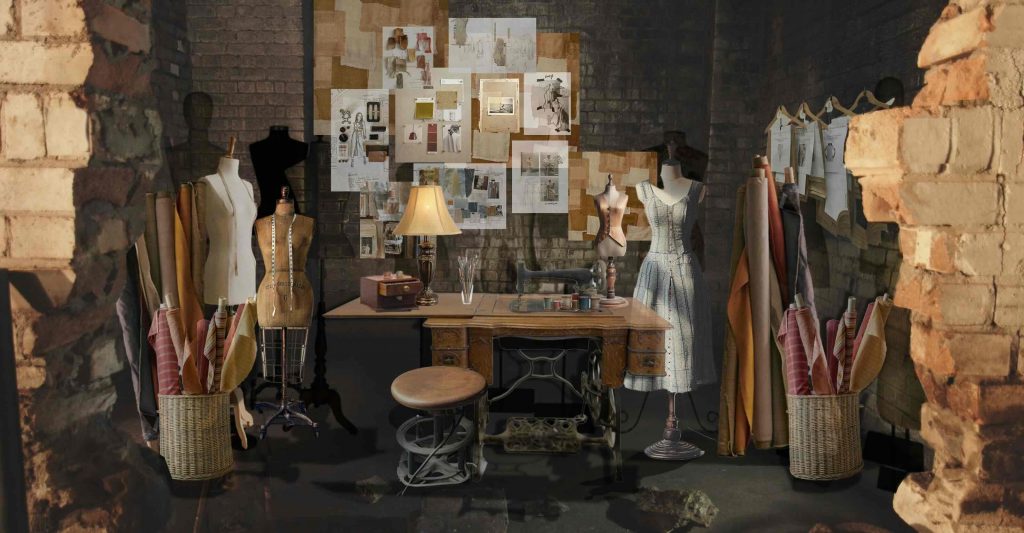
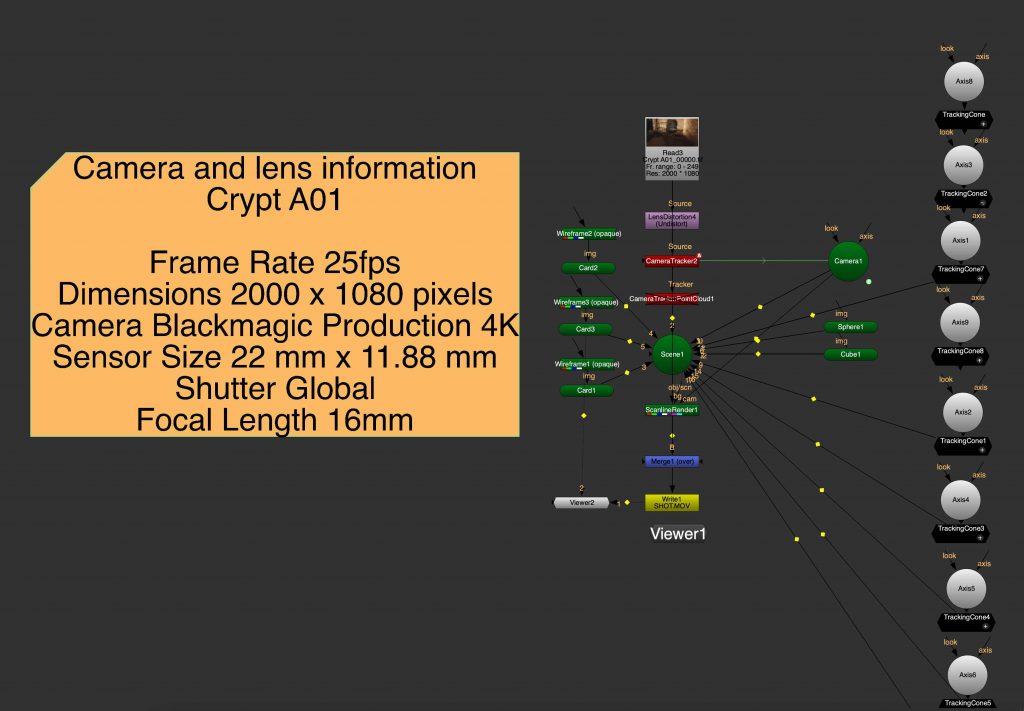
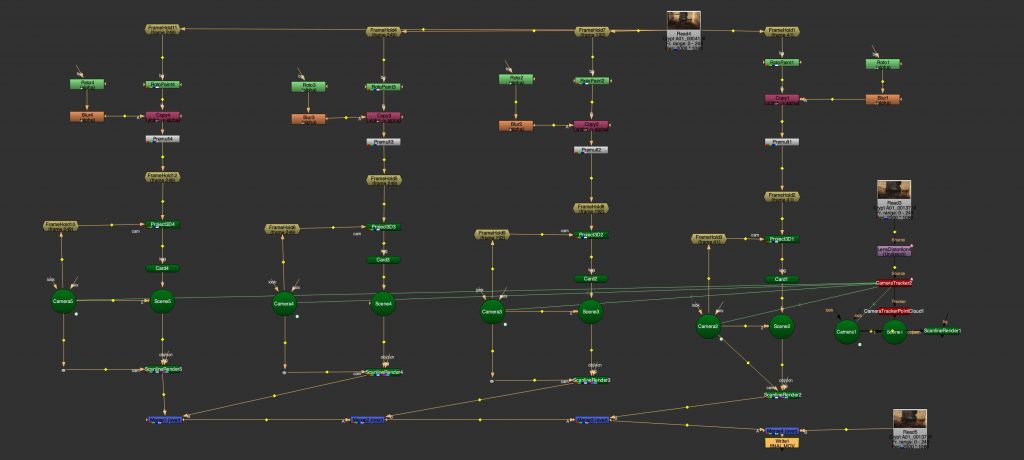
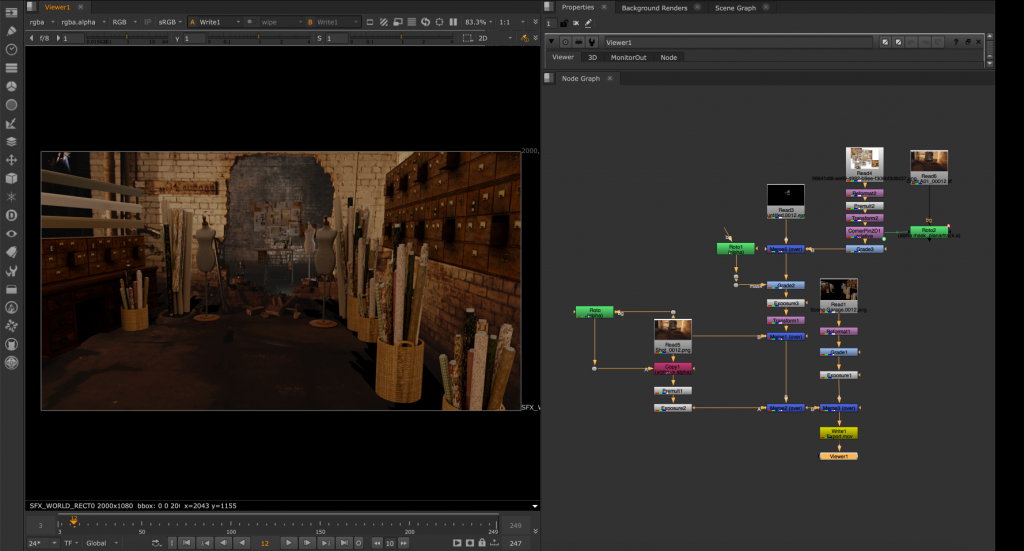
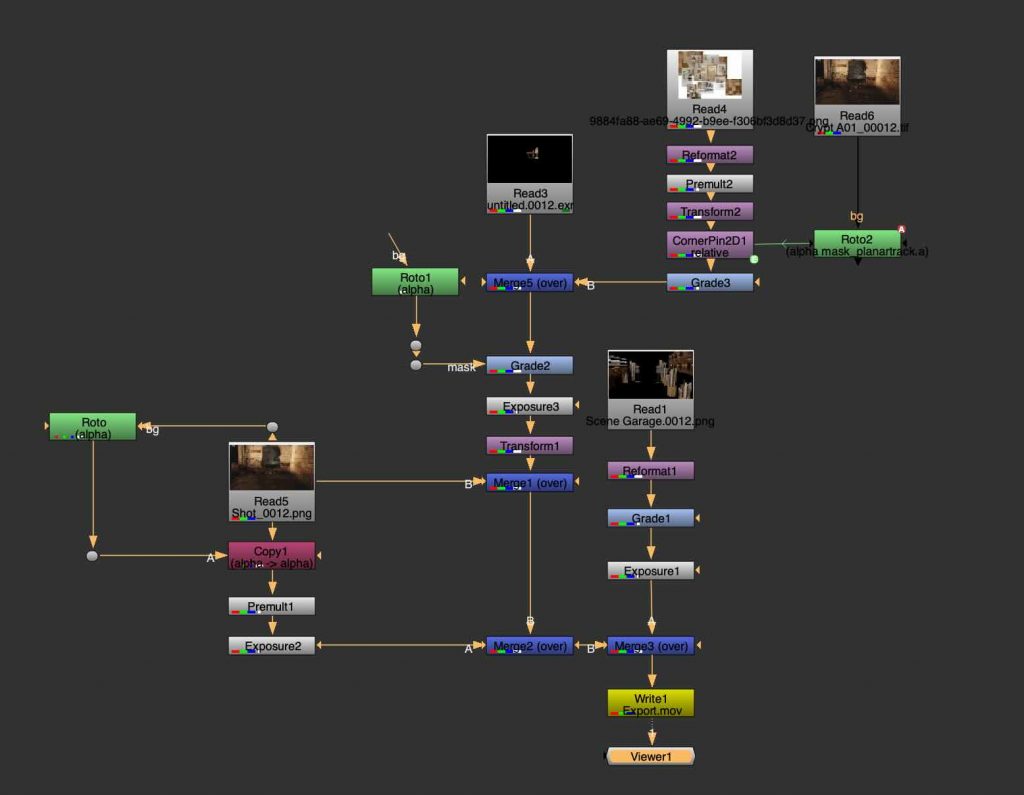
For our biggest project in Nuke, we worked with footage of an abandoned garage and transformed the space by integrating 3D elements into the scene. The goal was to make the environment feel more visually interesting and believable by adding machinery and other objects that fit naturally into the space.
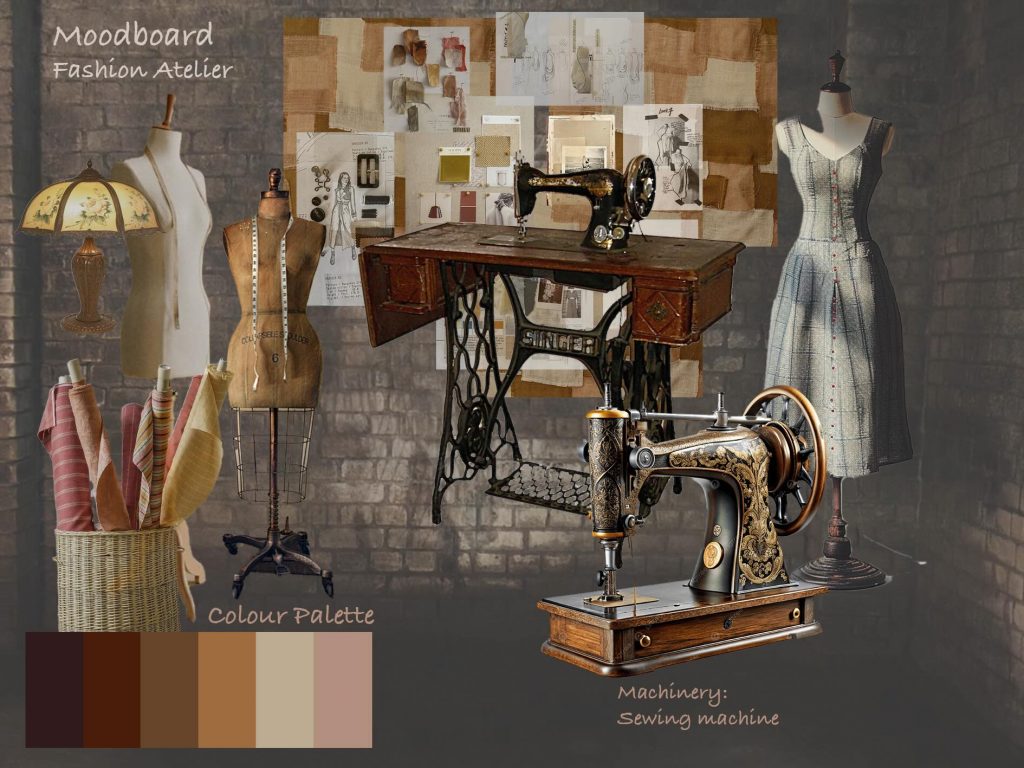
Concept and Moodboard:
Before starting the compositing process, we had to develop a concept and create a moodboard to plan how the final scene would look.
Tracking and working in 3D Nuke space:
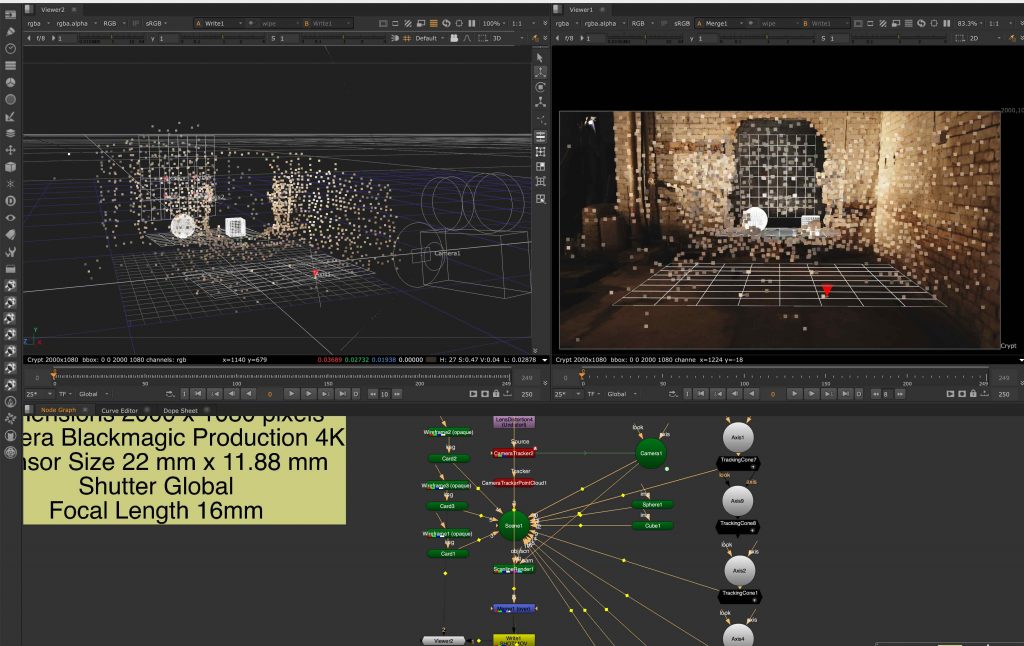
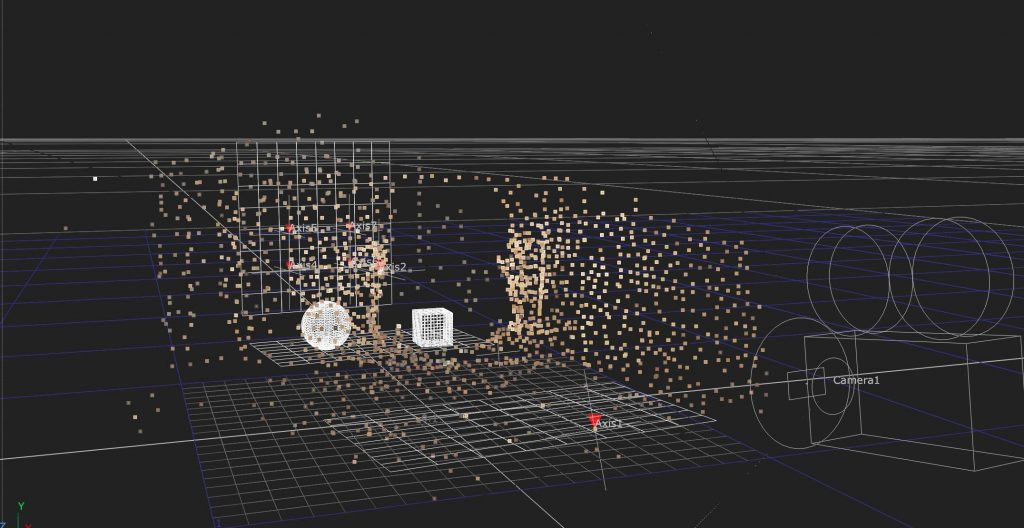
We began by tracking the footage and placing cones onto the tracking points to check whether the camera tracking was stable and accurate. After that, we started building the basic 3D scene by placing floor planes and simple objects, such as cubes, into the environment to match the perspective and movement of the original footage.
Rotoscoping:
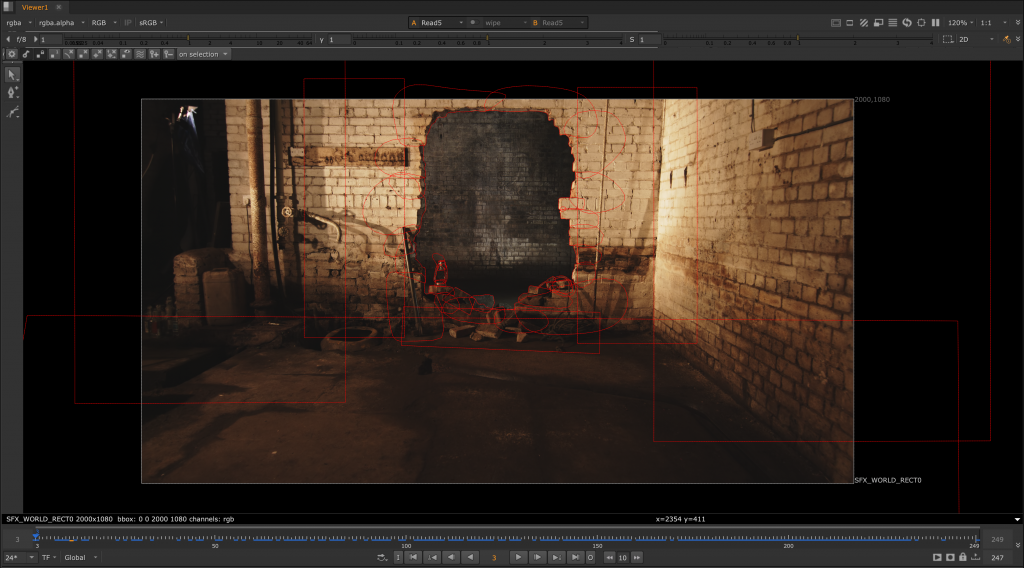
To gain more control over the composition, we also rotoscoped the first room from the second room, separating the spaces so the added elements could interact more naturally within the scene.
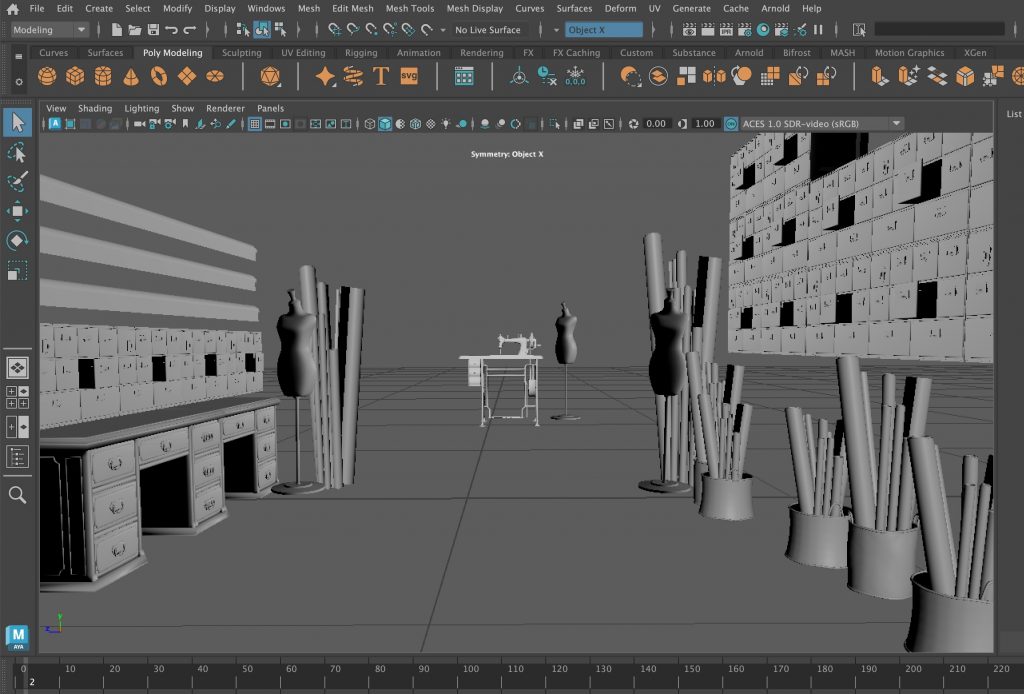
3D Models:
For the 3D elements, I decided not to model the objects myself and instead focused on learning texturing.
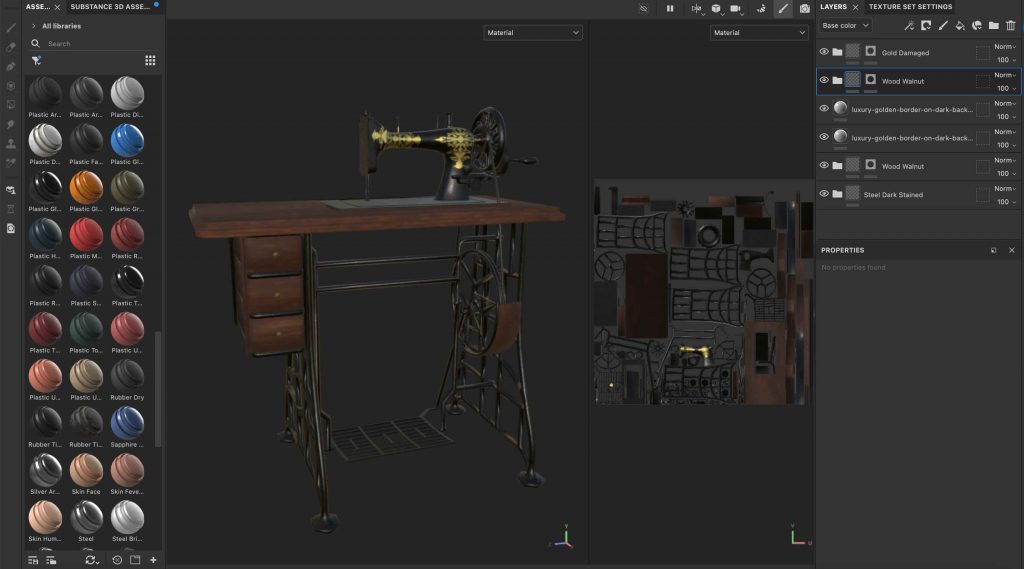
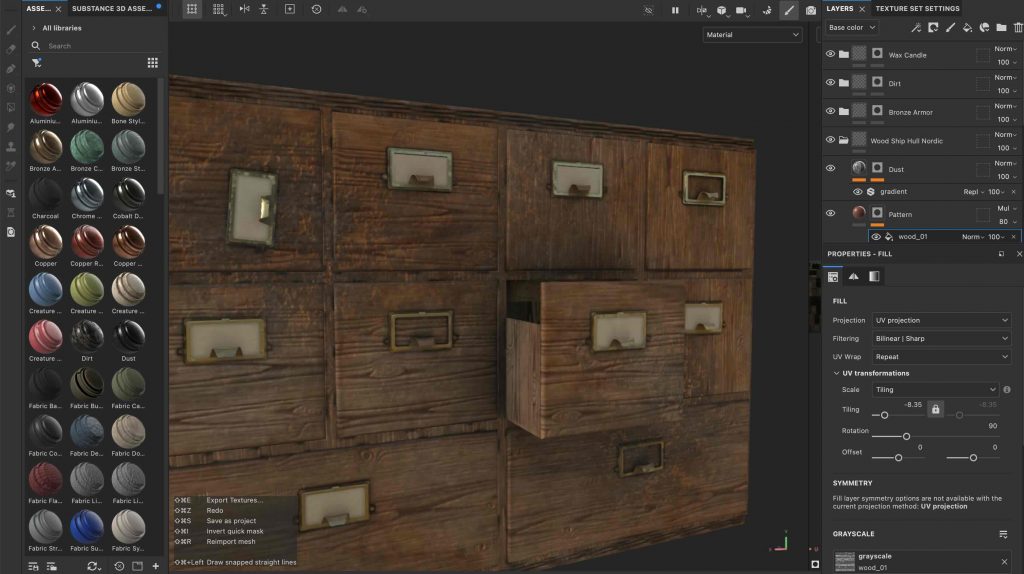
Substance Painter:
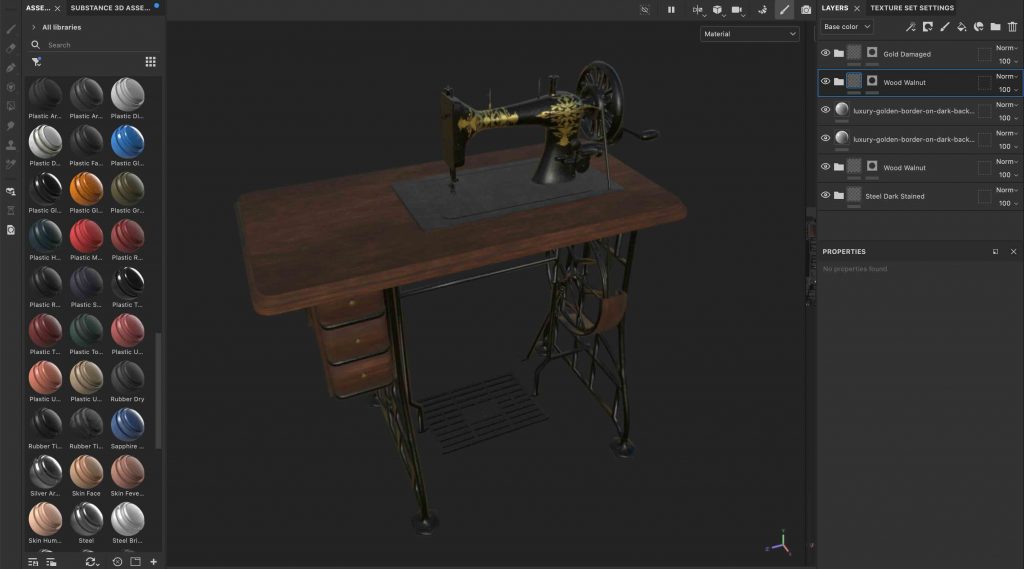
I used Adobe Substance 3D Painter for the first time to texture the sewing machine and the other assets, which I ended up enjoying a lot. It was interesting to experiment with different materials, surface details, and weathering to make the objects feel more realistic and suited to the abandoned environment.
Compositing:
The final stage involved rendering the 3D scene in Autodesk Maya and compositing the rendered elements back into the original footage in Nuke. This project combined tracking, rotoscoping, texturing, 3D integration, and compositing into one workflow, giving a better understanding of how visual effects shots are built from start to finish.
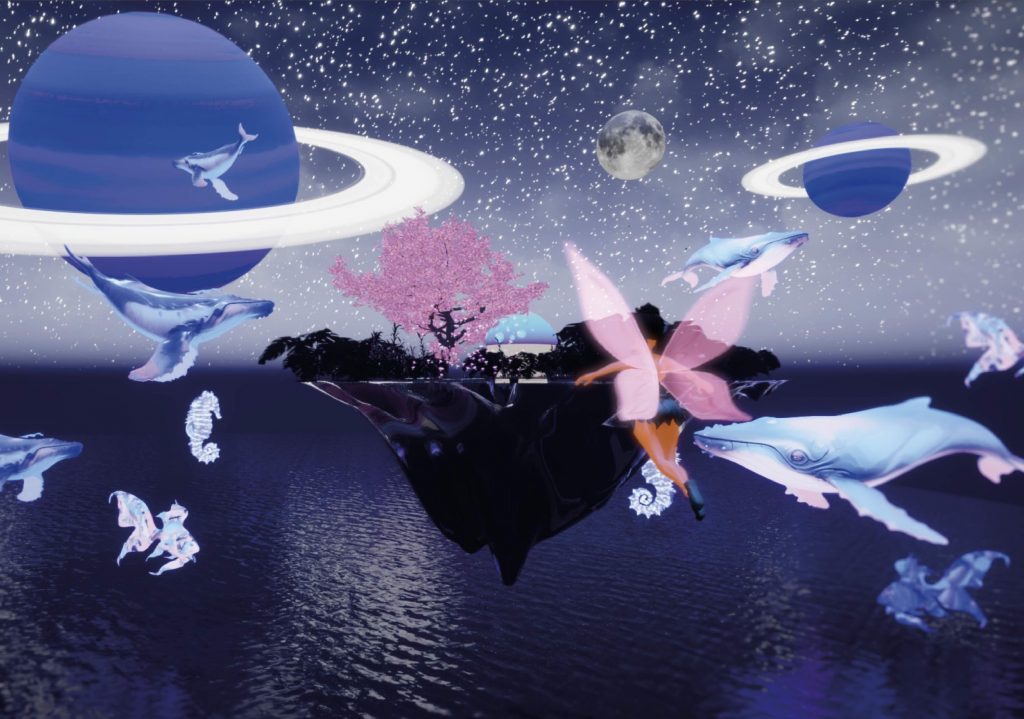
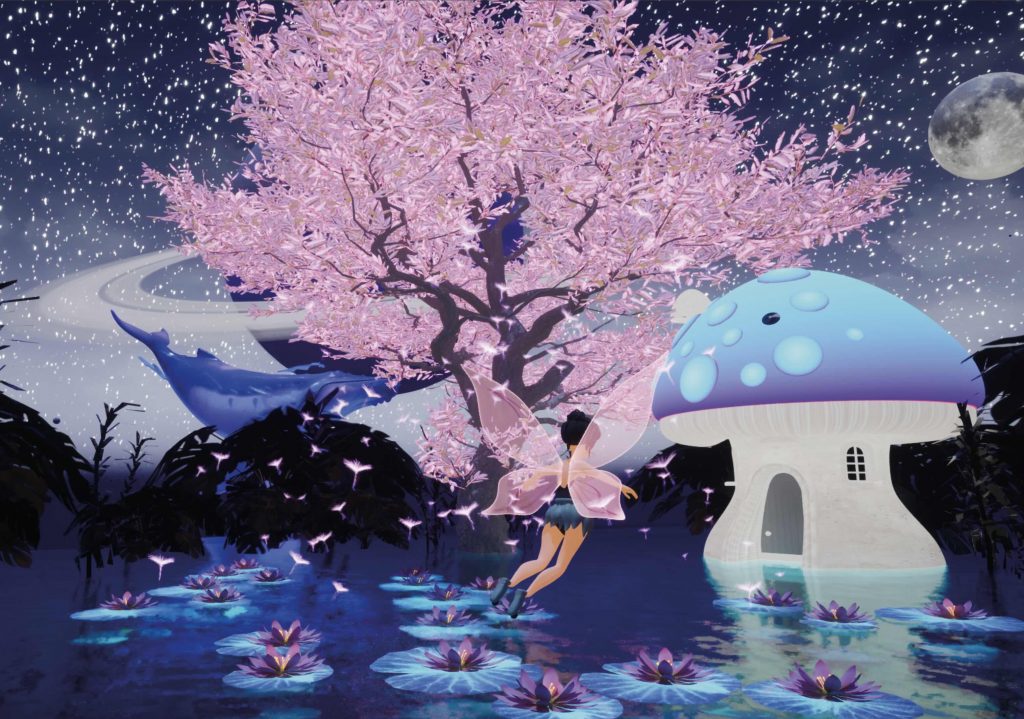
The focus of this project was the creation of a stylised CGI environment that invites immersion and a sense of wonder. Coming from a background in interior design, I had never worked on exterior environments before starting the MA, and this project became my first experience of building an entire world from the outside in. I found this process deeply rewarding and genuinely enjoyable, particularly the freedom of shaping atmosphere through light, colour, and scale. Developing the environment confirmed my interest in world-building as a central part of my creative practice.
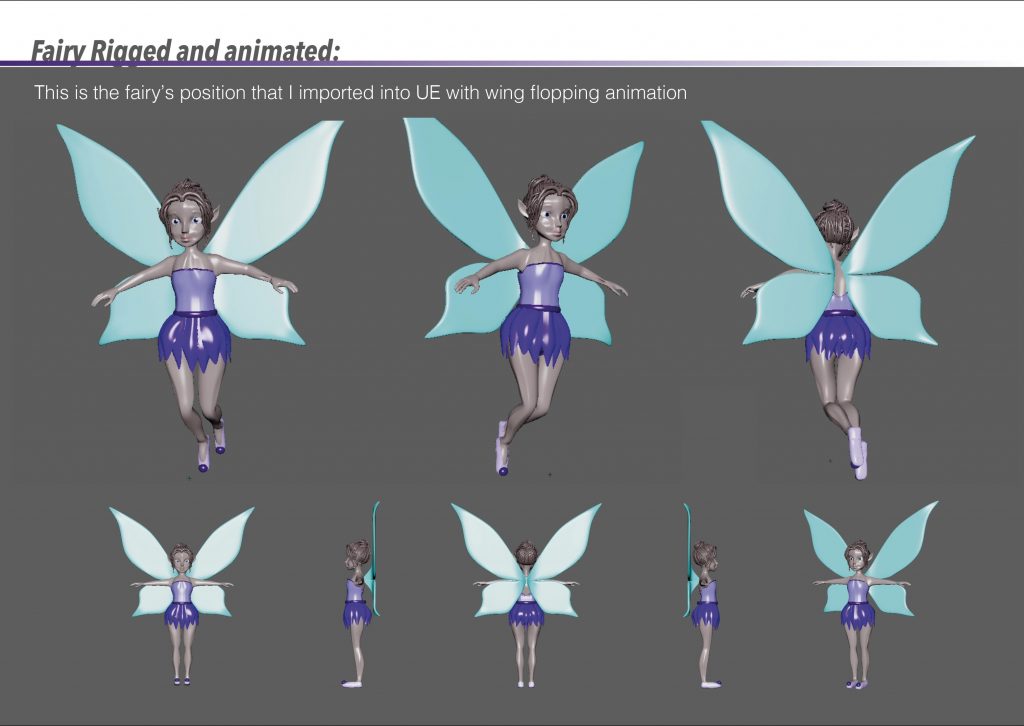
The fairy character was introduced as a subtle presence rather than a narrative lead. I had never modelled or rigged a character prior to this project, which made this stage challenging, but also an important learning experience. The story is intentionally not driven by action or character performance; instead, the fairy’s movement simply guides the viewer through the space, allowing the environment itself to remain the emotional core of the piece.
Creative Process:
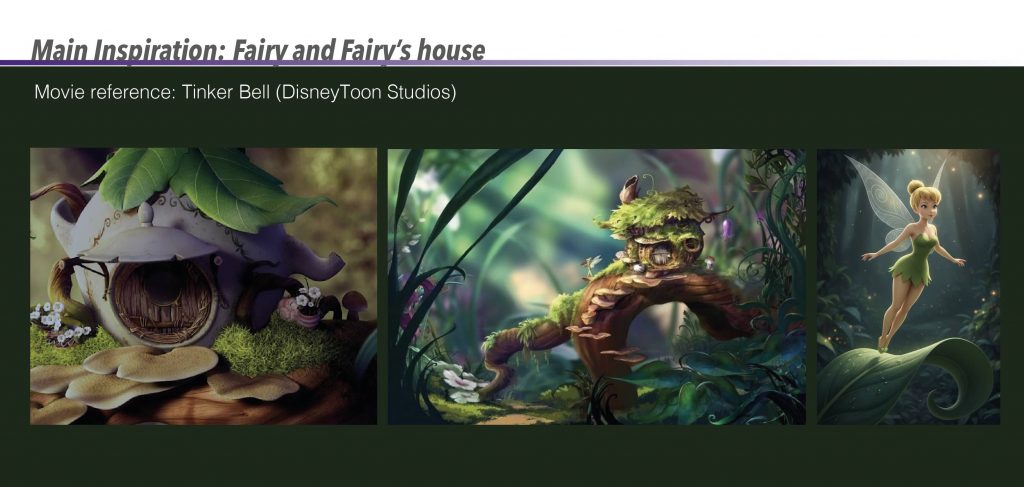
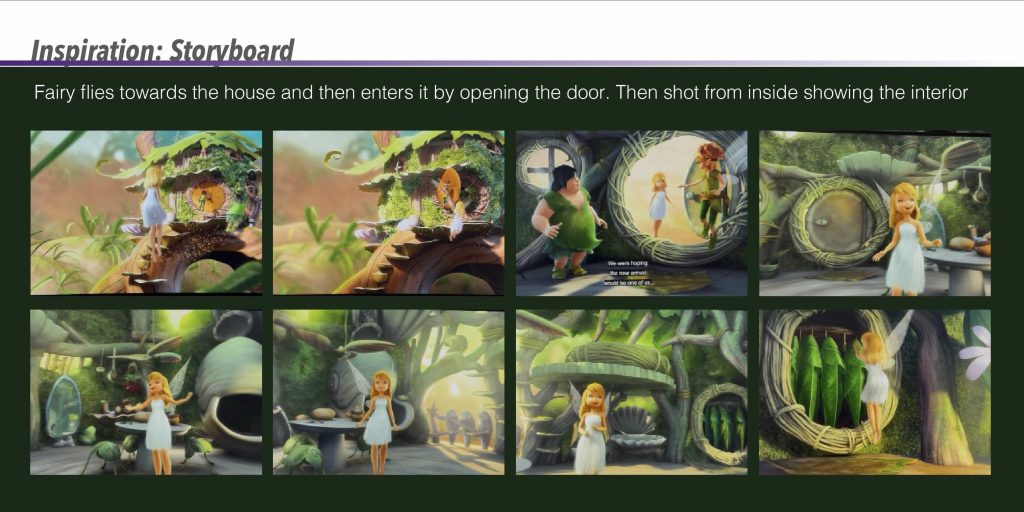
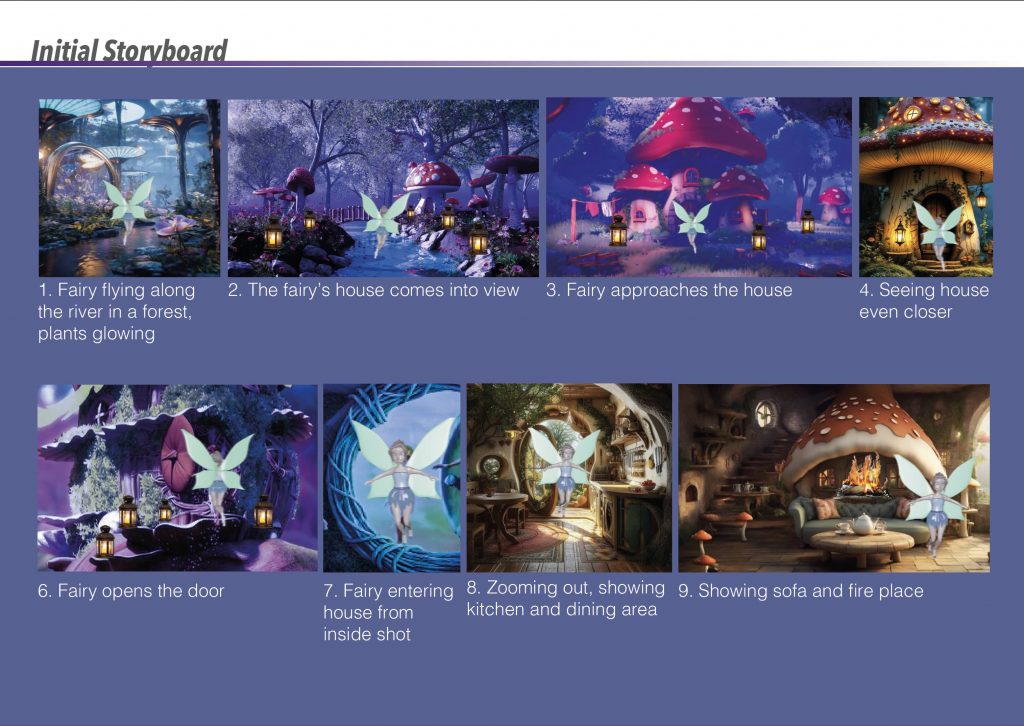
At the beginning of the project, my main source of inspiration came from Tinkerbell by DisneyToon Studios. I was particularly drawn to the whimsical representation of fairy worlds, the organic architecture, and the way small-scale environments are integrated into nature. Elements such as mushroom houses, curved forms, and soft, magical lighting helped shape my initial vision and establish a fairy-tale aesthetic for the project.Using scenes from Tinkerbell as reference, I explored how a simple narrative could be communicated through movement and environment. The storyboard focuses on the fairy flying towards her house, opening the door, and entering the space. These references helped me understand how camera angles, pacing, and spatial transitions could guide the viewer through a short animated sequence.
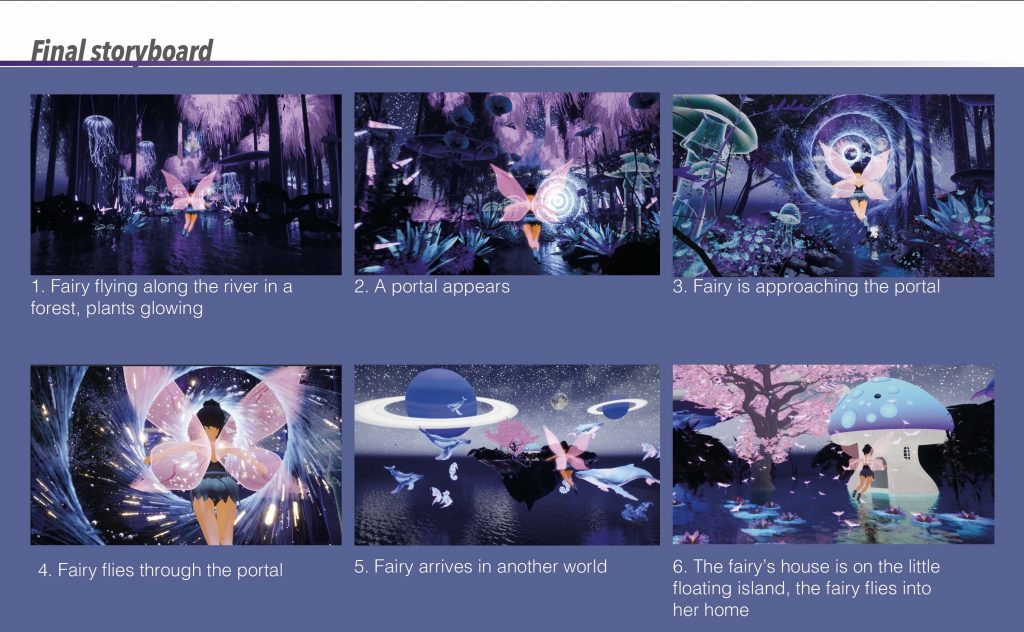
Based on this inspiration, I created my own initial storyboard to visualise how the environment and character would interact. The sequence begins with the fairy flying along a river within a forest, surrounded by glowing plants, before gradually revealing the mushroom house. The storyboard originally included interior shots of the house; however, it mainly served as a planning tool for composition, atmosphere, and the overall flow of the scene.
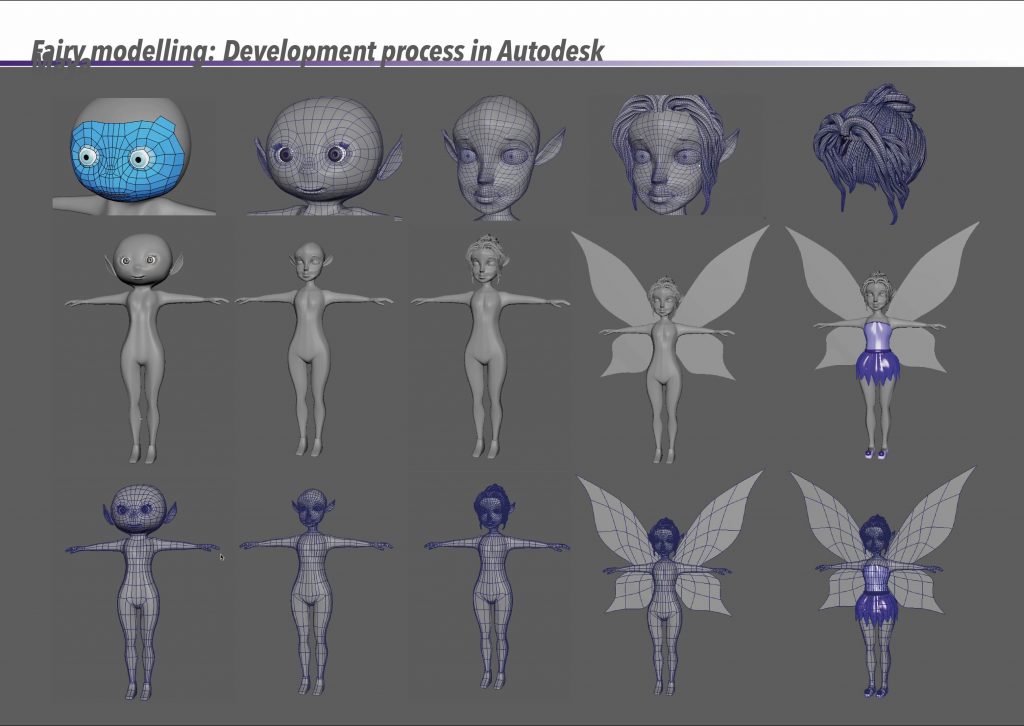
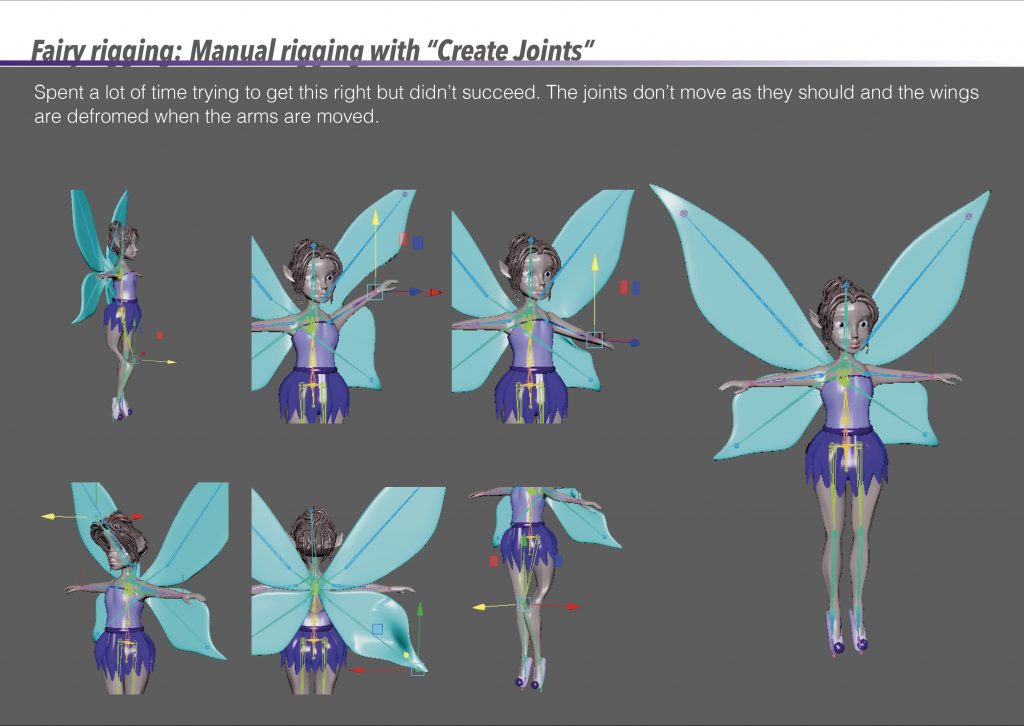
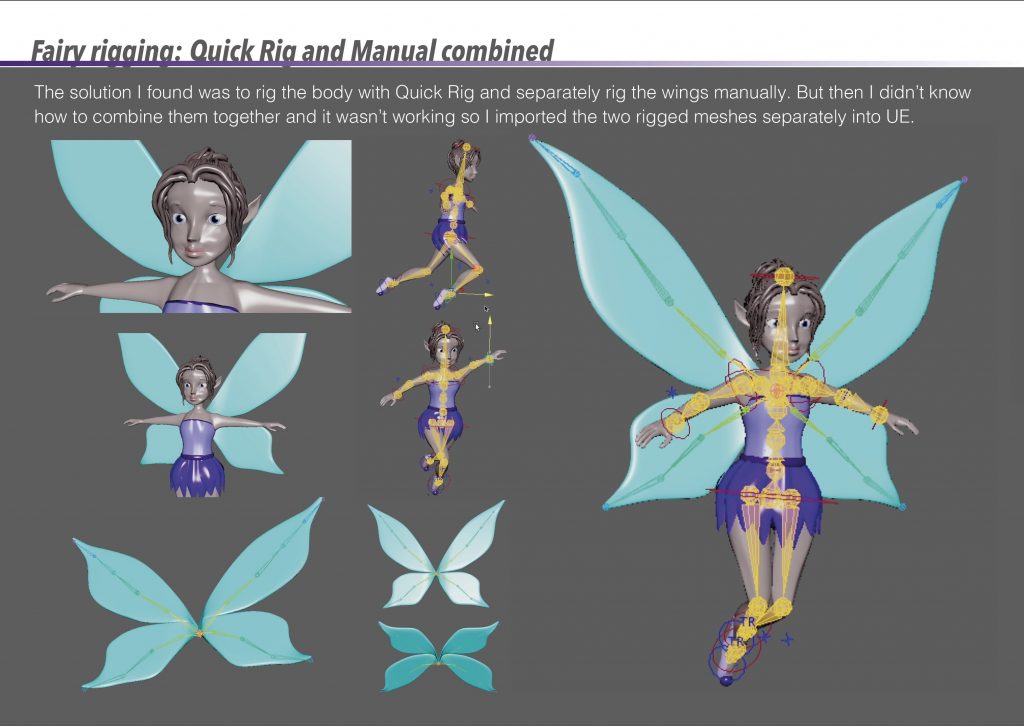
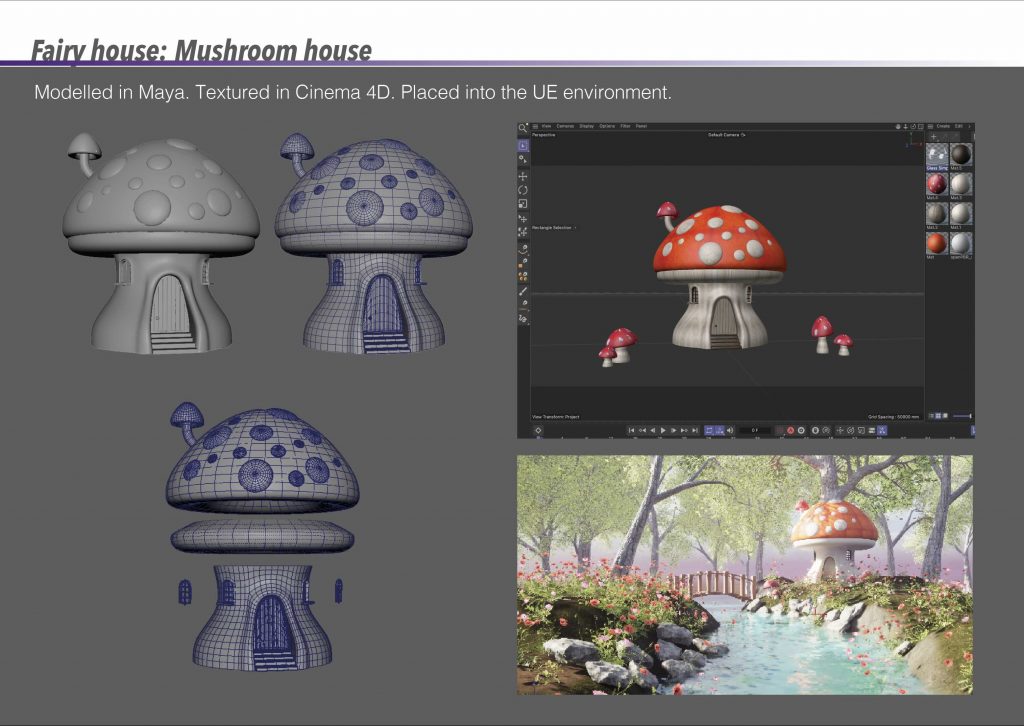
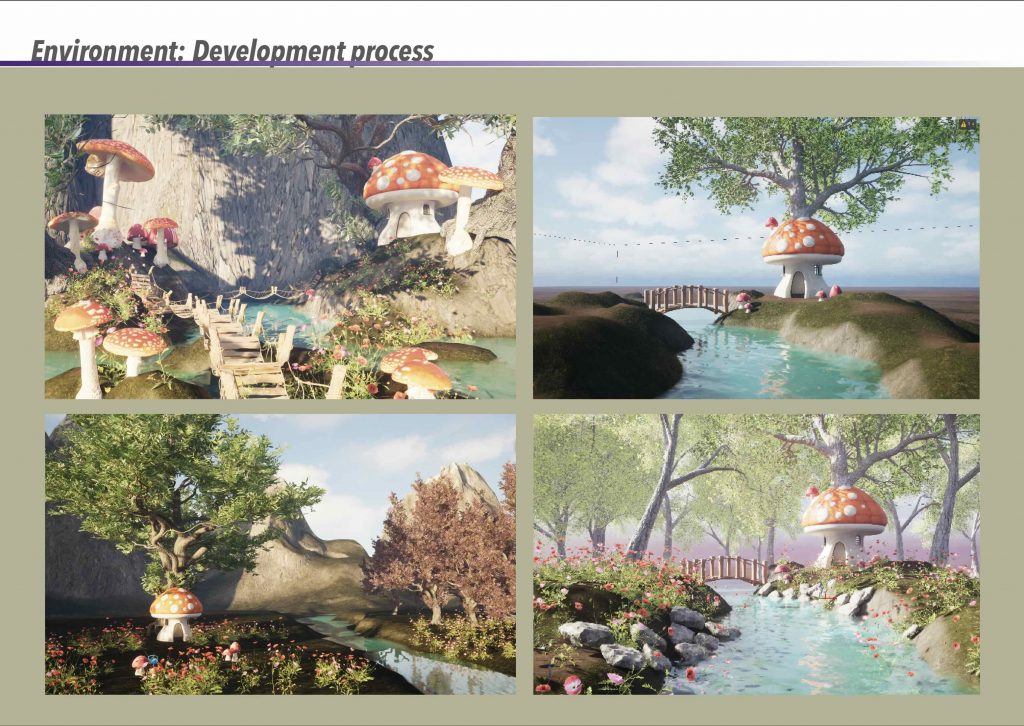
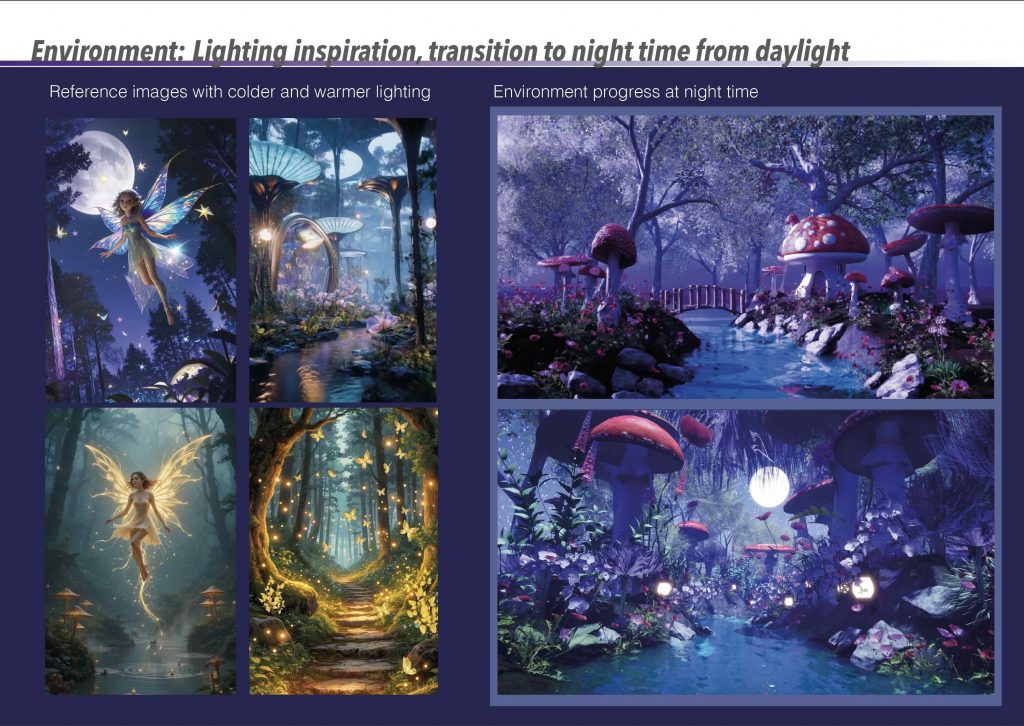
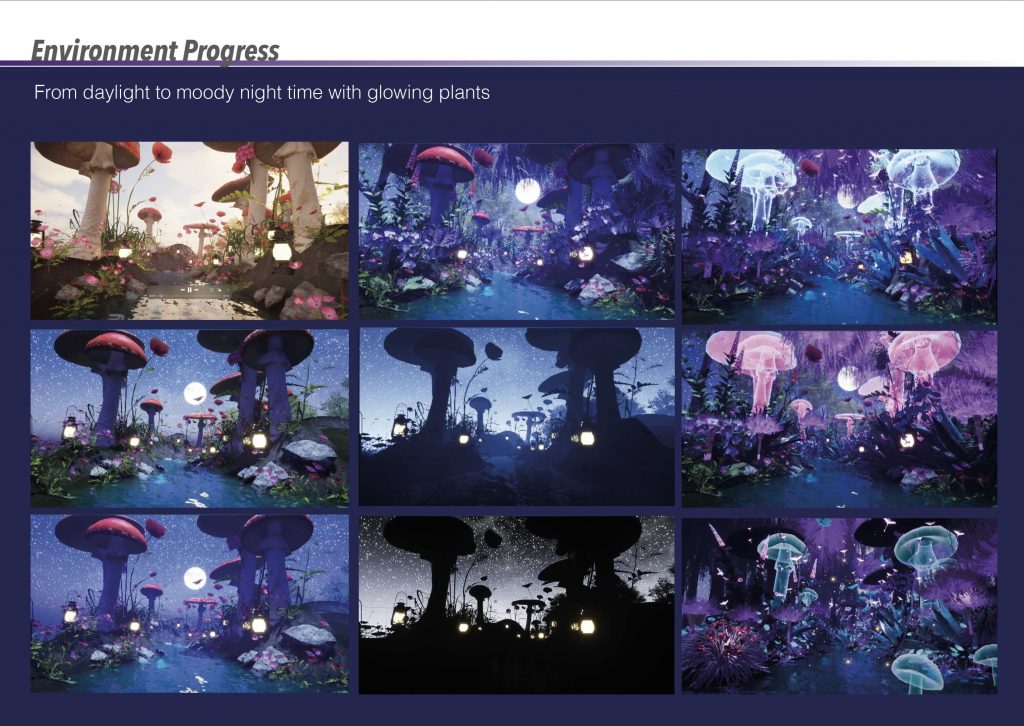
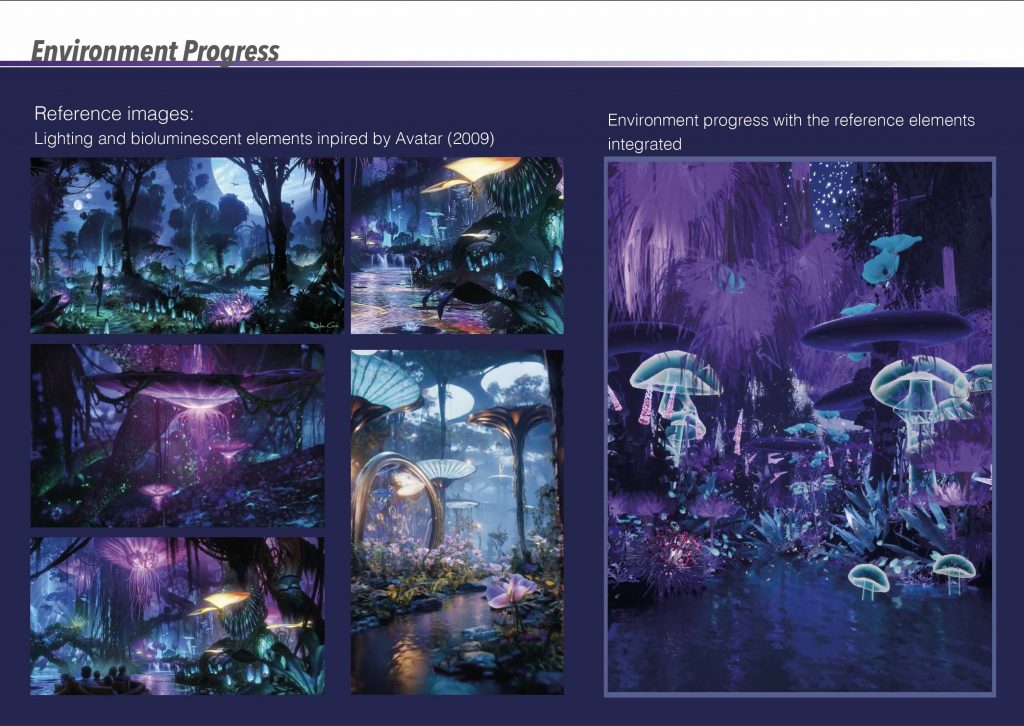
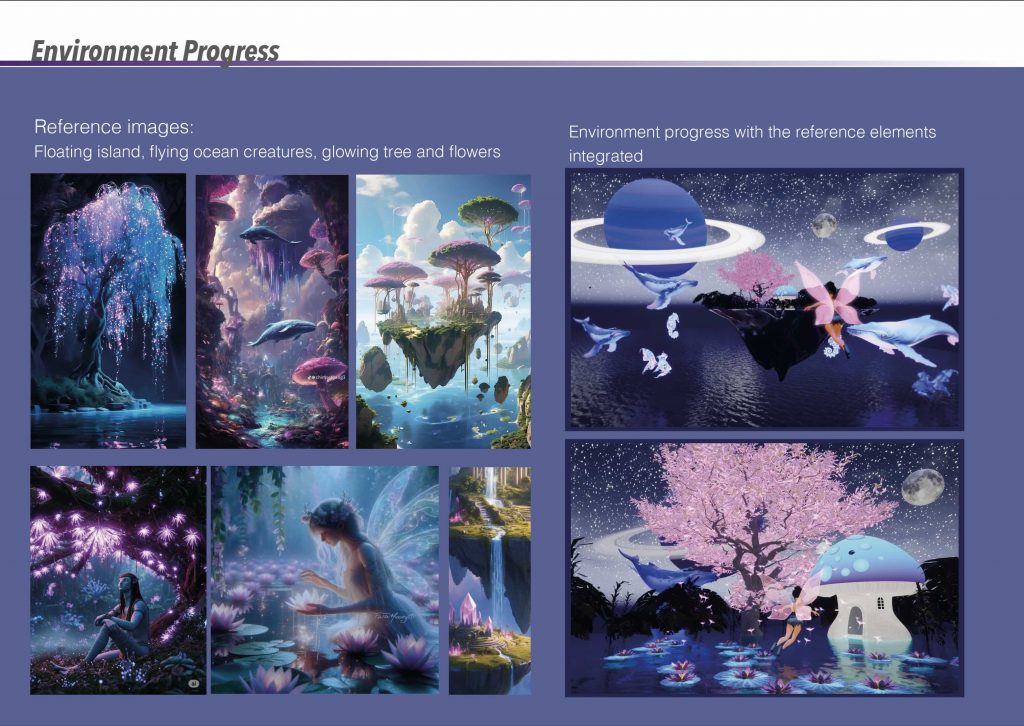
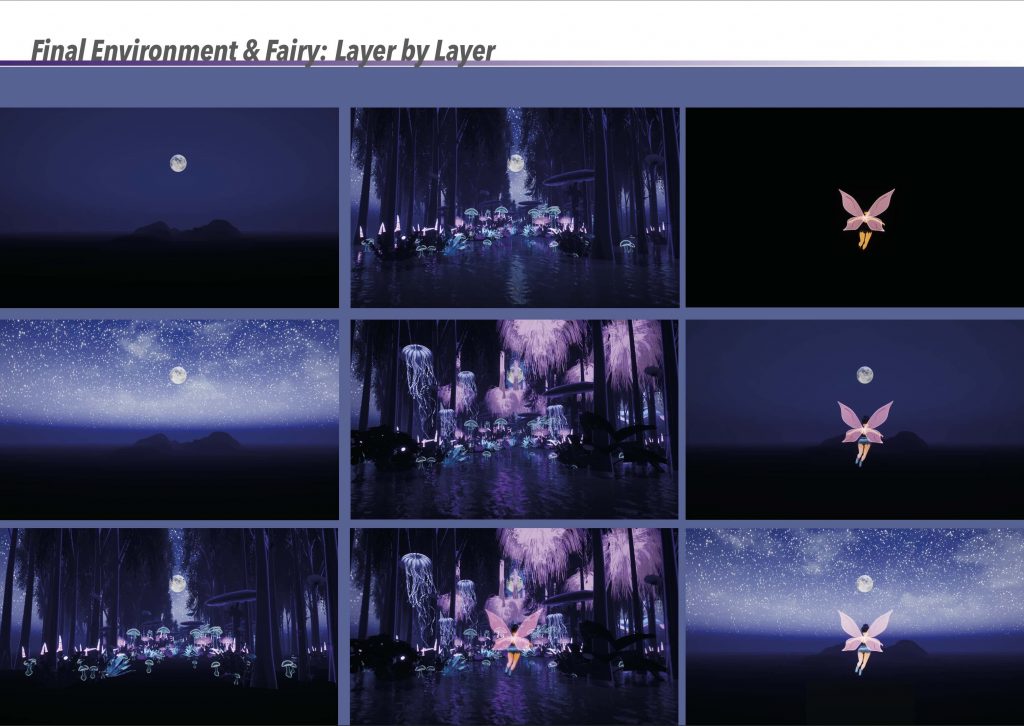
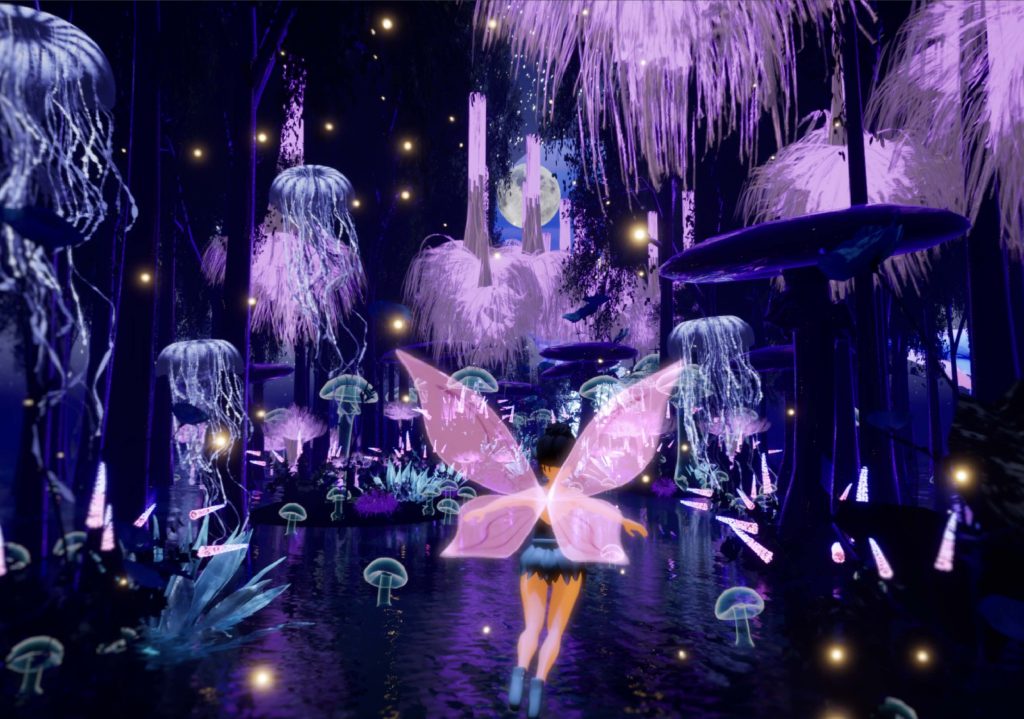
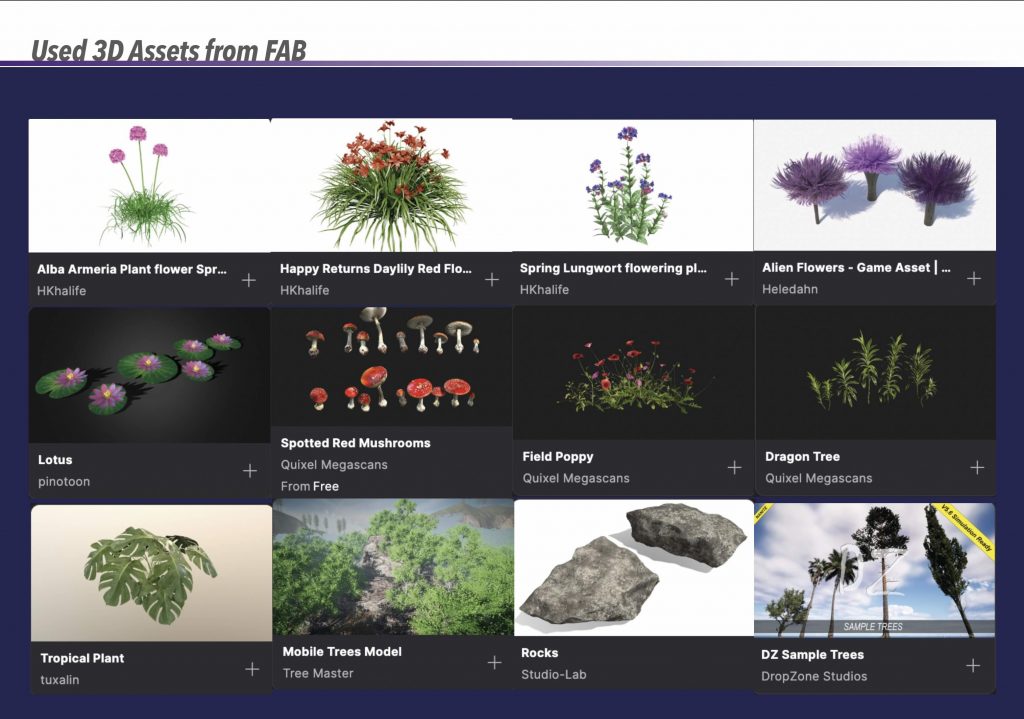
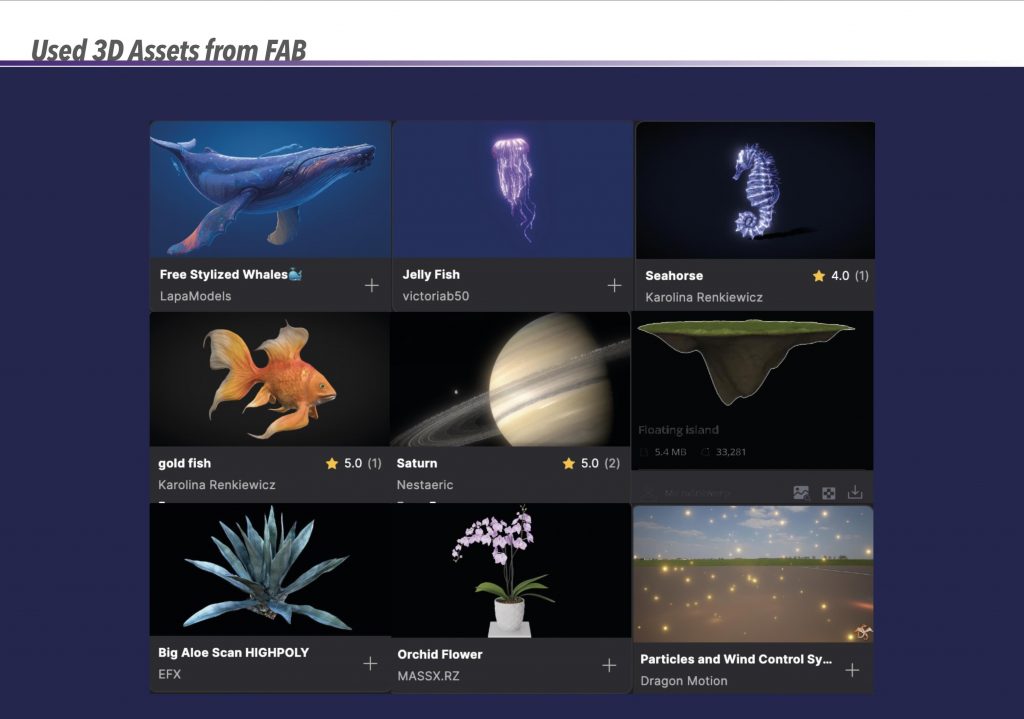
This stage shows the development of the fairy character, starting from a basic mesh and gradually refining the form. Several iterations were required to adjust proportions, facial features, and overall stylisation. Compared to environment assets, character modelling required a higher level of precision, making this one of the more challenging aspects of the project.My first approach to rigging involved manually creating joints for the character. Although I spent a significant amount of time attempting to refine this rig, it did not perform as expected. The joints did not deform correctly during movement, and the wings became distorted when the arms were animated. This made the rig unsuitable for animation and required me to reassess my approach.After the initial rigging attempt failed, I explored an alternative solution by combining two rigging methods. The body was rigged using Quick Rig, while the wings were rigged separately using a manual setup. Although combining these rigs presented technical challenges, this solution allowed me to move forward with animation and highlighted the importance of adapting workflows when initial methods are unsuccessful.Once the rigging was resolved, the fairy was animated into a flying position and imported into Unreal Engine. The animation was intentionally kept minimal, focusing mainly on wing movement to suggest motion. This decision allowed the character to support the scene without drawing attention away from the environment, which remained the main focus of the project.The mushroom house was modelled in Maya and textured in Cinema 4D before being placed into the Unreal Engine environment. Compared to the character work, this process was more straightforward and intuitive. The mushroom house acts as a focal point within the scene and reinforces the fairy-tale theme established at the beginning of the project.The environment was the central focus of this project and the area where I invested the most time. Throughout this stage, I experimented with terrain formation, asset placement, vegetation density, and water elements to create a cohesive and immersive space. Multiple versions of the environment were developed and refined, allowing me to gradually improve composition, depth, and visual balance.Lighting played a key role in shaping the final atmosphere of the environment. Inspired by bioluminescent environments such as those seen in Avatar (2009), I explored the transition from daylight to a moody nighttime scene. This involved experimenting with cooler and warmer light sources, glowing plants, and reflective surfaces. The final lighting setup helped enhance the magical quality of the environment and reinforced the shift in tone from my initial fairy-inspired references.This stage reflects how the environment evolved throughout the project rather than following a fixed plan from the beginning. Although the initial idea was to work with a daylight setting, continuous experimentation with lighting and colour led me to explore darker and more atmospheric alternatives. Over time, the night-time version became more visually engaging, allowing glowing plants, mushrooms, and lanterns to play a central role in shaping the scene’s mood and guiding the viewer’s eye.For the night-time lighting, I used reference images inspired by Avatar (2009), particularly the bioluminescent environments of Pandora. These references informed my approach to glowing vegetation, cooler colour palettes, and subtle light scattering. I focused on balancing fantasy and realism, ensuring that the glowing elements felt integrated into the scene rather than appearing overly artificial.Alongside the forest environment, I developed an additional world that introduces a change in scale and atmosphere. This space features floating elements, glowing floating animals, and surreal details that contrast with the grounded forest setting. Creating a second environment allowed me to broaden the visual scope of the project and suggest a transition between worlds, adding depth to the narrative without overcomplicating the animation.This section presents the environment in a simplified way to clearly explain how the scene is constructed. The environment was created and rendered as a single, complete setup in Unreal Engine, with the breakdown shown only for explanatory purposes and the fairy was the only element rendered separately.
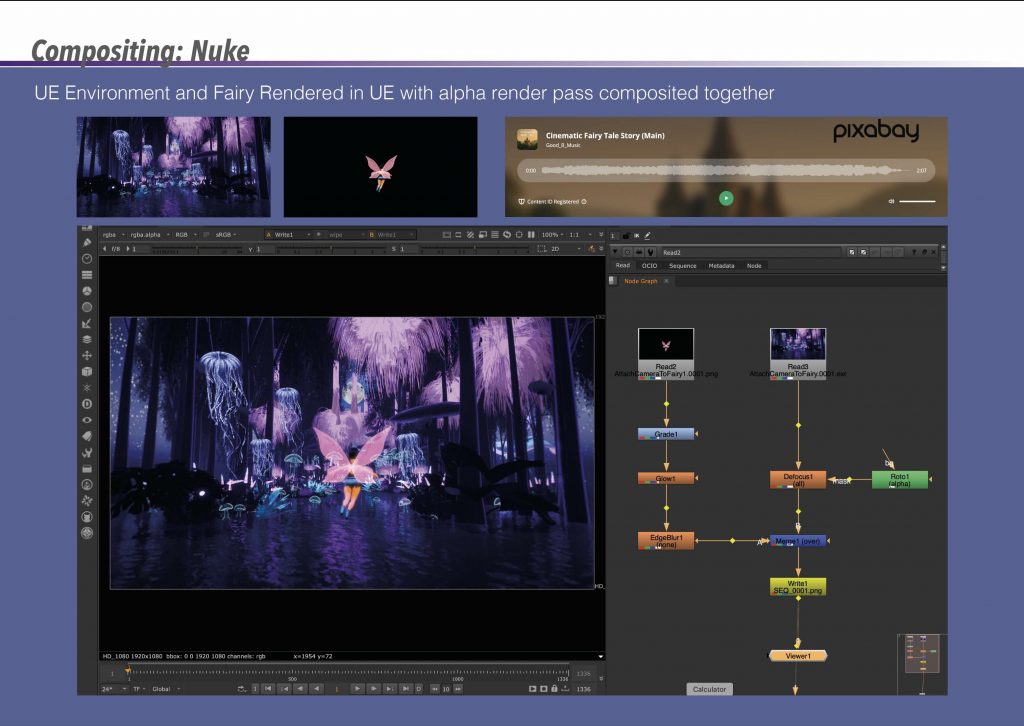
Once the renders were complete, the environment and fairy were composited together in Nuke using an alpha render pass. Basic colour grading, glow adjustments, and depth-based effects were applied to unify the elements visually. This process helped refine the final image and allowed me to enhance the fairy’s presence without overpowering the environment, which remained the primary focus of the project.
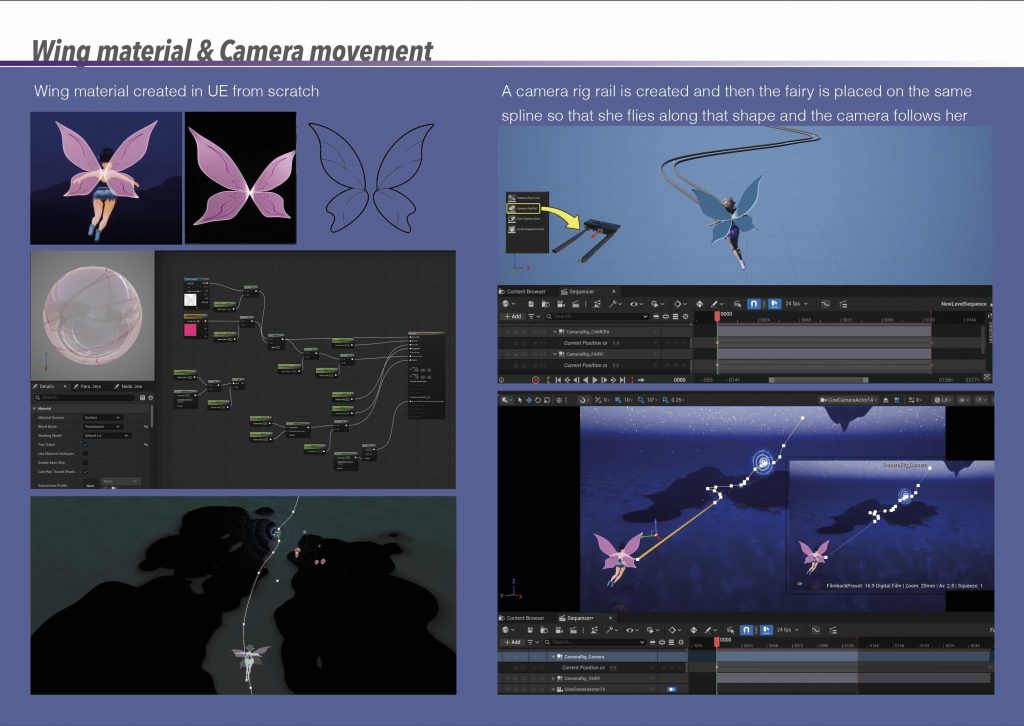
The fairy’s wing material was created from scratch in Unreal Engine using a translucent, glowing shader to complement the surrounding bioluminescent elements. To animate the sequence, a camera rig rail was used, allowing the fairy and camera to follow the same spline. This approach created smooth, controlled movement through the environment and reinforced the sense of flow and direction within the scene.
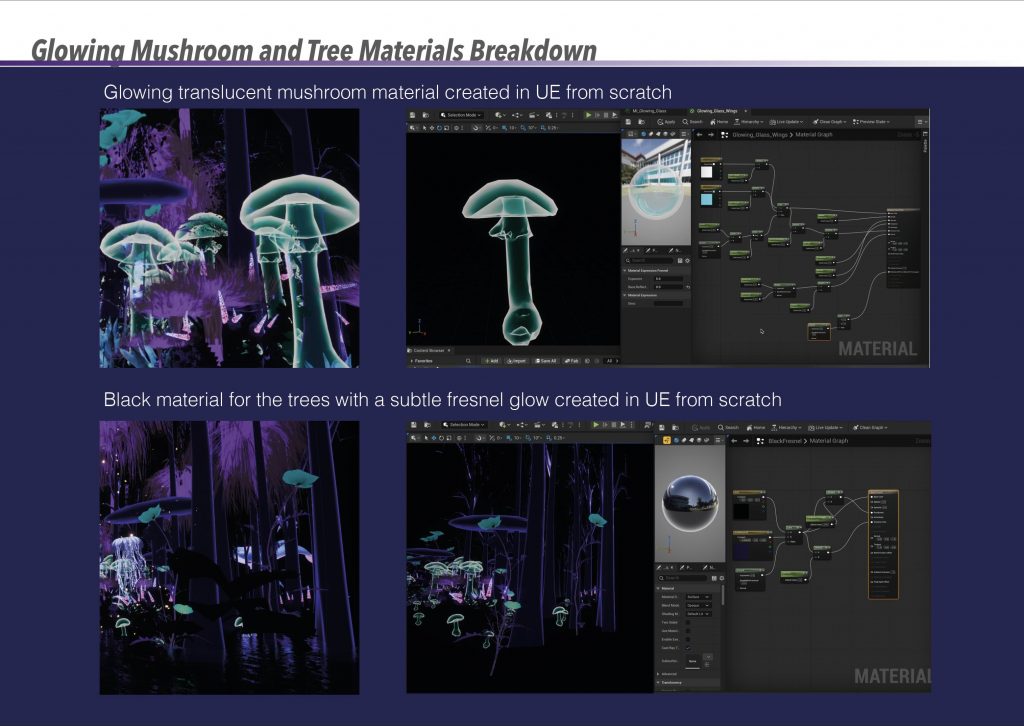
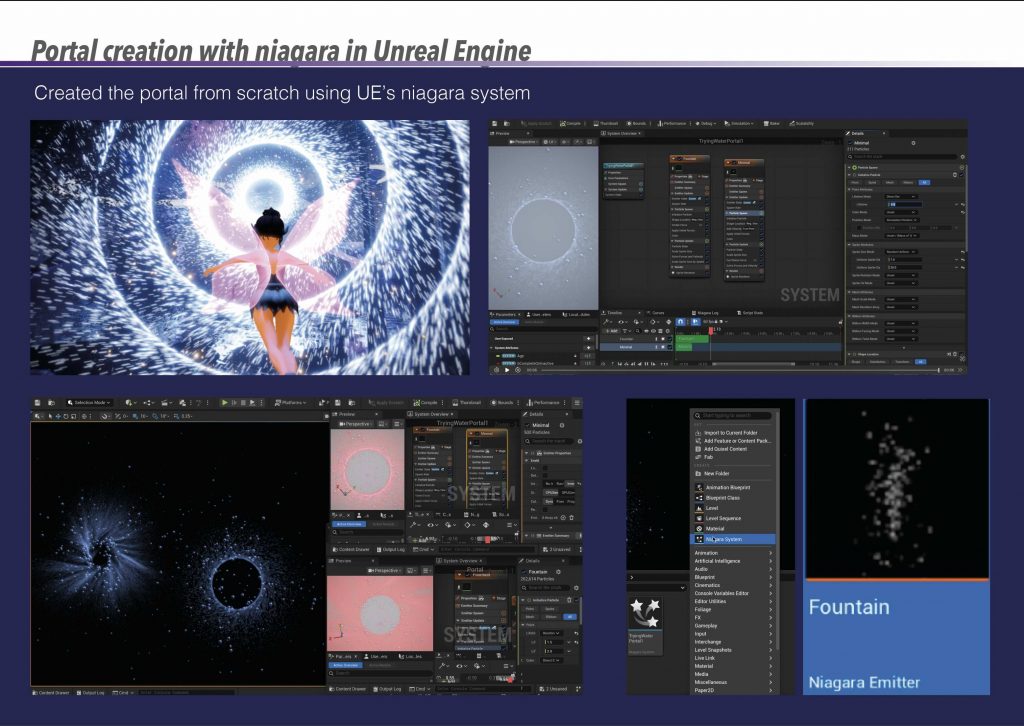
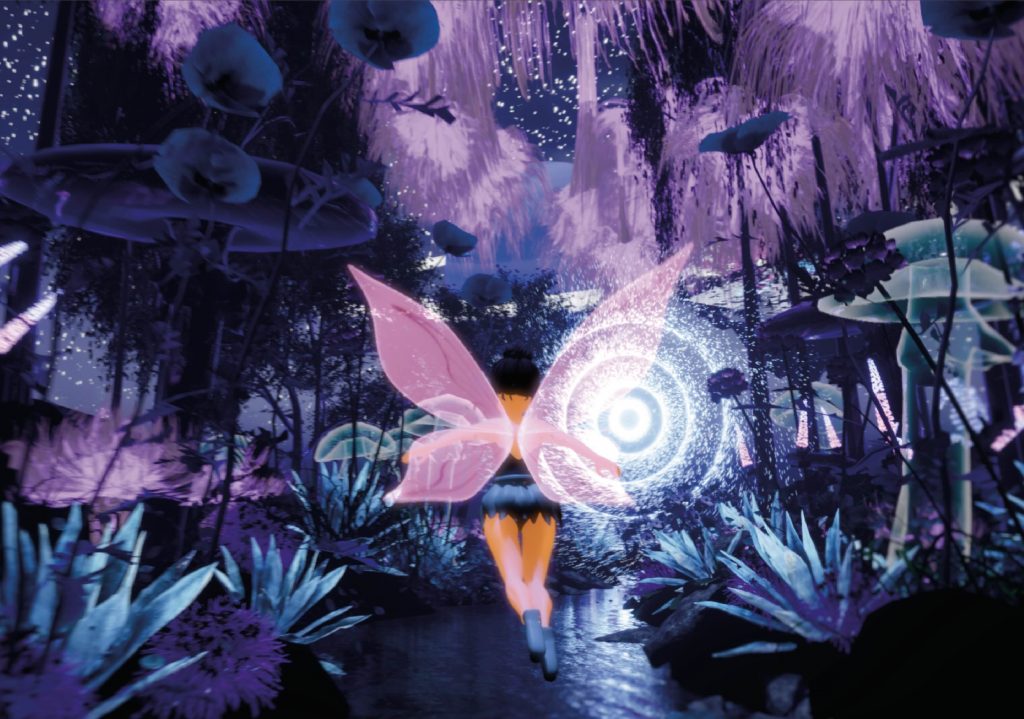
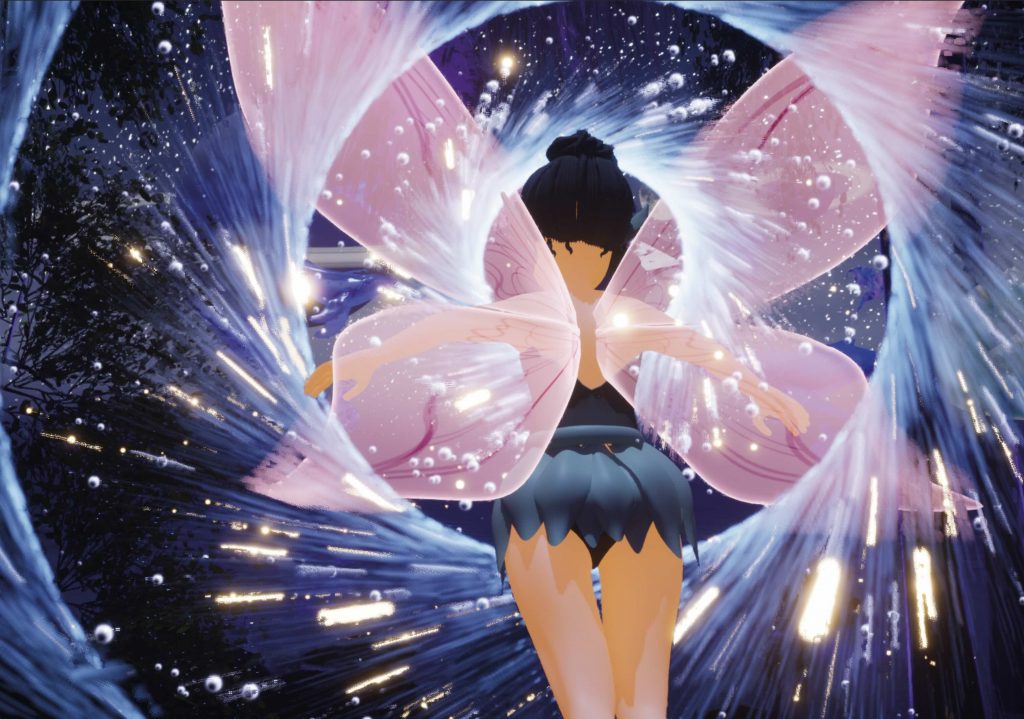
Custom materials were developed for both the glowing mushrooms and the trees. The mushroom material uses translucency and emissive values to create a soft internal glow, while the trees use a dark base material with a subtle Fresnel effect. These materials were essential in shaping the night-time atmosphere and helped establish visual contrast between illuminated and shadowed areas.The portal effect was created from scratch using Unreal Engine’s Niagara system. This involved experimenting with particle behaviour, motion, and light intensity to create a dynamic focal point within the scene. The portal introduces a moment of visual interest and narrative progression, suggesting a transition between worlds without relying on complex character animation.This section illustrates how the storyboard evolved throughout the project. The initial storyboard included a more detailed narrative, with plans to model the interior of the mushroom house and animate the fairy entering and interacting with the space. However, as the project progressed, I made a conscious decision to move away from interior scenes and focus primarily on the exterior environment. Having completed extensive interior-focused work during my BA, I felt it was more valuable at this stage to further develop my skills in environmental world-building, lighting, and atmosphere. As a result, the final storyboard was simplified to reflect an environment-led narrative, where the sense of journey and transition between spaces became more important than detailed interior animation.